

What is Bluedot AI?
Meeting notes for Google Meet, Zoom, Teams and in-person meetings, without a bot.
Who is Bluedot AI best for?
Bluedot AI is best for people who want notes from Zoom, Meet, Teams and in-person meetings without a bot joining.
Calls where a bot feels awkward
It records through a Chrome extension or desktop app, so no bot joins the call and it never asks for calendar access.
Sales and recruiting teams
Notes, transcripts and action items can flow into a CRM or ATS on the Business plan, so records update without manual typing.
In-person meetings and interviews
Apps for iPhone, Android and Apple Watch record face-to-face conversations and produce the same summaries as online calls.
Teams working in several languages
Transcripts and summaries come in more than 100 languages, and uploaded audio or video files are transcribed the same way.
How much does Bluedot AI cost?
Bluedot AI's Free plan covers only 5 meetings in total, and its paid plans cost $18, $25 or $39 per user a month (Basic, Pro and Business), or $14, $20 or $32 billed yearly.
- 5 meetings in total, not per month
- Chrome extension, desktop and mobile apps
- Slack, Notion, Zapier and Make
- Unlimited audio-only meetings and storage
- Recordings up to 1 hour each
- Webhooks and MCP access
- Unlimited meetings with video
- No limit on recording length
- Custom note templates, Zoom and Google Drive imports
- CRM and ATS integrations
- SSO, SCIM and admin controls
- Custom data retention and unlimited imports
Billed yearly, Basic is $14, Pro $20 and Business $32 per user per month. A flat-rate plan, one fixed price for the whole company however many people use it, is quoted on request. Only people who record meetings need a paid seat, and each workspace is paid for separately. If you cancel, recordings stay restorable for one month and are then deleted. Full pricing on bluedothq.com. We checked these prices on .
How do readers rate Bluedot AI?
No one has rated Bluedot AI yet. Be the first.
Sign in to rate. One rating per account.
What are the best Bluedot AI alternatives?
Three tools on Recaply do Bluedot AI's job.



Articles about Bluedot AI
One of our articles covers Bluedot AI, with every price checked on the makers' own pages.
Questions about Bluedot AI
What is Bluedot AI?
Meeting notes for Google Meet, Zoom, Teams and in-person meetings, without a bot.
Who is Bluedot AI for?
Bluedot AI is best for people who want notes from Zoom, Meet, Teams and in-person meetings without a bot joining.
Is Bluedot AI free?
Only as a trial. Bluedot AI's Free plan records 5 meetings in total, not per month. After that you can still view and share old recordings, but new recordings need a paid plan, from $18 per user a month or $14 billed yearly.
How much does Bluedot AI cost?
Bluedot AI's paid plans are Basic at $18 per user per month, Pro at $25 per user per month and Business at $39 per user per month.
What are the best Bluedot AI alternatives?
The closest alternatives on Recaply are Wudpecker, Clarity and Fathom.
Where can I try Bluedot AI?
On its official website, bluedot.co.
Does Bluedot AI join my meetings as a bot?
No. Bluedot records through its Chrome extension or desktop app instead of sending a bot, and it does not ask for calendar access. You only need to be a participant, not the host, so it works on Zoom, Google Meet, Teams, Webex and Slack huddles.

 tl;dv

 Tactiq
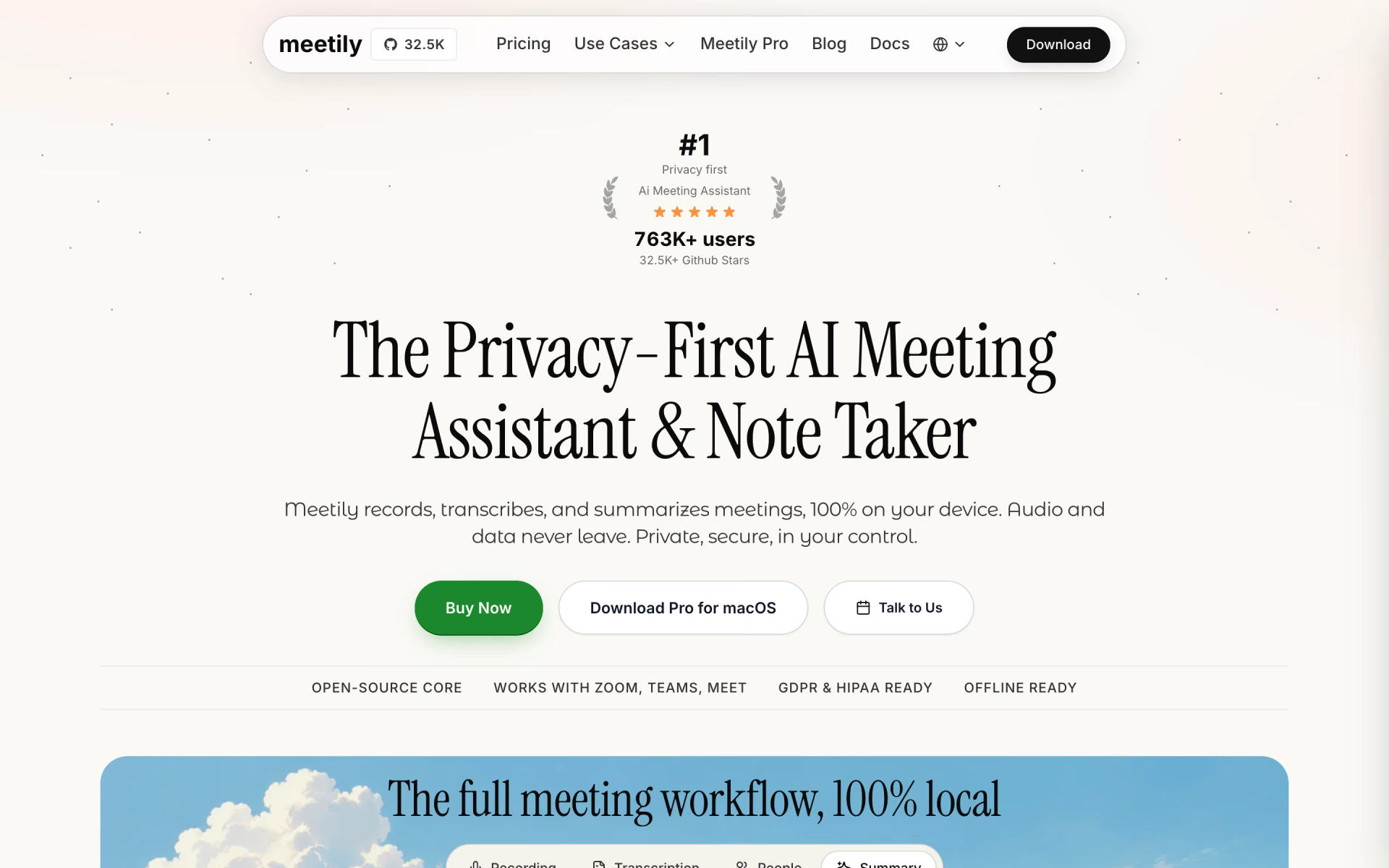
 Meetily
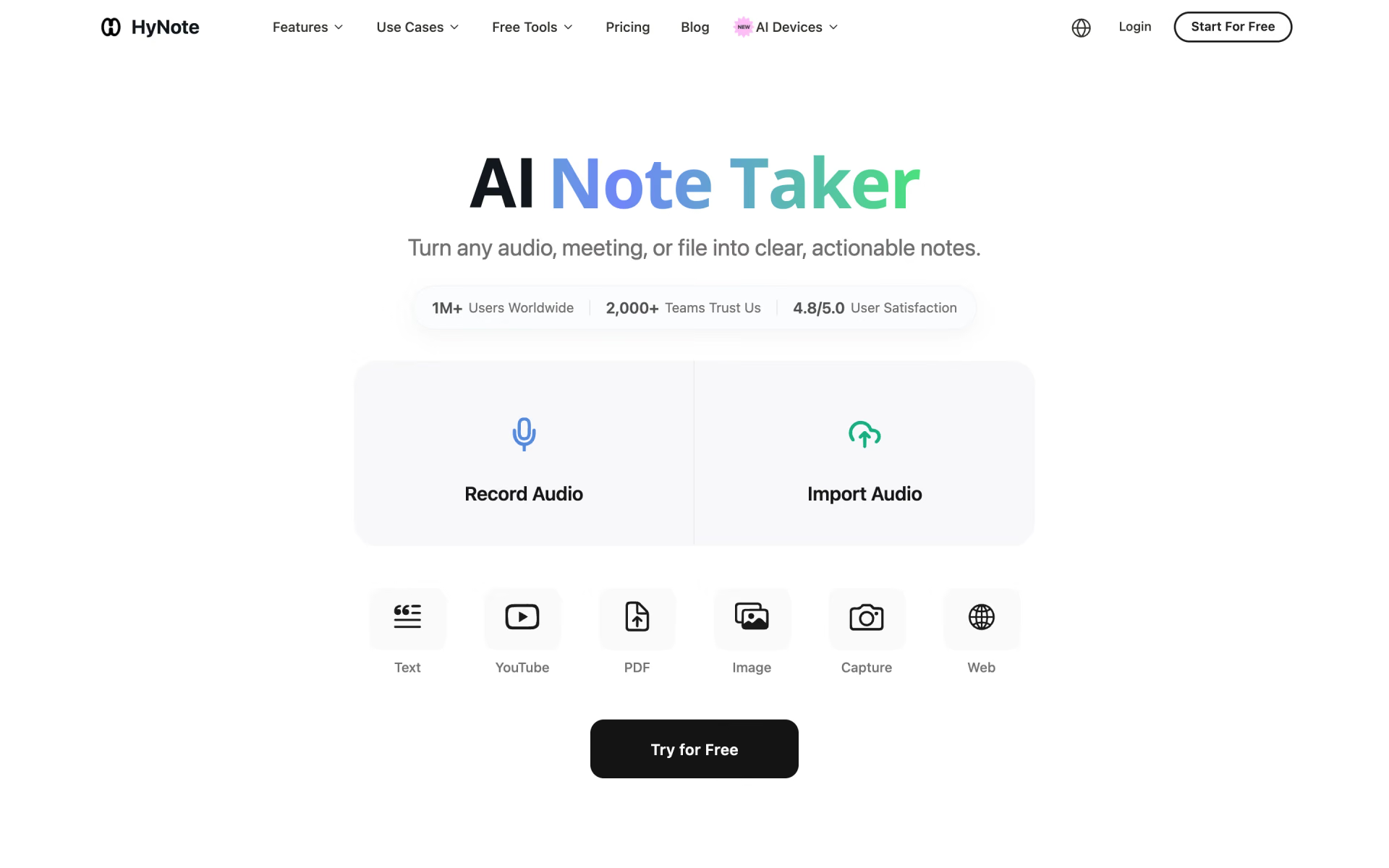
 HyNote

 adam.ai

 Capacities