

What is Blitzit?
Desktop to-do list that runs each task on a countdown timer, for people who lose track of the day.
Who is Blitzit best for?
Blitzit is best for freelancers and remote workers who plan each day as a list and work through it on a timer.
Planning the day
Lists hold tasks by project, and you drag the ones that matter into today's plan with a time estimate on each.
Staying on one task
Blitz mode shows the current task with a live countdown, Pomodoro sprints and breaks, and notes that open their links when the task starts.
Seeing where time went
Productivity, time spent and session reports compare estimates with done time and overtime.
Tasks from AI chats
The Blitzit MCP turns ChatGPT or Claude conversations into tasks in your lists, and Blitzy, a beta assistant, turns a brain dump into scheduled tasks.
How much does Blitzit cost?
Blitzit has a 7-day free trial, then costs $6.99 a month or $59.88 a year, and both plans include every feature with unlimited lists and tasks.
- All Blitzit features
- Unlimited lists and tasks
- Buy inside the app after the trial
- About $4.99 a month
- All features and future updates
- Unlimited lists and tasks
There is no free plan: download the app for a 7-day trial, then buy a plan inside it. Both plans come with a 30-day money-back guarantee. Blitzit runs on macOS and Windows, with apps for iOS and Android. Full pricing on blitzit.app. We checked these prices on .
How do readers rate Blitzit?
No one has rated Blitzit yet. Be the first.
Sign in to rate. One rating per account.
How do I connect Blitzit to my AI agent?
Blitzit MCP is Blitzit's official MCP server. Add it to your agent once, then ask it to send to-dos from a conversation straight into your Blitzit lists.
Lets your agent add tasks to Blitzit as you talk through a plan, so ideas from a chat end up in your lists, ready for a focused work session.
Blitzit gives each account its own server address. Open the setup guide, copy your address, then add it to Claude Code like any other server.
Use the address from Blitzit's setup guide.
Blitzit's setup guide covers the sign-in.
Then ask your agent
- Runs
- On the web
- Sign-in
- See guide
- Maker
- Blitzit
- Guide
- blitzit.app
What are the best Blitzit alternatives?
Two tools on Recaply do Blitzit's job. Super Productivity is open source, so you can run it on your own server.


Questions about Blitzit
What does Blitzit integrate with?
Blitzit connects to Google Calendar, Notion, ClickUp and Asana, works with Raycast, and sends data to Zapier through webhooks. Its MCP server also links it to Claude and ChatGPT.
Who is Blitzit for?
Blitzit is best for freelancers and remote workers who plan each day as a list and work through it on a timer.
Is Blitzit free?
No. Blitzit has a 7-day free trial and then costs $6.99 a month or $59.88 a year. Both plans include every feature, unlimited lists and tasks, and a 30-day money-back guarantee.
How much does Blitzit cost?
Blitzit's paid plans are Monthly Plan at $6.99 per month and Annual Plan at $59.88 per year.
Does Blitzit have an MCP server?
Yes. Blitzit MCP is Blitzit's official MCP server, so agents such as Claude Code, Cursor, Codex and GitHub Copilot can send to-dos from a conversation straight into your Blitzit lists. Blitzit runs it on the web.
Is there an open source alternative to Blitzit?
Yes. Super Productivity is an open source tool that does the same job, so you can run your own.
What are the best Blitzit alternatives?
The closest alternatives on Recaply are Super Productivity and Focus Buddy.
Where can I try Blitzit?
On its official website, blitzit.app.

 Trello

 Vikunja
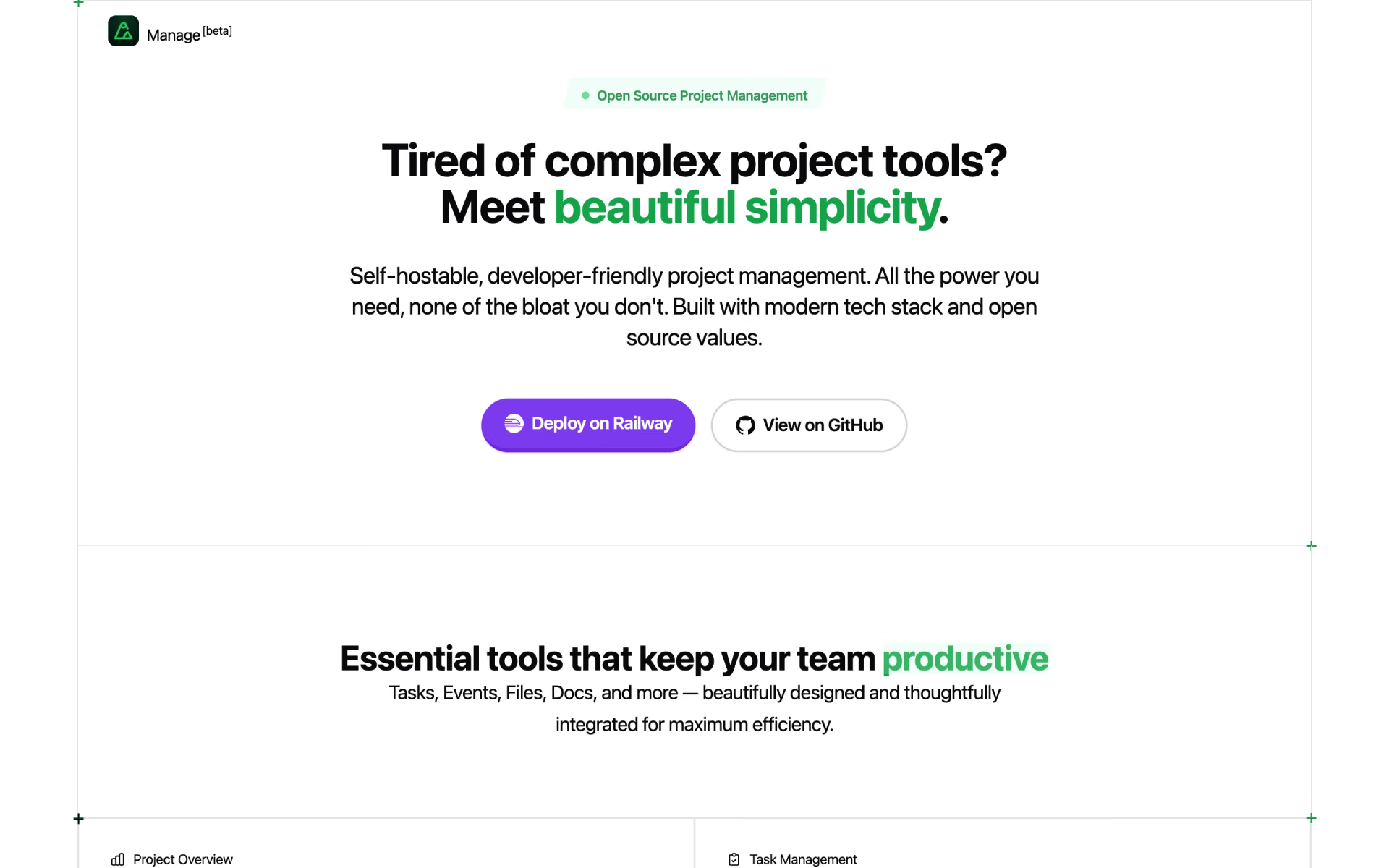
 Manage

 Socra
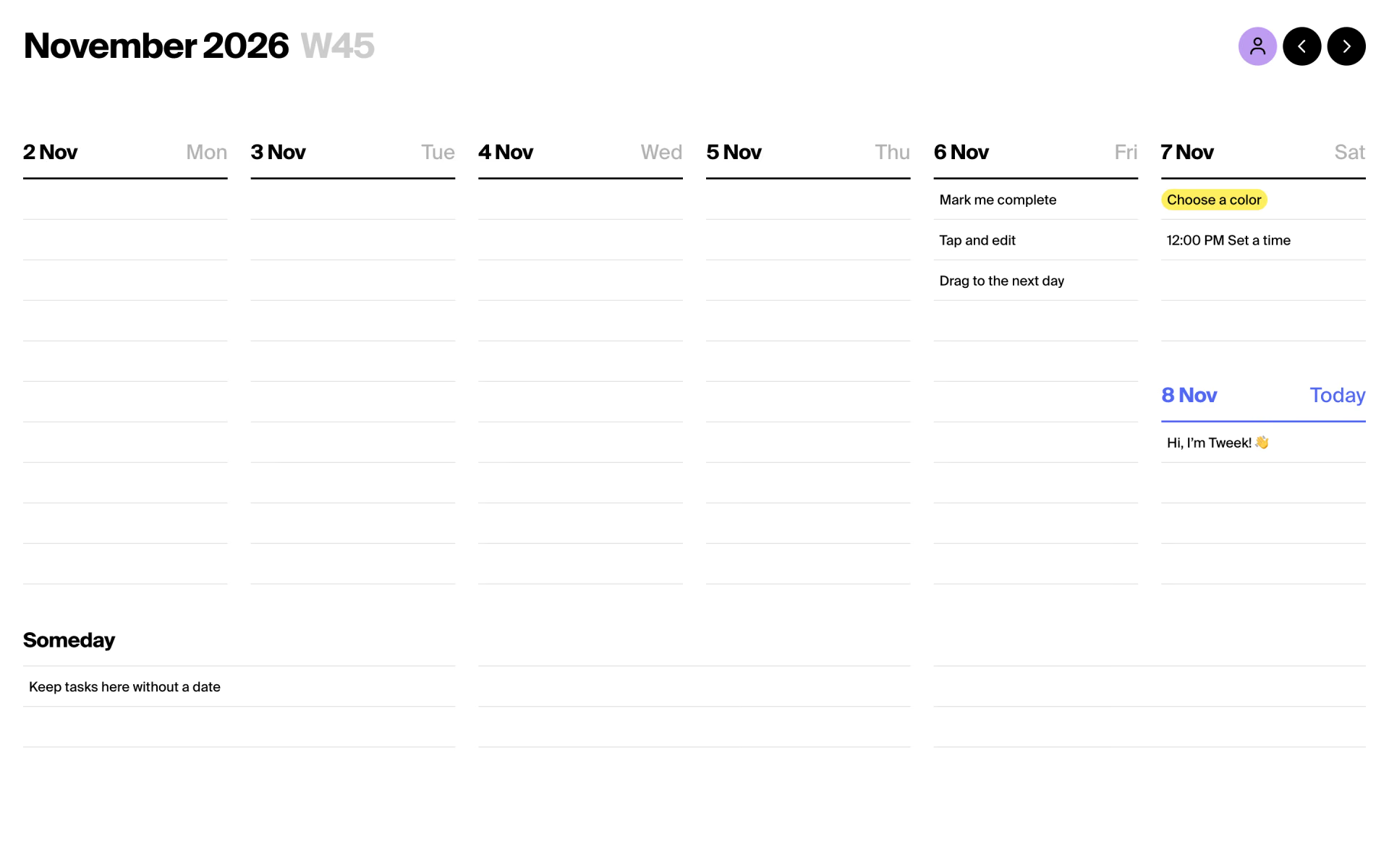
 Tweek

 Windshift