The best AI dictation apps in 2026: Wispr Flow and alternatives
The best AI dictation app is Wispr Flow, on every major platform. Superwhisper is best for privacy and Willow for a free plan. Six apps compared.
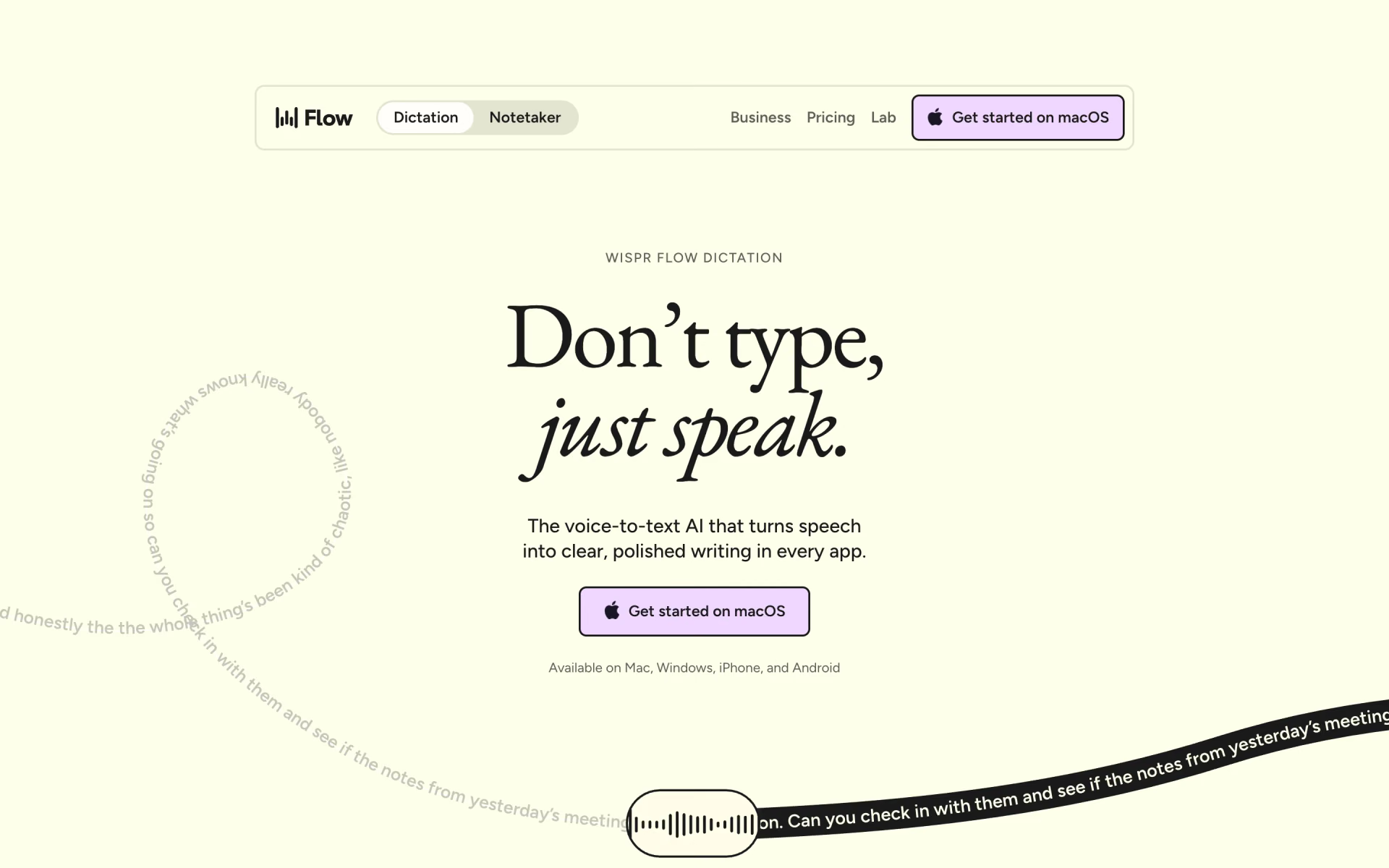
Wispr Flow is the best AI dictation app for most people, since it works on every major platform and polishes your words as you speak. Its free plan includes a weekly word allowance, and the Pro subscription costs $15 a month for unlimited dictation. Choose Superwhisper if you want your voice processed on your own device, or Willow for the most generous free plan.





What an AI dictation app does
An AI dictation app lets you talk instead of type in almost any application on your computer or phone. You hold a key, speak and let go, and a moment later the text appears wherever your cursor is. That could be an email, a chat message, a document or a prompt for an AI assistant.
The AI handles the cleanup that plain voice typing leaves to you, because basic dictation records every word, including each "um". These apps remove filler words, keep only the version you meant when you correct yourself, add punctuation and format spoken lists properly. Most of them also learn the names and specialist terms you use regularly.
Recording a call is a different job, which our guide to AI note takers for meetings covers. To have text read aloud instead, see the best AI voice generators.
The best AI dictation apps at a glance
Prices are the normal monthly price for one person, billed monthly, taken from each maker's own pricing page on Nov 8, 2026. "Works offline" means the application can turn speech into text without an internet connection.
| Tool | Free plan | Paid from | Computers | Phones | Works offline | Best for |
|---|---|---|---|---|---|---|
 Wispr Flow | Limited words each week | $15 | Mac, Windows | iPhone, Android | No | Most people |
 Superwhisper | Unlimited with local models | $8.49 | Mac, Windows, Linux | iPhone, Android | Yes | Privacy and a lower price |
 Willow | Unlimited, with a lighter model | $15 | Mac, Windows | iPhone | Yes | A free plan with no cap |
 Typeless | Limited words each week | $30 | Mac, Windows, Linux | iPhone, Android | No | Editing text by voice |
 Aqua | A 1,000-word trial | $12 | Mac, Windows | iPhone, Android | Varies by device | Prompts and technical words |
 Handy | Free and open source | Free | Mac, Windows, Linux | No | Yes | Free, fully offline dictation |
The six best, one by one
1. Wispr Flow: best overall
Wispr Flow works in any application with a text box on Mac, Windows, iPhone and Android, and it understands more than 100 languages. It removes filler words, follows you when you change your mind mid-sentence and automatically formats spoken lists. When you correct a spelling, it adds the word to your personal dictionary, and snippets paste saved text when you say a short cue.
The free plan has a weekly word limit, and Wispr's help centre says the allowance differs by platform and can change. Pro costs $15 a month, or $12 billed yearly, and removes the limit entirely. Transcription always happens in Wispr's cloud, although you can switch off model training and cloud storage in the privacy settings.
Good
- The same app on all four major platforms
- Styles set your tone for each app, in English on desktop
- SOC 2 Type II and ISO 27001 certified
Watch for
- No offline mode
- The free allowance is not a fixed, published number
2. Superwhisper: best for privacy
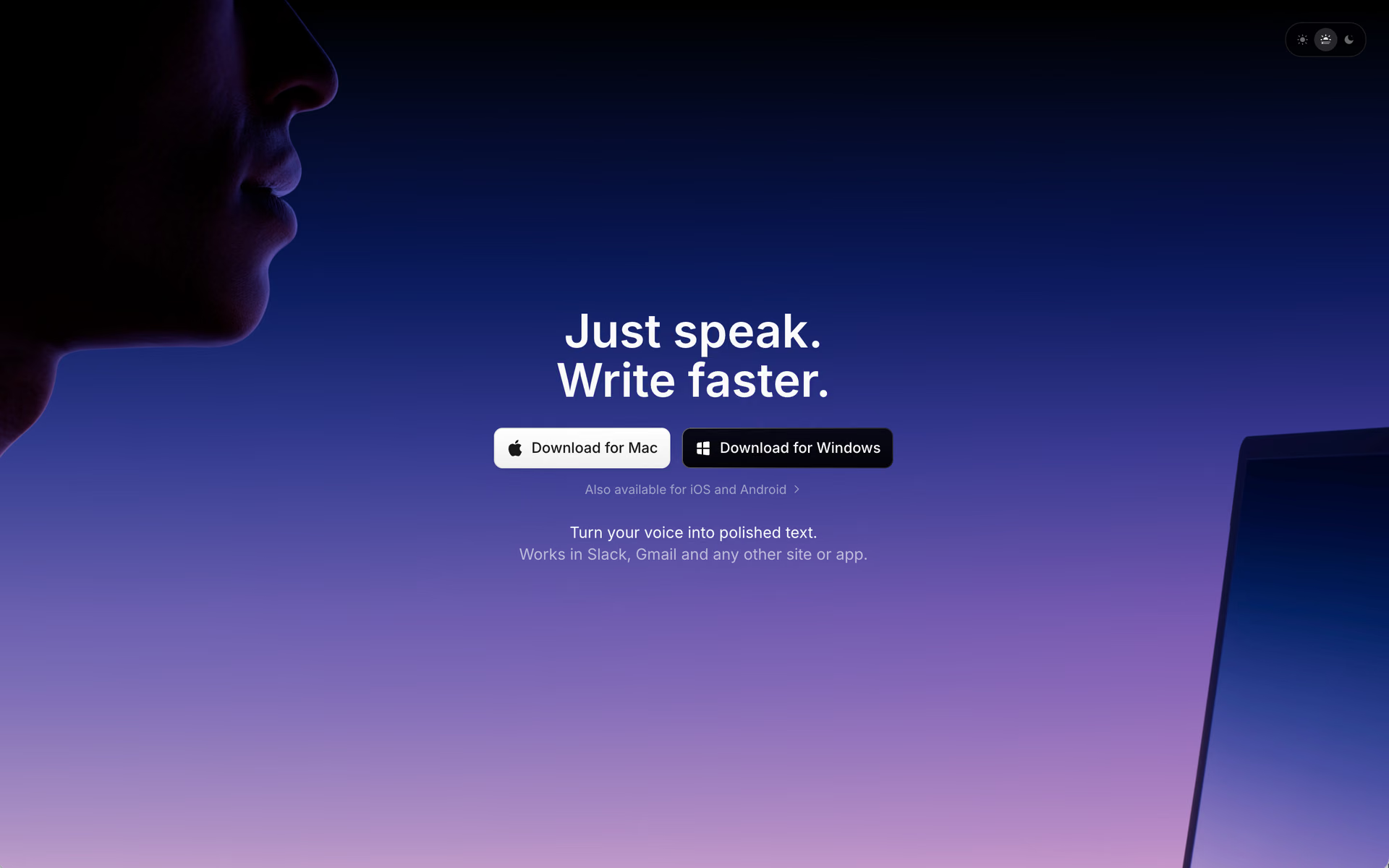
Superwhisper runs on Mac, Windows, iPhone, Android and Linux, and it can work completely offline. Its free plan includes unlimited use of local Whisper models, so your audio never has to leave your device. Modes shape the result for each situation, such as an email, a message or legal writing, and you can design your own.
Pro costs $8.49 a month, $84.99 a year or $249.99 once for a lifetime licence that covers all your devices. It adds cloud models, support for your own AI keys, translation into English and transcription of audio and video files.
Good
- Free local models with no word cap
- A one-time lifetime price
- Apps for Linux as well as phones
Watch for
- Offline models need an Apple Silicon Mac for good results
- Linux needs Wayland and systemd
3. Willow: best free plan
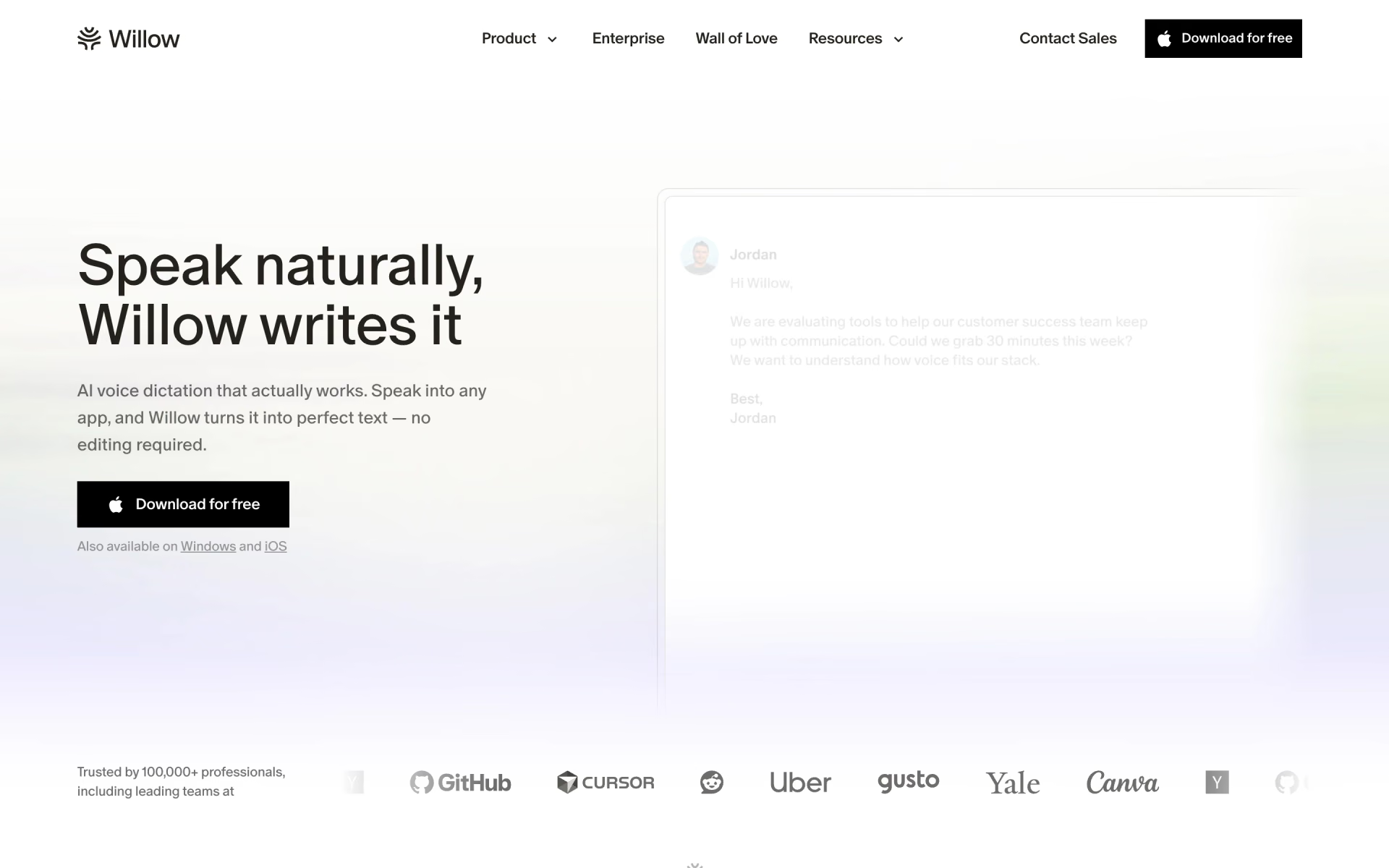
Willow writes anywhere you type on Mac, Windows and iPhone, and it lists Android as coming soon. It handles more than 100 languages, background noise and whispering, and shortcuts insert phrases you use often. An offline mode lets you keep dictating when you have no internet connection.
The free plan has no word cap, but it uses Frontier Mini, which Willow itself describes as its weaker model. It also includes 20 uses a week of Scribe, Willow's AI writing assistant. Pro costs $15 a month, or $12 billed yearly, and adds the stronger Frontier Pro model and a memory of your writing style.
Good
- Unlimited free dictation
- An offline mode
- SOC 2 Type II and HIPAA compliant
Watch for
- No Android app yet
- The free model is less accurate than Pro's
4. Typeless: best for editing by voice
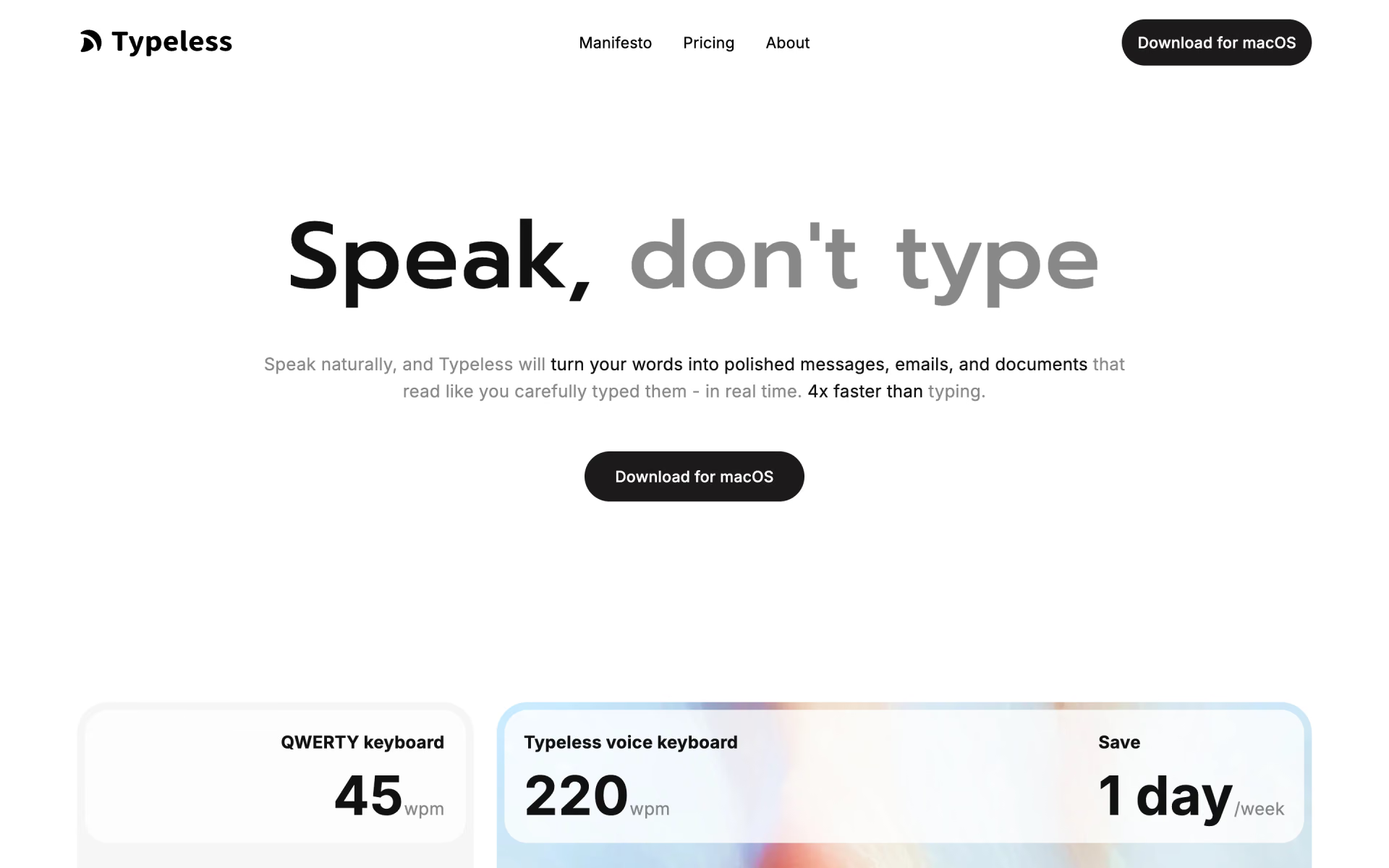
Typeless runs on Mac, Windows, Linux, iPhone and Android, and it automatically detects which of more than 100 languages you're speaking. Besides cleaning up dictation, it lets you select any text and say what to change, such as making it shorter or more formal. You can also highlight a paragraph on a website and ask for a summary, an explanation or a translation.
Processing happens in the cloud, but Typeless says it stores no audio, keeps your history on your device and never trains on your data. The free plan gives you a limited number of words each week. Pro costs $30 a month, or $12 billed yearly, which makes the annual subscription considerably better value.
Good
- Five platforms, including Linux
- Edit or ask about selected text by voice
- No dictation data kept in the cloud
Watch for
- A high monthly price
- The free word limit is not published
5. Aqua: best for prompts and technical words
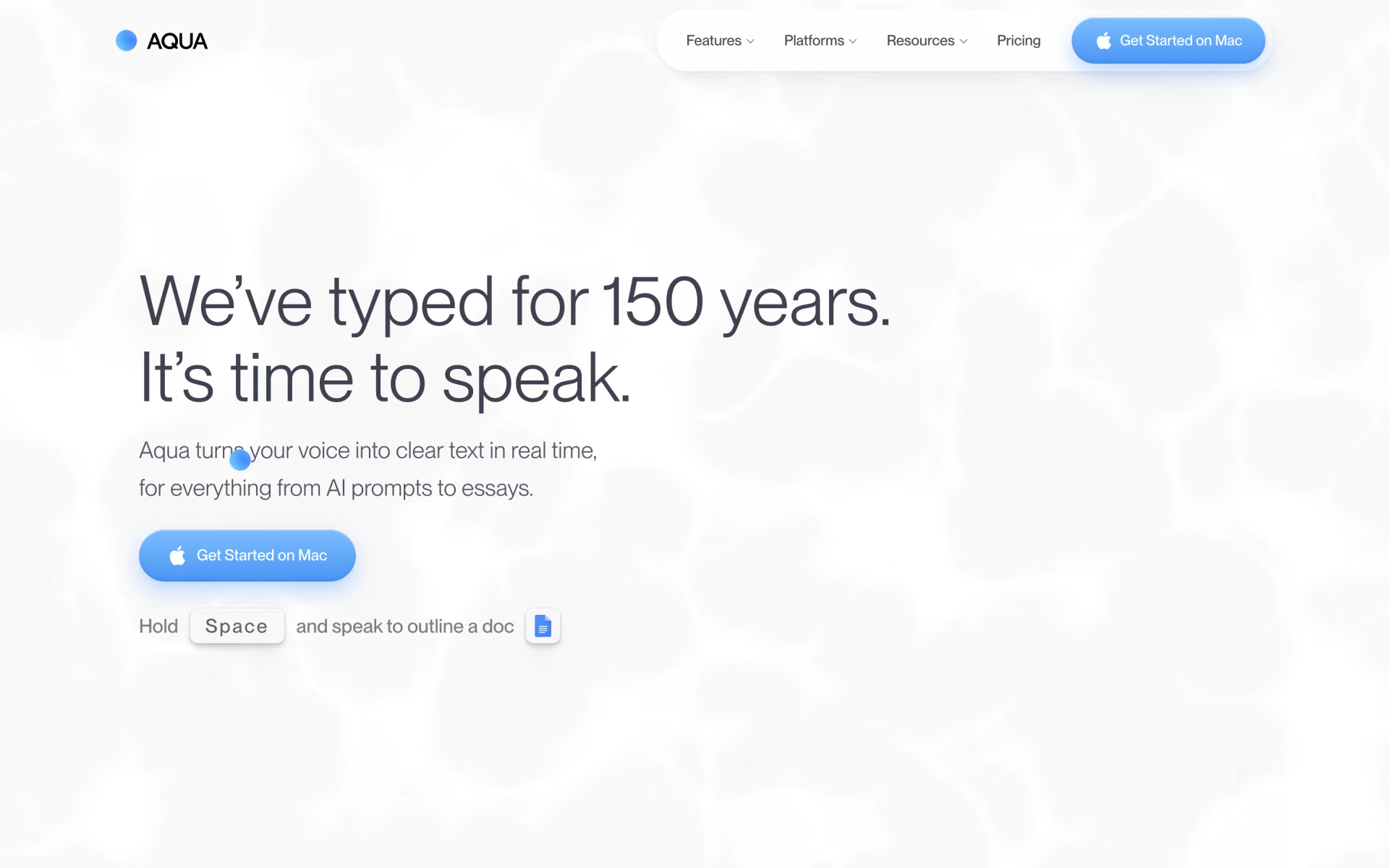
Aqua pastes your words wherever the cursor is on Mac, Windows, iPhone and Android, and it supports 49 languages. It's designed with programming in mind and reads your screen for context, from code to everyday text. On its own English test of technical terms, Aqua says its Avalon model scored 97.4%, compared with 65.1% for Whisper Large v3.
The free plan is a trial of 1,000 words, after which Pro costs $12 a month, or $10 billed yearly. Max costs $24 and adds Realtime Mode, which displays your words as you speak, plus a "send it" voice command.
Good
- Made for prompting tools like Claude Code and Codex
- Privacy Mode keeps nothing on Aqua's servers
- SOC 2 Type II, ISO 27001 and HIPAA
Watch for
- The free plan is a trial, not a lasting plan
- 49 languages, fewer than most others here
6. Handy: best free and open source
Handy is a free, open-source application for Mac, Windows and Linux that does exactly one job. You press a shortcut, speak and release, and it pastes what you said into whatever text field is in front of you. Everything runs on your own computer using Whisper or Parakeet V3 models, so no audio is ever sent to the cloud.
Handy uses the MIT licence and is funded by donations and sponsors, and version 0.10.0 came out on Nov 2, 2026. Its focus is plain transcription with an optional tidying step, so expect less cleanup than the paid apps provide. On Linux, it needs a small additional tool before it can type into other applications.
Good
- Free, with no limits
- Fully offline
- Open source under the MIT licence
Watch for
- No iPhone or Android app
- Less cleanup than the paid apps
What is the best Wispr Flow alternative?
The best Wispr Flow alternative depends on why you want to switch. These are the closest matches for the most common reasons.
- To pay less: Superwhisper Pro costs $8.49 a month or $249.99 once, and its local models are free.
- To keep audio on your device: Superwhisper and Handy both work offline, while Wispr Flow always uses the cloud.
- To pay nothing: Willow's free plan has no word cap, and Handy is free and open source.
- To use Linux: Superwhisper, Typeless and Handy run on Linux, and Wispr Flow does not.
- To dictate prompts and code: Aqua is designed for talking to AI coding agents like Claude Code and Codex.
Which dictation apps work offline?
Most AI dictation apps send your audio to the maker's servers, convert it into text there and return the result to your screen. Wispr Flow says transcription always happens in its cloud, and that it deletes the audio once it's transcribed unless you turn on cloud storage. Typeless and Aqua also work in the cloud, but Typeless says it keeps no audio there, and Aqua's Privacy Mode stores nothing.
Three apps in this list can transcribe on your own device: Handy is entirely local, and Superwhisper and Willow both offer offline modes. Local models need a reasonably powerful computer, so check the maker's requirements first.
For health records in the US, look for a signed business associate agreement, which HIPAA requires when a vendor handles patient information. Wispr Flow offers one from its Growth plan, which costs $23 a month per person. Aqua includes one on Max and Business, Willow enforces HIPAA controls on Business, and Typeless provides one on Enterprise.
Is there a free AI dictation app?
Yes, and three apps in this list let you dictate without a word cap at no cost: Handy, Willow and Superwhisper with its local models. Handy has no phone app, and Willow's free plan uses a lighter, less accurate model.
Wispr Flow and Typeless give you a weekly word allowance, but neither company publishes the exact number. Wispr Flow slows down as you approach the limit, then blocks new dictation until the weekly reset. Aqua offers a free trial of 1,000 words, with no credit card required.
Is built-in dictation good enough?
For a few short messages a day, the free dictation built into your computer is usually enough. On a Mac, press the Microphone key or choose Edit > Start Dictation, and macOS adds commas, periods and question marks automatically in supported languages. On Windows 11, press Windows key + H to start voice typing, which also adds punctuation but requires an internet connection.
Neither Apple nor Microsoft says its dictation removes filler words or follows your corrections mid-sentence, which is the main thing the AI apps add. If you write long emails, documents or prompts by voice, an AI app will save you most of the editing.
Which one should you pick?
- You want one app on Mac, Windows, iPhone and AndroidWispr Flow
- You want your voice to stay on your device, or a one-time priceSuperwhisper
- You want unlimited dictation without payingWillow
- You want to rewrite text by voice, or you work on LinuxTypeless
- You dictate prompts and code to AI coding agentsAqua
- You want free, open-source dictation that never leaves your computerHandy
How we picked
We started from the dictation apps listed on Recaply and kept those that type directly into any application on your computer or phone. We read each maker's pricing, feature, privacy and help pages on Nov 8, 2026, along with Handy's documentation on GitHub. We left out meeting recorders and file transcription services, because they do a different job.
We have not run side-by-side tests, so everything here, including accuracy claims such as Aqua's benchmark, comes from the makers' own published information. No maker paid to appear in this list or saw it before publication, and if a price changes, we update this page and its date.
Questions people ask
Is Wispr Flow free?
Yes, Wispr Flow has a free plan with a limited number of words each week on Mac, Windows, iPhone and Android. Wispr says the allowance differs by platform and can change over time. Pro removes the limit for $15 a month, or $12 billed yearly.
What is the best free AI dictation app?
Willow has the best free plan for most people, with no word cap on Mac, Windows and iPhone. Handy is also free with no limits, but it runs only on computers.
Is Superwhisper better than Wispr Flow?
Superwhisper is the better choice if you want offline dictation or a lower price, at $8.49 a month or $249.99 once. Wispr Flow is simpler if you want identical cleanup on every device, and it costs $15 a month.
What is the best dictation app for Android?
Wispr Flow is our pick for Android, and it requires Android 13 or newer on phones and tablets. Superwhisper, Typeless and Aqua also have Android apps, while Willow lists Android as coming soon and Handy has no phone app.
Which AI dictation app works offline?
Handy and Superwhisper can turn speech into text without an internet connection, using models that run on your computer. Willow also offers an offline mode, while Wispr Flow always transcribes in the cloud.
Is there an open-source Wispr Flow alternative?
Yes, Handy is a free and open-source alternative released under the MIT licence. It runs on Mac, Windows and Linux, and it keeps your audio on your own computer.