 Google
 AI Essentials
Use generative AI tools for everyday work tasks in five short modules, with no technical background needed.
Taught by GoogleCertificateVerified

- From Introduction to AI to Stay Ahead of the AI Curve
- 5 modules
- Google's assistant built into Workspace
 Gemini
- Before you startNo experience required.
- Beginner level
- Under 5 hours, in 5 modules
- Self-paced
What you’ll learn
- Learn how AI works, including machine learning, and what AI tools can and cannot do.
- Use generative AI tools to brainstorm, research, draft emails and speed up daily work.
- Write clear and specific prompts and use techniques like few-shot prompting.
- Use AI responsibly by spotting bias, mistakes, and privacy and security risks.
- Make a plan to keep up with new AI tools and changes.
Skills you’ll gain
Tools you'll learn
Details to know
- Certificate of completionIncluded with Coursera enrollment
- $49 per monthNormal price on grow.google
- Taught in English17 languages available
- VerifiedOct 2026
Lessons
Under 5 hours, in 5 modules
Google AI Essentials is a beginner course from Google, taken on Coursera, that teaches you to put generative AI tools to work on everyday tasks. You need no technical background, and you set your own pace.
Google lists it as five modules; on Coursera each one is a short course of its own, with videos, readings, hands-on activities and a challenge at the end.
Across 5 modules, you will:
- Introduction to AI: Learn how AI and machine learning work and where AI tools fall short.
- Maximize Productivity With AI Tools: Find work tasks AI can speed up and try Gemini in Google Workspace apps.
- Discover the Art of Prompting: Write clear prompts, refine them over several tries, and use few-shot prompting.
- Use AI Responsibly: Spot bias and harms, and weigh the privacy and security risks of AI at work.
- Stay Ahead of the AI Curve: Make a plan to keep up with AI and test new tools for your role.
Applied learning project
Each module has hands-on activities built on workplace tasks and ends with a challenge that checks what you learned.
- Workplace activities: Draft an email, make social posts and images, and use Gemini in Workspace apps.
- Prompt practice: Write a prompt for Gemini, then iterate on prompts to solve a problem.
- Looking ahead: Test a new AI tool and plan where AI could help your work next.
- Module challenges: Take a 15-minute challenge at the end of each of the five modules.
By the end, you can bring generative AI into your daily work with care, to brainstorm, research, write and plan.
Introduction to AIModule 1 • 4 lessons • 1 hModule details
What you’ll learn
- Learn what AI is and how machine learning lets it learn from data.
- See what AI tools can and cannot do, and why a person must check their work.
- Use AI to draft an email in a hands-on activity.
Lessons
- 1.1Welcome to the exciting world of AI
- 1.2Discover how AI works
- 1.3AI for professionals
- 1.4Review: Introduction to AI
Maximize Productivity With AI ToolsModule 2 • 5 lessons • 2 hModule details
What you’ll learn
- Find workplace tasks where generative AI saves you time.
- Judge whether a task suits AI, with a person kept in the loop.
- Use Gemini in Docs, Slides, Sheets, Meet and Gmail to finish real tasks.
Lessons
- 2.1Explore generative AI
- 2.2Increase productivity with generative AI
- 2.3The importance of human involvement in AI
- 2.4Accomplish tasks with the help of Gemini in Google Docs, Slides, Sheets, Meet and Gmail
- 2.5Review: Maximize productivity with AI tools
Discover the Art of PromptingModule 3 • 4 lessons • 2 hModule details
What you’ll learn
- Learn how large language models produce their output.
- Write clear, specific prompts and improve the results by iterating.
- Try few-shot and chain-of-thought prompting on harder tasks.
Lessons
- 3.1Large language models and their output
- 3.2Key principles of effective prompt writing
- 3.3Techniques for prompting an LLM
- 3.4Review: Discover the art of prompting
Use AI ResponsiblyModule 4 • 3 lessons • 1 hModule details
What you’ll learn
- Spot bias in AI and the harms it can cause people.
- Weigh the privacy and security risks of using AI at work.
- Learn about drift and knowledge cutoffs, and use a checklist for responsible AI.
Lessons
- 4.1Recognize data bias and harms
- 4.2AI for social good
- 4.3Review: Use AI responsibly
Stay Ahead of the AI CurveModule 5 • 4 lessons • 2 hModule details
What you’ll learn
- Find practical ways to keep up with new AI developments.
- Evaluate a new AI tool for your own work.
- Plan future uses of AI, drawing on how other organizations use it.
Lessons
- 5.1Stay informed about AI
- 5.2Continue your AI journey
- 5.3Google AI Professional Certificate
- 5.4Review: Stay ahead of the AI curve
FAQs
Is Google AI Essentials free?
No. It costs $49 per month, the normal price on grow.google.
Open the courseDo I get a certificate?
Yes. A certificate from Google once you complete all five modules; it comes with the paid Coursera enrollment, not as an extra fee.
What do I need before I start?
No experience required.
Who makes it?
Google makes it, on grow.google. Recaply lists 1 course from Google.
More courses
See all
 AnthropicAI Fluency: Framework & FoundationsAll levels · 10 sections · CertificateFree
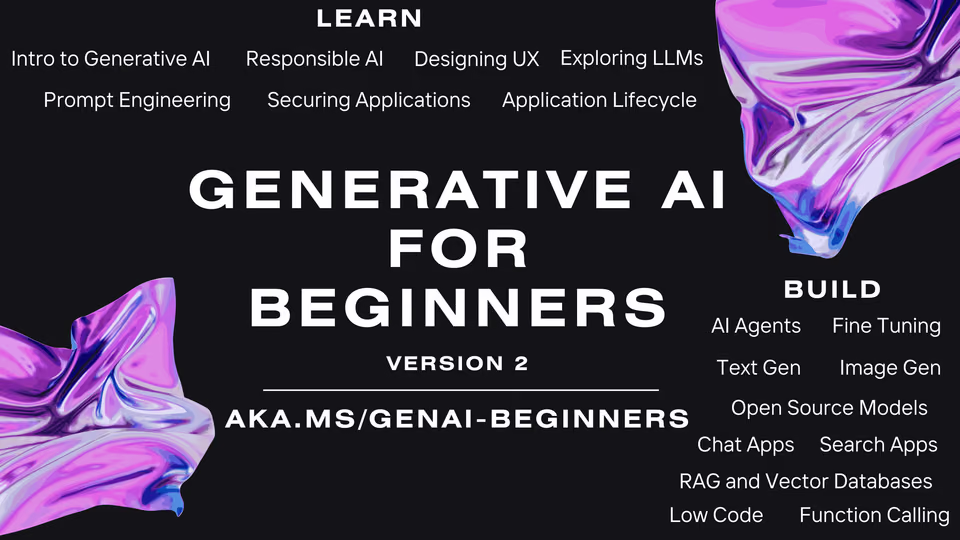
 MicrosoftGenerative AI for BeginnersBeginner · 22 lessonsFree
 OpenAI Platform
 DeepLearning.AI and Stanford OnlineMachine Learning SpecializationBeginner · 10 weeks · CertificateFree
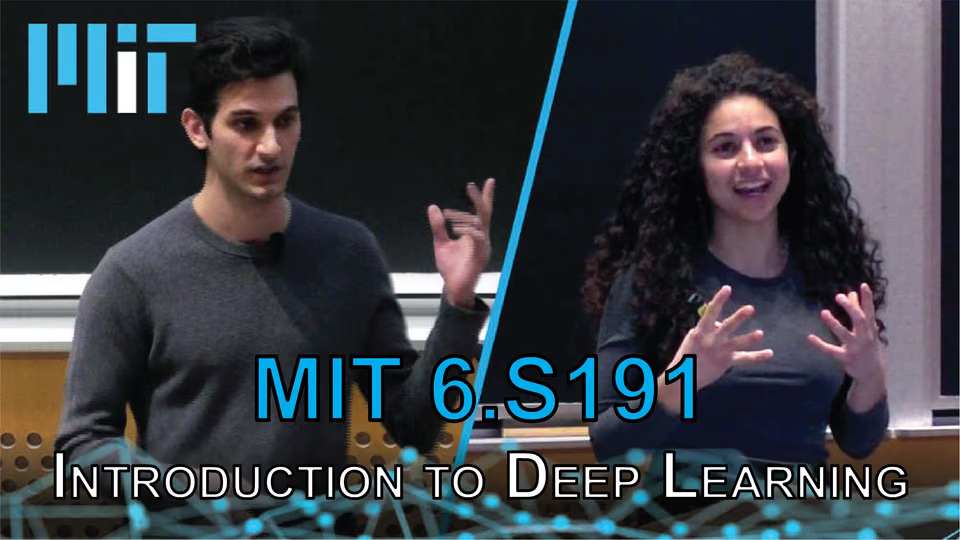
 MITMIT 6.S191: Introduction to Deep LearningBeginner · 14 sessionsFree