Best AI tools for research papers and literature reviews in 2026
The best AI tools for research: Elicit for literature reviews, Consensus to check a claim and Gemini Notebook for free. Sources and prices compared.
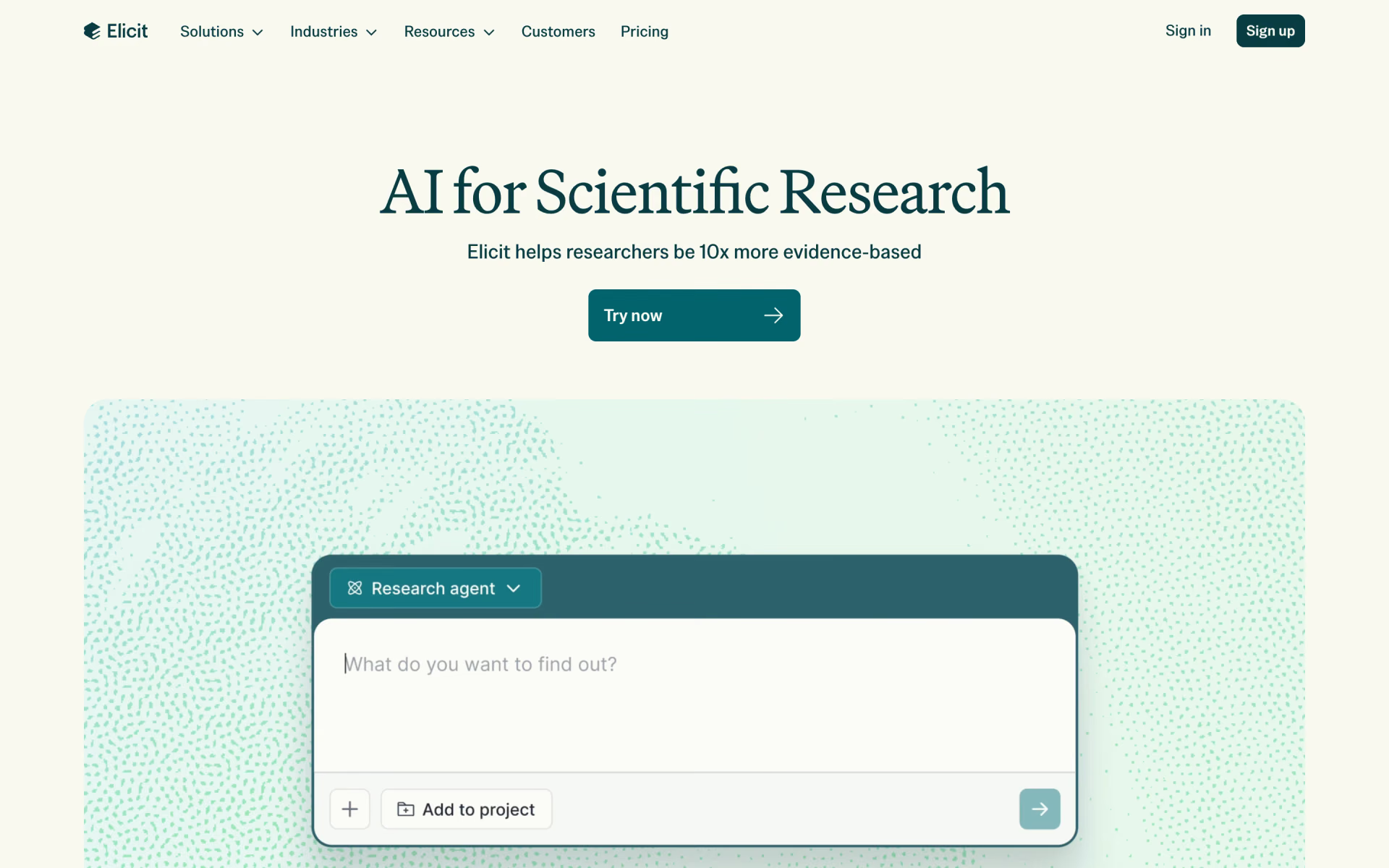
Elicit is the best of the AI tools for research papers we compared, because it links every claim to the sentence it came from. Its free plan already searches 138 million papers and lets you chat with them. Choose Consensus to check whether studies back a claim, or Gemini Notebook, formerly NotebookLM, to ask free questions about papers you already have.
 Best for literature reviewsElicitFree search across 138 million papers, and a full systematic review workflow on ProFree
 Best for checking a claimConsensusShows whether studies lean yes, possibly or no, with a free plan to startFree
 Best free optionGemini NotebookAnswers only from the papers you add, with citations that jump to the passageFree




What AI research tools do
An AI research tool helps with the slow parts of reading the literature. You ask a question in plain words, and it finds papers, sums them up and pulls out the findings you need. The better ones show you exactly where each claim came from, so you can check it.
The tools in this list draw on three kinds of sources, and the kind matters as much as the tool. Paper databases, such as Semantic Scholar, hold the abstracts and full texts of published research. The open web adds news, reports and blogs, which suits analysts more than academics. Your own files keep the answers inside the PDFs and notes you choose.
Our guide to the best AI tools for students covers notes, flashcards and essays, so this page sticks to finding and checking research.
The best AI tools for research at a glance
Prices are per person per month, billed monthly, taken from each maker's own pages on Nov 8, 2026. Perplexity's pricing page shows yearly billing only, so its price is the monthly rate when you pay for a year.
| Tool | Free plan | Paid from | What it searches | Best for |
|---|---|---|---|---|
| Elicit | Unlimited search and paper chat | $19 academic, $75 industry | 138M papers, 545K clinical trials | Literature reviews |
| Consensus | 10 Pro messages a month | $20 | 400M+ papers and scholarly works | Checking a claim |
 SciSpace | 100 agent credits a month | $20 | 200M+ papers | Reading hard papers |
 Undermind | Deep searches at standard limits | $20 academic, $75 industry | Semantic Scholar's 200M+ articles | Not missing a paper |
| Gemini Notebook | 100 notebooks, 50 sources each | $4.99 | Only the sources you add | Papers you already have |
 Perplexity | Light daily use | $17, billed yearly | The open web | Quick questions with sources |
The six best, one by one
1. Elicit: best for literature reviews
Elicit searches more than 138 million academic papers by meaning, so you don't need the perfect keywords. It can gather up to 1,000 relevant papers and put their findings in a table, with one column for each question you ask. Every claim in its reports links to the sentence it came from.
The free Basic plan includes unlimited search, summaries and chat with papers, with limited use of the research agent and reports. Plus costs $19 a month for academics and adds more than 500,000 clinical trials and exports for your reference manager. Pro costs $69 for academics or $75 for industry, and adds a systematic review workflow that screens up to 5,000 papers.
Good
- Free search across 138 million papers
- Every claim links to its source sentence
- Built for systematic reviews, from screening to data extraction
Watch for
- Industry prices are much higher than academic ones
- The free plan limits reports and the research agent
2. Consensus: best for checking a claim
Consensus searches more than 400 million peer-reviewed papers and scholarly works, and it cites them in every answer. Ask a yes-or-no question, such as whether a supplement helps sleep, and the Consensus Meter shows whether studies lean yes, possibly or no. The meter uses up to 20 papers, so treat it as a starting point.
The free plan gives basic paper search, 10 Pro messages a month and up to 3 Deep reviews, which are its longer literature reviews. Pro costs $20 a month, or $12 billed yearly, with unlimited Pro messages and 15 Deep reviews. Deep costs $65 a month for 200 Deep reviews, and every plan includes some MCP use, so other AI apps can search Consensus for you.

Good
- A quick read on what the evidence says
- Search across more than 400 million papers and works
- Three Deep reviews a month on the free plan
Watch for
- Only 10 AI answers a month on the free plan
- The meter needs a yes-or-no question
3. SciSpace: best for reading hard papers
SciSpace puts many research tools in one place, including Chat with PDF, a literature review search, a citation generator and a data extractor. Its search covers more than 200 million papers, and its SciSpace Agent takes on longer, multi-step jobs, such as deep research reports.
Free accounts get 100 agent credits a month, and SciSpace says the literature review search and citation generator don't use credits. Premium costs $20 a month for 1,200 credits and deep research. It adds more papers from Google Scholar, PubMed and arXiv, and unlocks eligible full texts through your university. Advanced costs $90 a month and Max costs $200, both with much more agent use.

Good
- Chat with any PDF to work through a hard paper
- Literature search and citations outside the credit limit
- Full texts through your university on Premium
Watch for
- Heavy agent tasks use credits fast
- The long menu mixes research and writing tools
4. Undermind: best for not missing a paper
Undermind is built for the moment you can't afford to miss a paper. Each search reads through hundreds of papers, follows citation trails and changes its plan as it learns, which takes about 2 minutes. It searches Semantic Scholar's database of more than 200 million articles, which includes PubMed and arXiv.
Undermind says it finds twice as many relevant papers as AI web search, based on its own benchmark. The free plan includes chat, deep searches and reports with standard limits. Pro costs $20 a month for academics or $75 for industry, with 10 times the usage and deeper reading of full texts. An MCP server also lets Claude, ChatGPT and other AI agents run Undermind searches for you.

Good
- Thorough searches that follow citation trails
- Deep searches and reports on the free plan
- Works with Claude and ChatGPT through MCP
Watch for
- Each search takes a few minutes
- A paper missing from Semantic Scholar won't turn up
5. Gemini Notebook: best free tool for your own papers
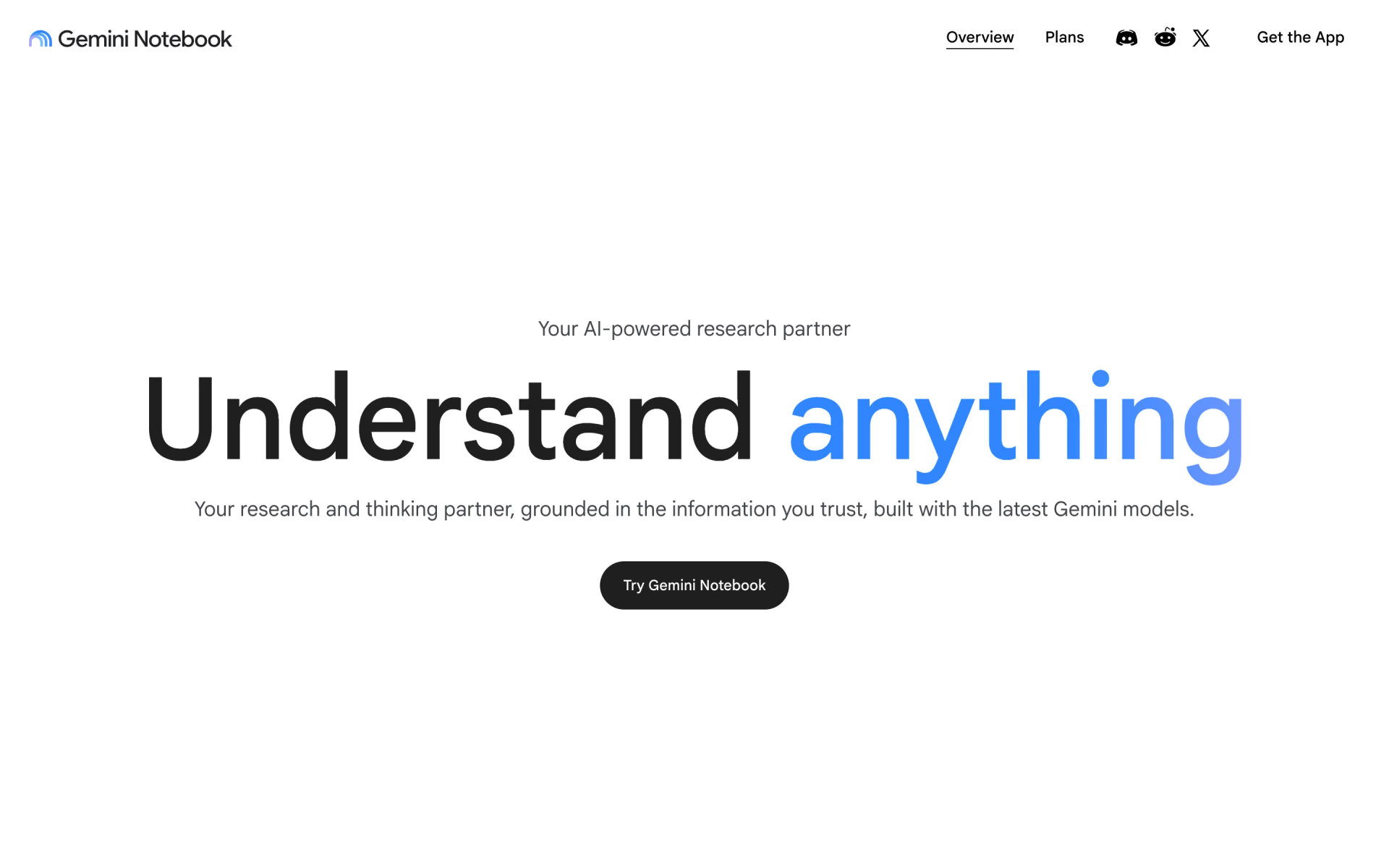
Gemini Notebook is Google's research notebook, called NotebookLM until July 16, 2026. You add sources, such as PDFs, Google Docs, web pages and YouTube videos, and it answers only from them. Each answer cites direct quotes, and selecting a citation takes you to that passage.
It's free with a Google account, for up to 100 notebooks of 50 sources each, and a source can hold up to 500,000 words. Google AI Plus costs $4.99 a month for higher limits, and Google AI Pro costs $19.99 for 300 sources per notebook. Deep Research can also browse hundreds of websites and import the useful ones as sources.
Good
- Free, with generous limits
- Answers stay inside the sources you add
- Citations jump to the exact passage
Watch for
- It doesn't search a paper database
- Higher limits come bundled with Google's AI plans
6. Perplexity: best for quick questions with sources
Perplexity is an answer engine that cites its sources in every answer. Its Research mode runs dozens of searches, reads hundreds of sources and writes a report, usually in under 3 minutes. Some cited sites carry a label, such as Academic for science journals or Government for official agencies.
The free plan suits light daily use and includes a limited number of Research reports. Pro costs $17 a month, billed yearly, raises every limit and adds premium data from PitchBook and Statista, which suits analysts more than academics. Max, for the heaviest use, costs $167 a month, also billed yearly.
Good
- Cited answers in seconds
- Research reports on the free plan
- Business data for analysts on Pro
Watch for
- Searches the open web, not a paper database
- The pricing page lists yearly billing only
How to check what an AI research tool tells you
Every tool here can still get a detail wrong, or cite a paper that doesn't quite say what the summary claims. A few habits, applied to every answer, catch most of these problems.
- Open the source. Click through to the paper and find the sentence behind the claim. Elicit and Gemini Notebook link straight to the passage, and Consensus links to each paper.
- Read the abstract and methods. A summary can drop who was studied, how many people took part or how long the study ran.
- Look for disagreement. Search the opposite question too, and note any studies that found no effect.
- Check the date. Newer work may have replaced an older finding, so sort by year when the tool lets you.
- Cite the paper, not the tool. Your reference list should point to the study itself, after you've read it.
Can ChatGPT or Claude do a literature review?
They can help, but they work differently from the specialist tools above. ChatGPT and Claude search the open web, so their reports mix papers with news, blogs and company pages. They aren't built to screen thousands of papers or fill an extraction table, which is what Elicit is for.
ChatGPT's free plan includes limited deep research, and Plus at $20 a month expands it. Claude's free plan can search the web, but its Research feature starts with Pro at $20 a month. Both are useful for planning search terms, explaining methods and summing up a paper you upload.
You can also connect the two, because Consensus and Undermind both offer MCP servers that let Claude or ChatGPT search their paper indexes. Our guide to MCP servers for everyday work explains how that works, and our ChatGPT, Claude and Gemini comparison covers the chat apps themselves.
Which AI research tools are free?
All six tools in this list have a free plan, but the limits differ a lot.
- Gemini Notebook gives you 100 notebooks of 50 sources each, with no fee.
- Elicit gives unlimited search, summaries and chat with papers, with limited reports.
- Undermind includes chat, deep searches and reports at standard limits.
- Consensus allows 10 Pro messages and up to 3 Deep reviews a month.
- SciSpace gives 100 agent credits a month, and its literature search doesn't use them.
- Perplexity covers light daily use, with limited Research reports.
Litmaps, which draws maps of how papers cite each other, also has a free plan for basic searches.
Which one should you pick?
- You're writing a literature review or a systematic reviewElicit
- You want to know fast whether studies back a claimConsensus
- You're working through hard papers one at a timeSciSpace
- You can't afford to miss a relevant paperUndermind
- You already have the papers and want free answers from themGemini Notebook
- You research markets and news as well as papersPerplexity
How we picked
We started from the research tools listed on Recaply and kept those that find, read or check research with sources you can follow. We read each maker's pricing page, documentation and help articles on Nov 8, 2026.
We have not run side-by-side tests, so everything here comes from what the makers publish. Undermind's claim that it finds twice as many papers comes from its own benchmark. We left out Scite, which shows whether later papers support or dispute a study, because it answers a narrower question than the tools above. No maker paid to appear in this list, and if a price changes, we update this page and its date.
Questions people ask
Which AI is best for research papers?
Elicit is the best fit for most research papers, because it searches 138 million papers and links each claim to its source sentence. Use Consensus for a quick read on whether studies back a claim, and Gemini Notebook to ask questions about papers you already have.
Is Elicit free?
Yes, Elicit's Basic plan is free and includes unlimited search across 138 million papers, plus summaries and chat with papers. It limits reports and the research agent, and paid plans start at $19 a month for academics.
Is Consensus AI free?
Yes, Consensus has a free plan with basic paper search, 10 Pro messages and up to 3 Deep reviews a month. Pro costs $20 a month, or $12 a month billed yearly, for unlimited Pro messages.
Can AI do a literature review for me?
AI can do much of the searching, screening and summing up, but you still need to read the key papers yourself. Tools like Elicit and Consensus speed up the first pass, and then you check each claim against its source. Check your school's or journal's rules on AI before you submit.
Is Perplexity good for research?
Perplexity is good for quick questions when you want sources fast, and its Research mode writes a cited report in a few minutes. It searches the open web rather than a paper database, so use Elicit, Consensus or Undermind when you need peer-reviewed studies.
What happened to NotebookLM?
Google renamed NotebookLM to Gemini Notebook on July 16, 2026. Google calls it the same standalone product, and it's still free with a Google account, with higher limits in Google's AI plans.
ElicitFinds the papers on your question, screens them and pulls each one's data into a table.
SkillXLSXTurns the export into a clean study matrix: one row per study, with design, sample and findings.
PromptLiterature Review Themes and GapsThemes rated by evidence, where studies disagree, the gaps and the questions they raise.