
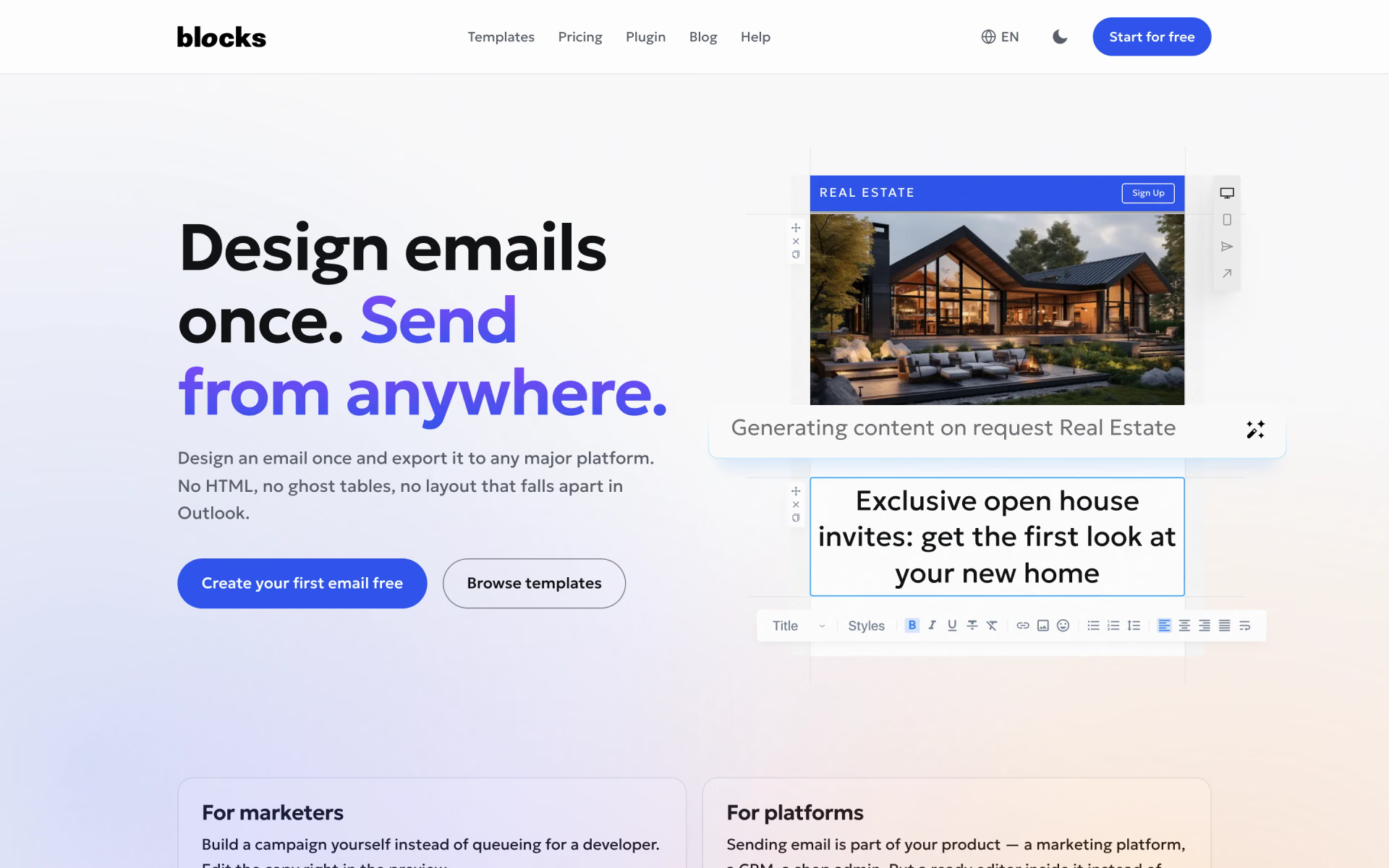
What is Blocks?
Drag-and-drop email template builder with an AI helper for text and images.
Who is Blocks best for?
Blocks is best for marketers who build responsive emails from ready-made blocks and send them from their own tool.
Marketers without a developer
You assemble an email from saved blocks and edit the copy right in the preview, so a campaign does not wait in a developer's queue.
Teams on more than one sending tool
One design exports to 53 platforms such as Mailchimp, Klaviyo and HubSpot, or as an HTML, ZIP, PDF or Outlook file.
Agencies with several brands
The Pro plan covers 10 users and unlimited projects, with roles that control who can change what.
Software that sends email
A plugin puts the Blocks editor inside a CRM, shop admin or marketing product, so you do not have to build one.
How much does Blocks cost?
Blocks has a free plan for one user with 10 saved emails, and its paid plans cost $20, $45 or $95 a month (Personal, Advanced, Pro), or from $16 a month billed yearly.
- 1 user and 1 project
- 10 saved emails and templates
- 5 test emails a day
- 1 user and 1 project
- 30 saved emails and templates
- 50 test emails a day, email support
- 3 users and 2 projects
- 300 saved emails and templates
- All export types, dynamic code, user roles
- 10 users
- Unlimited projects and emails
- 300 test emails a day, phone support
Billed yearly, Personal is $16 a month ($192 a year), Advanced $37 a month ($444) and Pro $79 a month ($948), up to 17% less. Every plan includes unlimited exports each month and the AI text assistant and image generator, though Free and Personal get fewer export types. Enterprise plans with custom seats are priced on request, and Blocks will build a first custom template from $200. Full pricing on useblocks.io. We checked these prices on .
How do readers rate Blocks?
No one has rated Blocks yet. Be the first.
Sign in to rate. One rating per account.
What are the best Blocks alternatives?
Two tools on Recaply do Blocks's job.


Questions about Blocks
What is Blocks?
Drag-and-drop email template builder with an AI helper for text and images.
Who is Blocks for?
Blocks is best for marketers who build responsive emails from ready-made blocks and send them from their own tool.
Is Blocks free?
Yes. Blocks has a Free plan with no end date and no card needed: one user, one project, 10 saved emails and templates and 5 test emails a day. Paid plans start at $20 a month for Personal, or $16 a month billed yearly.
How much does Blocks cost?
Blocks's paid plans are Personal at $20 per month, Advanced at $45 per month and Pro at $95 per month.
What are the best Blocks alternatives?
The closest alternatives on Recaply are Stripo and HTML Email.
Where can I try Blocks?
On its official website, useblocks.io.
Which platforms can Blocks export emails to?
Blocks exports to 53 email platforms, including Mailchimp, Klaviyo, HubSpot, Braze and Salesforce, and the most popular ones take a template with one click. Anything else takes an HTML, ZIP, PDF or Outlook file; Free and Personal get fewer export types than Advanced and Pro.

 Really Good Emails
 EmailWritr
 Emailgic

 Plunk
 useSend

 Brevo