
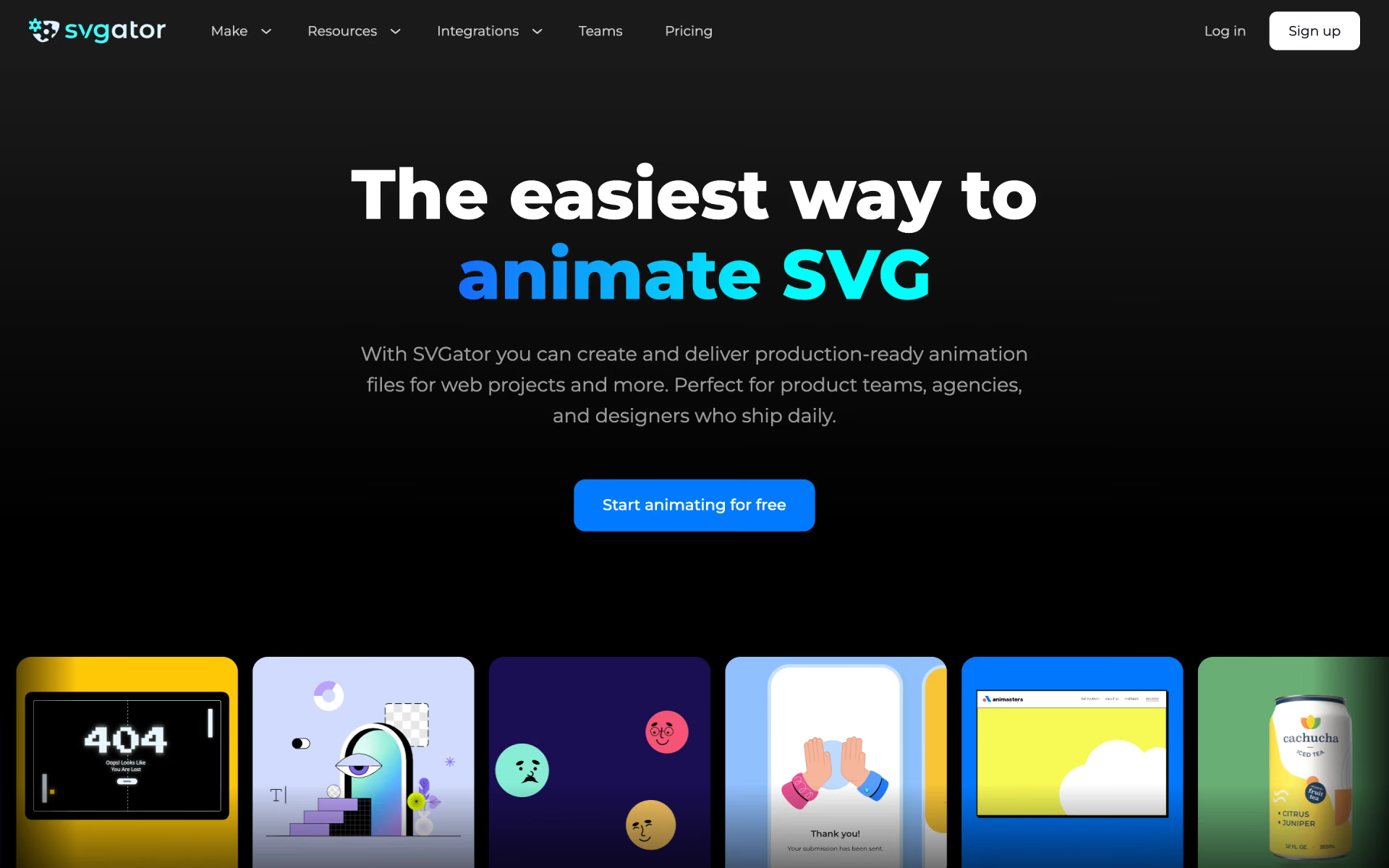
What is SVGator?
Browser editor that turns vector art into animated SVG, Lottie, GIF or video files with no code.
Who is SVGator best for?
SVGator is best for web designers and product teams who need light animated logos, icons and loaders without code.
Logo and icon animation
Morphing, motion paths and keyframe easing turn a static logo or icon into one small animated SVG file.
Lottie for apps
Import or build Lottie files and export JSON, React Native or Flutter code for mobile apps.
Figma and WordPress users
Plugins turn Figma designs into animated SVGs and place them on WordPress pages.
Animating from a chat
SVGator's remote MCP server lets Claude, ChatGPT and other agents build an animation from a prompt and export it in the chat.
How much does SVGator cost?
SVGator's Free plan exports static SVG only; animated exports start at $28 a month on Starter ($20 billed yearly), and Pro with video and GIF is $38 a month ($24 yearly).
- Full editor with every animator
- Unlimited static SVG exports
- Assets library and free templates
- $20 a month billed yearly
- Animated SVG, Lottie, React Native and Flutter export
- Interactive animations and Player API
- $24 a month billed yearly
- Unlimited animations, video and GIF export
- Unlimited viewers, comments and share links
- $27 a seat billed yearly, at least 3 seats
- Shared workspace with editing, up to 10 seats
- Priority support and SLA
Paying yearly saves up to 36%. Teams are capped at 10 seats. On Pro, video exports reach 4K at up to 60 FPS. There is no education plan, but teachers can email SVGator about student access. Full pricing on svgator.com. We checked these prices on .
How do readers rate SVGator?
No one has rated SVGator yet. Be the first.
Sign in to rate. One rating per account.
How do I connect SVGator to my AI agent?
SVGator MCP is SVGator's official MCP server. Add it to your agent once, then ask it to describe an SVG animation and export it from SVGator.
Your agent can build SVG animations in your SVGator account from a written description, so you can refine the motion and export the file for web or app use.
SVGator gives each account its own server address. Open the setup guide, copy your address, then add it to Claude Code like any other server.
Use the address from SVGator's setup guide.
SVGator's setup guide covers the sign-in.
Then ask your agent
- Runs
- On the web
- Sign-in
- See guide
- Maker
- SVGator
- Guide
- svgator.com
What are the best SVGator alternatives?
One tool on Recaply does SVGator's job.

Questions about SVGator
What is SVGator?
Browser editor that turns vector art into animated SVG, Lottie, GIF or video files with no code.
Who is SVGator for?
SVGator is best for web designers and product teams who need light animated logos, icons and loaders without code.
Can I export animations on SVGator's free plan?
No. The Free plan includes the whole editor but exports only static SVG files. Animated SVG, Lottie, React Native and Flutter exports need Starter, and video and GIF exports need Pro.
How much does SVGator cost?
SVGator's paid plans are Starter at $28 per month, Pro at $38 per month and Team at $40 per seat per month.
Does SVGator have an MCP server?
Yes. SVGator MCP is SVGator's official MCP server, so agents such as Claude Code, Cursor, Codex and GitHub Copilot can describe an SVG animation and export it from SVGator. SVGator runs it on the web.
What are the best SVGator alternatives?
The closest alternatives on Recaply are Jitter.
Where can I try SVGator?
On its official website, svgator.com.
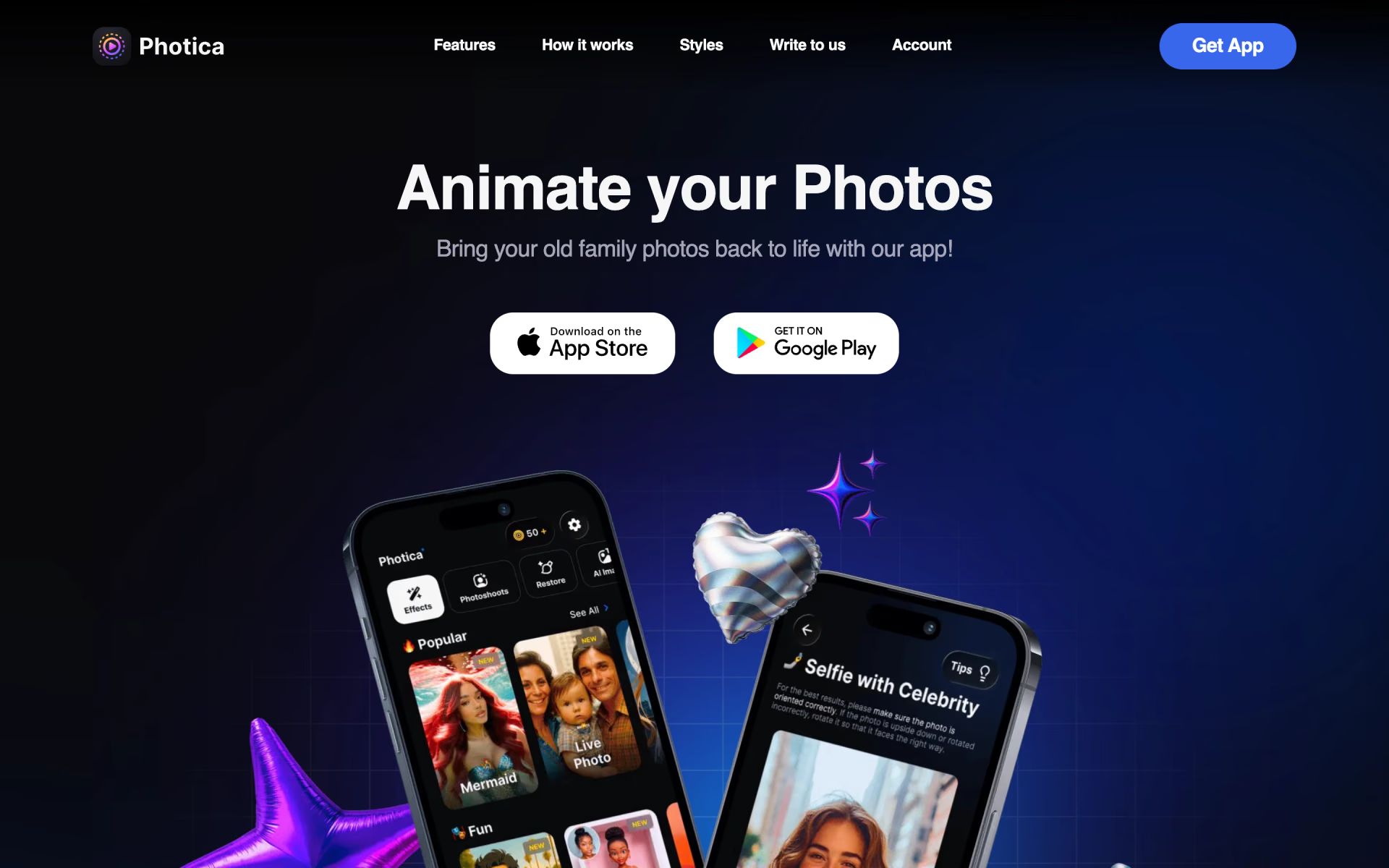
 Photica

 RenderCut

 Beatwave

 Animate AI Video
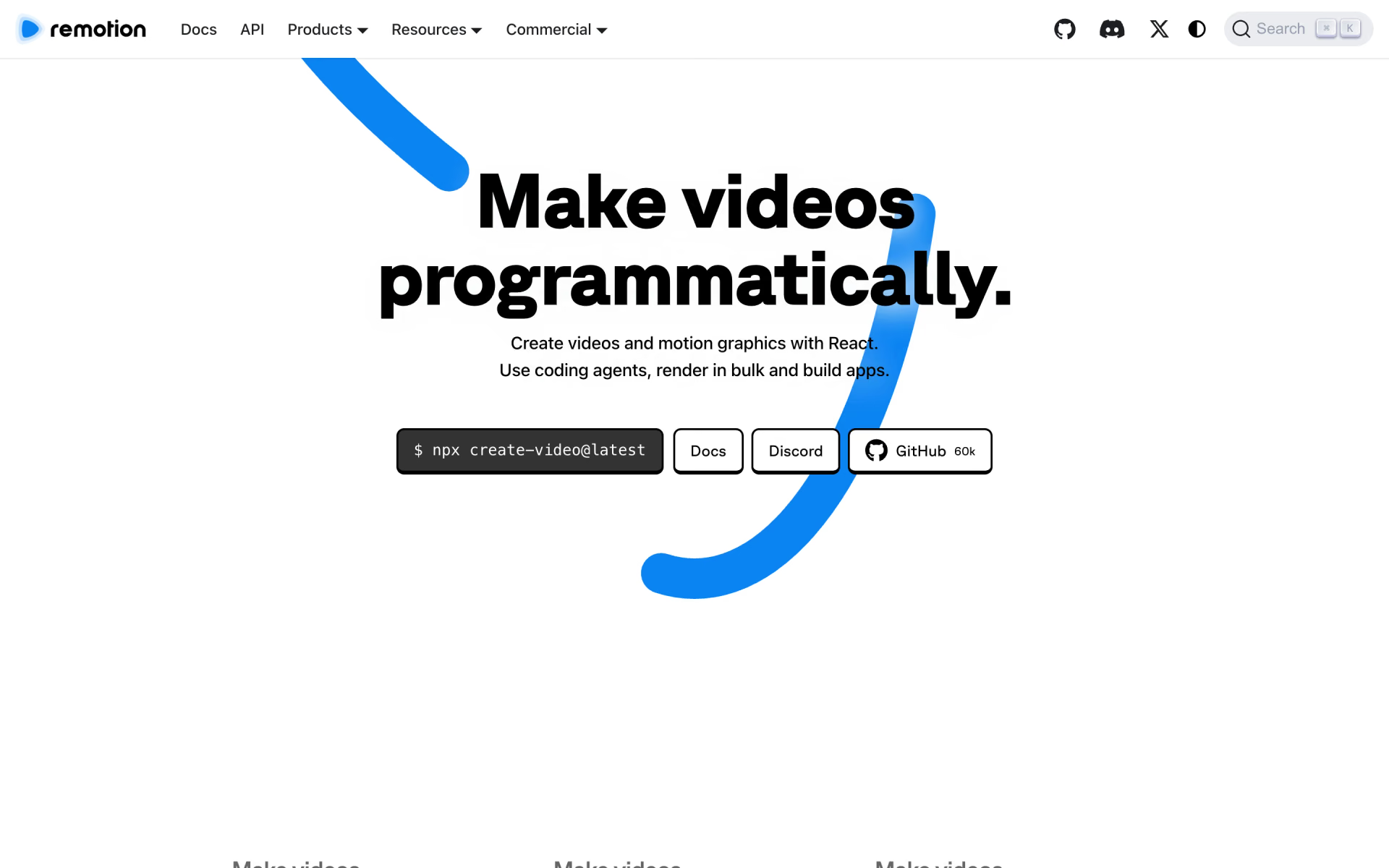
 Remotion
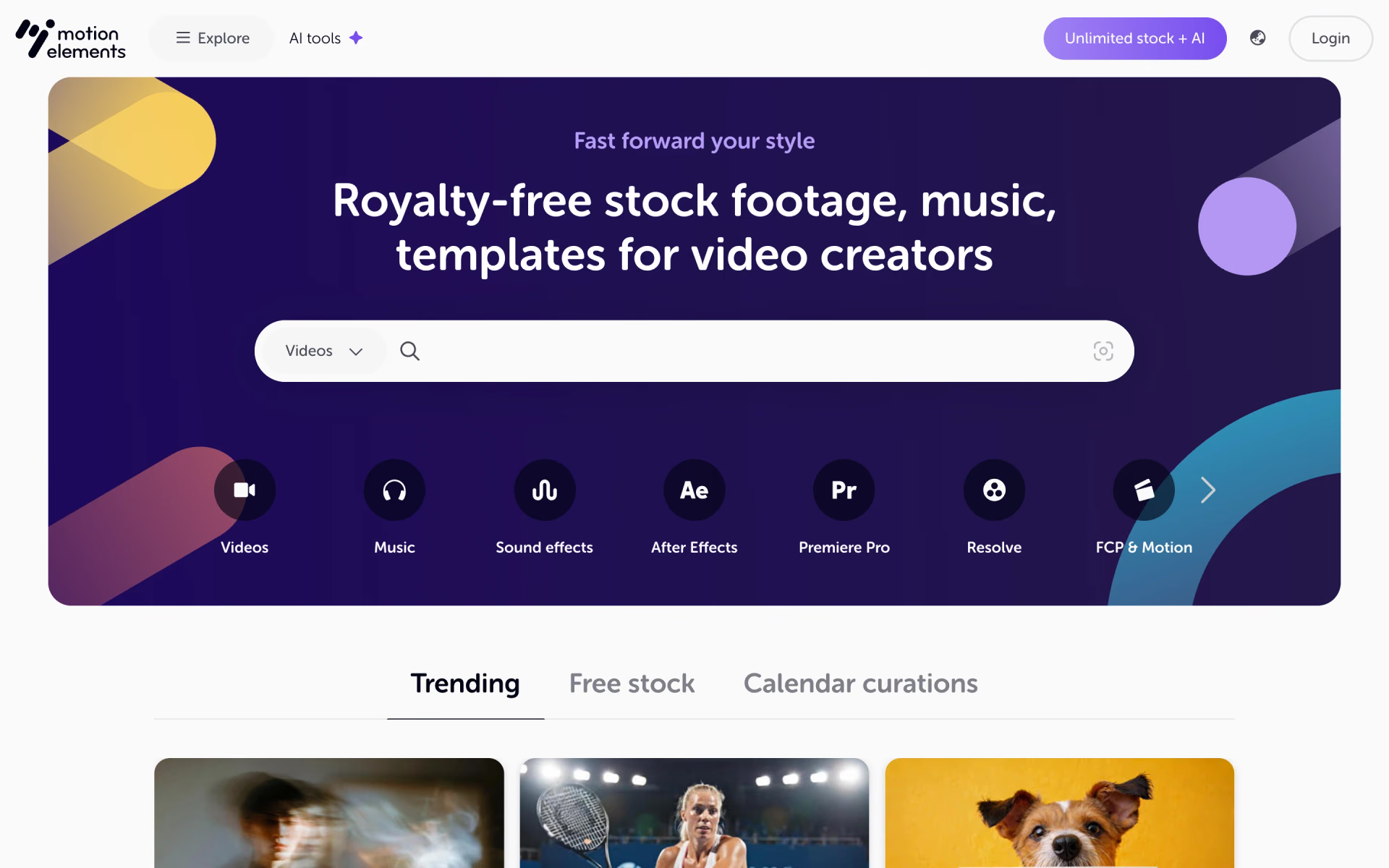
 MotionElements