
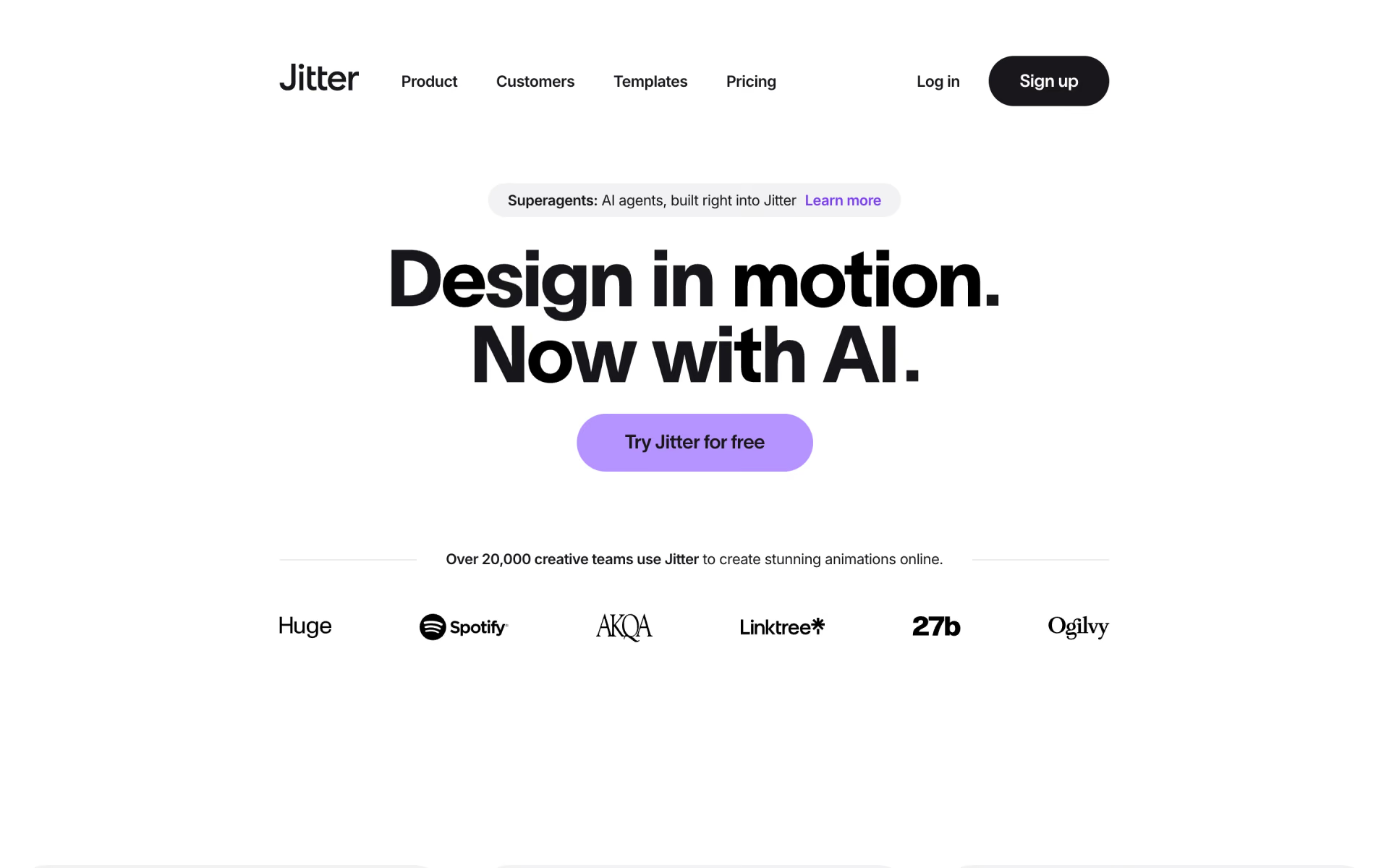
What is Jitter?
Browser motion design tool for animating UI, brand and social content, with AI and Figma import.
Who is Jitter best for?
Jitter is best for product and brand designers who turn Figma designs into animations for apps, ads and social posts.
Animating Figma designs
Import frames from Figma and animate them with presets, custom animations, pen paths and shape morphing.
Campaign variations
Magic Import, auto-resize and auto-translate turn one animation into many sizes, languages and copy versions.
Lottie and video handoff
Every plan exports video, GIF and Lottie; paid plans add ProRes and WebM, and Max adds 4K.
Prompt-led motion
Jitter AI and the Jitter MCP build editable animations from a description, inside Jitter or from Claude and ChatGPT.
How much does Jitter cost?
Jitter has a free plan with a watermark and 720p export; Pro costs $19 per editor a month, Max $49 and Ultra $89, or $15, $35 and $59 a month billed yearly.
- 3 workspace files, unlimited drafts
- Video, GIF and Lottie export at 720p, 30fps
- Jitter watermark, limited AI credits
- $15 a month billed yearly
- Unlimited files, 1080p at 60fps, no watermark
- ProRes and WebM export, image to video
- $35 a month billed yearly
- 4K at 120fps, transparent and frame-by-frame export
- Brand Kits, batch export, 2x Pro AI credits
- $59 a month billed yearly
- Everything in Max
- 3x Max AI credits
Enterprise is priced on request, with SSO, SCIM, pre-release features and a dedicated account manager. Students and educators get Pro free through Jitter's education program. Paid plans bill for every editor in a workspace and apply to that workspace only. Jitter refunds a new subscription in full if you ask within 72 hours. Full pricing on jitter.video. We checked these prices on .
How do readers rate Jitter?
No one has rated Jitter yet. Be the first.
Sign in to rate. One rating per account.
How do I connect Jitter to my AI agent?
Jitter MCP is Jitter's official MCP server. Add it to your agent once, then ask it to animate designs in Jitter by describing the motion you want.
Lets your agent build and change animations in your Jitter files, from moving text and shapes to timing tweaks, so UI and social motion can be done by describing it.
$ claude mcp add --transport http jitter https://mcp.jitter.video
Claude Code connects to Jitter over the web.
Jitter's setup guide covers the sign-in.
Then ask your agent
- Runs
- On the web
- Sign-in
- See guide
- Checked
- Answered 13 Nov
- Guide
- jitter.video
What are the best Jitter alternatives?
One tool on Recaply does Jitter's job.

Questions about Jitter
What is Jitter?
Browser motion design tool for animating UI, brand and social content, with AI and Figma import.
Who is Jitter for?
Jitter is best for product and brand designers who turn Figma designs into animations for apps, ads and social posts.
Is Jitter free for students?
Yes. Students and educators can get the Pro plan at no cost through Jitter's education program, which removes the watermark and adds unlimited files and 1080p export. The details and the application are on Jitter's help center.
How much does Jitter cost?
Jitter's paid plans are Pro at $19 per editor per month, Max at $49 per editor per month and Ultra at $89 per editor per month.
Does Jitter have an MCP server?
Yes. Jitter MCP is Jitter's official MCP server, so agents such as Claude Code, Cursor, Codex and GitHub Copilot can animate designs in Jitter by describing the motion you want. Jitter runs it on the web.
What are the best Jitter alternatives?
The closest alternatives on Recaply are SVGator.
Where can I try Jitter?
On its official website, jitter.video.
Can I use Jitter from Claude or ChatGPT?
Yes, in beta. The Jitter MCP connects as a custom connector in Claude, ChatGPT, Notion or any client that takes custom MCP servers, after you sign in with your Jitter account. It creates and edits native Jitter files; export from the chat is not available yet.

 Frame.md
 MotionElements
 Replit Animation

 Viggle AI
 HyperFrames
 Picmovi