
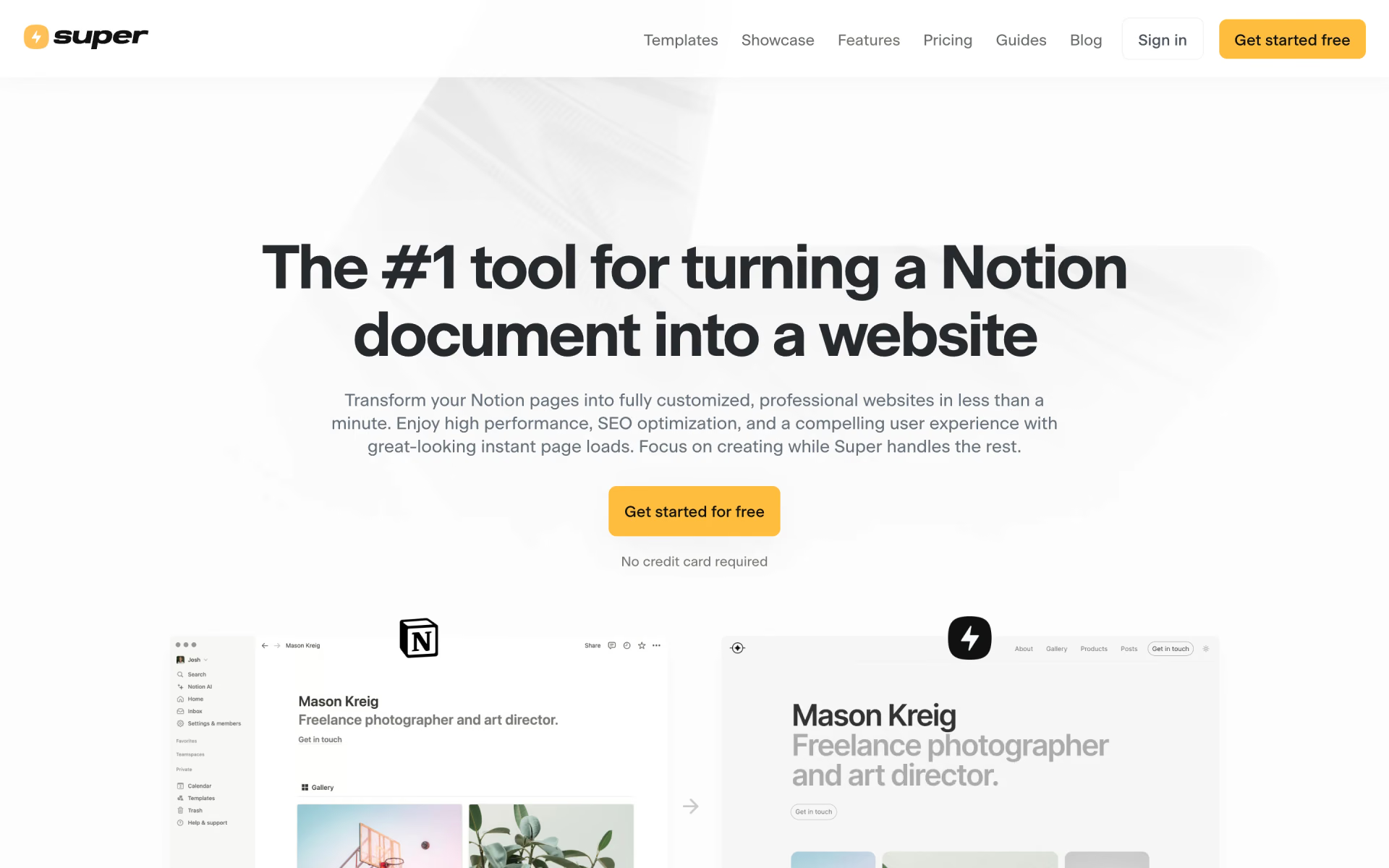
What is Super?
Turns a public Notion page into a fast, branded website.
Who is Super best for?
Super is best for people who already write in Notion and want it published as a branded site on their own domain.
Notion users who want a website
Content stays in Notion and edits there show up on the site, so there is no separate CMS to learn.
Personal sites and portfolios
The Personal plan adds your own domain, custom fonts, password-protected pages and RSS feeds for a simple site or blog.
Docs and multi-language sites
Pro adds site search, file uploads, redirects and multi-language support, and custom work covers sub-path hosting such as /docs.
Styling without code
A theme builder changes colours, fonts, layout, navbars and footers without code, with custom code there if you want it.
How much does Super cost?
Super has a free plan for one site on a super.site address, and its paid plans cost $16 a site a month for Personal or $28 a site a month for Pro.
- Hosting on a super.site address
- Themes, works with any Notion page
- 'Made with Super' badge on the site
- Your own domain, custom code and custom fonts
- Password-protected pages, RSS and Atom feeds
- No Super badge
- Manual publishing, advanced search and file uploads
- Redirects, hidden pages and multi-language sites
- Priority support
Billed yearly, Personal is $12 and Pro $22 a site a month. An account can run one free site at a time and any number of paid sites. Custom solutions such as sub-path hosting, SSO and custom design start at $50 plus fees. Analytics is an add-on from $10 a month for up to 10,000 page views across your sites, and Teams costs $5 per member a month or $50 a year. Full pricing on super.so. We checked these prices on .
How do readers rate Super?
No one has rated Super yet. Be the first.
Sign in to rate. One rating per account.
How do I connect Super.so to my AI agent?
Super.so MCP is Super.so's official MCP server. Add it to your agent once, then ask it to build and update Notion-based Super sites by asking.
Gives your agent control of your Super sites, the websites built on Notion pages, so it can add and publish pages, adjust the theme, change custom code and fix many pages at once.
$ claude mcp add --transport http super-so https://mcp.super.so/mcp
Claude Code connects to Super.so over the web.
Super.so's setup guide covers the sign-in.
Then ask your agent
- Runs
- On the web
- Sign-in
- See guide
- Checked
- Answered 13 Nov
- Guide
- docs.super.so
Questions about Super
What is Super?
Turns a public Notion page into a fast, branded website.
Who is Super for?
Super is best for people who already write in Notion and want it published as a branded site on their own domain.
Is Super free?
Yes. Super's free plan has no time limit and needs no credit card: one site on a super.site address with themes and as many pages as you like, but with a 'Made with Super' badge. Your own domain and badge removal start with Personal at $16 a site a month.
How much does Super cost?
Super's paid plans are Personal site at $16 per site per month and Pro site at $28 per site per month.
Does Super.so have an MCP server?
Yes. Super.so MCP is Super.so's official MCP server, so agents such as Claude Code, Cursor, Codex and GitHub Copilot can build and update Notion-based Super sites by asking. Super.so runs it on the web.
Where can I try Super?
On its official website, super.so.
Can I have more than one Super site?
Yes. Super prices each site on its own, so one account can run one free site at a time plus as many paid sites as you like, each billed on its own Personal or Pro plan.
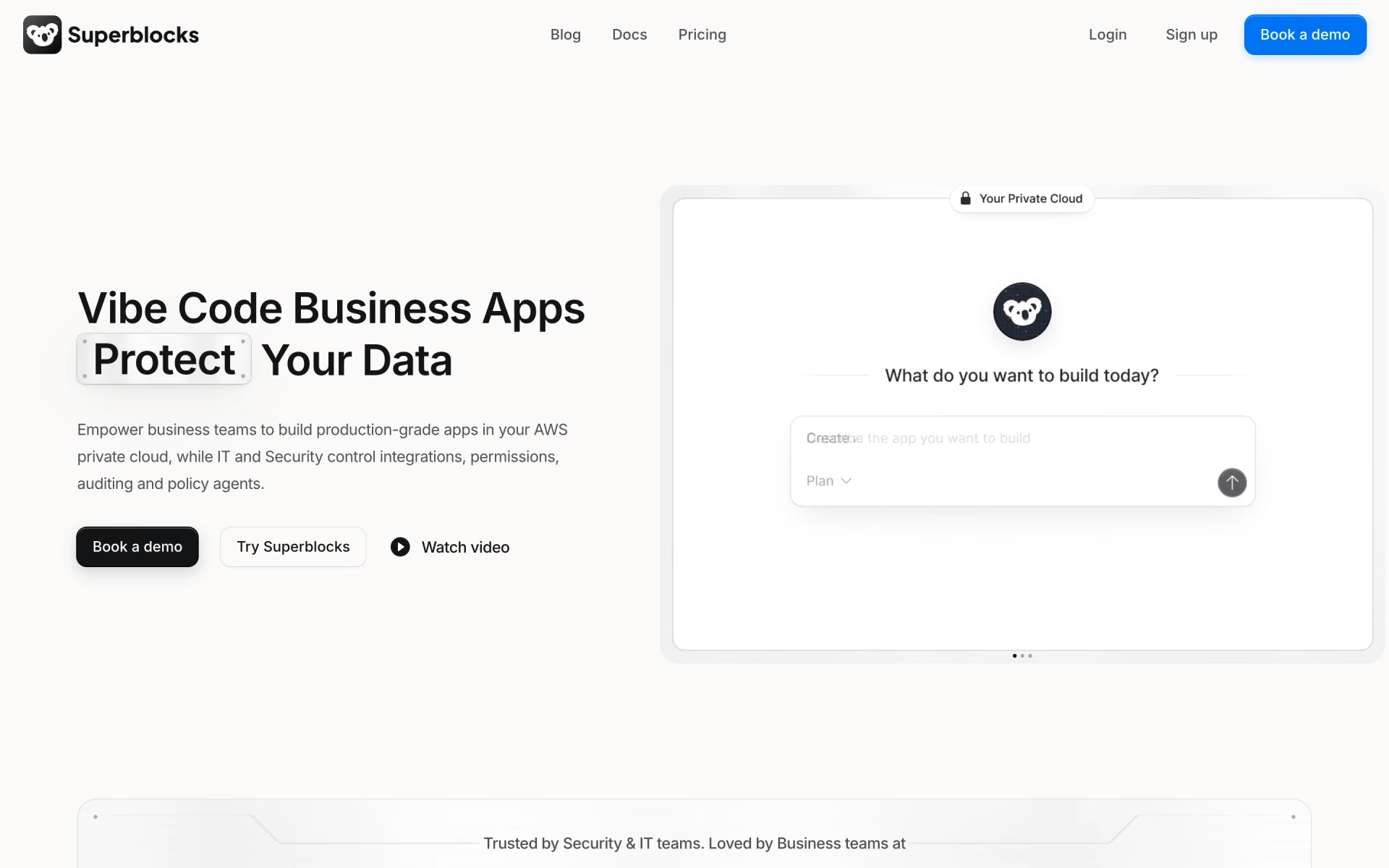
 Superblocks
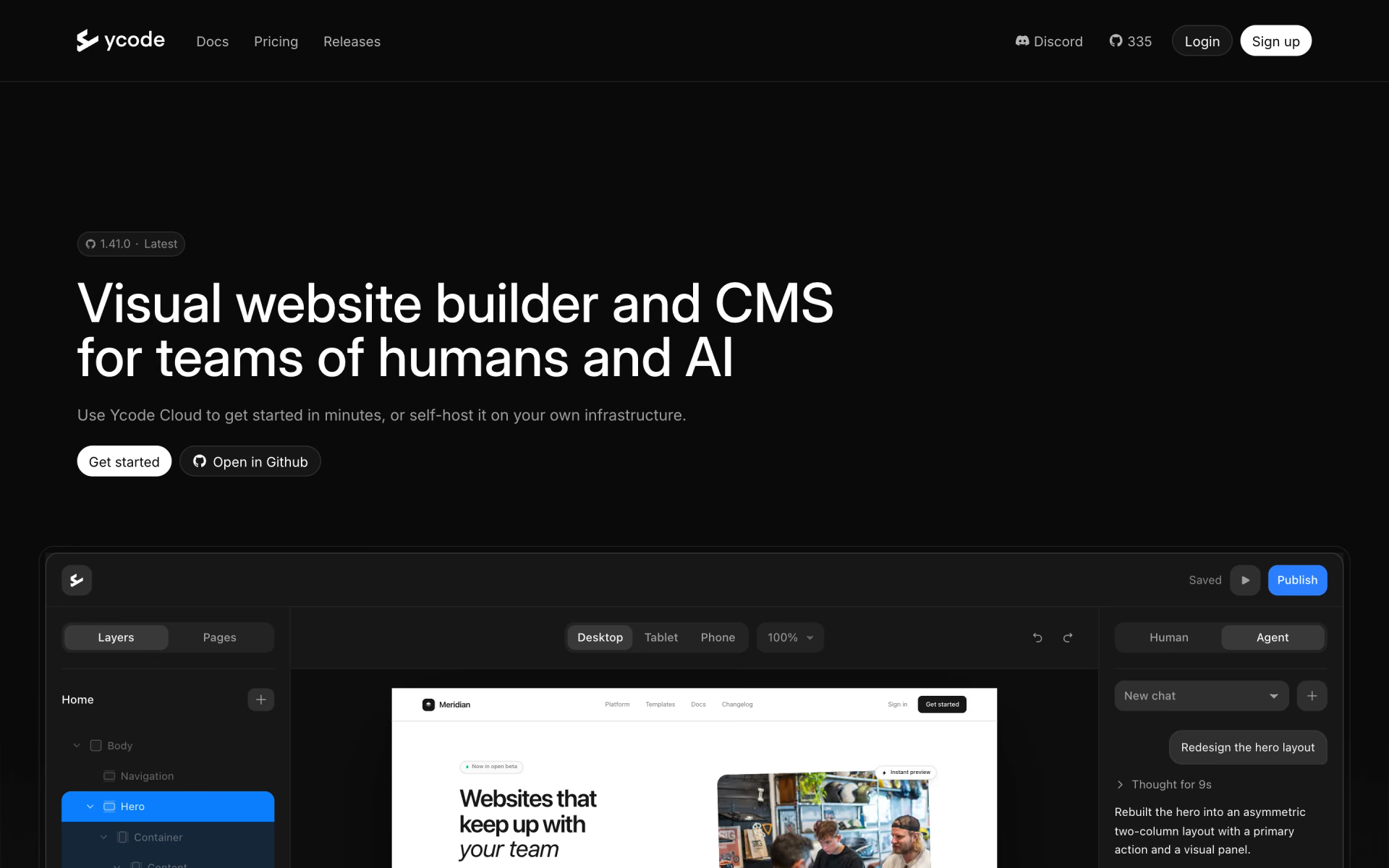
 Ycode
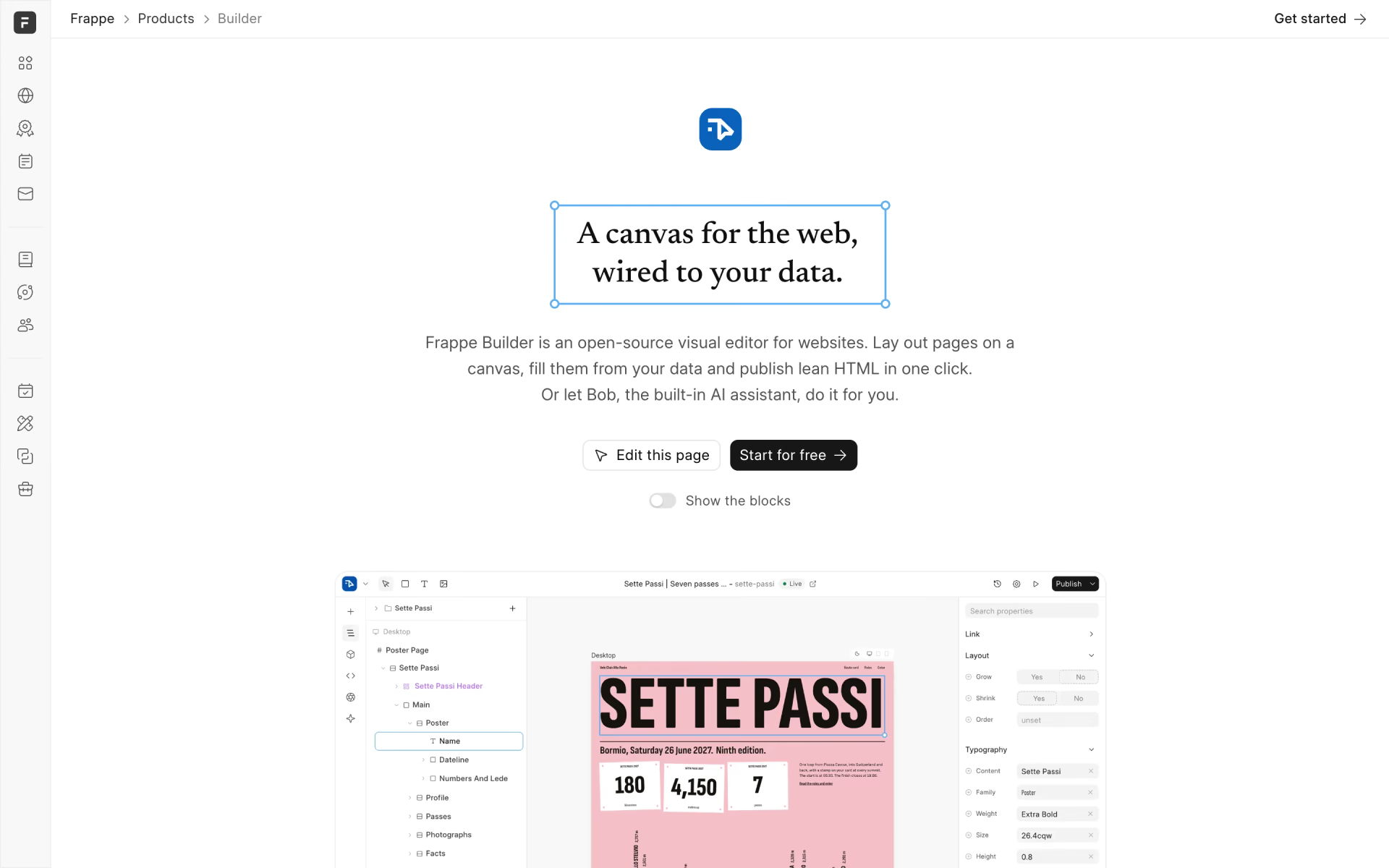
 Frappe Builder

 Landing-Page.io

 WebsitePublisher.ai

 ChatGPT Sites