
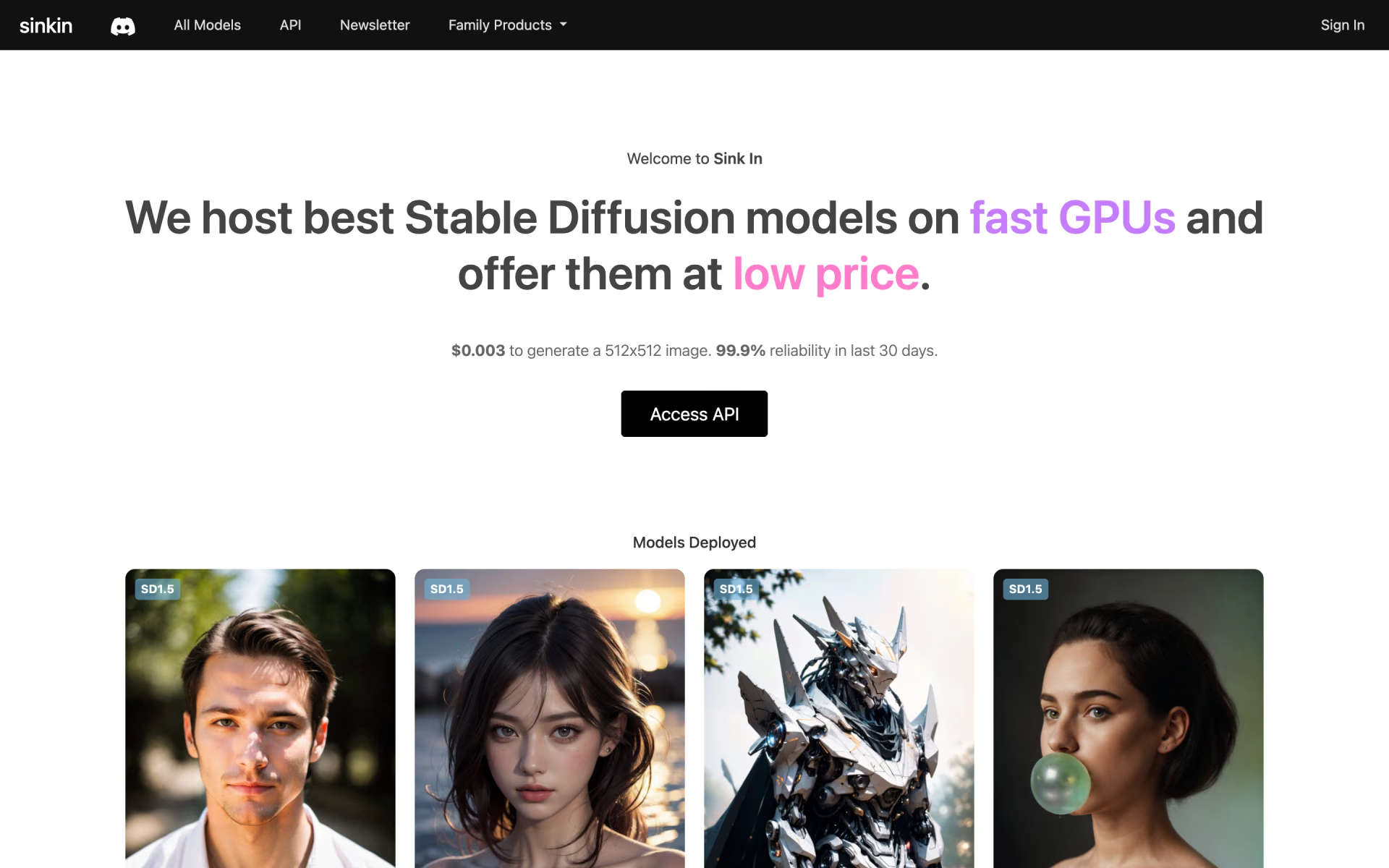
What is Sink In?
Affordable Stable Diffusion generation on fast GPUs.
Who is Sink In best for?
Sink In is best for Stable Diffusion fans without a GPU who want community checkpoints and LoRAs run cheaply.
Community model fans
Dozens of community SD 1.5 and SDXL checkpoints, plus LoRAs, are hosted and ready to run without downloading anything.
Developers on a budget
The API charges about $0.003 for a 512 x 512 image, so bulk generation stays cheap.
No local GPU
Images render on Sink In's hosted GPUs, so you do not need a graphics card of your own.
How much does Sink In cost?
Sink In runs on credits: subscriptions cost $10, $30 or $90 a month for 6,000, 18,000 or 60,000 credits, one-off packs start at $5 for 1,000 credits, and a 512 x 512 image costs 2 credits.
- Balance topped up to 6,000 credits each month
- About 3,000 images at 512 x 512 and 20 steps
- Credits work on the site and the API
- Balance topped up to 18,000 credits each month
- About 9,000 images at 512 x 512 and 20 steps
- Credits work on the site and the API
- Balance topped up to 60,000 credits each month
- About 30,000 images at 512 x 512 and 20 steps
- Credits work on the site and the API
Credits can also be bought once: $5 for 1,000 or $10 for 3,000, and larger buys cost $0.0015 a credit with a $150 minimum (100,000 credits). A 512 x 512 image at 20 steps costs 2 credits, 512 x 768 costs 3 and 768 x 1024 costs 6. The monthly refill resets your balance to the plan amount rather than adding to it. New accounts get some free credits to test with. All sales are final. Full pricing on sinkin.ai. We checked these prices on .
How do readers rate Sink In?
No one has rated Sink In yet. Be the first.
Sign in to rate. One rating per account.
What are the best Sink In alternatives?
Two tools on Recaply do Sink In's job.


Questions about Sink In
What is Sink In?
Affordable Stable Diffusion generation on fast GPUs.
Who is Sink In for?
Sink In is best for Stable Diffusion fans without a GPU who want community checkpoints and LoRAs run cheaply.
Is Sink In free?
Sink In gives new accounts some free credits to test image generation, but it does not say how many. After that you buy credits, from $5 for 1,000 as a one-off or $10 a month for Sink In Basic, and a 512 x 512 image costs 2 credits.
How much does Sink In cost?
Sink In's paid plans are Sink In Basic at $10 per month, Sink In Pro at $30 per month and Sink In Ultimate at $90 per month.
What are the best Sink In alternatives?
The closest alternatives on Recaply are Dezgo and SDXL Turbo.
Where can I try Sink In?
On its official website, sinkin.ai.
Does Sink In offer refunds?
No. Sink In's return policy says all sales are final, and its subscription FAQ repeats that it does not refund. You can cancel a subscription yourself from the Subscription link in the site's top-right menu after an email check.

 ComfyUI

 RunDiffusion

 Limora

 MagicShot

 ThumbnailCreator

 Ideogram