
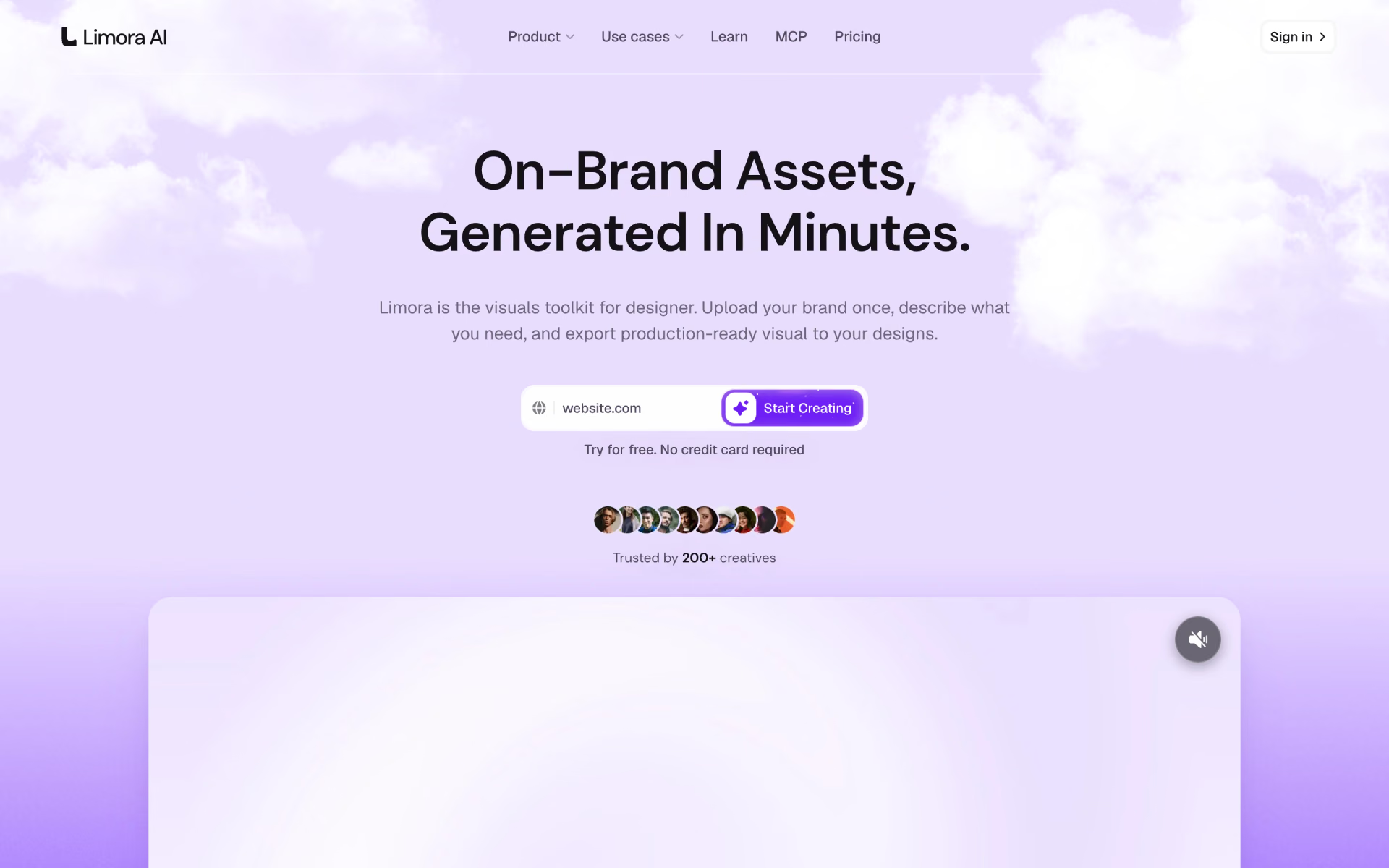
What is Limora?
AI asset maker that turns a brand kit into backgrounds, mockups, icons and 3D for designers.
Who is Limora best for?
Limora is best for web designers who need site visuals that match a client's brand kit without writing prompts.
Client brand work
A brand kit of logo, colors, fonts and three direction sliders is applied to every asset, so a set stays consistent.
Website visuals
Hero backgrounds, mockups, textures and icon sets export at exact aspect ratios to Framer, Webflow, Figma or code.
Ecommerce product shots
Upload product photos and a store URL to get lifestyle scenes, transparent cutouts and ad creative.
Assets from a coding agent
The Limora MCP lets Claude, Cursor or Codex create on-brand assets and write them into a project.
How much does Limora cost?
Limora has a free trial with no card; Starter costs $29 a month for 300 credits and Pro $59 a month for 900 credits, or $290 and $590 billed yearly.
- 300 credits a month, about 30 images
- One project, all export formats
- MCP connection
- 900 credits a month, about 90 images
- Unlimited projects, priority generation
- MCP connection
Both plans start with a free trial that needs no credit card; Limora does not say how many credits the trial includes. Billed yearly, Starter is $290 a year and Pro $590. Editing an existing asset costs about half the credits of a new one. Custom plans with API access and set volumes are priced on request. Full pricing on limora.ai. We checked these prices on .
How do readers rate Limora?
No one has rated Limora yet. Be the first.
Sign in to rate. One rating per account.
How do I connect Limora to my AI agent?
Limora MCP is Limora's official MCP server. Add it to your agent once, then ask it to get on-brand visuals generated for the site you are building.
While you build a site, Limora can look at the project, suggest visual styles from its library that fit your brand and make the images and other assets each page needs.
Limora gives each account its own server address. Open the setup guide, copy your address, then add it to Claude Code like any other server.
Use the address from Limora's setup guide.
Limora's setup guide covers the sign-in.
Then ask your agent
- Runs
- On the web
- Sign-in
- See guide
- Maker
- Limora
- Guide
- limora.ai
Questions about Limora
What is Limora?
AI asset maker that turns a brand kit into backgrounds, mockups, icons and 3D for designers.
Who is Limora for?
Limora is best for web designers who need site visuals that match a client's brand kit without writing prompts.
Is Limora free?
Limora has a free trial that needs no credit card, but no free plan. After the trial, Starter costs $29 a month for 300 credits, about 30 images, and Pro costs $59 a month for 900 credits.
How much does Limora cost?
Limora's paid plans are Starter at $29 per month and Pro at $59 per month.
Does Limora have an MCP server?
Yes. Limora MCP is Limora's official MCP server, so agents such as Claude Code, Cursor, Codex and GitHub Copilot can get on-brand visuals generated for the site you are building. Limora runs it on the web.
Where can I try Limora?
On its official website, limora.ai.
Can I use Limora images for client work?
Yes. Limora says everything you generate is yours to use in client and commercial projects. Assets export as PNG, JPG or SVG with real transparency, or go straight to Framer, Webflow, Figma or your codebase.

 TrainEngine.ai
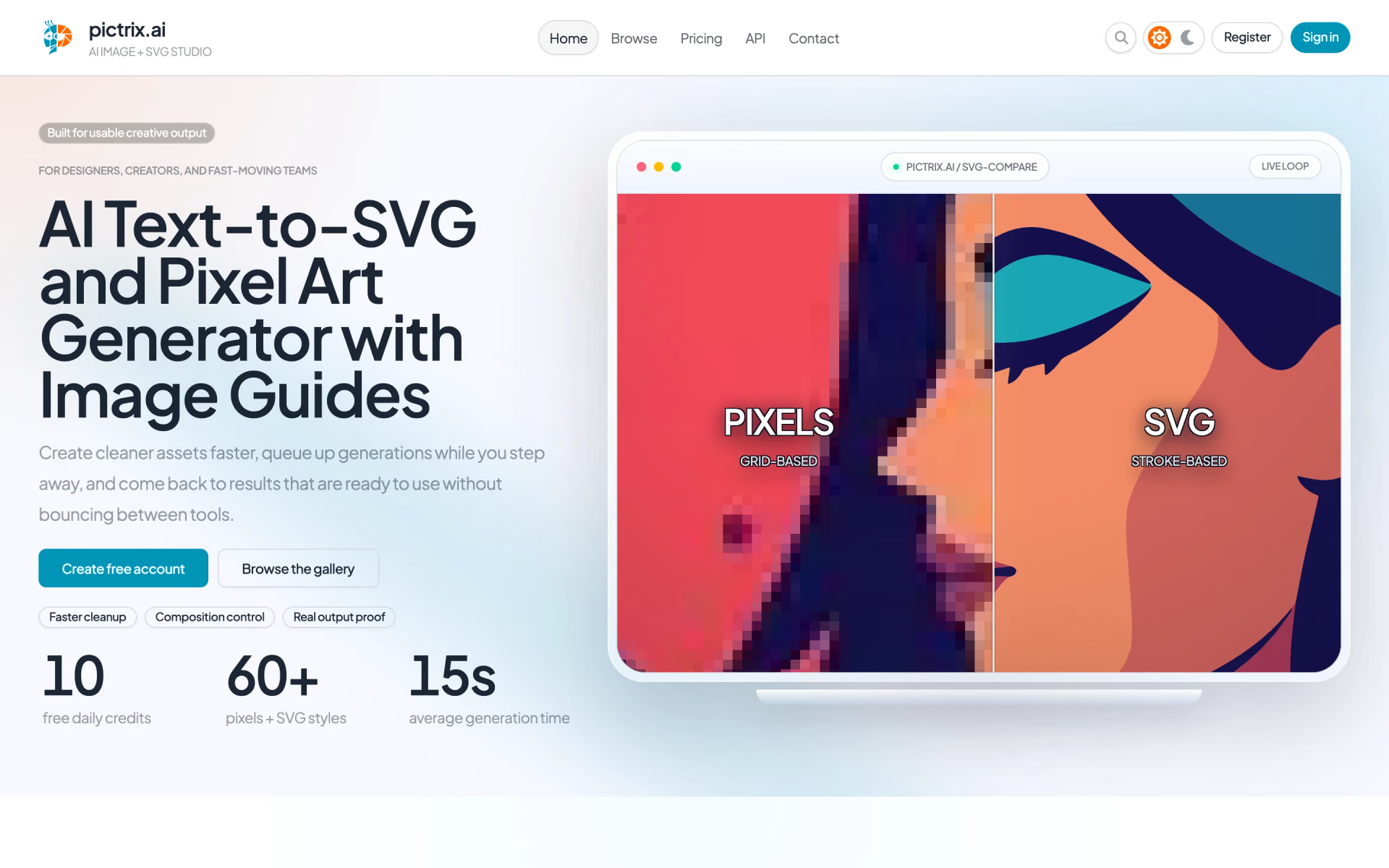
 PicTrix
 Firefly Studio

 Iconsax

 BrandBird

 Hugeicons