

What is Screenshot to Code?
Screenshot or recording in, frontend code out.
Who is Screenshot to Code best for?
Screenshot to Code is best for developers and designers who want a first pass of frontend code from a mockup.
Rebuilding a page from a screenshot
Drop in a screenshot or mockup and it writes HTML with Tailwind, React, Vue, Bootstrap or Ionic code that keeps the layout and spacing.
Copying interactions from a recording
Video mode reads a screen recording of a site or app, including hover states and transitions, and turns it into working components.
Fixing the result by prompt
Follow-up prompts such as asking for a sticky header or a mobile menu change the code, at 1 credit per edit on the hosted app.
Developers who self-host
The MIT-licensed code runs locally or in Docker with your own OpenAI, Anthropic or Gemini key, so you pay only the model provider.
How much does Screenshot to Code cost?
Screenshot to Code's hosted app costs $15 a month for 100 credits (Hobby) or $40 a month for 500 credits (Pro), while the open-source version is free to run yourself with your own AI model keys.
- 100 credits a month
- 1 credit per generation or edit
- Chat support
- 500 credits a month, 5 times Hobby
- 1 credit per generation or edit
- Chat support
Billed yearly, Hobby is $90 a year and Pro $240 a year, half the monthly price. Credits reset on the 1st of each month and do not roll over. All purchases are final, with no refunds. The open-source code on GitHub is free under the MIT license if you host it yourself with your own OpenAI, Anthropic or Gemini API key. Full pricing on screenshottocode.com. We checked these prices on .
How do readers rate Screenshot to Code?
No one has rated Screenshot to Code yet. Be the first.
Sign in to rate. One rating per account.
Is Screenshot to Code open source?
Yes. Screenshot to Code's code is public under the MIT licence, so you can run it on your own server.
On GitHub
81,185stars
- Last commit
- 5 Nov
- Repository age
- 3 years
- Licence
- MIT
- Self-hosted
- Yes
- Repository
- abi/screenshot-to-code
Questions about Screenshot to Code
What is Screenshot to Code?
Screenshot or recording in, frontend code out.
Who is Screenshot to Code for?
Screenshot to Code is best for developers and designers who want a first pass of frontend code from a mockup.
Is Screenshot to Code free?
The hosted Screenshot to Code app has no free plan; it starts at $15 a month for 100 credits. The open-source version on GitHub is free under the MIT license, but you run it yourself and pay your own OpenAI, Anthropic or Gemini API costs.
How much does Screenshot to Code cost?
Screenshot to Code's paid plans are Hobby at $15 per month and Pro at $40 per month.
Is Screenshot to Code open source?
Yes. Screenshot to Code's code is public under the MIT licence, so you can run it on your own server.
Where can I try Screenshot to Code?
On its official website, screenshottocode.com.
Does Screenshot to Code offer refunds?
No. Screenshot to Code does not refund purchases because credits are added to your account at once. You can cancel at any time and keep the plan until the billing cycle ends, but unused credits expire at the end of each month.

 MiroMiro
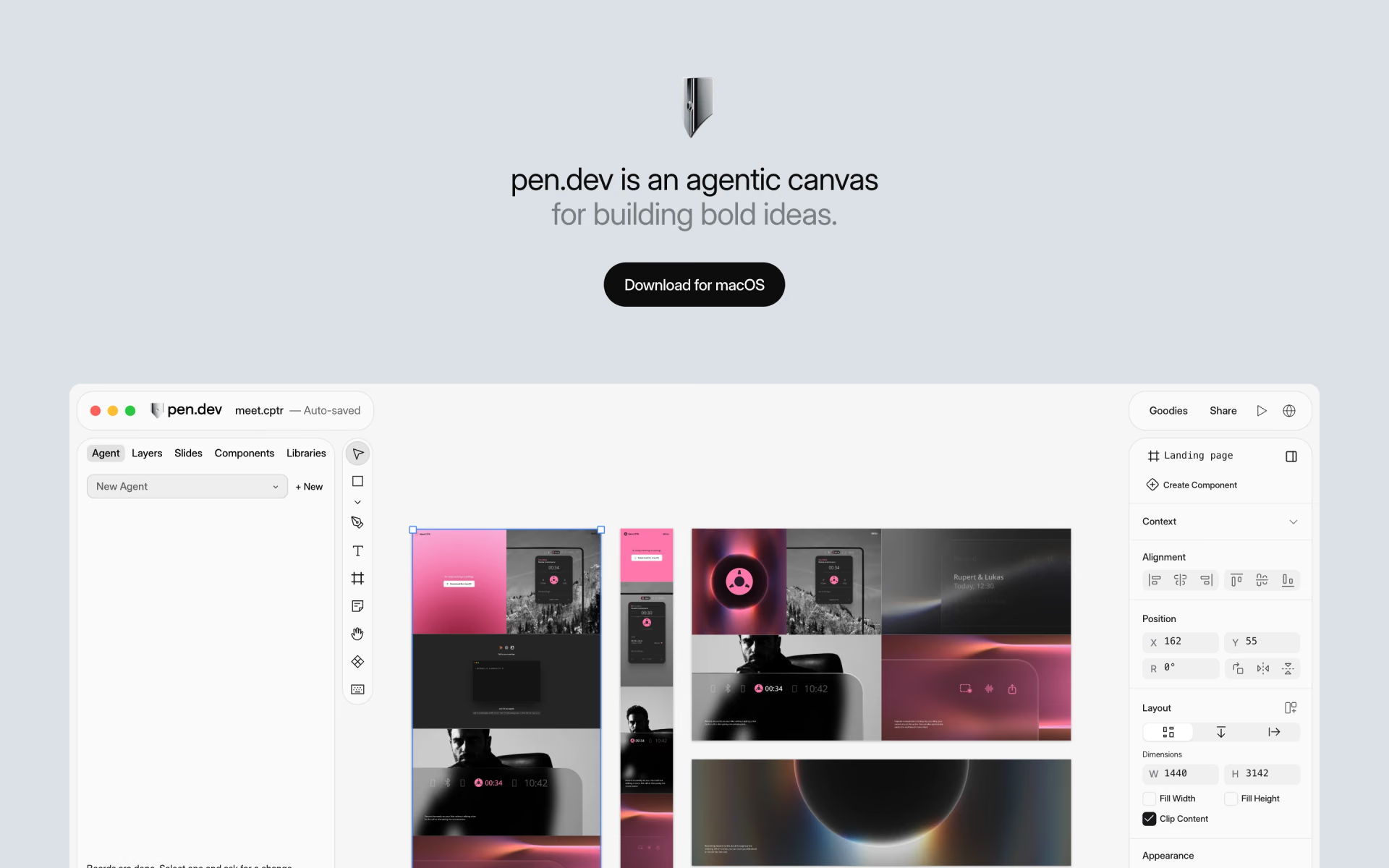
 pen.dev
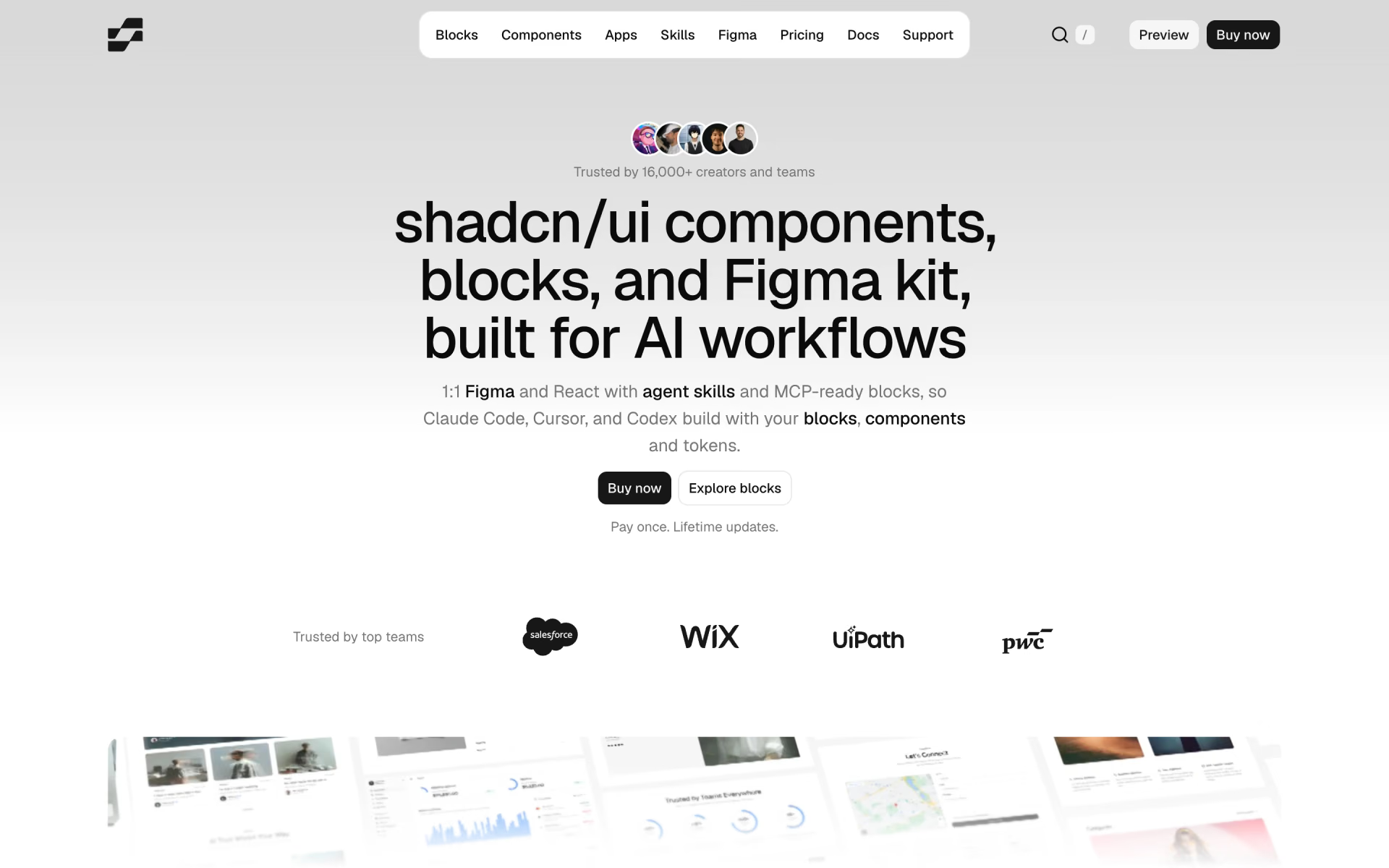
 shadcncraft

 ScreenshotOne

 Lovable

 Codejet