

What is MiroMiro?
Browser extension that copies any site's sections, colors, fonts and assets as editable code.
Who is MiroMiro best for?
MiroMiro is best for front-end developers who want a live site's sections, colors and fonts as code they can edit.
Rebuilding a section you like
Click a hero, navbar or pricing card and get its markup as Tailwind, React, Vue or HTML with CSS, read from the rendered page rather than a screenshot.
Design tokens from a live site
One pass collects every color, gradient, font, shadow and spacing value as CSS variables or a Tailwind config.
WordPress page builders
Pages export as editable Elementor templates or Bricks elements, so builders can start from a layout they admire.
AI coding agents
A hosted MCP server and REST API let Claude, Cursor, ChatGPT or Codex fetch a site's code, brand colors and assets from a URL.
How much does MiroMiro cost?
MiroMiro's Free plan lets you inspect styles and download 50 images a month at no cost; Pro is €12 a month or €72 a year, and Lifetime is €99 once.
- Inspect the CSS, fonts and colors of any element
- Edit styles live on the page
- 50 image and SVG downloads a month
- Copy any section or page as Tailwind, React, Vue, HTML or Elementor
- Export a site's colors, fonts and spacing as tokens
- 2,000 asset downloads a month, 5 GB library
- Everything in Pro, with every future update
- 1,500 API credits that never expire
- Priority support
Billed yearly, Pro is €72 a year. New installs get a 3-day trial of every Pro feature, and every paid plan can be refunded within 30 days. The API and hosted MCP server are sold separately: 300 free credits a month, then Developer at €190 a year (about €16 a month), Growth at €790 and Scale at €1,990 a year. Prices exclude VAT and are charged in your local currency. Full pricing on miromiro.app. We checked these prices on .
How do readers rate MiroMiro?
No one has rated MiroMiro yet. Be the first.
Sign in to rate. One rating per account.
How do I connect MiroMiro to my AI agent?
MiroMiro MCP is MiroMiro's official MCP server. Add it to your agent once, then ask it to pull colours, tokens and component code from any website.
Point your agent at a web page and MiroMiro pulls out its colours, design tokens, images and component code, so you can study the design or rebuild parts of it.
MiroMiro gives each account its own server address. Open the setup guide, copy your address, then add it to Claude Code like any other server.
Use the address from MiroMiro's setup guide.
Make an API key in your MiroMiro account and add it where the guide says.
Then ask your agent
- Runs
- On the web
- Sign-in
- API key
- Maker
- MiroMiro
- Guide
- miromiro.app
Questions about MiroMiro
What is MiroMiro?
Browser extension that copies any site's sections, colors, fonts and assets as editable code.
Who is MiroMiro for?
MiroMiro is best for front-end developers who want a live site's sections, colors and fonts as code they can edit.
Is MiroMiro free?
Yes. MiroMiro has a free plan: inspect the CSS, fonts and colors of any element.
How much does MiroMiro cost?
MiroMiro's paid plans are Pro at €12 per month and Lifetime at €99 one-time.
Does MiroMiro have an MCP server?
Yes. MiroMiro MCP is MiroMiro's official MCP server, so agents such as Claude Code, Cursor, Codex and GitHub Copilot can pull colours, tokens and component code from any website. MiroMiro runs it on the web and it signs in with an API key from your MiroMiro account.
Where can I try MiroMiro?
On its official website, miromiro.app.
Is MiroMiro the same as Miro?
No. MiroMiro is an independent design-extraction tool at miromiro.app: a browser extension plus an API and MCP server that turn websites into code. It has no link to Miro, the online whiteboard at miro.com.
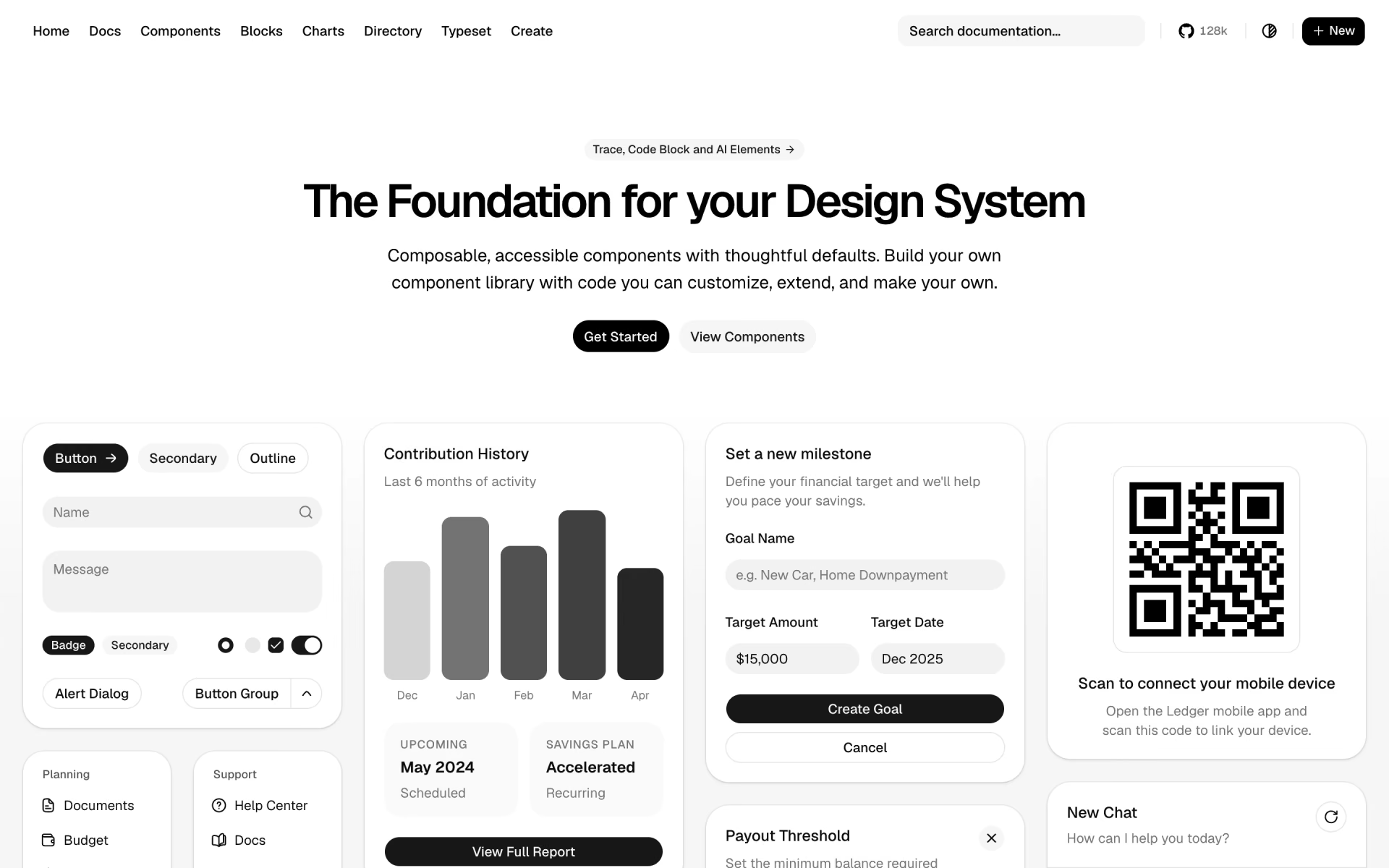
 shadcn/ui
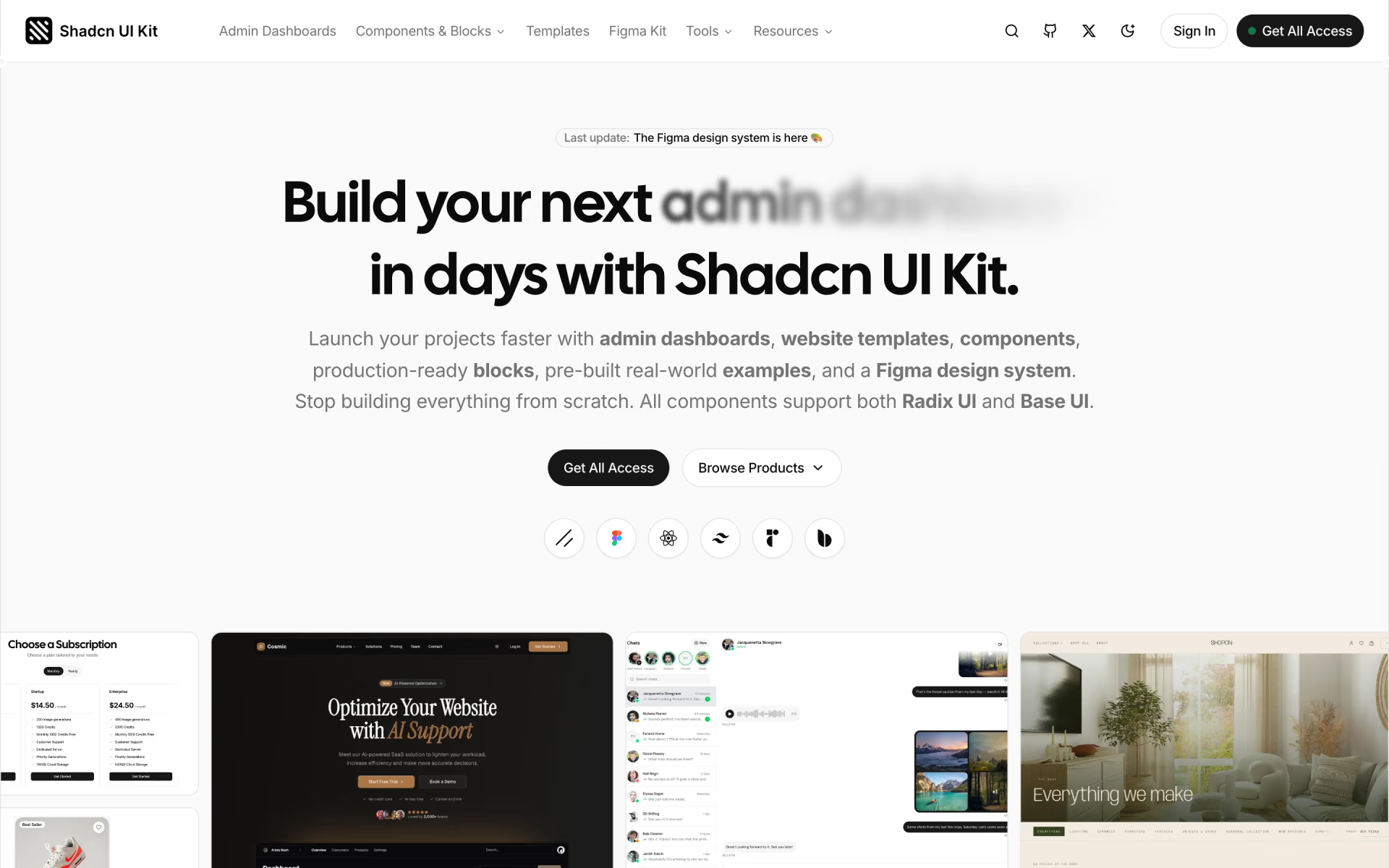
 Shadcn UI Kit
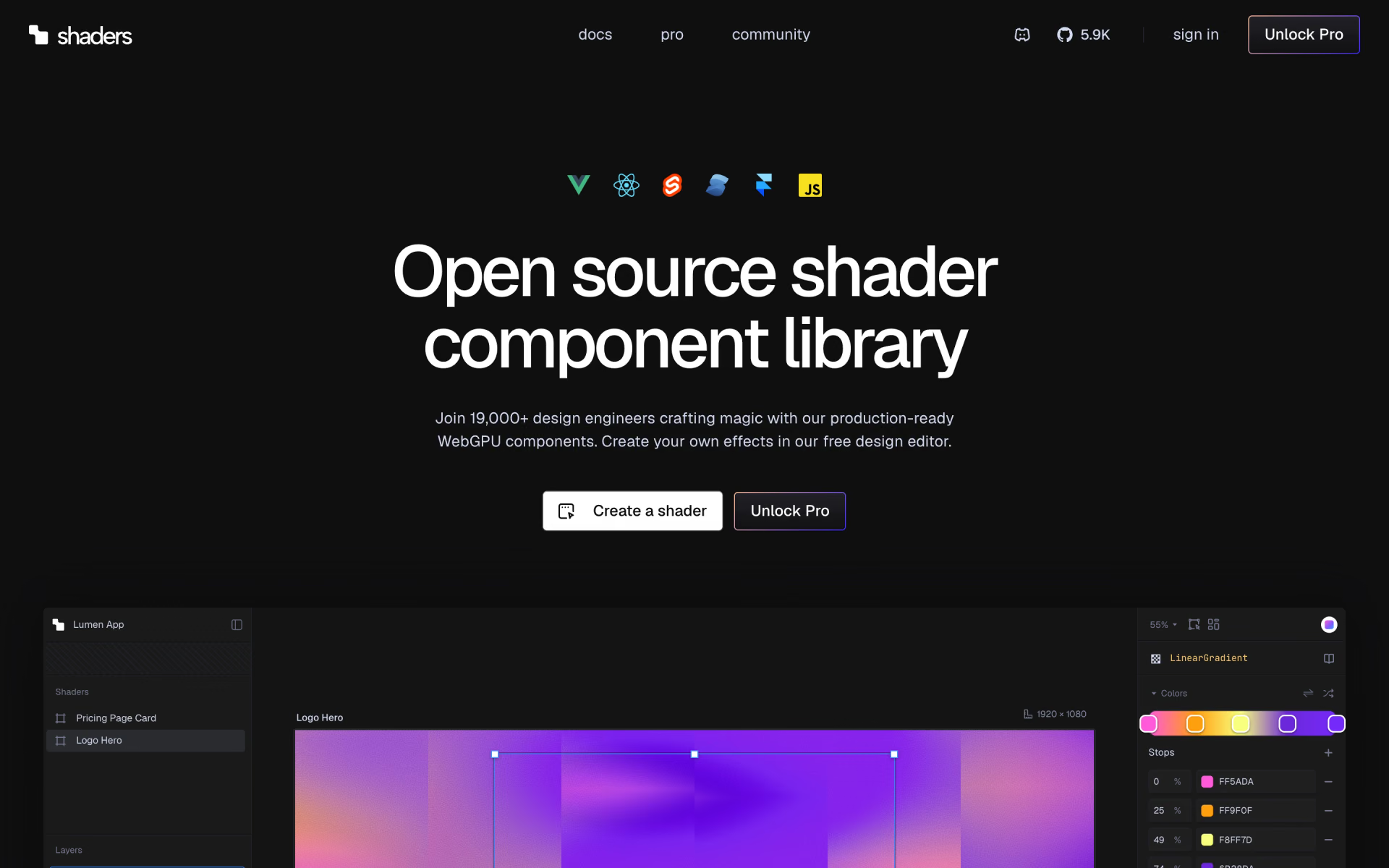
 Shaders

 daisyUI

 Brandfetch
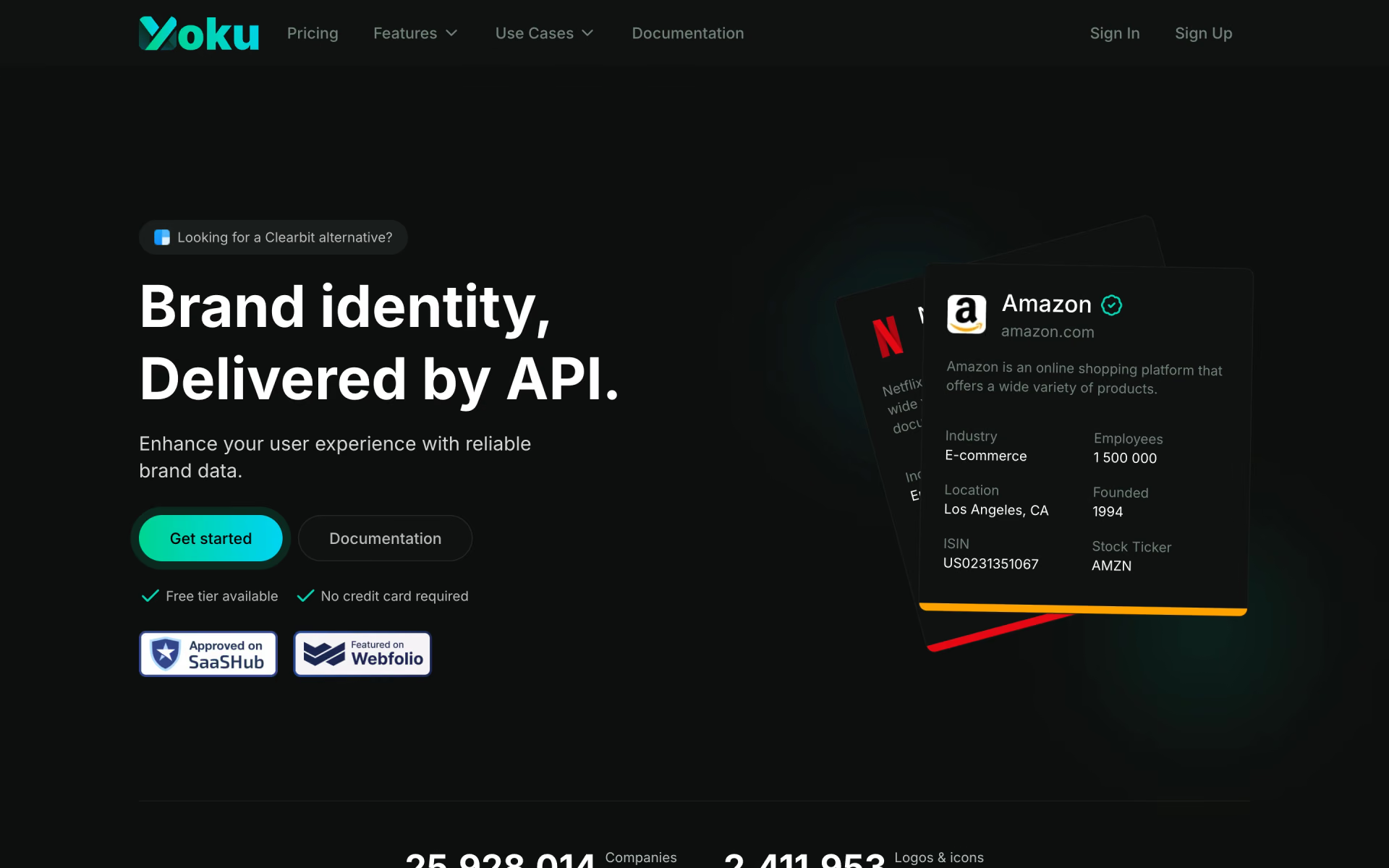
 Yoku