
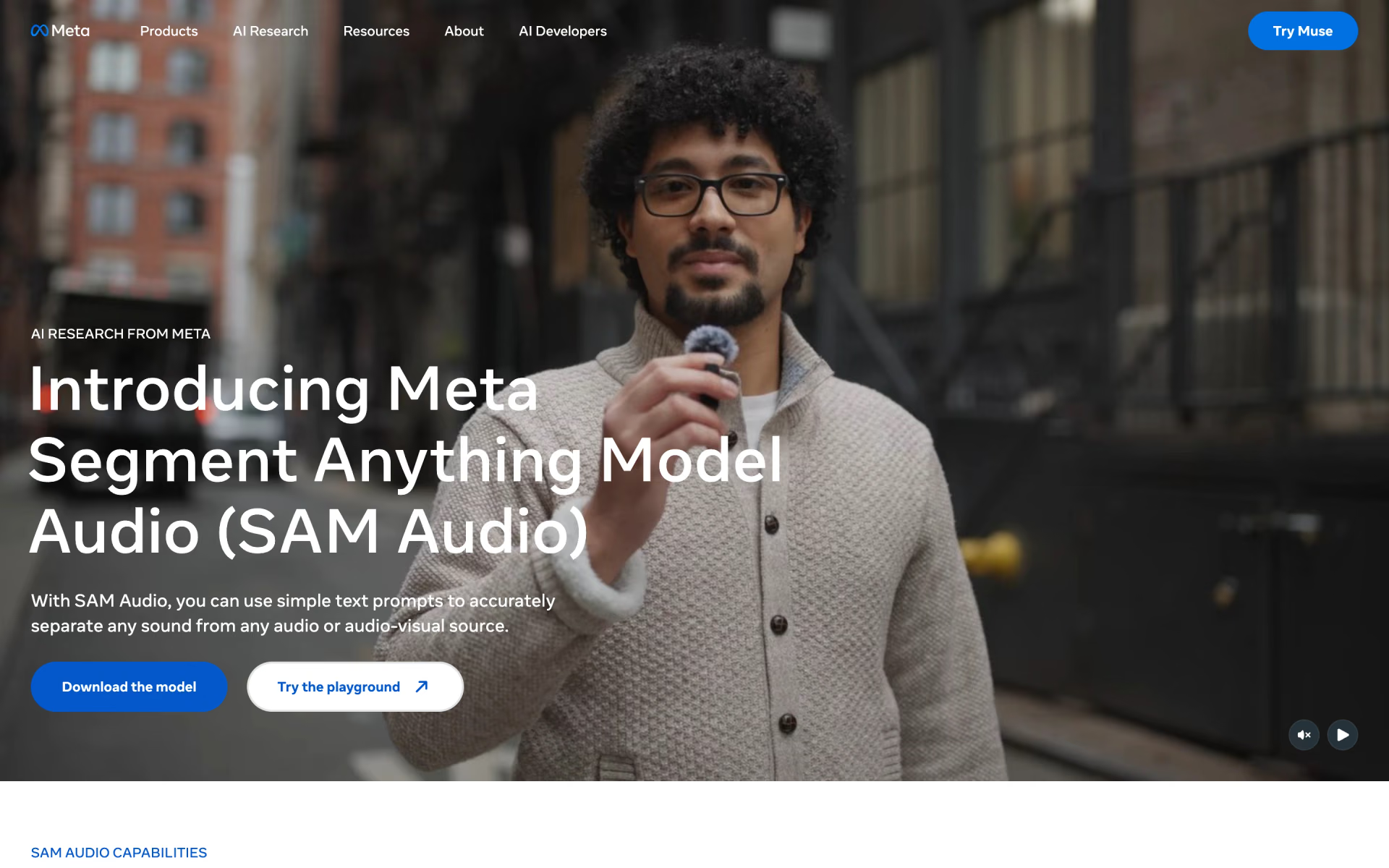
What is SAM Audio?
SAM Audio is the audio model in Meta's Segment Anything family. Give it a recording or a video and a prompt, and it returns two tracks: the sound you asked for and everything else. The prompt can be a few words such as "dog barking", a click on the video, a time span where the sound plays, or a mix of the three.
Stem splitters work from a fixed list such as vocals, drums and bass; SAM Audio separates whatever you can describe. It is Meta's current release, with no paid tier or API: the weights are free to download and a web playground runs it. It outputs mono audio and works best on clips of about 10 seconds.
Who is SAM Audio best for?
SAM Audio is best for pulling one named sound out of a mix, for video editors who want to click a sound's source, for developers building separation into their own tools, and for audio researchers.
Pulling one sound out of a mix
Describe it in a few words, such as "footsteps" or "man speaking", and get that sound and the rest of the recording back as two separate tracks.
Video editors
Click the person or instrument on screen to isolate the sound it makes, or mark the moments it plays when text is not enough.
Developers building audio tools
The weights and inference code are free under a royalty-free licence, so you can build separation into your own app or pipeline.
Audio researchers
Meta also released SAM Audio-Bench, a real-world test set, and SAM Audio Judge, a model that scores a separation without a clean reference track.
What's included with SAM Audio?
Text, click and time-span prompts, automatic span finding and reranking, six checkpoints, and a judge model that scores results.
- Text prompts
- Short phrases such as "piano" or "woman speaking" pick the target; Meta says lowercase noun or verb phrases work better than full sentences.
- Visual prompts
- Mask a person or object in the video, for example with SAM 3, to isolate the sound it makes.
- Span prompts
- Mark the time ranges where the sound is present or absent, alone or together with a text prompt.
- Span finding and reranking
- It can find when a described sound occurs by itself, then generate several candidates and keep the best; Meta's playground uses eight.
- Six checkpoints
- Small, Base and Large, each also in a "tv" version tuned to pick the right target and to follow visual prompts.
- Judge model
- SAM Audio Judge rates precision, recall and faithfulness of a result, which helps you rank outputs or compare separators.
How does SAM Audio work?
Request access
Ask for the checkpoints on Meta's Hugging Face page, then log in with an access token once you are approved.
Install
Install the Python package on a machine with Python 3.11 or newer and, ideally, a CUDA graphics card.
Prompt
Pass an audio or video file with a text description, a video mask, time spans or a mix of them.
Save both tracks
Save the isolated sound and the residual, which holds everything else, as separate files.
How much does SAM Audio cost?
SAM Audio is free: Meta gives the weights away under a royalty-free licence and runs a free playground for personal use, with no paid plan or API.
- Six checkpoints, from 500M to 3B parameters
- Hugging Face access request required
- Royalty-free SAM License; you supply the GPU
- Upload your own audio or video, or use Meta's samples
- Personal, non-commercial use only
- Meta may use what you upload and create
Meta sells no paid plan or API for SAM Audio. Full pricing on ai.meta.com. We checked these prices on .
How do readers rate SAM Audio?
No one has rated SAM Audio yet. Be the first.
Sign in to rate. One rating per account.
SAM Audio pros and cons
It separates almost any sound you can name and costs nothing, but it needs a large GPU, works best on short clips and misses on some prompts.
Pros
- It separates sounds you can name rather than a fixed stem list, and testers on Hacker News, Reddit and GitHub report clean results on voices, drums and footsteps.
- By Meta's own listening tests it matches or beats the specialist separators it compared, including paid ones such as AudioShake, LALAL.AI and Moises.
- The weights are free and royalty-free to build on, where hosted voice and stem tools charge by the minute or by subscription.
Cons
- Heavy to run: Meta lists no hardware requirements, and users report out-of-memory errors on 16 GB to 32 GB graphics cards until they switch to bf16 or strip out unused parts.
- Built for short clips: Meta trained it mostly on 10-second clips, the long-audio method from its paper is not in the released code, and users who chunk full songs hear seams and misses.
- Results are hit or miss: testers report prompts that return a near-copy of the original, the wrong instrument, or random audio when the named sound is absent.
- Getting started takes work: checkpoints need an approved Hugging Face request that some users waited days for, installs often break on Windows and Mac, and Meta trained it mostly on English speech.
What are the best SAM Audio alternatives?
AudioShake for hosted stems and speaker separation, ElevenLabs for cleaning up speech, and SplitMySong for full songs in six fixed stems.
 AudioShakeFreemium
Choose it when you want a hosted app or API that splits dialogue, music and effects or separates overlapping speakers, with no GPU to manage and a free trial.
 ElevenLabsFree
Choose it when you only need clean speech: its Voice Isolator takes files up to an hour in the browser or by API, with 10 free minutes a month and commercial use from $6 a month.
 SplitMySongFreemium
Choose it when you want whole songs of up to 20 minutes split into six fixed stems, with a mixer for tempo and pitch and nothing to install.
Questions about SAM Audio
What is SAM Audio?
SAM Audio is Meta's open-weights model for audio and video editors and developers: describe a sound, click it on screen or mark when it plays, and it lifts that sound out of the mix.
Who is SAM Audio for?
SAM Audio is best for pulling one named sound out of a mix, for video editors who want to click a sound's source, for developers building separation into their own tools, and for audio researchers.
Is SAM Audio free?
Yes. The code and six checkpoints are free to download under Meta's royalty-free SAM License once Meta approves your access request on Hugging Face, and the Segment Anything Playground runs it free after you log in. Meta sells no paid plan or API.
What are the best SAM Audio alternatives?
The closest alternatives on Recaply are AudioShake, ElevenLabs and SplitMySong.
Where can I try SAM Audio?
On its official website, ai.meta.com.
Can I use SAM Audio for commercial work?
The downloaded model, yes: the SAM License grants a royalty-free right to use, modify and share it, with limits on sanctioned users and military uses. The web playground is for personal, non-commercial use only, and its terms let Meta use what you upload and create.
What GPU do I need to run SAM Audio?
Meta publishes no minimum. Its maintainers say the Large model handles a 30-second clip on one 80 GB A100, and suggest the Base model, fewer rerank candidates and no span prediction to save memory. Users report out-of-memory errors on 16 GB to 32 GB cards with default settings.
How long a clip can SAM Audio handle?
SAM Audio works best on short clips: Meta trained it on clips of up to 30 seconds, mostly around 10, and its maintainers recommend about 10 seconds. The paper's method for long recordings is not in the released code, so longer files need your own chunking.
Can SAM Audio separate two people talking?
Sometimes. Prompts like "man speaking" split voices that differ clearly, and Meta's maintainers suggest "speech, single speaker" for two similar voices. Meta lists very similar sounds, such as one singer in a chorus, as a known weak spot, and users report mixed results with three or more speakers.
Our verdict
SAM Audio is worth trying if you need to pull out sounds that fixed stem splitters cannot name and you have a large GPU.
The current release separates speech, music and everyday sounds from a text, click or time-span prompt, Meta's tests put it level with or ahead of paid separators, and it costs nothing.
- Skip it for
- Anyone who wants a finished app for long files or quick dialogue cleanup; a hosted tool such as AudioShake or ElevenLabs gets there faster.
- Check first
- Try your own clips in Meta's free playground first, and check your GPU memory before you install.

 Step-Audio-R1
 Fish Audio Drama 3

 Fish Audio S2.1 Pro

 MAI-Voice-2
 MiMo-V2.5-TTS