
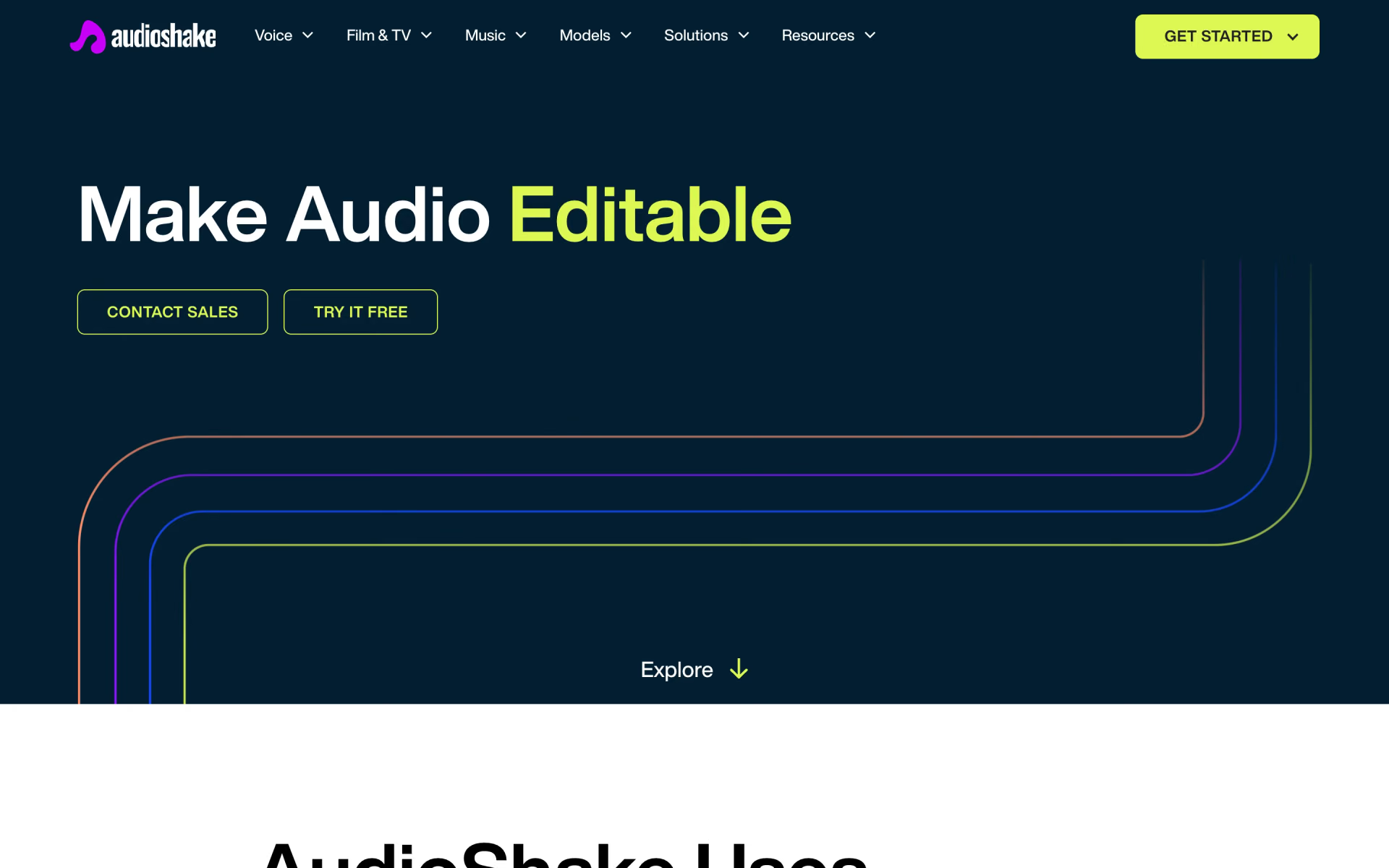
What is AudioShake?
Audio separated into stems for mixing and localisation.
Who is AudioShake best for?
AudioShake is best for musicians and dubbing teams who need vocals or dialogue pulled out of a finished mix.
Remixing and remastering
Music Stems splits a finished song into vocals, drums, bass, guitar, keys and more, ready for a remix, an Atmos mix or an instrumental.
Dubbing and captioning
It separates dialogue from music and effects, so a translated voice can sit on the original music-and-effects bed and captions start from cleaner speech.
Interviews with overlapping voices
Multi-Speaker gives each person their own labelled track even when they talk over each other, which helps transcripts and edits.
Developers building audio features
The same models run over a REST API or on-device through an SDK for iOS, macOS, Android, Windows and Linux.
How much does AudioShake cost?
AudioShake Studio is free to start with 200 credits, and its paid plans cost $20 a month for 500 credits (Starter) or $40 a month for 1,500 credits (Pro), with custom Enterprise pricing.
- 200 credits to start
- MP3 export, files up to 10 minutes
- Stem separation and lyric editing
- 500 credits every month
- All tools, with WAV, FLAC and MP3 export
- Files up to 2 hours
- 1,500 credits every month
- All tools, with WAV, FLAC and MP3 export
- Files up to 2 hours
Enterprise is priced on request and adds SSO, a custom SLA, team workspaces and early access to new models. Yearly billing is offered inside Studio, but the page lists only monthly prices. The API and SDK are billed separately with credits bought in AudioShake's developer dashboard, charged per minute of audio for each stem or output (1 credit a minute for a vocal or instrument stem, 1.5 for dialogue or effects). Full pricing on studio.audioshake.ai. We checked these prices on .
How do readers rate AudioShake?
No one has rated AudioShake yet. Be the first.
Sign in to rate. One rating per account.
What are the best AudioShake alternatives?
Three tools on Recaply do AudioShake's job.


Questions about AudioShake
What is AudioShake?
Audio separated into stems for mixing and localisation.
Who is AudioShake for?
AudioShake is best for musicians and dubbing teams who need vocals or dialogue pulled out of a finished mix.
Is AudioShake free?
AudioShake Studio is free to start: the Free plan gives you 200 credits, MP3 export and files up to 10 minutes. Credits that renew every month, WAV and FLAC export and files up to 2 hours come with Starter at $20 a month or Pro at $40 a month.
How much does AudioShake cost?
AudioShake's paid plans are Starter at $20 per month and Pro at $40 per month.
What are the best AudioShake alternatives?
The closest alternatives on Recaply are LALAL.AI, SplitMySong and Fadr.
Where can I try AudioShake?
On its official website, audioshake.ai.
Does AudioShake have an API?
Yes. Every AudioShake model is available over a REST API for batch or streaming jobs, and an SDK runs the models on-device on iOS, macOS, Android, Windows and Linux. API use is paid in credits per minute of audio for each stem, bought in the developer dashboard.

 AudioStrip

 Audioalter

 Mubert
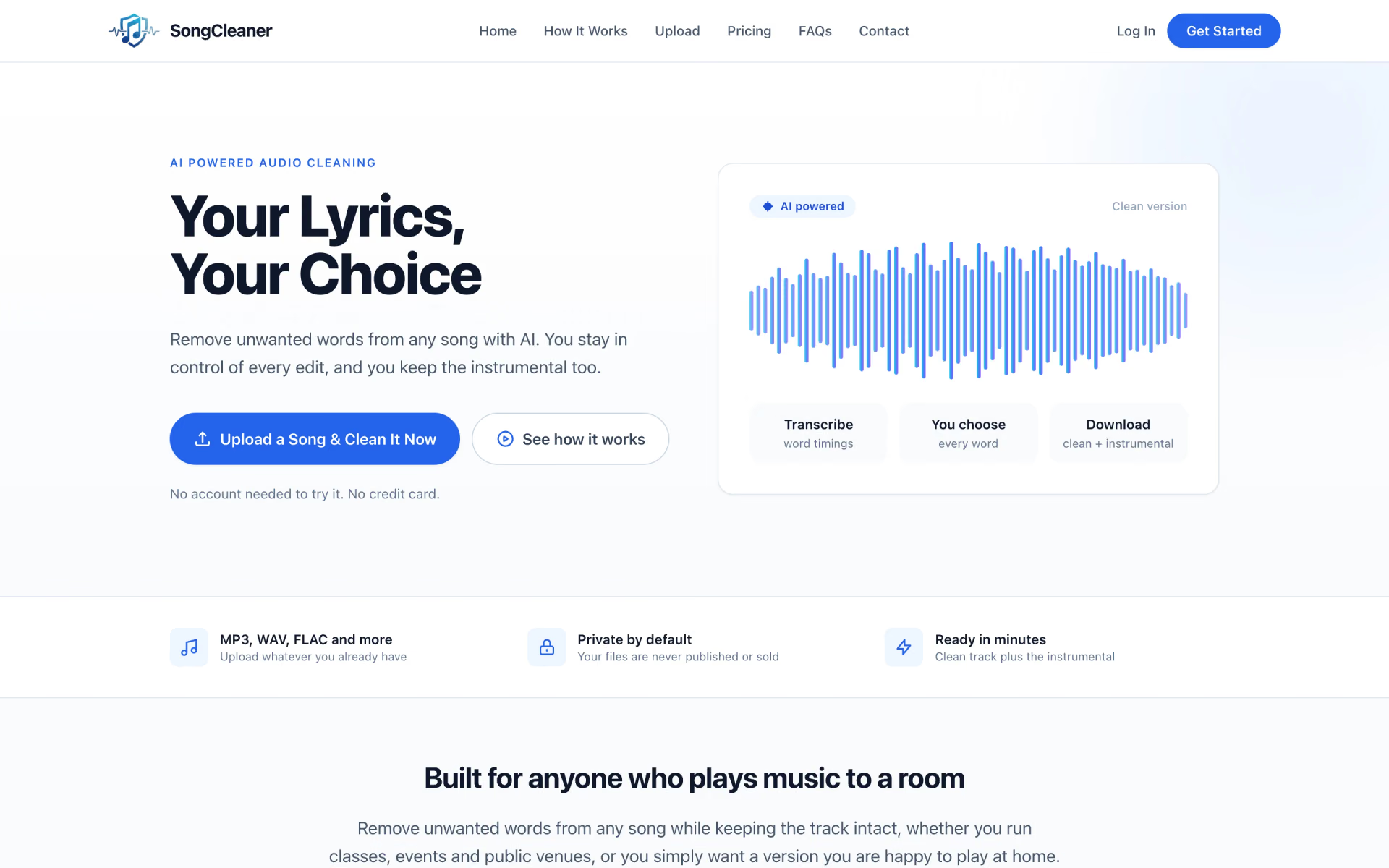
 SongCleaner
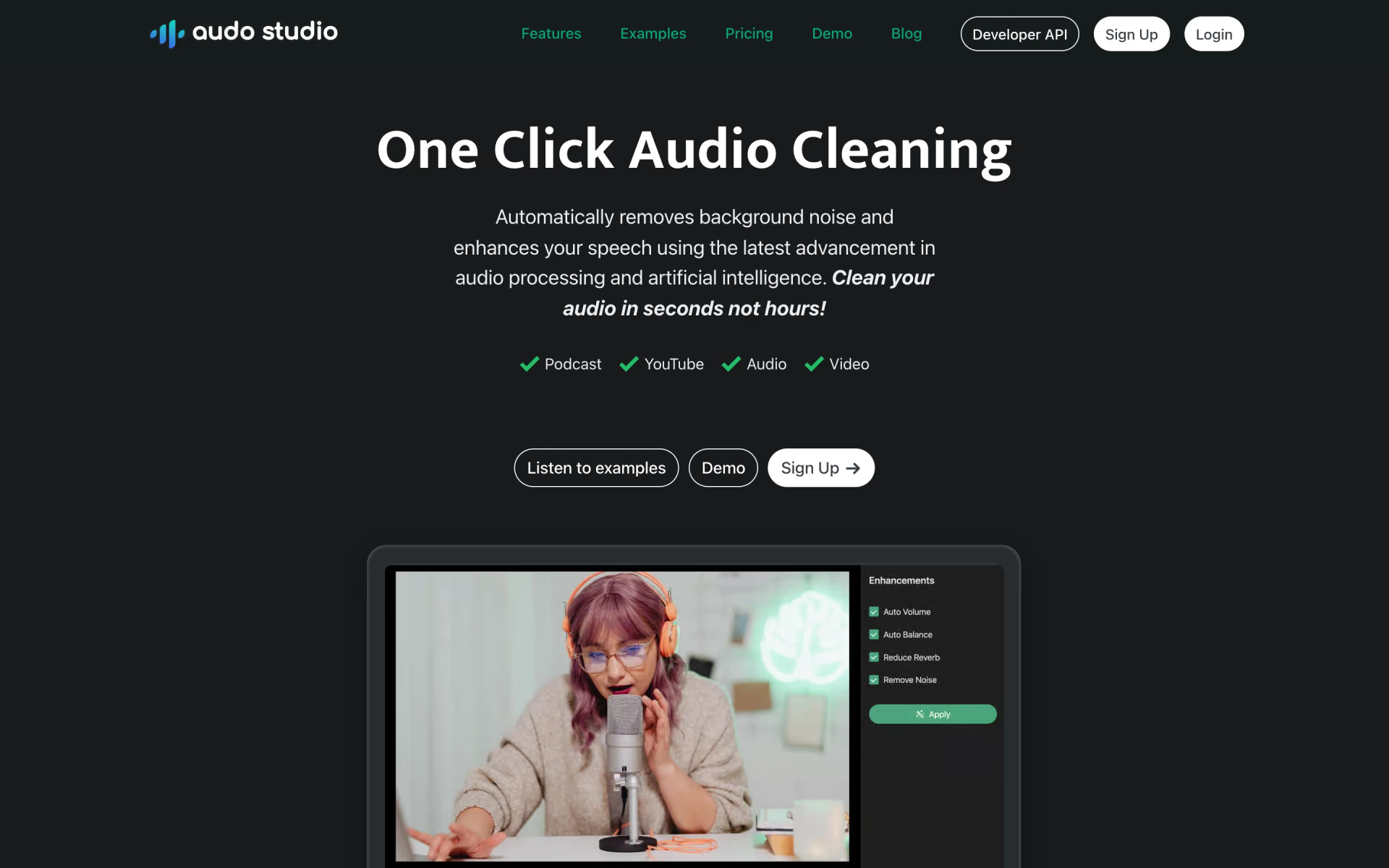
 Audo Studio
 VoiceChanger.im