
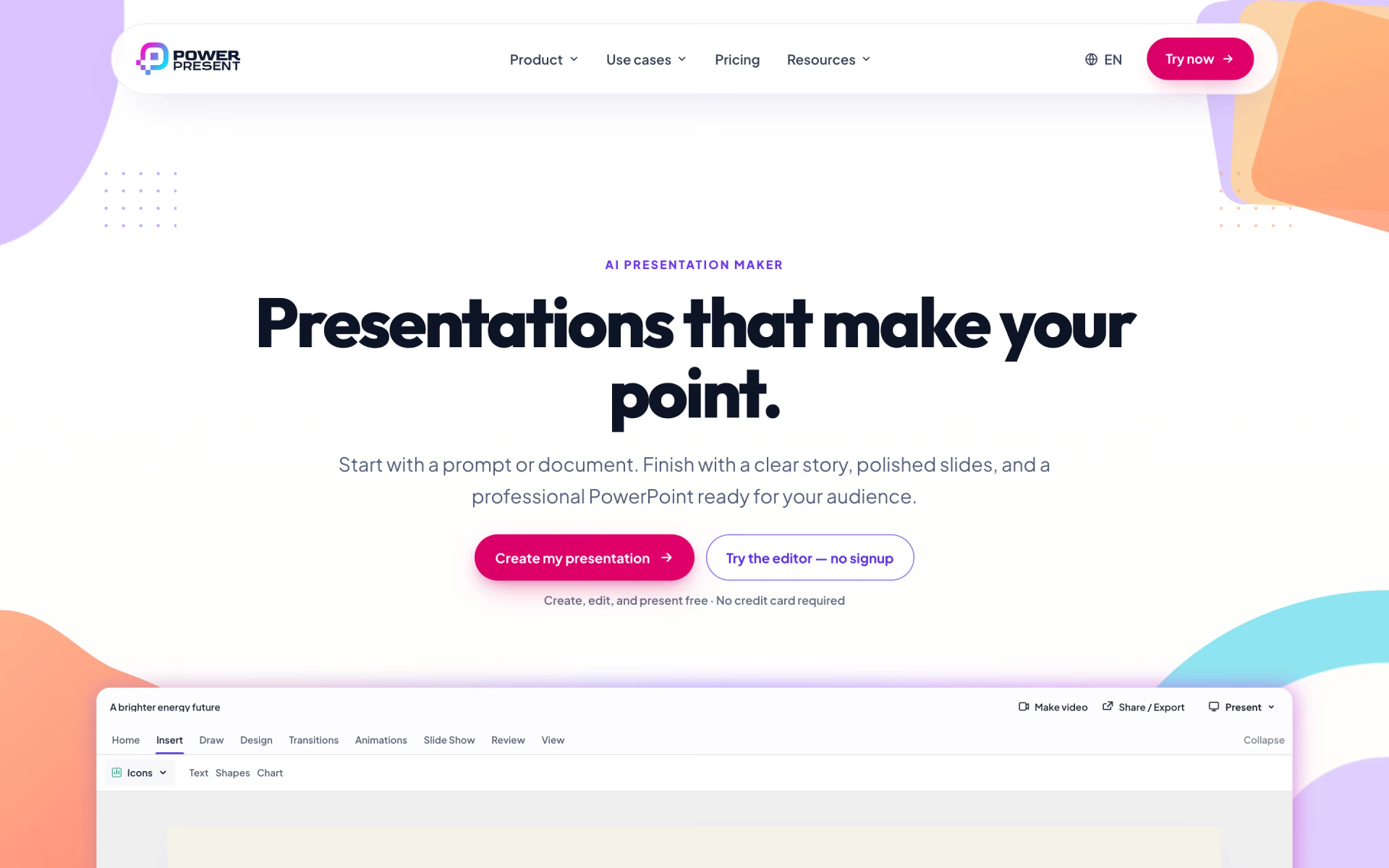
What is PowerPresent AI?
Presentations with generated content and templates.
Who is PowerPresent AI best for?
PowerPresent AI is best for students and sales teams who want a document turned into an editable PowerPoint deck.
Turning documents into decks
Start from a prompt, your notes, a PDF or a Word file, and it drafts the story and slides, ready to export to PowerPoint.
On-brand company slides
Upload an existing PowerPoint template and new decks reuse its layouts, fonts and colours.
Data-heavy business decks
Charts stay editable in the editor and export to PowerPoint as native charts with your fonts kept.
Students and occasional users
Building and presenting decks costs nothing, and pay-as-you-go credits cover the odd export without a subscription.
How much does PowerPresent AI cost?
PowerPresent AI is free for making, editing and presenting slides with watermarked PDF export, and its subscriptions cost $9, $29 or $49 a month for 10, 30 or 80 presentation credits.
- Unlimited presentations to create, edit and present
- PDF export with a watermark
- No credit card needed
- 10 presentation credits a month
- PowerPoint, PDF and Google Slides export
- AI images, slides and editing, source files up to 10MB
- 30 presentation credits a month
- PowerPoint, PDF and Google Slides export
- AI images, slides and editing, source files up to 10MB
- 80 presentation credits a month
- PowerPoint, PDF and Google Slides export
- AI images, slides and editing, source files up to 10MB
Billed yearly, Starter is $84, Pro $252 and Power $408 a year. Pay as you go costs $1 a credit with no subscription, and Lifetime is a one-time $499 with AI generation under a fair-use limit. One credit covers a watermark-free PowerPoint and Google Slides export of one presentation, or a document upload; an AI video uses three. Credits roll over and do not expire while the account is active. Organizations with a shared credit pool are priced through sales. These are US prices; the page adjusts prices for other countries. Full pricing on powerpresent.ai. We checked these prices on .
How do readers rate PowerPresent AI?
No one has rated PowerPresent AI yet. Be the first.
Sign in to rate. One rating per account.
What are the best PowerPresent AI alternatives?
Three tools on Recaply do PowerPresent AI's job.


Questions about PowerPresent AI
What does a PowerPresent AI credit pay for?
A PowerPresent AI credit pays for one presentation's watermark-free export to PowerPoint and Google Slides, or for a document upload. An AI video takes three credits: one each for the script, audio and render. Unused credits carry over and do not expire while the account is active.
Who is PowerPresent AI for?
PowerPresent AI is best for students and sales teams who want a document turned into an editable PowerPoint deck.
Is PowerPresent AI free?
Yes. PowerPresent AI has a free-forever plan with no credit card: you can create, edit and present as many presentations as you like, but downloads are PDFs with a watermark. PowerPoint and Google Slides exports cost one credit per presentation, from $1 a credit.
How much does PowerPresent AI cost?
PowerPresent AI's paid plans are Starter at $9 per month, Pro at $29 per month and Power at $49 per month.
What are the best PowerPresent AI alternatives?
The closest alternatives on Recaply are Gamma, Decktopus and SlidesAI.
Where can I try PowerPresent AI?
On its official website, powerpresent.ai.

 Slidesgo

 Kimi Slides

 Alai

 Wonderslide
 PageOn.AI

 deckrobot