
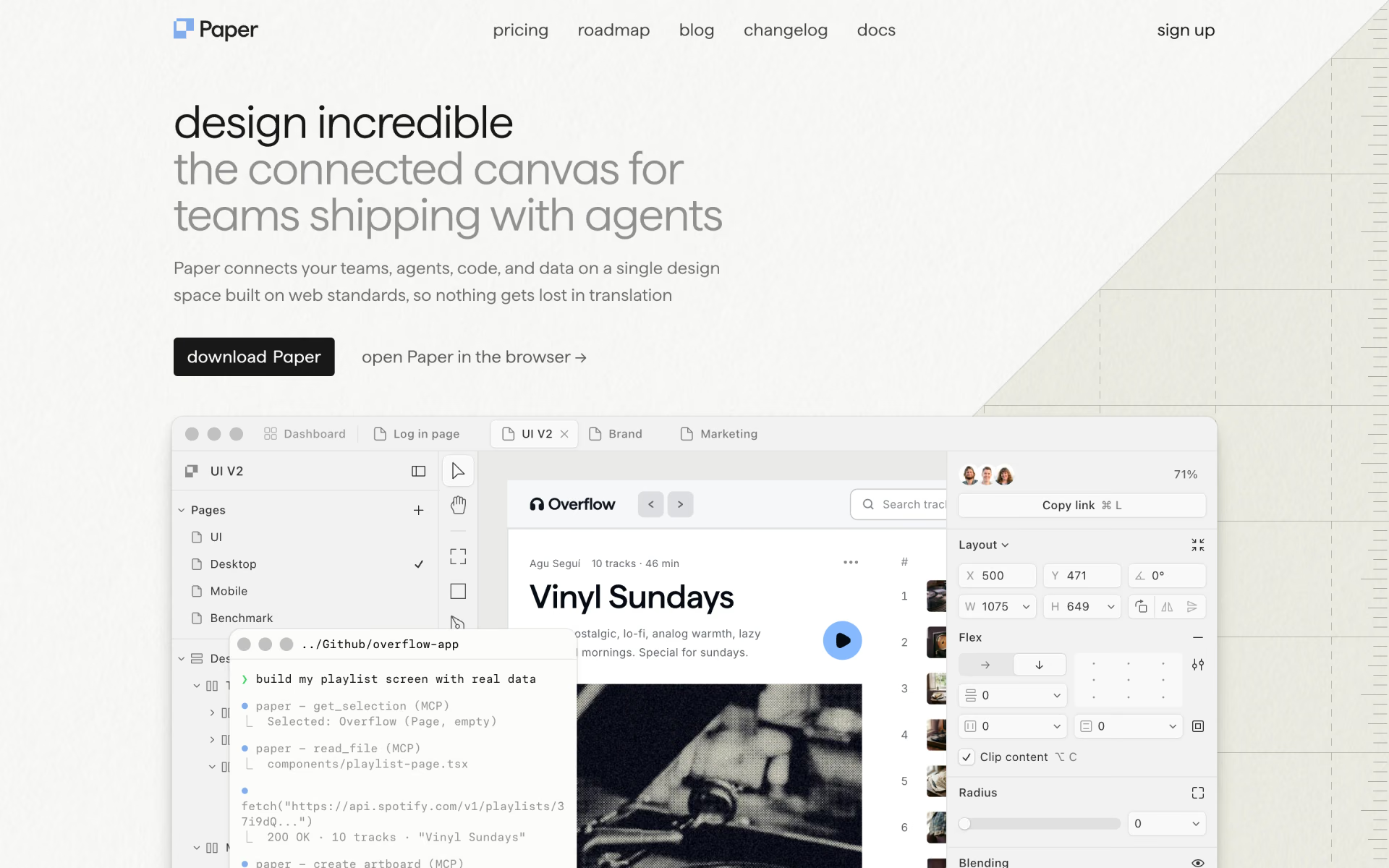
What is Paper?
Design app whose frames are real web code, so designers and coding agents work on one file.
Who is Paper best for?
Paper is best for product designers and design engineers who want a canvas that exports real code.
Design that stays code
The canvas is built on HTML and CSS, so frames export as code instead of being redrawn by a developer.
Working with coding agents
Through MCP, an IDE or CLI agent can sync tokens, styles and components between your repo and the canvas.
Designing with real content
Agents can pull copy and data from files, a CMS, a database or an API into layers, then send edited copy back to the code.
Whole teams on a free plan
Every editor and viewer is free until the team needs the higher Pro limits.
How much does Paper cost?
Paper's Free plan includes unlimited editors and viewers with 100 MCP tool calls a week; Pro costs $20 per editor a month, or $16 billed yearly.
- Unlimited viewers and editors
- 100 MCP tool calls a week
- Limited image generation, 25 MB images
- 1M MCP tool calls a week
- 100x more image generation, video export
- 100 MB images, priority feedback
- Everything in Pro
- SAML and SSO, admin controls
- Custom contracts and dedicated support
Billed yearly, Pro is $16 per editor a month. Viewer seats are always free, and editor seats only become paid when a team upgrades to Pro. Full pricing on paper.design. We checked these prices on .
How do readers rate Paper?
No one has rated Paper yet. Be the first.
Sign in to rate. One rating per account.
How do I connect Paper to my AI agent?
Paper MCP is Paper's official MCP server. Add it to your agent once, then ask it to read and change your Paper design files, or turn frames into code.
Through the Paper desktop app, your agent can lay out designs, pull real content into your file and convert a selected frame into code, since Paper is built on HTML and CSS.
$ claude mcp add paper -- /path/to/paper mcp
It runs on your computer, so Claude Code starts it when it needs it.
Paper's setup guide covers the sign-in.
Then ask your agent
- Runs
- On your computer
- Sign-in
- See guide
- Maker
- Paper
- Guide
- paper.design
What are the best Paper alternatives?
Three tools on Recaply do Paper's job. Penpot is open source, so you can run it on your own server.
 FigmaFree
Collaborative interface design tool where teams and AI agents build with a shared design system.
 WonderFree
Design tool for product teams where every AI-made design is real React and Tailwind code.
 PenpotOpen Source
Interface design and prototyping in the browser, with components, design tokens and CSS layouts.
Questions about Paper
What is Paper?
Design app whose frames are real web code, so designers and coding agents work on one file.
Who is Paper for?
Paper is best for product designers and design engineers who want a canvas that exports real code.
Is Paper free for teams?
Yes. Paper's Free plan lets you invite your whole team, editors included, at no cost. Editor seats become paid only when you upgrade to Pro for higher MCP and image limits, and viewer seats stay free on every plan.
How much does Paper cost?
Paper's paid plans are Pro at $20 per editor per month.
Does Paper have an MCP server?
Yes. Paper MCP is Paper's official MCP server, so agents such as Claude Code, Cursor, Codex and GitHub Copilot can read and change your Paper design files, or turn frames into code. It runs on your computer.
Is there an open source alternative to Paper?
Yes. Penpot is an open source tool that does the same job, so you can run your own.
What are the best Paper alternatives?
The closest alternatives on Recaply are Figma, Wonder and Penpot.
Where can I try Paper?
On its official website, paper.design.

 60fps

 Landingfolio
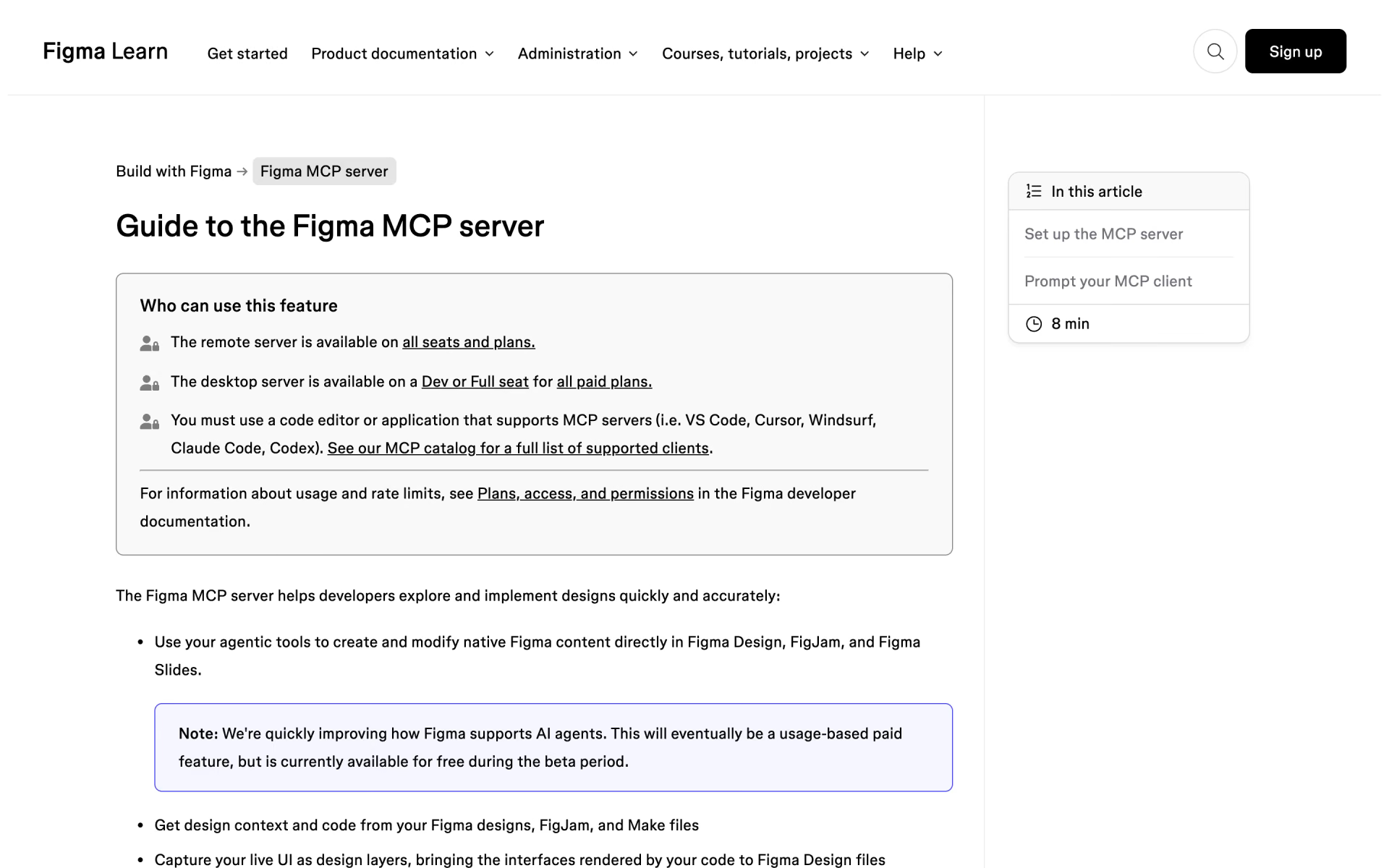
 Figma MCP server
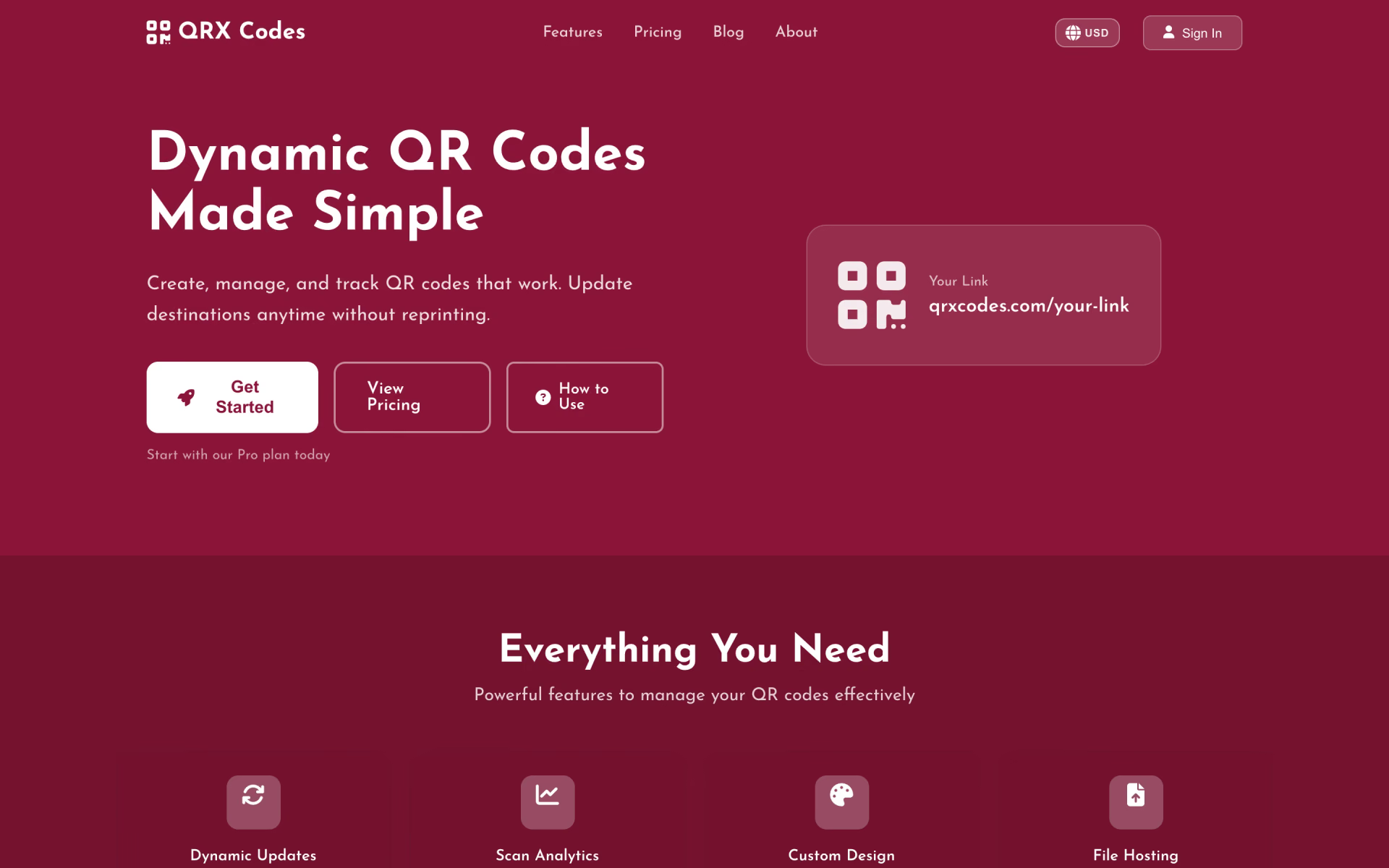
 QRx Codes

 Iconsax
 Genspark Design