

What is OpenPencil?
Design editor that opens Figma files, with an AI chat, a CLI and an MCP server for agents.
Who is OpenPencil best for?
OpenPencil is best for designers and design engineers who want to edit Figma files in a free app that agents can script.
Teams leaving Figma
It reads and writes native .fig files and lets you copy and paste nodes between OpenPencil and Figma.
Design work driven by AI agents
An MCP server, a headless CLI and guided setup for Claude Code, Codex and Gemini CLI let agents create and edit designs.
Design system audits
The CLI lints naming, layout and accessibility and pulls colors, type scale and spacing tokens out of a file.
Handing designs to developers
Selections export as Tailwind JSX, HTML or Storybook stories, as well as PNG, SVG and PDF.
How much does OpenPencil cost?
OpenPencil is free under the MIT licence, with desktop, web and CLI versions; its Cloud server is free to self-host, and the hosted Cloud service has only a waitlist so far.
- Desktop app, web app and CLI
- Bring your own AI key for the chat
- Optional Cloud server you run yourself
There is no paid plan. A hosted OpenPencil Cloud takes waitlist sign-ups but has no published price. AI features use your own provider key or coding-agent subscription, and donations go through Ko-fi. Full pricing on github.com. We checked these prices on .
How do readers rate OpenPencil?
No one has rated OpenPencil yet. Be the first.
Sign in to rate. One rating per account.
Is OpenPencil open source?
Yes. OpenPencil's code is public under the MIT licence, so you can run it on your own server.
On GitHub
9,809stars
+892 (+10.0%) in the last 30 days
- Last commit
- 12 Nov
- Repository age
- 9 months
- Latest release
- 14 Oct
- Licence
- MIT
- Self-hosted
- Yes
- Repository
- open-pencil/open-pencil
What are the best OpenPencil alternatives?
OpenPencil is an open source alternative to pen.dev and Figma. Penpot, Grida and Quant-UX do the same job and are open source too.
 pen.devFree
Free design canvas that plugs into Claude Code, Codex and Cursor, formerly Pencil.
 FigmaFree
Collaborative interface design tool where teams and AI agents build with a shared design system.
 PenpotOpen Source
Interface design and prototyping in the browser, with components, design tokens and CSS layouts.
 GridaOpen Source
Desktop app for designing visuals, generating images and building decks, with files kept locally.
 Quant-UXOpen Source
Clickable prototypes with built-in user tests, heatmaps and A/B tests for UX researchers.
Questions about OpenPencil
What is OpenPencil?
Design editor that opens Figma files, with an AI chat, a CLI and an MCP server for agents.
Who is OpenPencil for?
OpenPencil is best for designers and design engineers who want to edit Figma files in a free app that agents can script.
Is OpenPencil free?
Yes. OpenPencil has a free Self-hosted plan: desktop app, web app and CLI.
Is OpenPencil open source?
Yes. OpenPencil's code is public under the MIT licence, so you can run it on your own server.
What are the best OpenPencil alternatives?
The closest alternatives on Recaply are pen.dev, Figma, Penpot, Grida and Quant-UX.
Where can I try OpenPencil?
On its official website, openpencil.dev.
Can OpenPencil open Figma files?
Yes. OpenPencil reads and writes native .fig files and supported Pencil .pen documents, and you can copy and paste nodes between apps. Its roadmap lists the Figma features it does not match yet.
Does OpenPencil collect usage data?
Official builds send one anonymous ping a day and share usage statistics only if you agree. OpenPencil's privacy page lists every field it sends and explains how to turn it off.
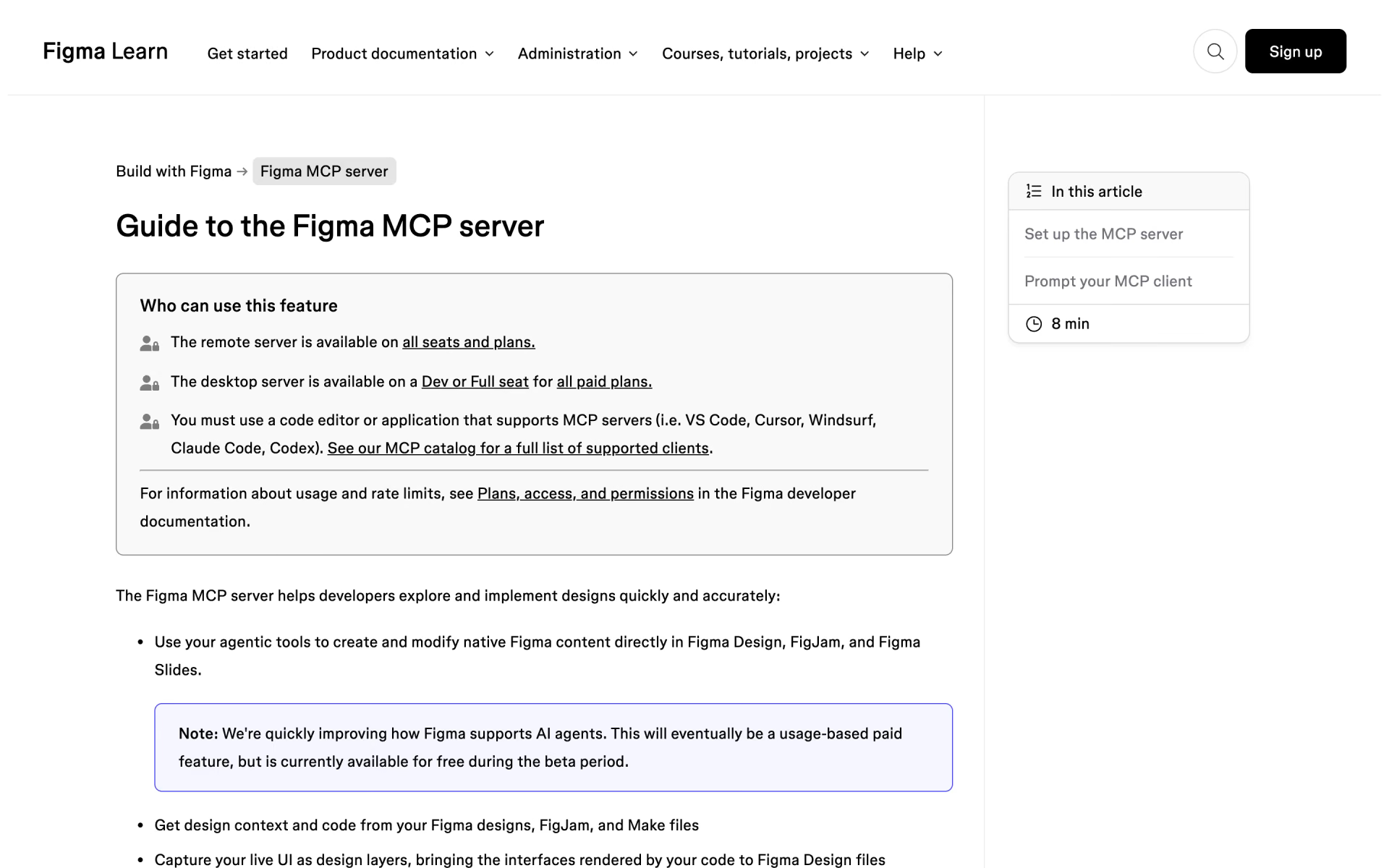
 Figma MCP server
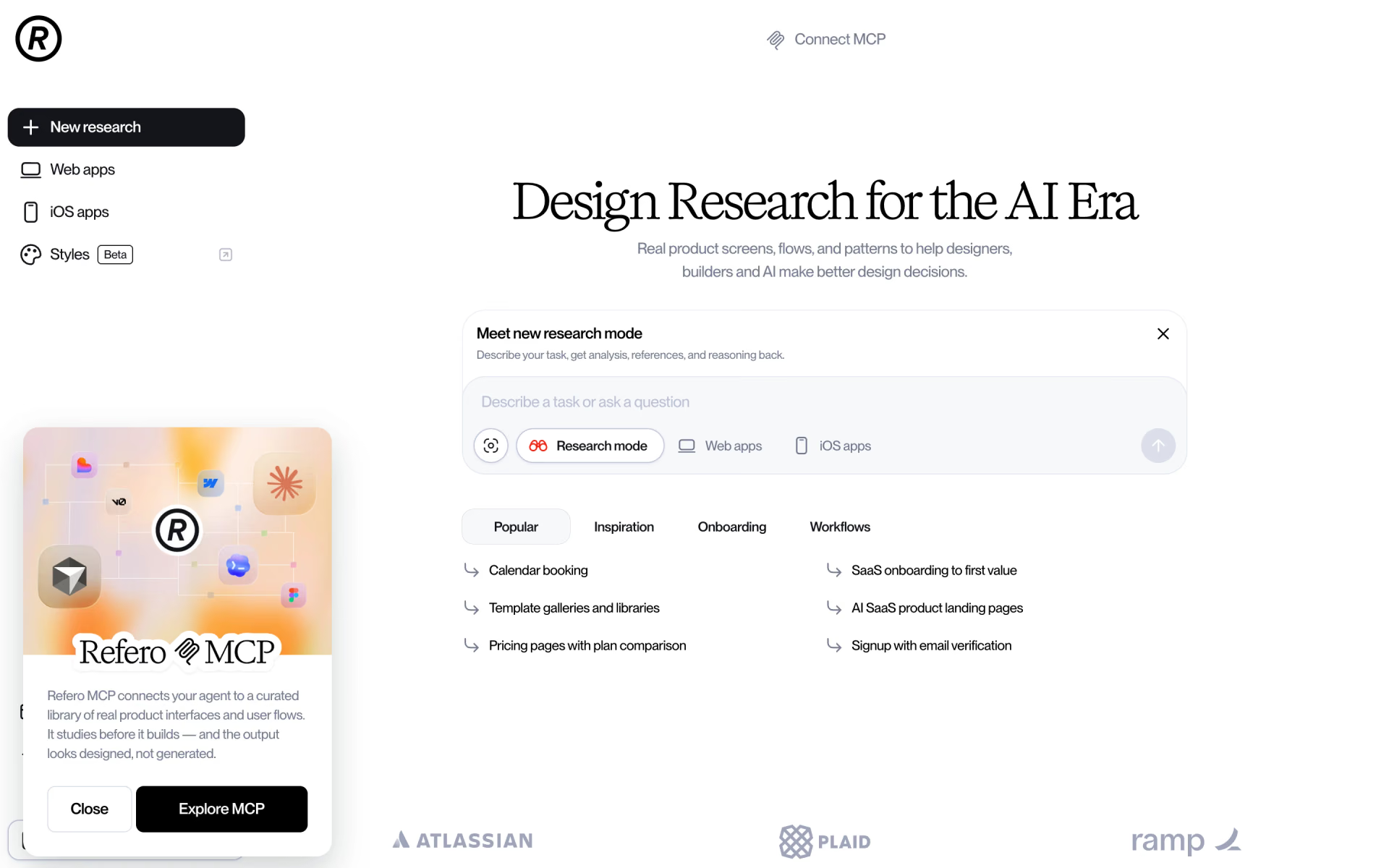
 Refero

 UXCanvas.ai

 Sketch

 Iconsax

 Untitled UI