
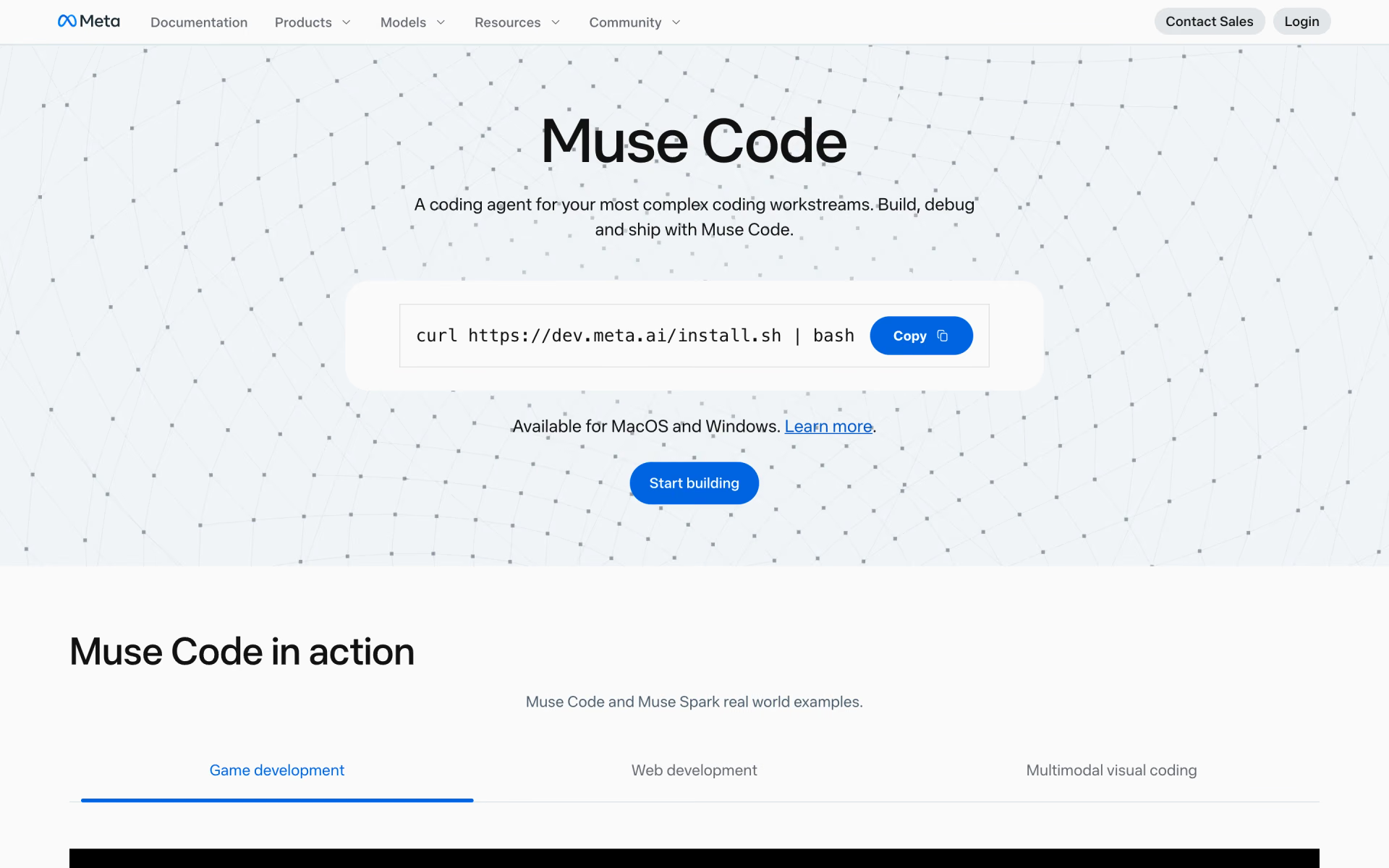
What is Muse Code?
Meta's terminal coding agent with persistent subagents.
Who is Muse Code best for?
Muse Code is best for developers who want Meta's Muse Spark models as a multi-agent coding assistant in the terminal or CI.
Big multi-step coding jobs
Background subagents stay alive for the whole session and report back to the main agent, so long tasks need less steering.
Long or fragile runs
Every model call, tool run and edit goes into a local log, so a session can pick up exactly where it stopped after a crash.
Coding in CI pipelines
The same binary runs headless with an API key, so a pipeline can hand it a task and read the result.
Developers on a tight budget
The entry plan is $5 a month, and the Contributor API tier costs a fraction of standard token rates if Meta may train on your prompts.
How much does Muse Code cost?
Muse Code is paid: a subscription costs $5, $15 or $50 a month depending on how much you use it, or you can pay Meta's API token rates instead with a Meta Model API key.
- 10 to 50 prompts every 5 hours, image and video uploads included
- Latest Muse models
- Voice mode and web search
- 5 times the Everyday Usage allowance
- More multimodal inputs
- Everything in Everyday Usage
- 20 times the Everyday Usage allowance
- Early access to new features
- Larger file uploads
Instead of a subscription you can pay per token with a Meta Model API key: Muse Spark costs $1.25 per million input tokens and $4.25 per million output tokens, or $0.10 and $0.20 on the Contributor tier, where Meta may train on your prompts. When a plan's limit runs out you upgrade or wait for it to refresh. Plans renew monthly, cancelled plans are not refunded, and benefits can vary by region. Full pricing on dev.meta.ai. We checked these prices on .
How do readers rate Muse Code?
No one has rated Muse Code yet. Be the first.
Sign in to rate. One rating per account.
What are the best Muse Code alternatives?
Two tools on Recaply do Muse Code's job. Both are open source, so you can run them on your own server.
 Mistral Vibe CLIOpen Source
Choose it when you want an open-source terminal agent with paid plans from Mistral rather than a closed agent from Meta.
 Grok BuildOpen Source
Choose it when you want a terminal coding agent whose source you can read and build yourself under Apache 2.0, on xAI's Grok models.
Questions about Muse Code
What is Muse Code?
Meta's terminal coding agent with persistent subagents.
Who is Muse Code for?
Muse Code is best for developers who want Meta's Muse Spark models as a multi-agent coding assistant in the terminal or CI.
Is Muse Code free?
No. Installing Muse Code costs nothing, but using it needs either a subscription, from $5 a month for Everyday Usage, or a Meta Model API key billed per token. Meta lists no free plan or free trial for Muse Code.
How much does Muse Code cost?
Muse Code's paid plans are Everyday Usage at $5.00 per month, High Usage at $15.00 per month and Power Usage at $50.00 per month.
Is there an open source alternative to Muse Code?
Yes. Mistral Vibe CLI and Grok Build are open source tools that do the same job, so you can run your own.
What are the best Muse Code alternatives?
The closest alternatives on Recaply are Mistral Vibe CLI and Grok Build.
Where can I try Muse Code?
On its official website, research.meta.ai.
Does Meta train on my code in Muse Code?
It depends on the model. Meta says the standard Muse Spark models are not used to improve its products, while the cheaper Contributor models are, in exchange for much lower token prices. The Meta Model API terms set out how inputs and outputs are handled.
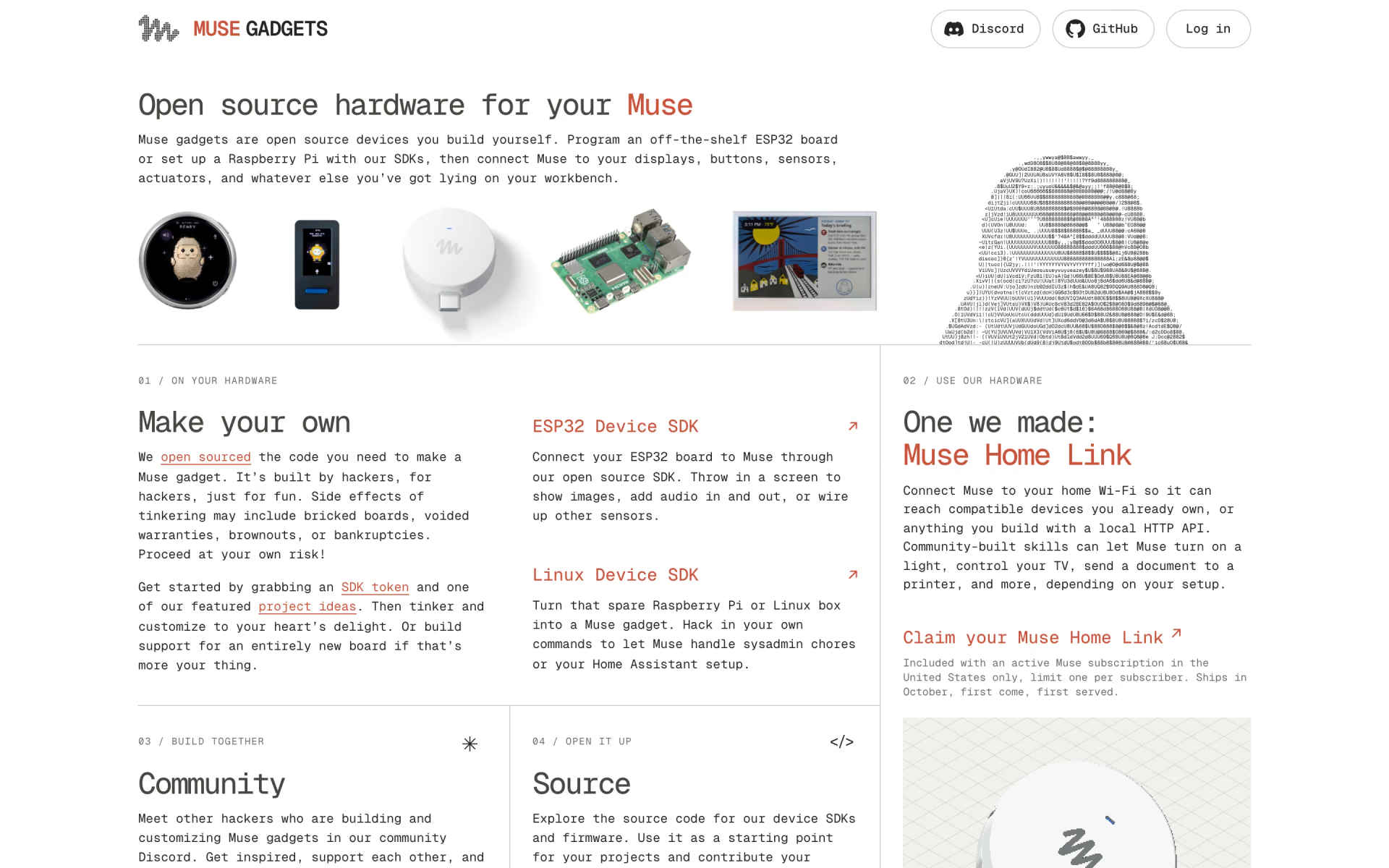
 Muse Gadgets
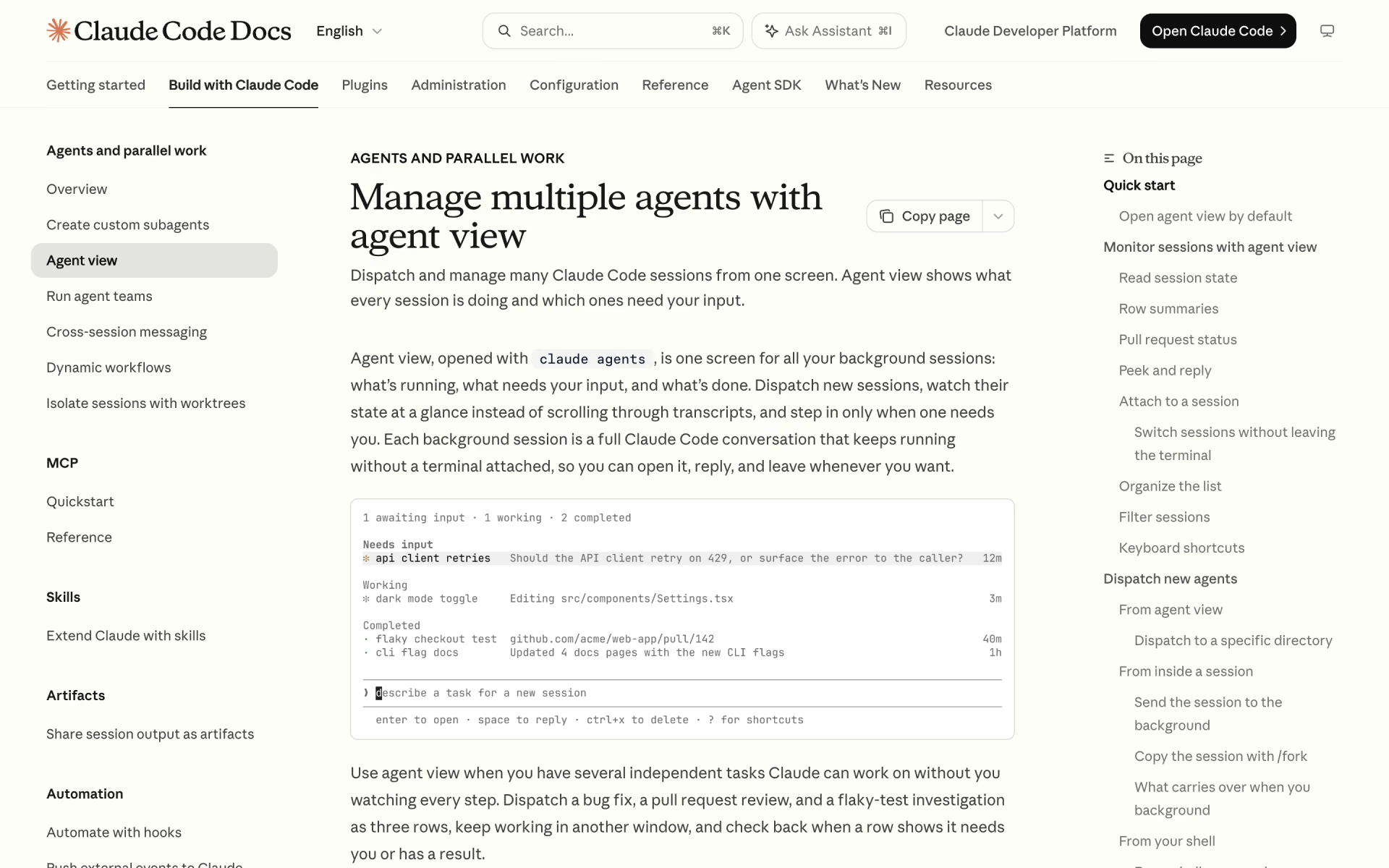
 Claude Code Agent View
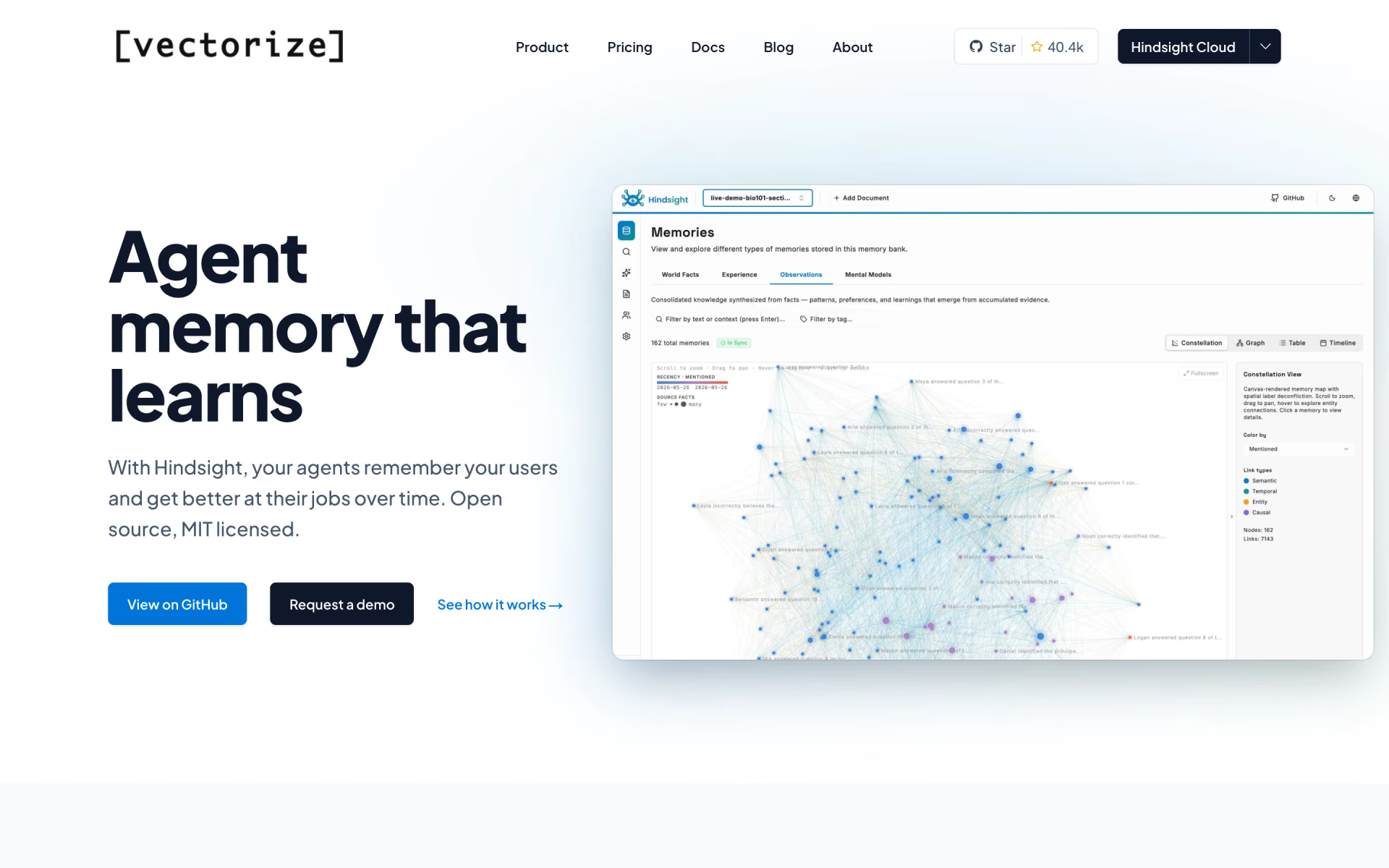
 Vectorize
 Letta
 Codex

 Herdr