
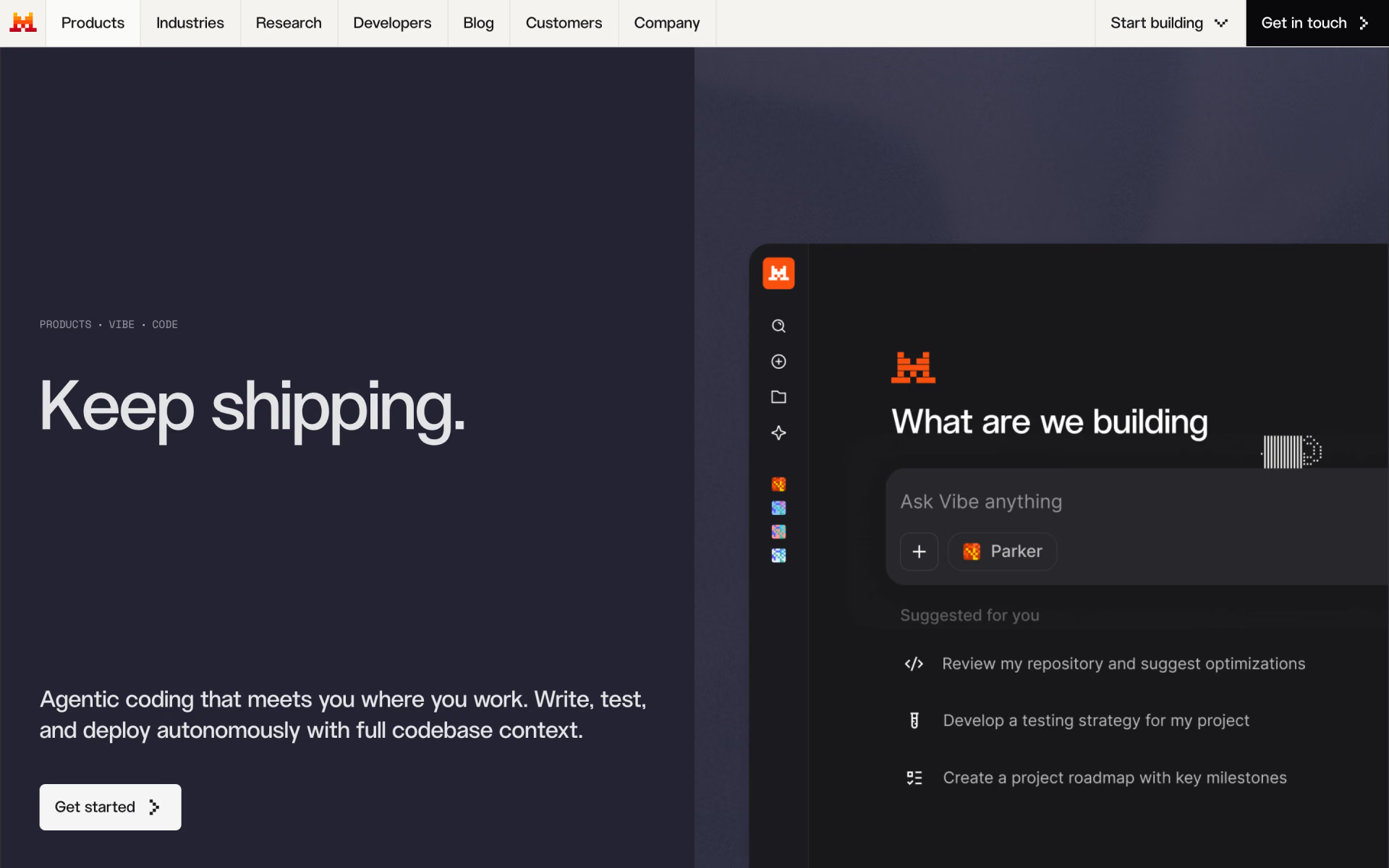
What is Mistral Vibe CLI?
Mistral's coding agent for the terminal.
Who is Mistral Vibe CLI best for?
Mistral Vibe CLI is best for developers who want an open-source terminal agent that edits across a whole repo.
Terminal-first developers
It explores, edits and runs commands across a repository from plain-language requests, and asks before shell commands, file writes and pull requests.
Multi-file changes and migrations
It works across the whole codebase for refactors, test generation and moving legacy code to newer stacks.
Teams already paying for Mistral
One Mistral plan covers the CLI, the VS Code, JetBrains and Zed extensions and the web app, and Pro adds remote agents that run tasks in parallel sandboxes.
Developers who want an open tool
The CLI is open source and accepts a custom API key, including a key from another compatible provider.
How much does Mistral Vibe CLI cost?
Mistral Vibe CLI is free to install and runs on a Mistral plan: the Free plan allows limited coding sessions, Pro costs $14.99 a month for all-day coding, and Team costs $24.99 per user per month.
- Limited coding sessions
- $10 of API credits a month
- No hooks, remote agents or pay-as-you-go top-ups
- All-day coding in the CLI, IDE or web app
- Hooks, remote coding agents and Teleport
- $30 of API credits a month, then pay-as-you-go
- 2 users minimum, so $50 a month
- Domain verification, admin API and data export
- Up to 30GB storage per user
Prices exclude tax. The CLI is open source under the Apache 2.0 licence; you sign in with a Mistral account on one of these plans, or use an API key billed per token. Enterprise is priced on request and adds self-hosted or private cloud deployment, audit logs, SAML SSO and white labelling. Verified students new to Mistral can get Pro as the Education plan for $5.99 a month for up to 12 months. Full pricing on mistral.ai. We checked these prices on .
How do readers rate Mistral Vibe CLI?
No one has rated Mistral Vibe CLI yet. Be the first.
Sign in to rate. One rating per account.
Is Mistral Vibe CLI open source?
Yes. Mistral Vibe CLI's code is public under the Apache 2.0 licence, so you can read it, change it and run it yourself.
On GitHub
5,377stars
- Last commit
- 10 Nov
- Repository age
- 11 months
- Latest release
- 10 Nov
- Licence
- Apache 2.0
- Self-hosted
- No
- Repository
- mistralai/mistral-vibe
What are the best Mistral Vibe CLI alternatives?
Mistral Vibe CLI is an open source alternative to Muse Code and Claude Code. OpenCode, OpenHands, Grok Build and goose do the same job and are open source too.
 Muse CodePaid
Meta's terminal coding agent with persistent subagents.
 Claude CodePaid
Anthropic's coding agent in the terminal, IDE and cloud.
 OpenCodeOpen Source
Open source AI coding agent for the terminal, desktop and IDE that works with any model.
 OpenHandsOpen Source
An open-source coding agent running with zero setup.
 Grok BuildOpen Source
xAI's terminal coding agent with plans and subagents.
 gooseOpen Source
AI agent on your own computer that writes code, runs commands and automates tasks with any model.
Questions about Mistral Vibe CLI
What is Mistral Vibe CLI?
Mistral's coding agent for the terminal.
Who is Mistral Vibe CLI for?
Mistral Vibe CLI is best for developers who want an open-source terminal agent that edits across a whole repo.
Is Mistral Vibe CLI free?
Yes. Mistral Vibe CLI has a free plan: limited coding sessions.
How much does Mistral Vibe CLI cost?
Mistral Vibe CLI's paid plans are Pro at $14.99 per month and Team at $24.99 per user per month.
Is Mistral Vibe CLI open source?
Yes. The Mistral Vibe CLI is open source under the Apache 2.0 licence and installs with one command or through uv. You still sign in with a Mistral account or add an API key to run it, and usage counts against your Mistral plan or is billed per token.
What are the best Mistral Vibe CLI alternatives?
The closest alternatives on Recaply are Muse Code, Claude Code, OpenCode, OpenHands, Grok Build and goose.
Where can I try Mistral Vibe CLI?
On its official website, mistral.ai.
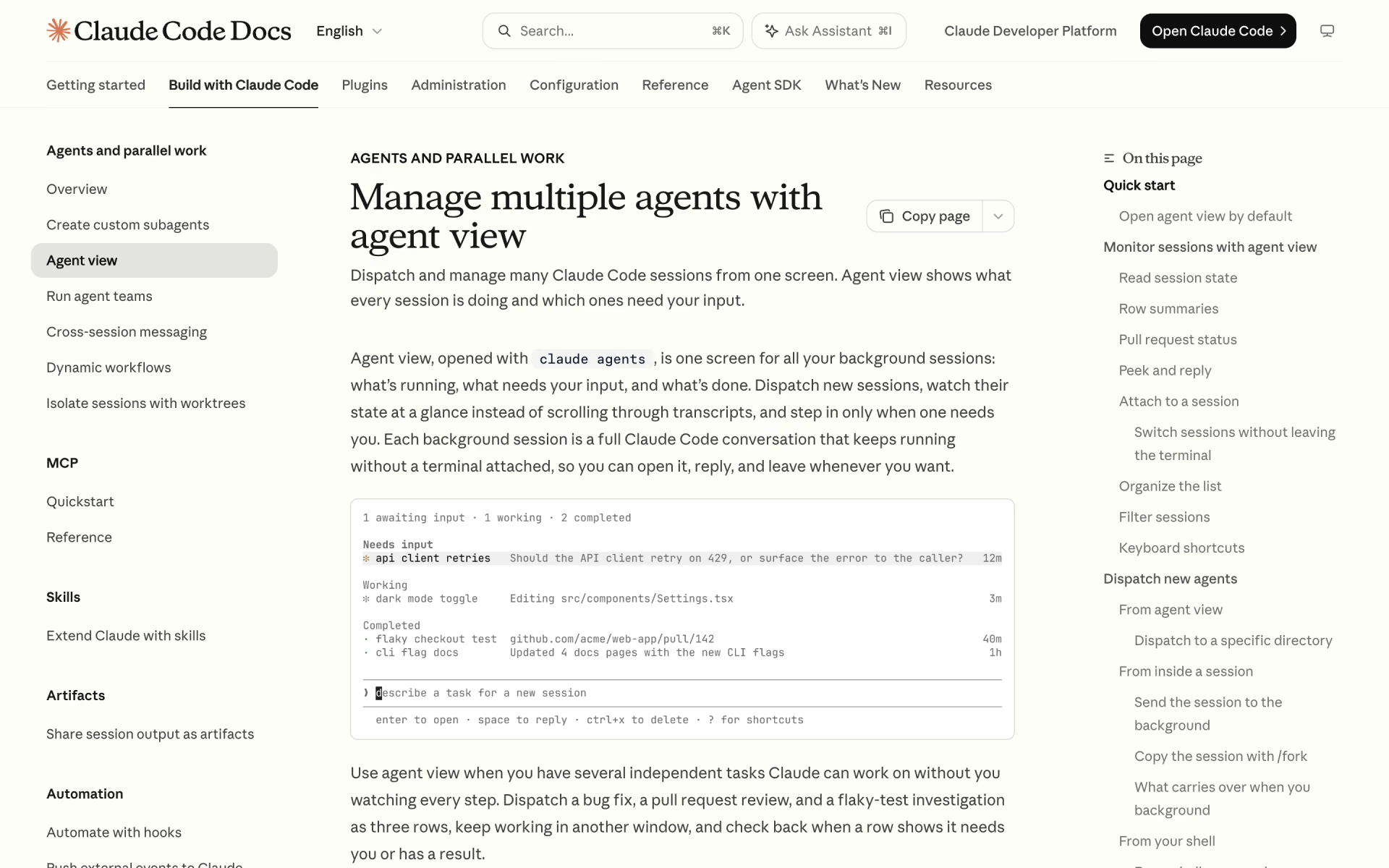
 Claude Code Agent View

 Herdr
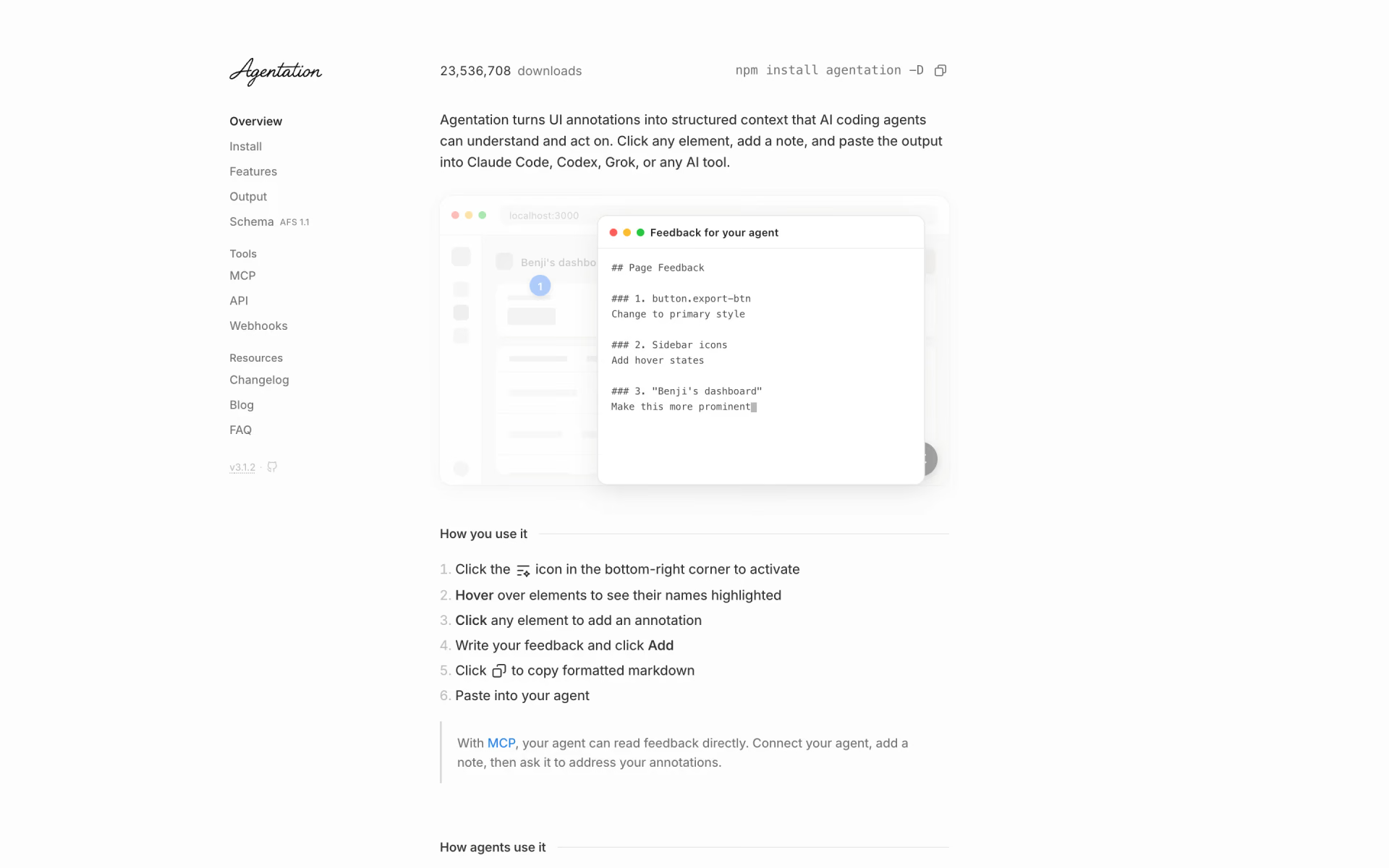
 Agentation
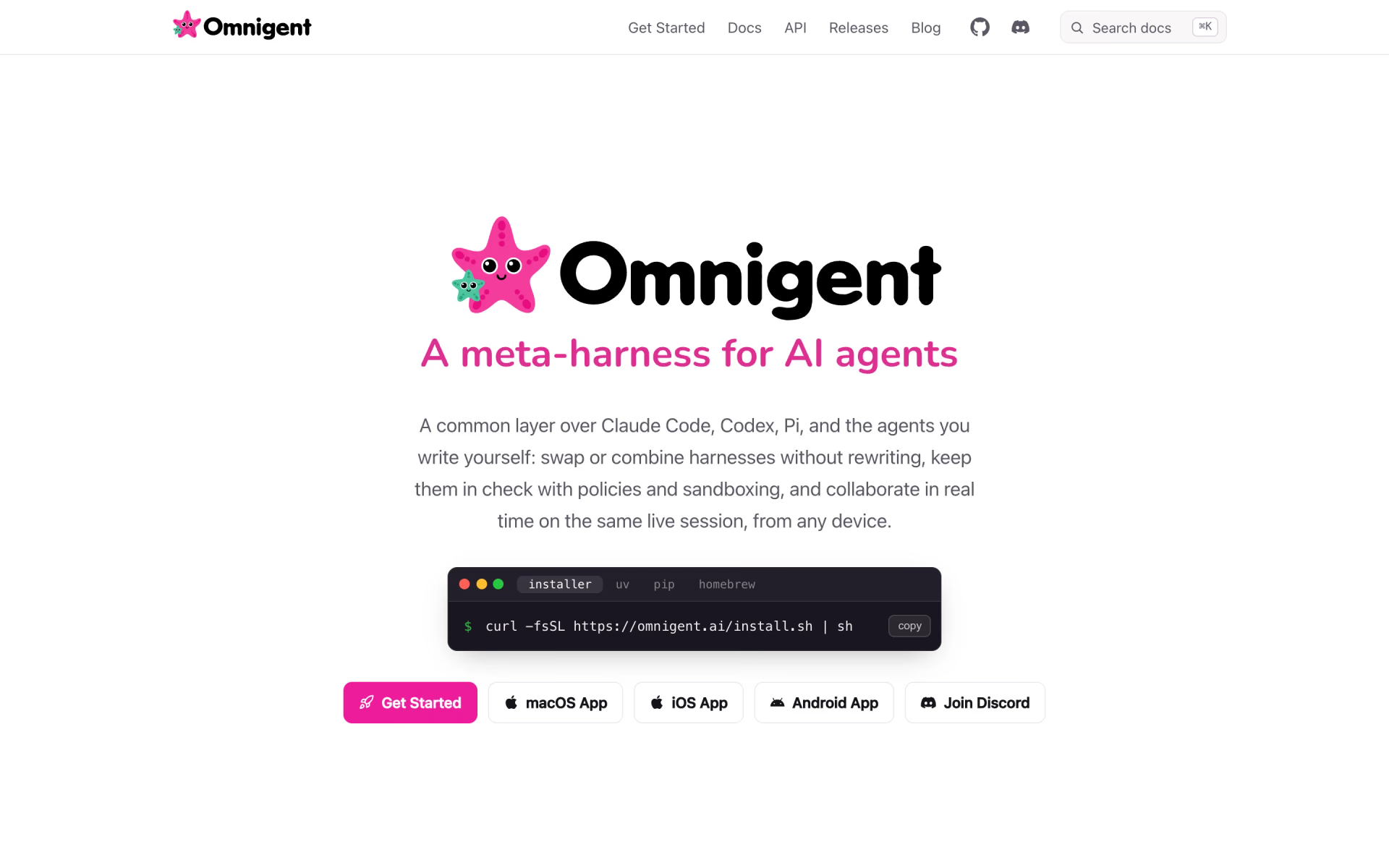
 Omnigent

 AsDecided
 Paradev