
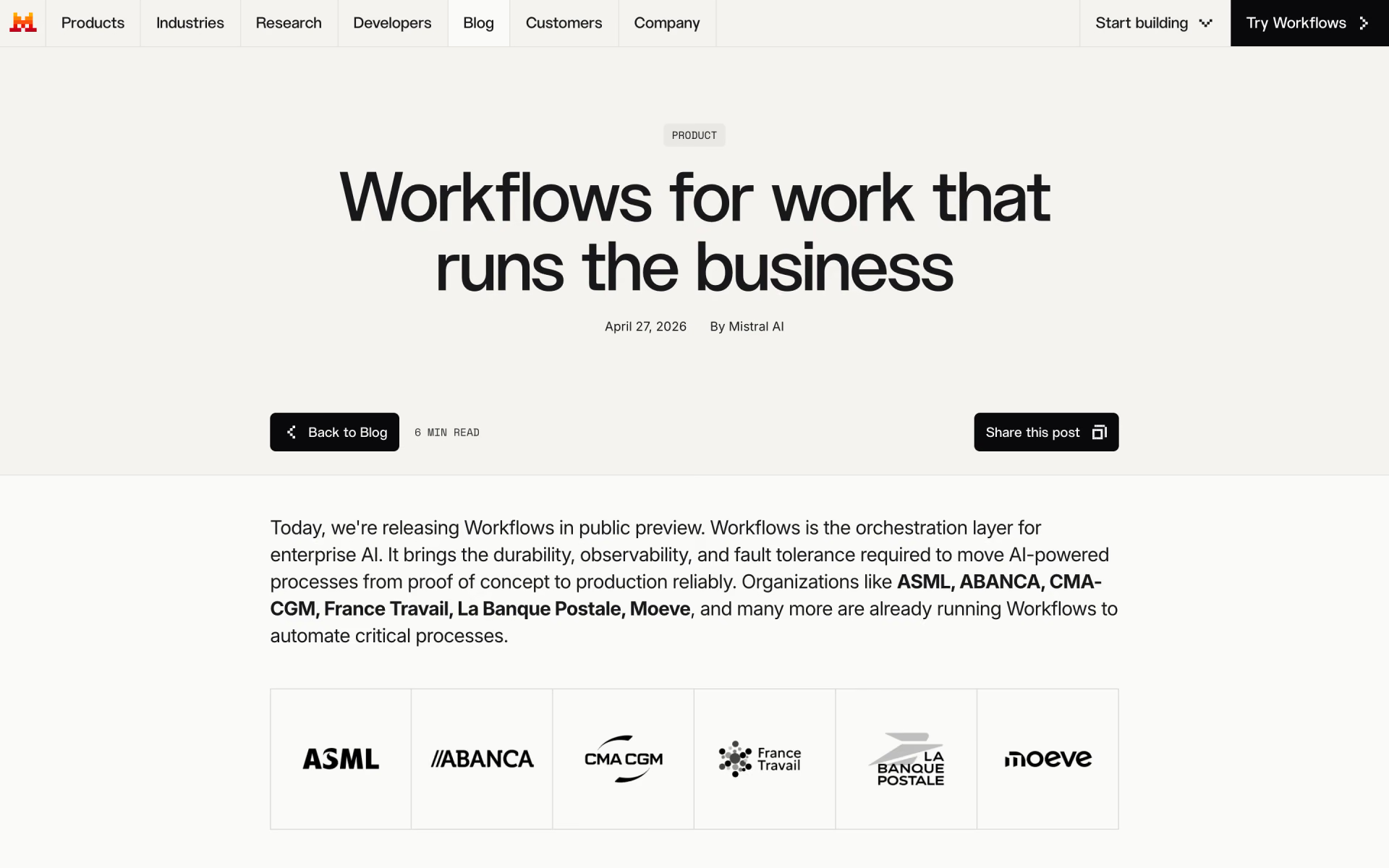
What is Mistral Workflows?
Durable multi-step AI processes with retries and human approvals.
Who is Mistral Workflows best for?
Mistral Workflows is best for teams that need AI processes to run reliably in production with a full audit trail.
Processes that need human sign-off
One line of code pauses a workflow until a reviewer approves, then it resumes where it stopped, which suits KYC reviews or cargo release checks.
Long-running AI pipelines
Every step is recorded, so a crash or timeout resumes from the last finished step instead of starting over, even for jobs that run for days.
Teams that must keep data in-house
Workers run in your own environment, payloads can be encrypted before they leave it, and Enterprise can host the orchestrator privately too.
Developers building tools for colleagues
Engineers write workflows in Python and publish them to Mistral's chat app, where anyone in the company can run them from a conversation.
How much does Mistral Workflows cost?
Mistral Workflows is included in every Mistral plan, from the free plan up to Pro at $14.99 a month and Team at $24.99 per user per month, with model calls paid from each plan's monthly API credits.
- Workflows included
- $10 a month in API credits
- Up to 5 scheduled tasks
- $30 a month in API credits
- Unlimited scheduled tasks
- Pay-as-you-go usage past the plan limit
- At least 2 users, so from $50 a month
- Up to 30GB of storage per user
- Domain verification and data export
Enterprise is priced on request and adds custom deployments (self-hosted, private cloud or on premises), audit logs and SAML SSO. Model calls inside a workflow draw on the plan's monthly API credits first, then pay-as-you-go on Pro and Team. Your workflow code runs on your own workers (a laptop, virtual machines or Kubernetes), so that compute is billed by your own provider. Prices exclude tax. Full pricing on mistral.ai. We checked these prices on .
How do readers rate Mistral Workflows?
No one has rated Mistral Workflows yet. Be the first.
Sign in to rate. One rating per account.
What are the best Mistral Workflows alternatives?
Three tools on Recaply do Mistral Workflows's job. Omnara and Trigger.dev are open source, so you can run them on your own server.
 OmnaraOpen Source
Choose it when you need agents that recover from crashes behind one API, with no platform fee on the self-serve plan.
 OrkesFreemium
Choose it when you want agent and workflow orchestration built on open source, with audit trails and a free Developer Edition.
 Trigger.devOpen Source
Choose it when you want durable agent workflows with retries and observability that you can self-host under Apache 2.0.
Questions about Mistral Workflows
What is Mistral Workflows?
Durable multi-step AI processes with retries and human approvals.
Who is Mistral Workflows for?
Mistral Workflows is best for teams that need AI processes to run reliably in production with a full audit trail.
Is Mistral Workflows free?
Yes. Mistral Workflows has a free plan: workflows included.
How much does Mistral Workflows cost?
Mistral Workflows's paid plans are Pro at $14.99 per month and Team at $24.99 per user per month.
Is there an open source alternative to Mistral Workflows?
Yes. Omnara and Trigger.dev are open source tools that do the same job, so you can run your own.
What are the best Mistral Workflows alternatives?
The closest alternatives on Recaply are Omnara, Orkes and Trigger.dev.
Where does Mistral Workflows code run?
Mistral Workflows runs in hybrid mode: Mistral hosts the orchestrator, execution history and Studio interface, while your workflow code runs on your own workers, from a laptop to Kubernetes. Payloads can be encrypted before they leave your workers, and Enterprise customers can host the orchestrator as well.
Does Mistral Workflows use Temporal?
Yes. Mistral Workflows runs on Temporal's durable execution engine, which Mistral extended with streaming, payload handling, multi-tenancy and observability for AI work. You write workflows in Python with the mistralai-workflows SDK, which handles retries, timeouts, tracing and rate limits.

 Jestor

 Autotab

 MindPal
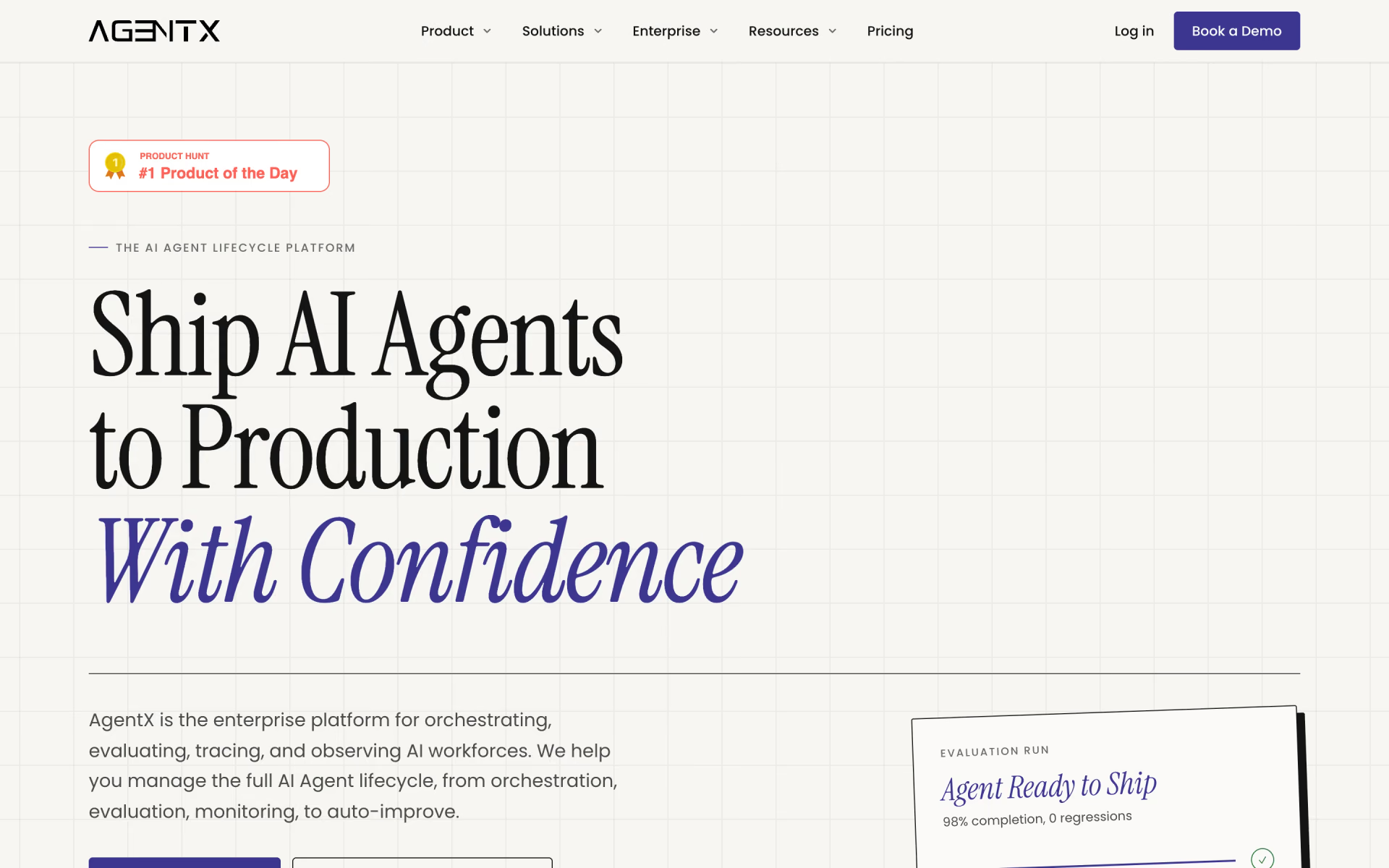
 AgentX
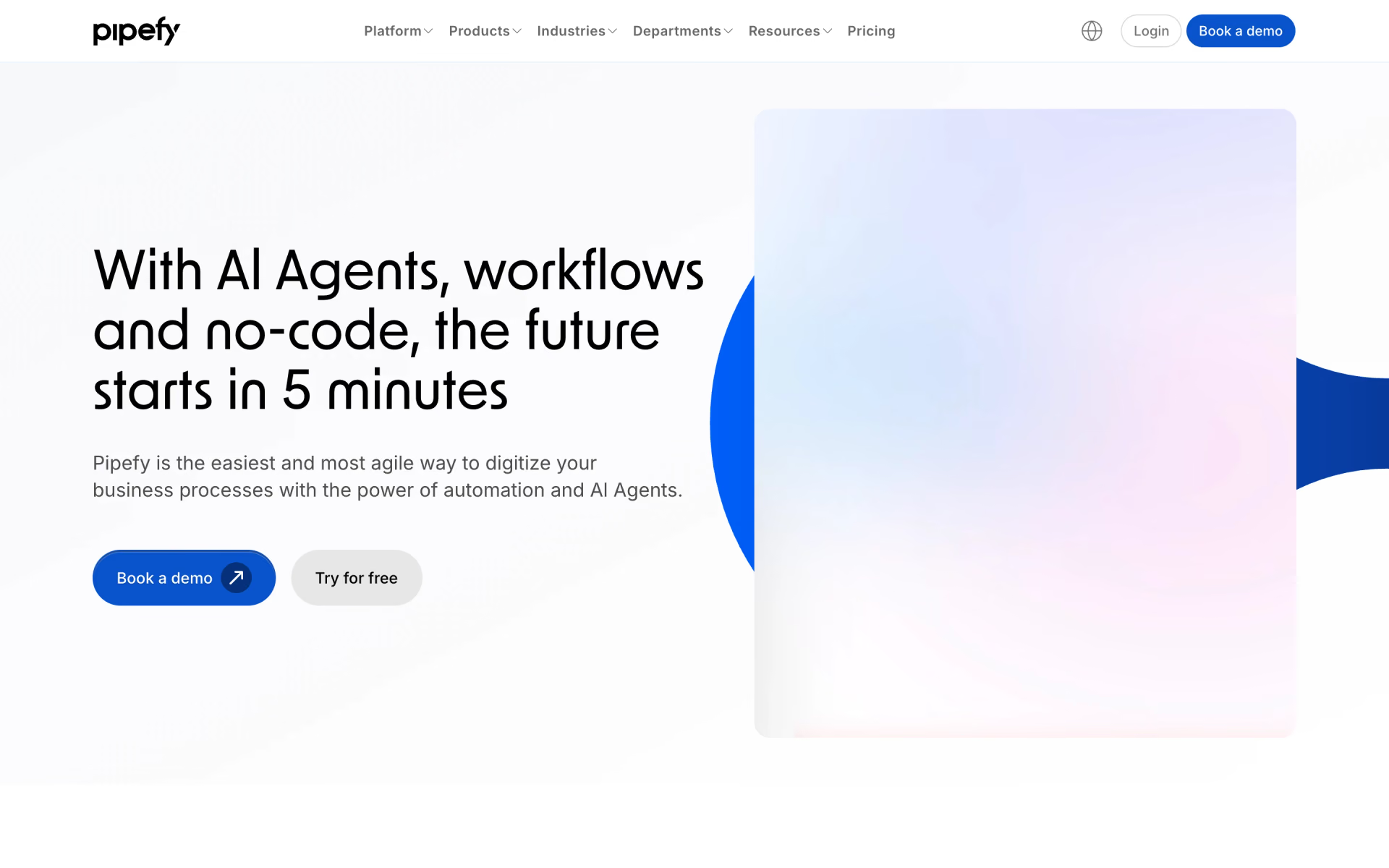
 Pipefy

 Maisa AI