
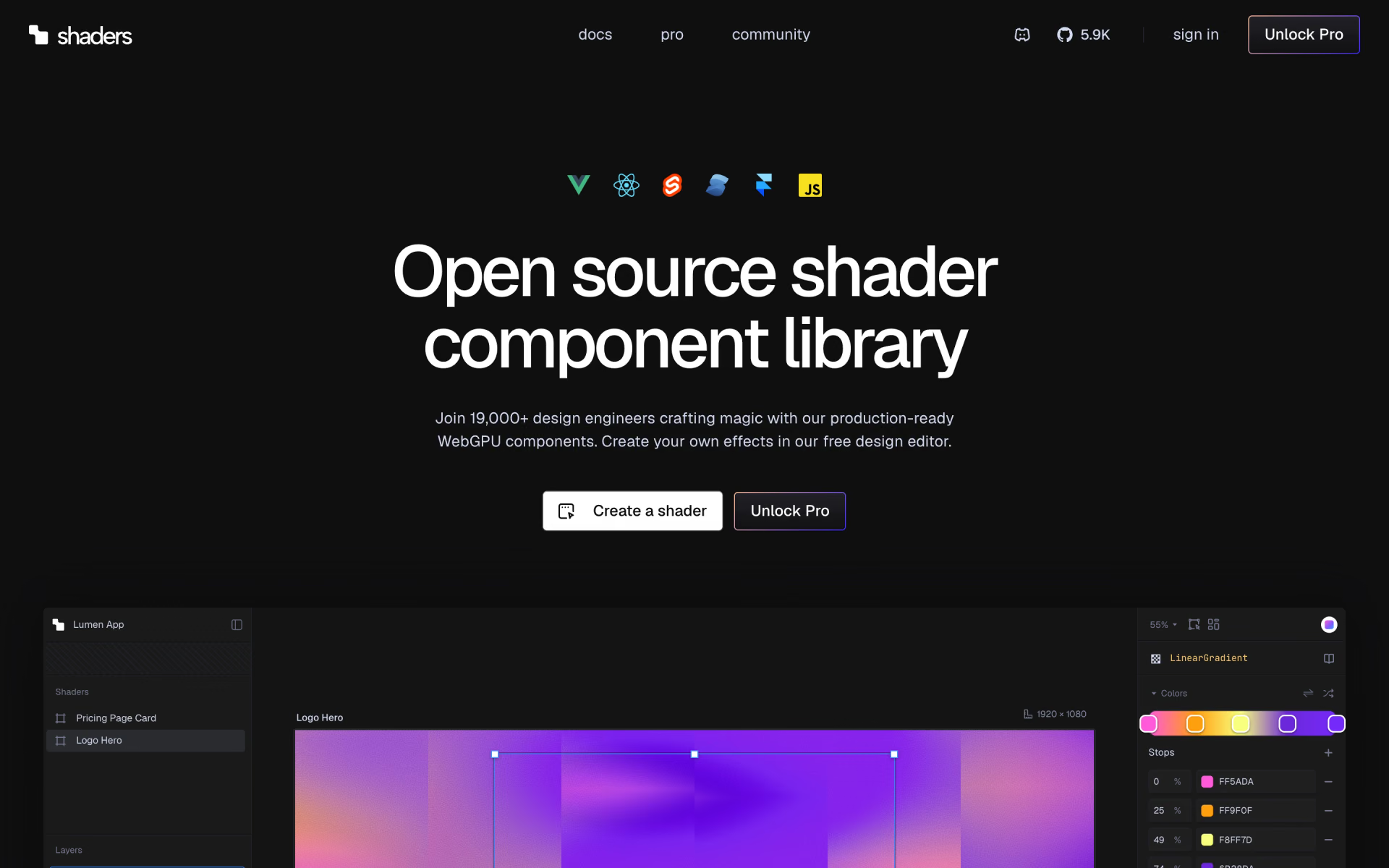
What is Shaders?
MIT-licensed WebGPU effect components for React, Vue and Svelte, with a free browser design editor.
Who is Shaders best for?
Shaders is best for design engineers who want animated WebGPU backgrounds without writing shader code.
Hero backgrounds
Stack gradients, glass, chrome and noise components into animated backgrounds that render on WebGPU.
Designing without code
The free browser editor lets you layer effects, tune each prop and export the result as code.
Coding agents
The Shaders MCP server and CLI let Cursor, Claude Code, Codex and others search the library and add an effect to your project.
Framer sites
A Framer plugin adds the same shaders to Framer pages without code.
How much does Shaders cost?
Shaders' components, runtime and design editor are free under the MIT licence; Pro costs $10 a month billed yearly ($120) or $299 once for lifetime access to 1,000+ Pro shaders.
- 200+ components for React, Vue, Svelte, Solid and JS
- Free design editor and code export
- Free presets and collections
- 1,000+ Pro shaders, new ones each week
- 55+ copy-and-paste section prompts
- HD renders and Pro in Framer, CLI and MCP
- Everything in Pro
- Every future drop included
- Never renews
Pro is billed $120 a year and has no monthly option; you can cancel and keep it to the end of the year. Exports made while Pro was active stay licensed for the projects they went into. Regional and student pricing is offered by email. Full pricing on shaders.com. We checked these prices on .
How do readers rate Shaders?
No one has rated Shaders yet. Be the first.
Sign in to rate. One rating per account.
Is Shaders open source?
Yes. Shaders's code is public under the MIT licence, so you can read it, change it and run it yourself.
On GitHub
5,922stars
- Last commit
- 12 Nov
- Repository age
- 46 days
- Latest release
- 6 Nov
- Licence
- MIT
- Repository
- shader-effects-inc/shaders
How do I connect Shaders to my AI agent?
Shaders MCP is Shaders's official MCP server. Add it to your agent once, then ask it to add and tune WebGPU shader effects in your codebase.
Lets your coding agent search the Shaders component library, drop an effect into your React, Vue or Svelte project and adjust its settings without writing shader code.
$ claude mcp add --transport http shaders https://shaders.com/mcp
Claude Code connects to Shaders over the web.
Shaders's setup guide covers the sign-in.
Then ask your agent
- Runs
- On the web
- Sign-in
- See guide
- Checked
- Answered 13 Nov
- Guide
- shaders.com
Questions about Shaders
What is Shaders?
MIT-licensed WebGPU effect components for React, Vue and Svelte, with a free browser design editor.
Who is Shaders for?
Shaders is best for design engineers who want animated WebGPU backgrounds without writing shader code.
Is Shaders free?
Yes. Shaders has a free Open source plan: 200+ components for React, Vue, Svelte, Solid and JS.
How much does Shaders cost?
Shaders's paid plans are Pro at $10 per month, billed yearly and Lifetime at $299 one-time.
Is Shaders open source?
Yes. Shaders's code is public under the MIT licence, so you can read it, change it and run it yourself.
Does Shaders have an MCP server?
Yes. Shaders MCP is Shaders's official MCP server, so agents such as Claude Code, Cursor, Codex and GitHub Copilot can add and tune WebGPU shader effects in your codebase. Shaders runs it on the web.
Where can I try Shaders?
On its official website, shaders.com.
Can I use Shaders in commercial projects?
Yes. The components and runtime are MIT-licensed, so they can go into any project, and Pro shaders may be used in your own and client work. You cannot resell or redistribute the presets and sections themselves as templates or libraries.
Does Shaders collect data from my site?
The runtime sends sampled, anonymous performance data such as frame rate, browser family and the domain it runs on, with no personal data or IP addresses. Setting the disableTelemetry prop on the Shader component turns it off.
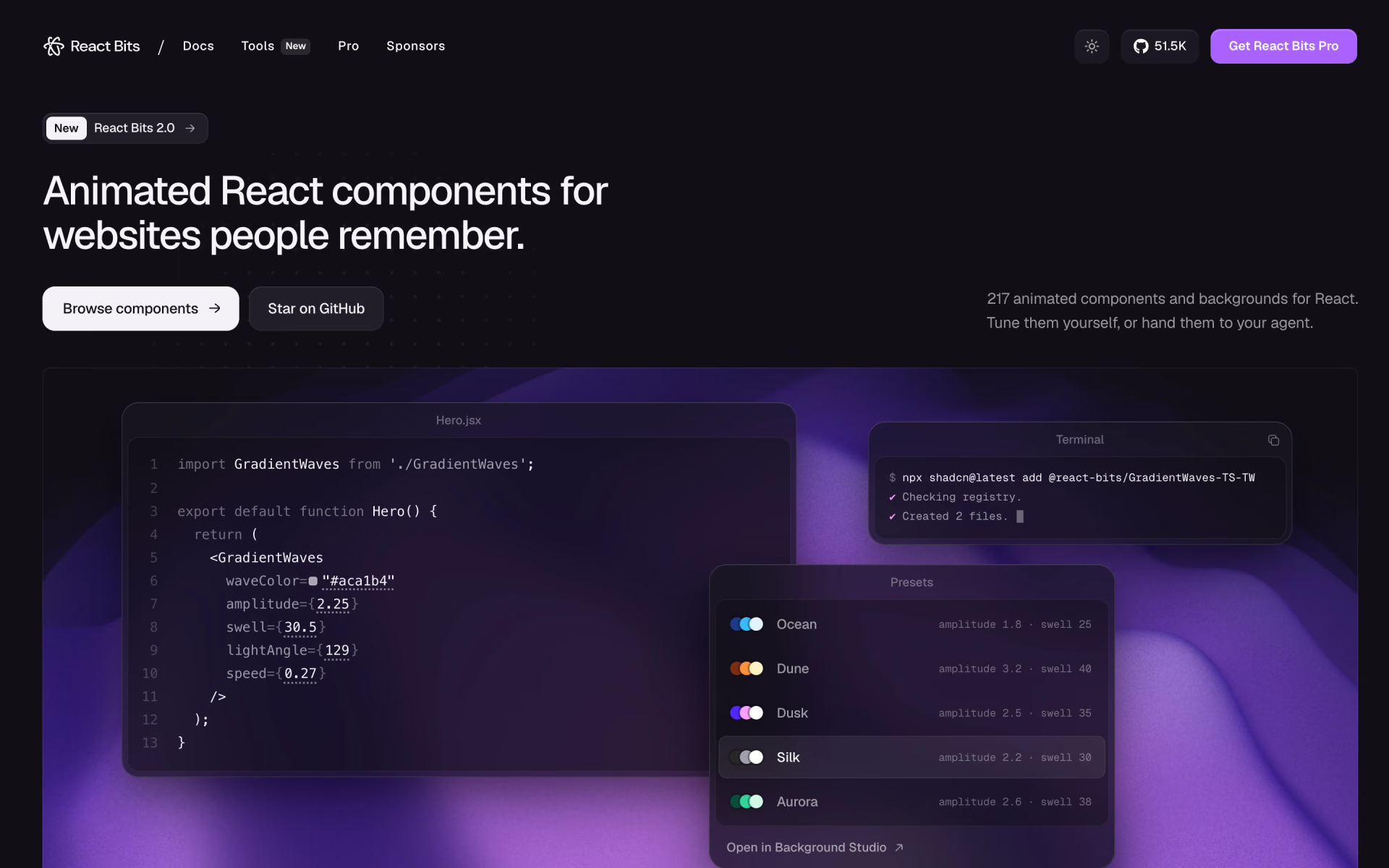
 React Bits
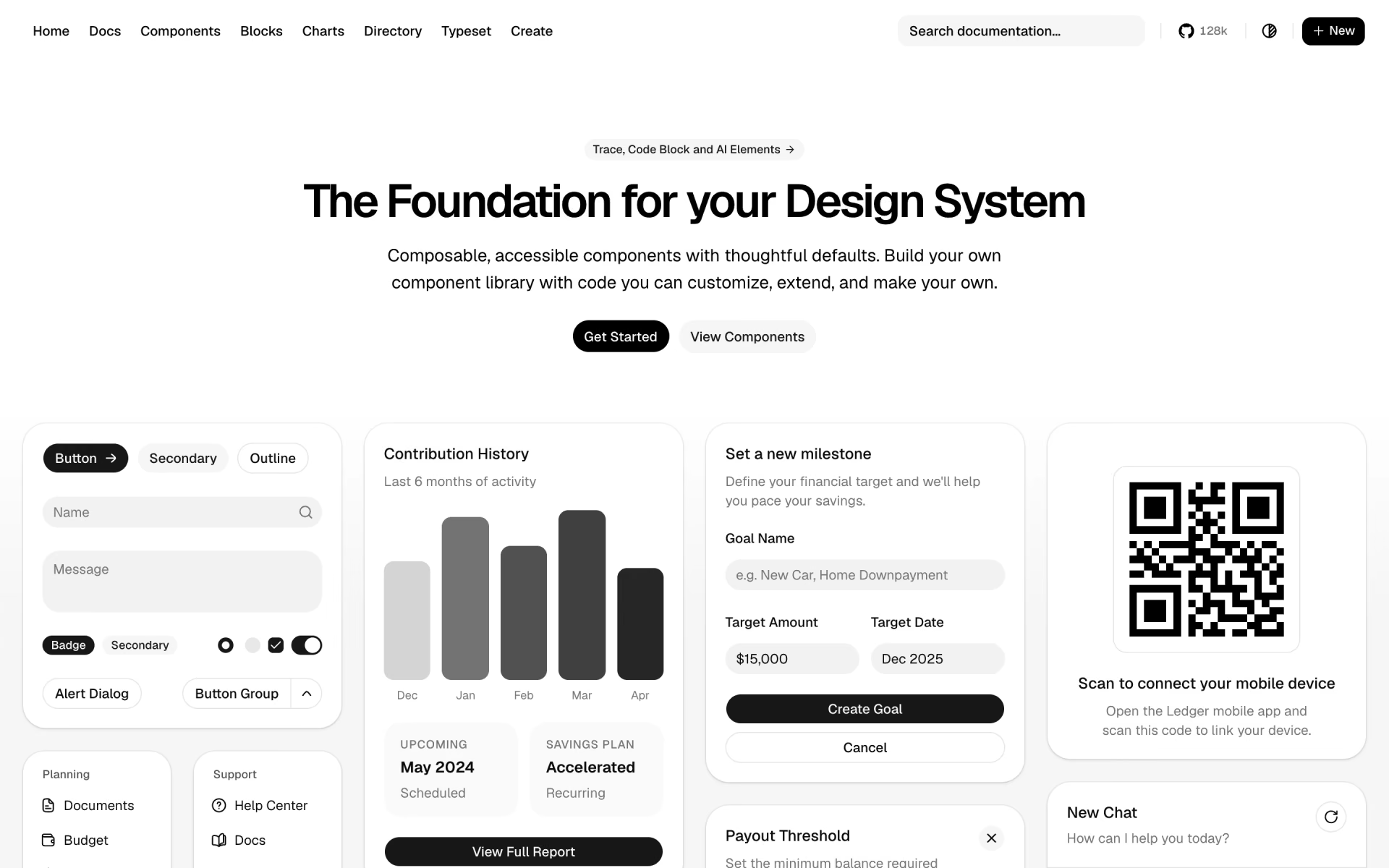
 shadcn/ui

 BoardUI

 Magic UI

 21st.dev

 termcn