
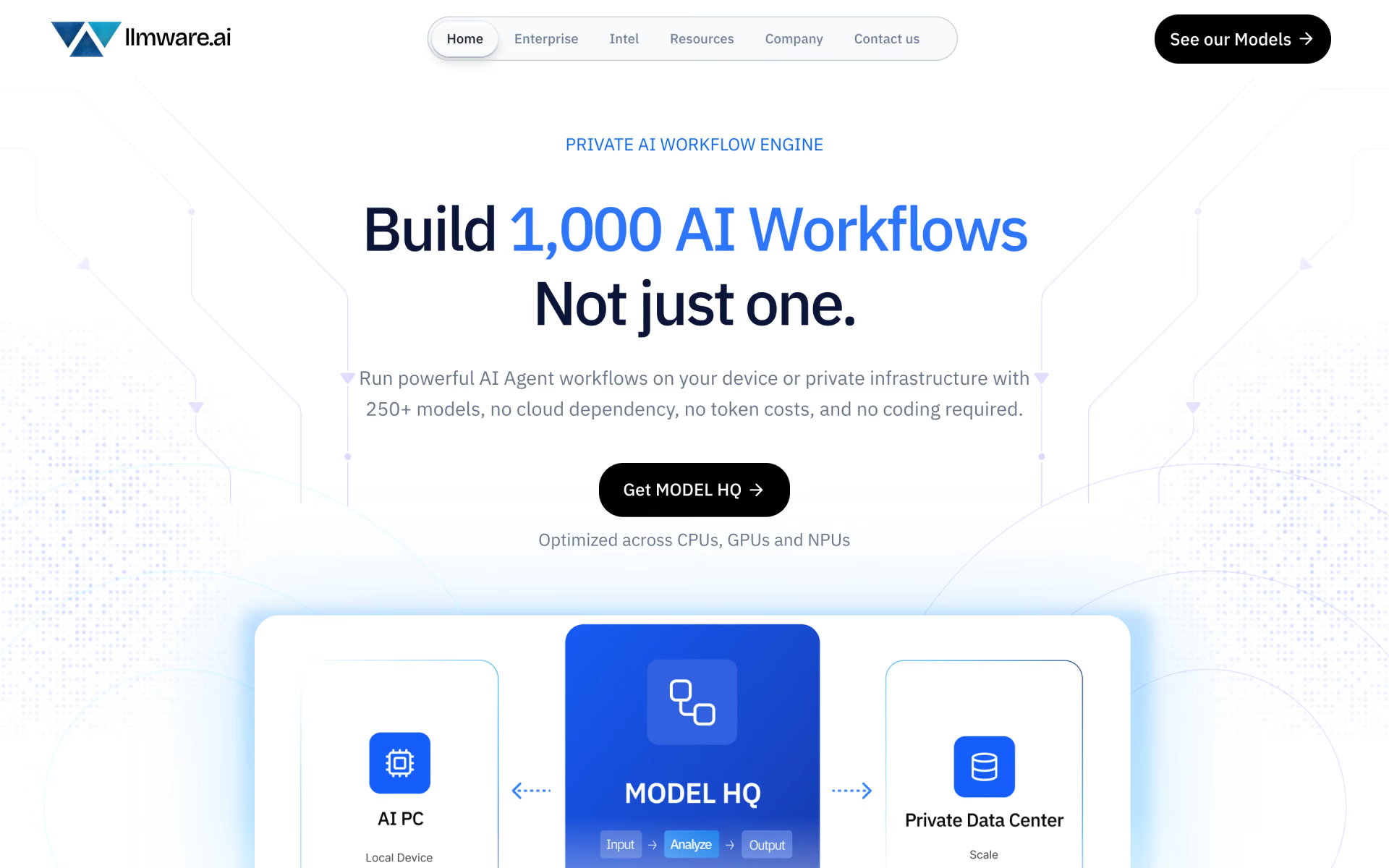
What is LLMWare?
Private AI workflows with 250 models, no code.
Who is LLMWare best for?
LLMWare is best for companies that want staff to run AI chat and document search on their own PCs or servers.
Teams with sensitive documents
Models run on the laptop or in your own data centre, so files and prompts never pass through a cloud AI service.
Staff who do not code
A point-and-click app covers chat, document search and multi-step agent workflows without any programming.
Owners of new AI PCs
Separate builds for Intel, AMD, Snapdragon and Apple chips use the machine's NPU and GPU for local inference.
Heavy use on a fixed budget
A yearly price per device replaces per-token billing, so running more prompts does not raise the bill.
How much does LLMWare cost?
LLMWare's Model HQ app costs $99 per device per year on Mac and Windows AI PCs, or $199 per device per year on Nvidia DGX Spark, and server editions are priced by the sales team.
- Mac M1 or newer, and Windows AI PCs with Intel, AMD or Snapdragon chips
- No-code chat, document search (RAG) and agent workflows
- Models run on the device with no per-token cost
- For Nvidia DGX Spark (GB10) devices
- Runs models up to 72 billion parameters
- Built-in vector database and a local API server
Each purchase is a one-year subscription for one device; the Mac and DGX versions are marked as previews. A 90-day free trial works only with a promo code, such as the one Intel gives out with its AI PC App Pack. Server editions for Intel Xeon and AMD EPYC, with air-gapped deployment, SSO and audit logs, are priced through sales. The llmware Python library for developers is open source under Apache 2.0 and free on GitHub. Full pricing on llmware.ai. We checked these prices on .
How do readers rate LLMWare?
No one has rated LLMWare yet. Be the first.
Sign in to rate. One rating per account.
Is LLMWare open source?
Yes. LLMWare's code is public under the Apache 2.0 licence, so you can read it, change it and run it yourself.
On GitHub
14,821stars
- Last commit
- 1 Oct
- Repository age
- 3 years
- Latest release
- 1 Oct
- Licence
- Apache 2.0
- Self-hosted
- No
- Repository
- llmware-ai/llmware
What are the best LLMWare alternatives?
LLMWare is an open source alternative to Prem AI and Msty. Jan, Cherry Studio, KoboldAI and Ollama do the same job and are open source too.
 Prem AIPaid
Sovereign models on-premise with encryption.
 MstyFree
Local and cloud models in one private workspace.
 JanOpen Source
Desktop app that runs open AI models offline on your computer or connects to cloud model APIs.
 Cherry StudioOpen Source
Desktop AI workspace that chats with many models, runs agents and searches your own documents.
 KoboldAIOpen Source
Run models locally with an API server and light interface.
 OllamaOpen Source
Run open models on your own machine with one command.
Questions about LLMWare
What is LLMWare?
Private AI workflows with 250 models, no code.
Who is LLMWare for?
LLMWare is best for companies that want staff to run AI chat and document search on their own PCs or servers.
Is LLMWare free?
Not the no-code app. LLMWare's Model HQ costs $99 per device per year, and its 90-day free trial needs a promo code, such as Intel's AI PC App Pack code. The llmware Python library for developers is open source and free on GitHub.
How much does LLMWare cost?
LLMWare's paid plans are Model HQ Client App at $99 per device per year and Model HQ DGX (Nvidia) at $199 per device per year.
Is LLMWare open source?
Yes. LLMWare's code is public under the Apache 2.0 licence, so you can read it, change it and run it yourself.
What are the best LLMWare alternatives?
The closest alternatives on Recaply are Prem AI, Msty, Jan, Cherry Studio, KoboldAI and Ollama.
Where can I try LLMWare?
On its official website, llmware.ai.
Does Model HQ work offline?
Yes. Once its models are downloaded, Model HQ runs them on the device with no internet connection, so prompts and documents stay on the machine. LLMWare recommends 16 GB of RAM or more on Windows PCs, and the Mac version needs an M1 chip or newer.
 Code Arena
 Riku.AI

 Codejet
 CodeDesign.ai

 Convertigo

 Appsmith