

What is Jan?
Desktop app that runs open AI models offline on your computer or connects to cloud model APIs.
Who is Jan best for?
Jan is best for privacy-minded people who want to chat with open AI models offline on their own Mac or PC.
Private chats
Models run on your own machine, and Jan keeps models, threads and settings in a local data folder instead of sending them to a cloud.
Trying open models
You can download Llama, Qwen, Gemma, Mistral, DeepSeek and other open models from Hugging Face inside the app.
Local and cloud in one window
Add keys for OpenAI, Anthropic, Mistral, Groq and other providers, then switch between cloud and local models in the same chat.
Developers testing local AI
An OpenAI-compatible API server on localhost:1337 and MCP support let your own apps and tools use the models Jan runs.
How much does Jan cost?
Jan is free and open source under Apache 2.0, with no paid plan; cloud models you connect, such as GPT or Claude, are billed by those providers through your own API keys.
- Run open models offline from Hugging Face
- Bring your own keys for OpenAI, Anthropic and others
- Local API server and MCP tools
Jan has no subscription or paid tier. Cloud models you add through API keys are billed by their providers. It installs from jan.ai, GitHub releases, the Microsoft Store or Flathub. Full pricing on github.com. We checked these prices on .
How do readers rate Jan?
No one has rated Jan yet. Be the first.
Sign in to rate. One rating per account.
Is Jan open source?
Yes. Jan's code is public under the Apache 2.0 licence, so you can run it on your own server.
On GitHub
45,692stars
+768 (+1.7%) in the last 30 days
- Last commit
- 12 Nov
- Repository age
- 3 years
- Latest release
- 28 Oct
- Licence
- Apache 2.0
- Self-hosted
- Yes
- Repository
- janhq/jan
What are the best Jan alternatives?
Jan is an open source alternative to BoltAI, Claude, Msty and 2 more. Ollama does the same job and is open source too.
 BoltAIFreemium
300 models in one native Mac app.
 ClaudeFree
Anthropic's assistant and the Claude models, Fable 5.1 included.
 MstyFree
Local and cloud models in one private workspace.
 PoeFree
Every major model and thousands of custom bots in one app.
 LM StudioFree
Find, download and run open models on Mac, Windows and Linux, with chat, MCP and an OpenAI-compatible local server.
 OllamaOpen Source
Run open models on your own machine with one command.
Questions about Jan
What is Jan?
Desktop app that runs open AI models offline on your computer or connects to cloud model APIs.
Who is Jan for?
Jan is best for privacy-minded people who want to chat with open AI models offline on their own Mac or PC.
Is Jan free?
Yes. Jan has a free Free download plan: run open models offline from Hugging Face.
Is Jan open source?
Yes. Jan's code is public under the Apache 2.0 licence, so you can run it on your own server.
What are the best Jan alternatives?
The closest alternatives on Recaply are BoltAI, Claude, Msty, Poe, LM Studio and Ollama.
Where can I try Jan?
On its official website, jan.ai.
Does Jan work offline?
Yes. Once a model is downloaded, Jan runs it on your own computer with no internet connection and stores models, chats and settings in a local data folder. Cloud models such as GPT or Claude still need a connection and your own API key.
Does Jan run on Intel Macs?
Not for local models. Jan needs an Apple Silicon Mac to run models locally, because its bundled llama.cpp engine does not load models on Intel Macs. On an Intel Mac you can only use remote or custom providers.

 Cherry Studio
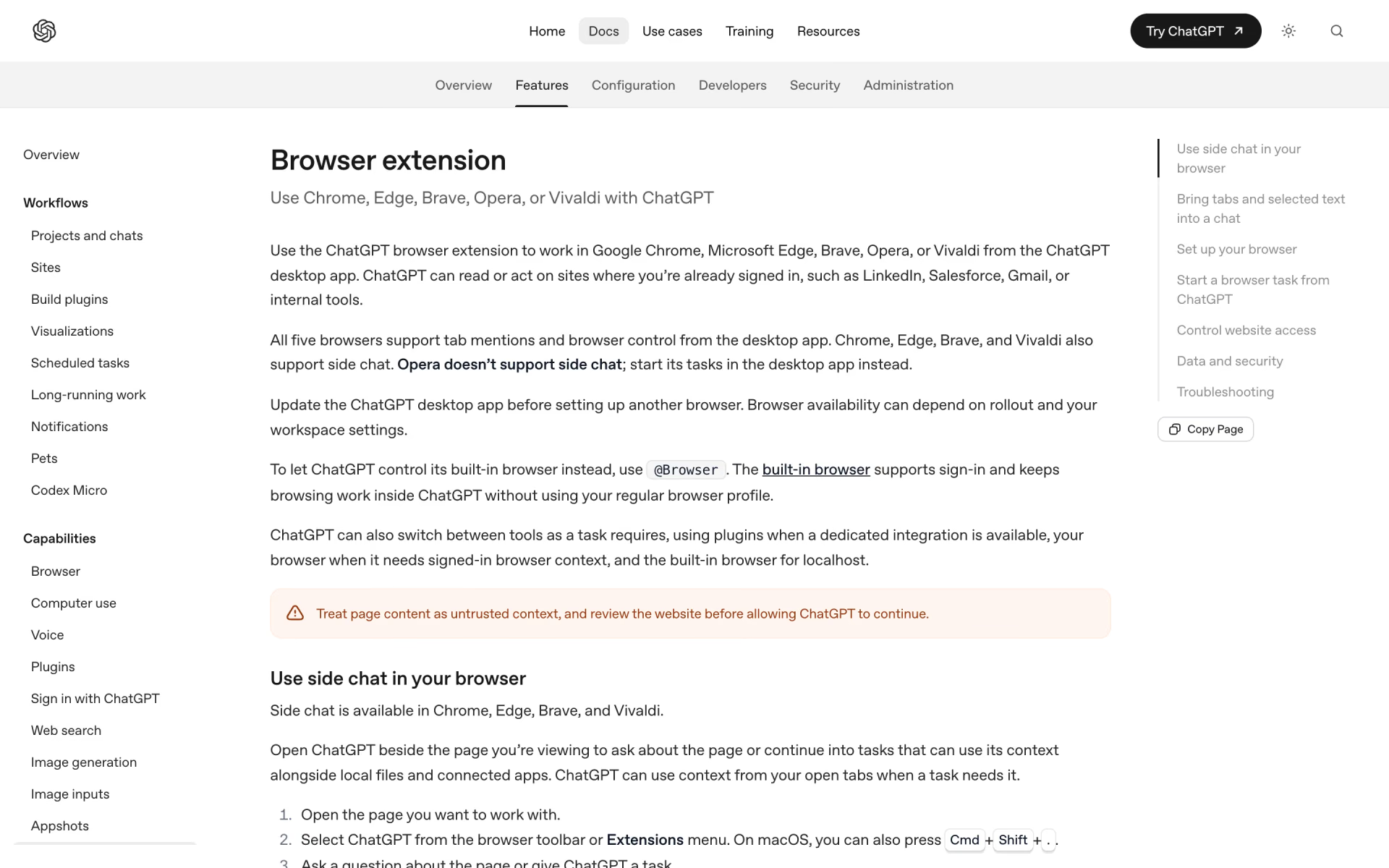
 ChatGPT Browser Extension
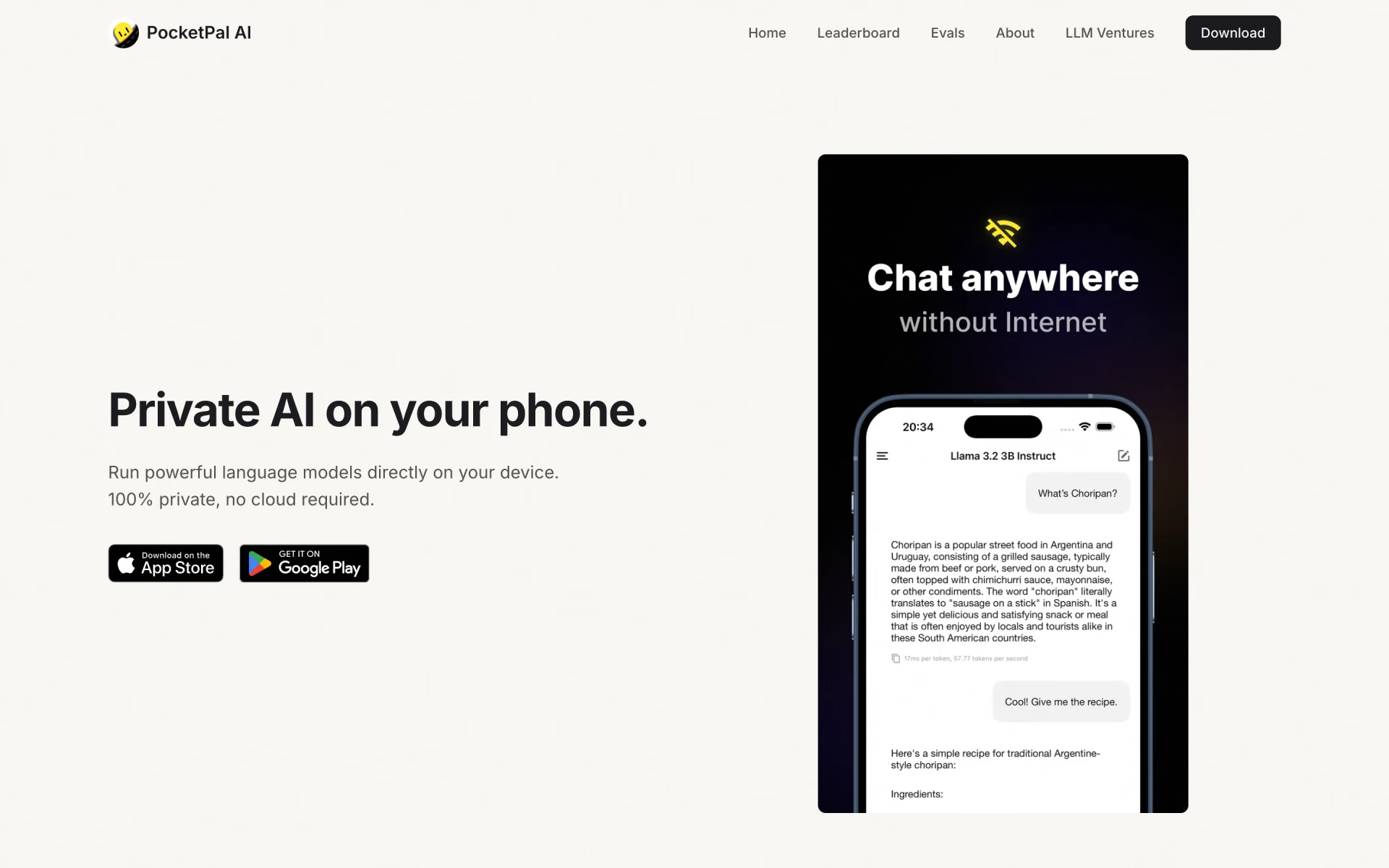
 PocketPal AI

 AnythingLLM

 OpenRouter Fusion
 LibreChat