
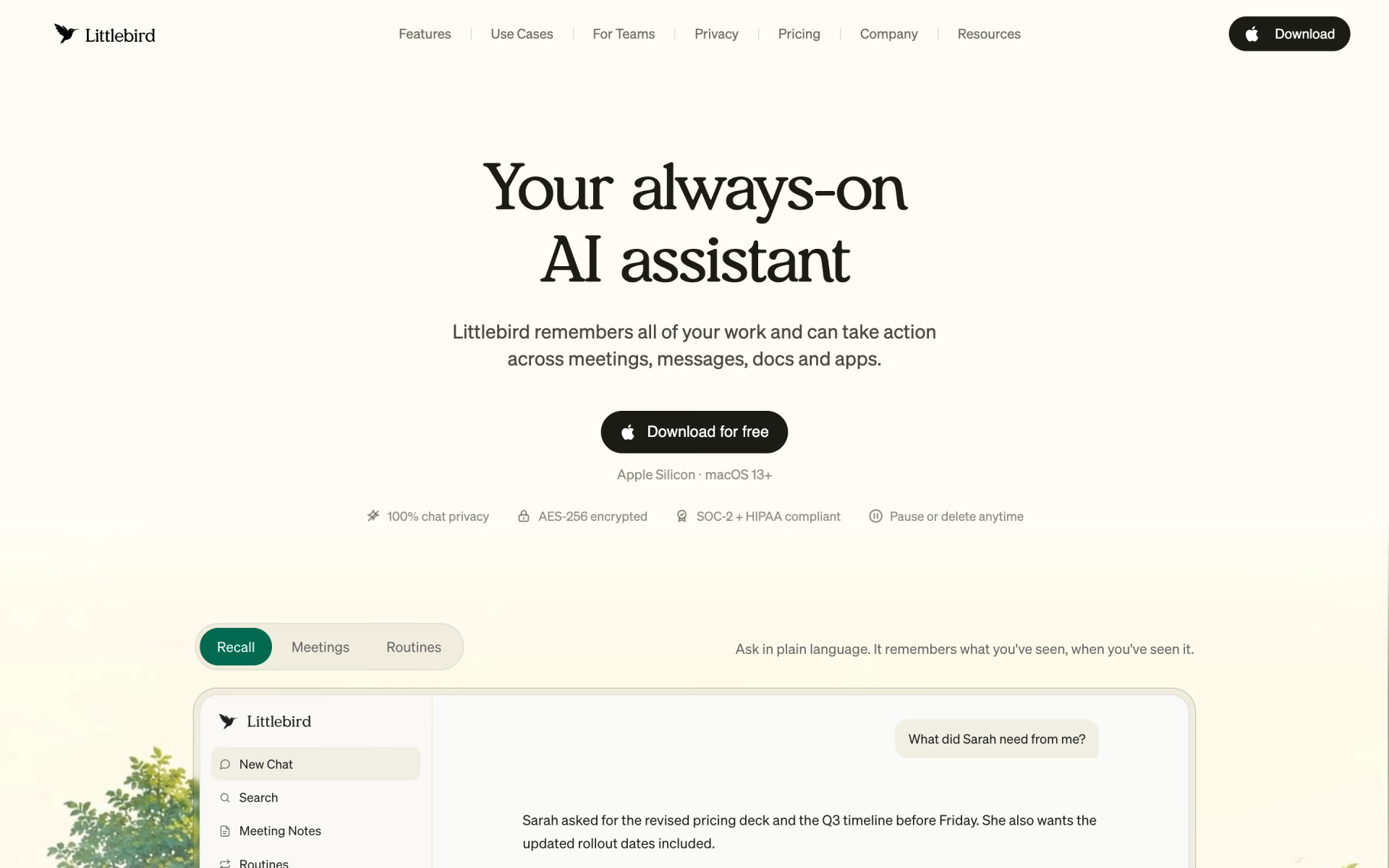
What is Littlebird?
An assistant that works from everything on your screen.
Who is Littlebird best for?
Littlebird is best for Mac or Windows users who want an assistant that already knows their work from their screen.
People tired of re-explaining context
It reads the active window on your screen, so questions and drafts start from the document or site you are already working in.
Back-to-back meetings
It listens along to take notes in 10+ languages and prepares a brief for meetings that are coming up.
Daily briefings and routines
Scheduled routines deliver a morning briefing or a weekly project update at the time you choose.
Privacy-minded users
Banking, password and card pages are skipped by default, and you can delete the last hour, the last day or everything in two clicks.
How much does Littlebird cost?
Littlebird is free on its Basic plan with daily usage credits, and its paid plans cost $20 a month for Plus, $50 for Power and $100 or $200 for Pro, with Plus and Power cheaper when billed yearly.
- Context from your screen, apps and meetings
- Daily usage credits for chats and routines
- Limited meeting notes
- Monthly usage credits and unlimited meeting notes
- Stronger chat model, memory and personalization
- Littlebird MCP and image generation
- 2.5 times the usage credits of Plus
- Premium image generation
- Priority support
- 5 times the usage credits of Plus
- Auto-detected language in meeting notes
- Early access to new features
Billed yearly, Plus is $17 a month ($204 a year) and Power $42 a month ($510 a year). Pro with 12 times the Plus credits costs $200 a month. Paid plans can buy extra usage packs that never expire. For teams, the Team plan starts at $17 per seat per month, and Enterprise, with SSO and self-hosted deployment, is priced on request. Students pay $15 a month for Plus. Full pricing on littlebird.ai. We checked these prices on .
How do readers rate Littlebird?
No one has rated Littlebird yet. Be the first.
Sign in to rate. One rating per account.
Questions about Littlebird
What is Littlebird?
An assistant that works from everything on your screen.
Who is Littlebird for?
Littlebird is best for Mac or Windows users who want an assistant that already knows their work from their screen.
Is Littlebird free?
Yes. Littlebird has a free Basic plan: context from your screen, apps and meetings.
How much does Littlebird cost?
Littlebird's paid plans are Plus at $20 per month, Power at $50 per month and Pro at $100 per month.
Where can I try Littlebird?
On its official website, littlebird.ai.
Does Littlebird use my data to train AI models?
No. Littlebird says it does not train models on your personal data or sell it, and it has zero-retention agreements with the model providers it uses. What it captures is encrypted and stored on AWS, and you can delete it at any time.
Which devices does Littlebird run on?
Littlebird's desktop app runs on Mac and Windows, and companion apps for iOS and Android let you chat with it away from your desk. The Mac download is listed for Apple Silicon Macs on macOS 13 or later.

 Gemini
 OpenAgents Workspace

 Jan

 Zola

 VanChat

 AskSpot