

What is KineMaster?
Mobile video editing with 4K export and multi-layer tools.
Who is KineMaster best for?
KineMaster is best for creators who edit on a phone or tablet and want layers, templates and 4K export.
Editing on a phone or tablet
A full-screen, multi-layer timeline with keyframes runs on Android and iOS, so longer edits do not need a computer.
Quick social videos
Thousands of community templates sized for YouTube, TikTok and Instagram let you drop in your own clips instead of starting from a blank project.
Green screen and effects
Chroma key, AI tracking and AI background removal let you build composites and text that follows moving subjects on a phone.
Captioned videos
Auto captions in 36 languages and text-to-speech voices add subtitles and voiceovers inside the same app.
How much does KineMaster cost?
KineMaster is free to use with ads and a watermark on saved videos, and KineMaster Premium removes both for $7.99 a month or $51.99 a year.
- No watermark and no ads
- Every premium asset in the Asset Store
- 10GB KineCloud storage, with Spring Premium included
Paying yearly costs $51.99 (about $4.33 a month), 46% less than 12 monthly payments; there is no weekly or lifetime option. The free app keeps every editing tool and 4K exports at 60 FPS, but shows ads, adds a watermark and has no cloud backup or private sharing. One Premium subscription works on up to 5 phones, tablets or Apple Silicon computers. These are the prices on KineMaster's web checkout; inside the app you subscribe through your Apple or Google account. Full pricing on kinemaster.com. We checked these prices on .
How do readers rate KineMaster?
No one has rated KineMaster yet. Be the first.
Sign in to rate. One rating per account.
What are the best KineMaster alternatives?
Three tools on Recaply do KineMaster's job.


Questions about KineMaster
What is KineMaster?
Mobile video editing with 4K export and multi-layer tools.
Who is KineMaster for?
KineMaster is best for creators who edit on a phone or tablet and want layers, templates and 4K export.
Is KineMaster free?
Yes, KineMaster is free to download and use, with every editing tool, templates, auto captions and 4K exports at 60 FPS. The free version shows ads and puts a watermark on saved videos; KineMaster Premium removes both for $7.99 a month.
How much does KineMaster cost?
KineMaster's paid plans are Premium at $7.99 per month.
What are the best KineMaster alternatives?
The closest alternatives on Recaply are CapCut, InShot and VivaVideo.
Where can I try KineMaster?
On its official website, kinemaster.com.
Can I use one KineMaster Premium subscription on several devices?
Yes. KineMaster Premium is tied to your KineMaster account, so you can sign in on up to 5 phones, tablets or Apple Silicon computers. The same subscription also includes Spring Premium, the maker's second video editing app, at no extra cost.
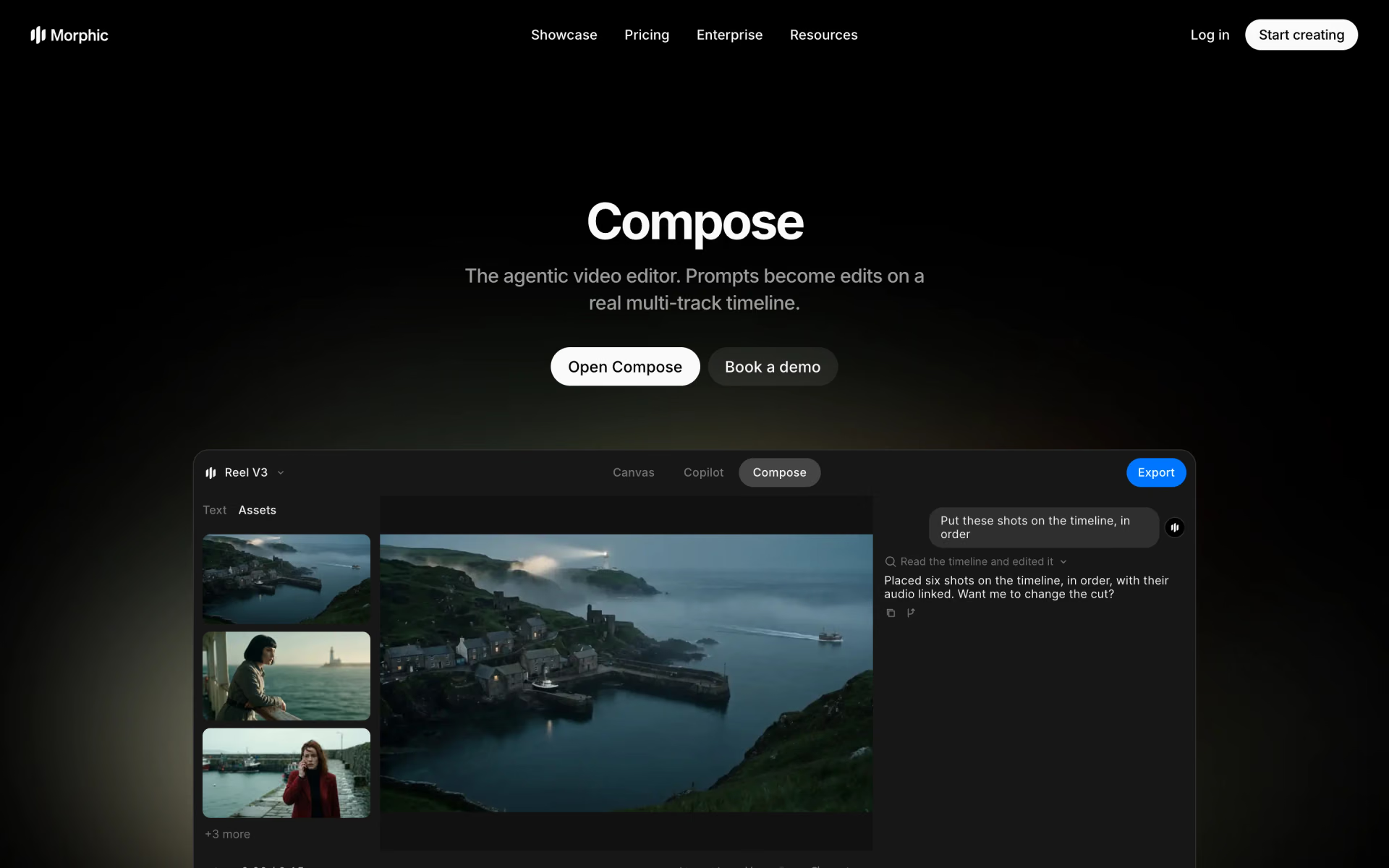
 Morphic Compose

 Gling
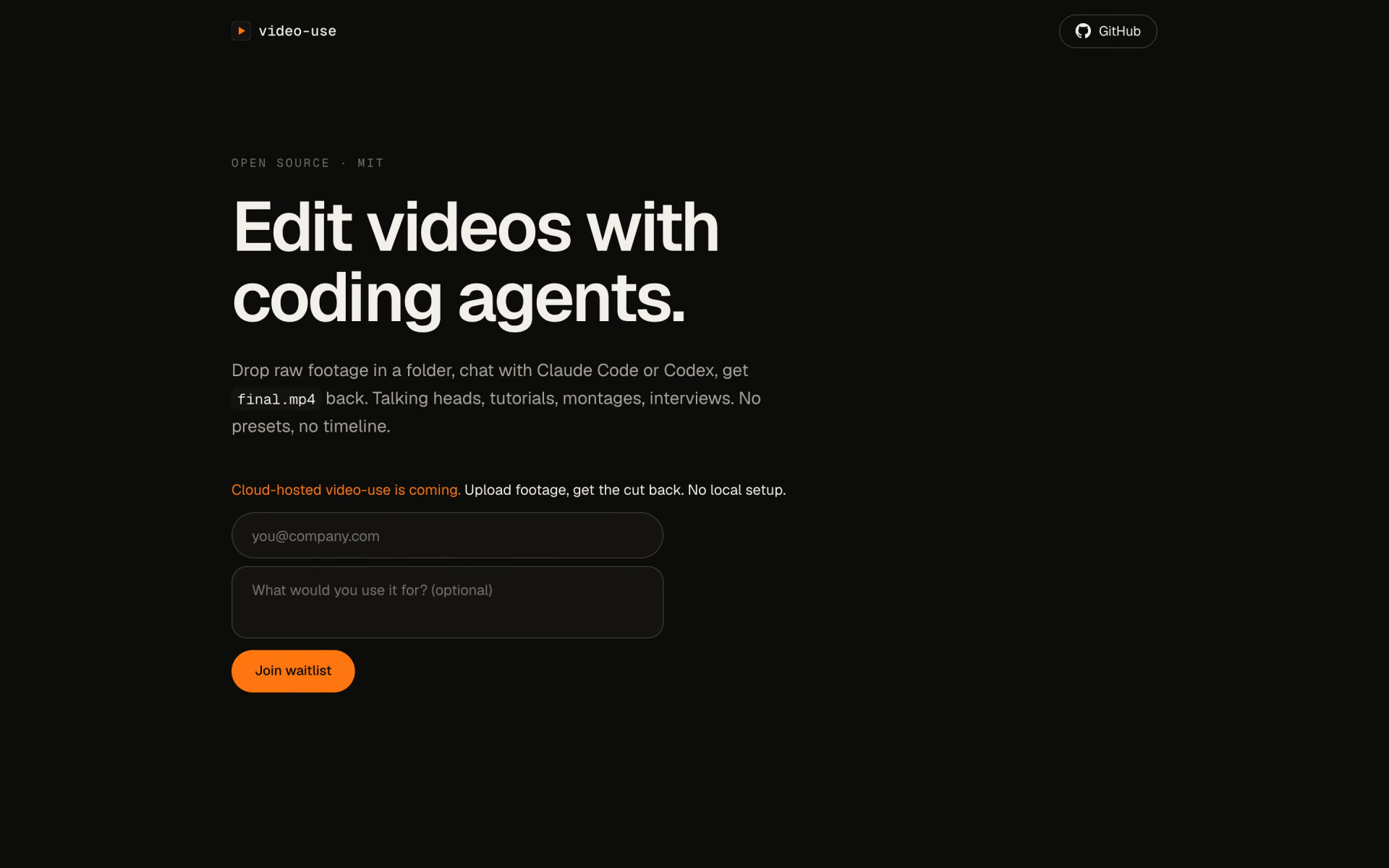
 video-use

 LosslessCut

 Tesseract by Mirage

 Riverside Agents