
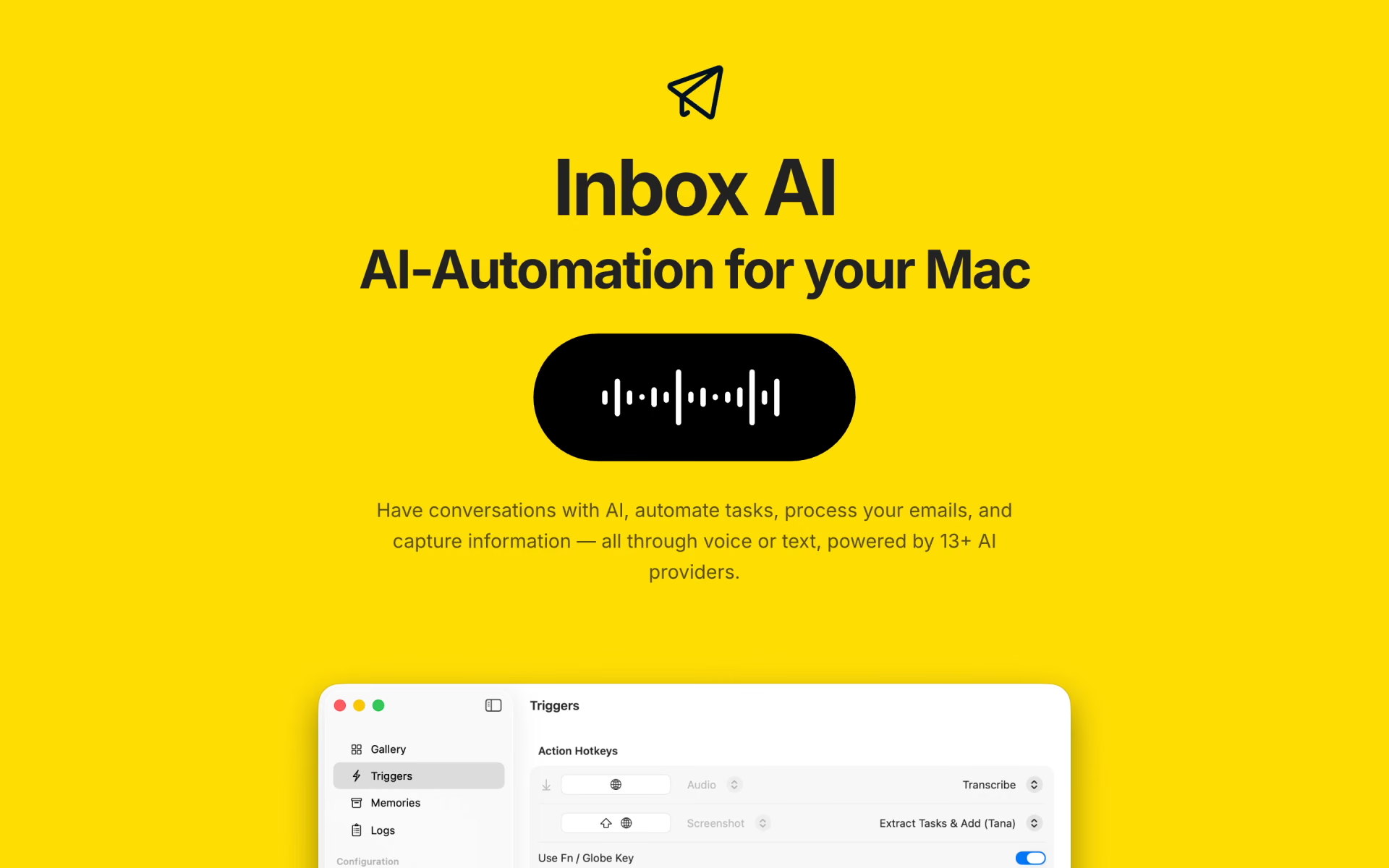
What is Inbox AI?
Mac automation by voice or text across 13 AI providers, no subscription.
Who is Inbox AI best for?
Inbox AI is best for Mac users who want to run AI tasks by voice or hotkey with their own AI keys or local models.
Voice commands on the Mac
A hotkey opens a voice conversation or chat window, and you can build your own commands such as replying to the Slack message on screen.
Apple Mail triage
It flags important mail, moves junk and pulls tasks out of messages into Notion, Obsidian, Tana or Apple Reminders, with the email processing done on the Mac.
Local or bring-your-own AI
It works with Claude, GPT, Gemini, Groq, DeepSeek and xAI through your own keys, or with Ollama and LM Studio running on your Mac.
Workflow builders
Actions chain API requests, terminal commands, web search, MCP servers, macOS Shortcuts and watched folders into one automation.
How much does Inbox AI cost?
Inbox AI is a one-time purchase with a 7-day trial and no subscription, but its maker's site shows no price; the price is on its Mac App Store listing.
The maker's site says "Buy Once, Use Forever" with no recurring fees and a 7-day trial, but it lists no price and has no pricing page. Direct purchases go through Lemon Squeezy with a 14-day refund if the app does not work as described; Mac App Store purchases are refunded by Apple. Cloud AI use is billed separately by the provider whose key you add. Plans and current prices are on inbox-ai.app.
How do readers rate Inbox AI?
No one has rated Inbox AI yet. Be the first.
Sign in to rate. One rating per account.
Questions about Inbox AI
What is Inbox AI?
Mac automation by voice or text across 13 AI providers, no subscription.
Who is Inbox AI for?
Inbox AI is best for Mac users who want to run AI tasks by voice or hotkey with their own AI keys or local models.
Is Inbox AI free?
You can try Inbox AI free before paying.
Where can I try Inbox AI?
On its official website, inbox-ai.app.
Can I use Inbox AI for work?
Yes. Inbox AI's terms grant a licence to install and use it on your own devices for personal or commercial use. The licence is not transferable, and any charges from the AI providers you connect with your own API keys are yours to pay and are not refundable by the maker.
Does Inbox AI need an AI subscription?
No. Inbox AI does not sell AI access. You add your own API key for a cloud provider such as OpenAI, Anthropic or Groq, which bills you for usage, or run free local models through Ollama or LM Studio on your Mac. The maker notes that local models are less capable than cloud ones.
 Clean Inbox for Gmail

 n8n
 Jace AI
 aiApply
 SuperCmd

 Avoma