

What is Hunter?
Hunter does one job that salespeople and marketers know well: give it a company website and it lists the work emails it has found for that domain, or give it a name and a domain and it returns the likely address along with a verification result.
Around that core sit Discover, a filterable database of B2B companies, lead enrichment, and Sequences, which sends cold emails from your own Gmail or Outlook inbox. Next to Apollo or lemlist it is narrower, email only and lighter on outreach, but faster to learn and cheaper to start.
Who is Hunter best for?
Hunter is best for founders, marketers and small sales teams who need a verified work email for a named person or company.
Founders doing their own outreach
The free plan's 50 credits a month and one connected inbox cover a few targeted emails a week.
PR, partnerships and link building
Domain Search shows who works at a publication or company, so pitches reach a named person instead of a generic inbox.
Cleaning lists before a send
Bulk verification costs half a credit per address and helps keep bounce rates low on lists from other sources.
Developers needing contact data
The API and pay-per-credit Data Platform plans put email lookup and verification inside your own product or workflow.
What's included with Hunter?
Domain search, email finding and verification, a B2B company database, cold email sequences, and a Chrome extension, Sheets add-on and API.
- Domain Search
- Lists the people and work emails Hunter has found for a company, so you can pick the right contact.
- Email Finder
- Returns a person's work email from their name and company domain, verified in the same step.
- Email Verifier
- Checks whether an address can receive mail, one at a time or in bulk uploads.
- Discover
- A B2B company database with filters, an AI search assistant and weekly lead suggestions.
- Sequences
- Cold email campaigns from your own inbox with an AI writing assistant, A/B tests, link tracking and CRM logging.
- Chrome extension and Sheets add-on
- Finds emails on the website you are browsing, or fills and verifies emails inside Google Sheets.
How does Hunter work?
Find the people
Search a company domain, a name, or the Discover database for companies that match your target.
Verify and enrich
Hunter checks each address and fills in company details before you save the lead.
Send a sequence
Connect Gmail or Outlook and send a short cold email sequence, or export the leads to your CRM.
How much does Hunter cost?
Hunter's Free plan gives 50 credits a month; paid plans cost $49, $149 or $299 a month, or 30% less when paid yearly.
- 50 credits a month
- 1 connected email account
- Unlimited team members
- 2,000 credits a month
- 3 connected email accounts
- Lead enrichment and AI writing assistant
- 10,000 credits a month
- 10 connected email accounts
- Priority support
- 25,000 credits a month
- 20 connected email accounts
- Account manager
Paying yearly saves 30% ($34, $104 and $209 a month) and gives the year's credits upfront; monthly credits do not roll over. Enterprise is priced on request. API-only Data Platform credits cost $50 per 1,000 searches and $11 per 1,000 verifications. Extra email accounts start at $10 a month each, and extra credit packs last 3 months. Full pricing on hunter.io. We checked these prices on .
How do readers rate Hunter?
No one has rated Hunter yet. Be the first.
Sign in to rate. One rating per account.
Hunter pros and cons
It is quick to learn and only charges for results, but credits run out fast at volume and outreach is email only.
Pros
- Easy to pick up: reviewers on G2 and Trustpilot most often praise the simple interface and the Chrome extension.
- Email Finder results include verification at no extra cost, and no credit is used when Hunter finds or verifies nothing.
- Every plan, the free one included, allows unlimited team members.
- Repeat lookups of the same address within a month do not use credits again.
Cons
- Credits go quickly on larger campaigns, and several G2 reviewers say the price climbs fast as usage grows.
- Some returned addresses are out of date and bounce, so reviewers still check key contacts by hand.
- Sequences cover email only; LinkedIn steps, calls or SMS need another tool.
- Monthly-plan credits reset each month and do not roll over.
How do I connect Hunter to my AI agent?
Hunter MCP is Hunter's official MCP server. Add it to your agent once, then ask it to find and verify business email addresses with Hunter.
Connects your agent to Hunter's data, so you can look up companies, find and check email addresses and put together lead lists.
Hunter gives each account its own server address. Open the setup guide, copy your address, then add it to Claude Code like any other server.
Use the address from Hunter's setup guide.
Run /mcp and sign in to Hunter in the browser.
Then ask your agent
- Runs
- On the web
- Sign-in
- OAuth
- Maker
- Hunter
- Guide
- hunter.io
What are the best Hunter alternatives?
Apollo for phones and multichannel outreach, FullEnrich for mobile numbers from many providers, and Saleshandy for cold email at volume.
 Apollo AIFree
Choose it when you want a larger contact database with email sequences, a dialer and AI prospecting agents in one place, also starting on a free plan.
 FullEnrichFreemium
Choose it when you need mobile numbers as well as emails, since it checks many data providers in turn and only charges when it finds a contact.
 SaleshandyFreemium
Choose it when sending volume matters more than lookups; it pairs a B2B lead finder with cold email sequences without charging per mailbox.
Questions about Hunter
What does a Hunter credit buy?
Finding one email with Email Finder or revealing one in Domain Search costs 1 credit, with verification included. Verifying an address costs half a credit, and enriching an email or domain through the API costs 0.2 credit.
Who is Hunter for?
Hunter is best for founders, marketers and small sales teams who need a verified work email for a named person or company.
Is Hunter free?
Yes. Hunter's Free plan gives 50 credits a month, one connected inbox for sequences of up to 500 recipients, and unlimited team members, with no card needed. Paid plans start at $49 a month.
How much does Hunter cost?
Hunter's paid plans are Starter at $49 per month, Growth at $149 per month and Scale at $299 per month.
Does Hunter have an MCP server?
Yes. Hunter MCP is Hunter's official MCP server, so agents such as Claude Code, Cursor, Codex and GitHub Copilot can find and verify business email addresses with Hunter. Hunter runs it on the web and you sign in with your Hunter account.
What are the best Hunter alternatives?
The closest alternatives on Recaply are Apollo AI, FullEnrich and Saleshandy.
Where can I try Hunter?
On its official website, hunter.io.
Does Hunter charge when it cannot find an email?
No. Hunter uses no credits when it cannot find or verify an address, and the same lookup repeated within a month is not charged again. Bulk uploads always use credits.
Is Hunter GDPR compliant?
Hunter states that it complies with GDPR and CCPA. Each result shows the public pages where and when the address was found, guesses are labelled as guesses, and data with no public source left is removed after six months.
Our verdict
Hunter is the easiest way to get a verified work email for someone, and its free plan is enough to try it properly.
Lookups are quick, verification is built into every result and you pay nothing for misses, but outreach is basic and credits go fast at volume.
- Skip it for
- Teams that run high-volume multichannel outbound or need phone numbers, who will outgrow it.
- Check first
- How many lookups you need a month, since monthly credits do not roll over.
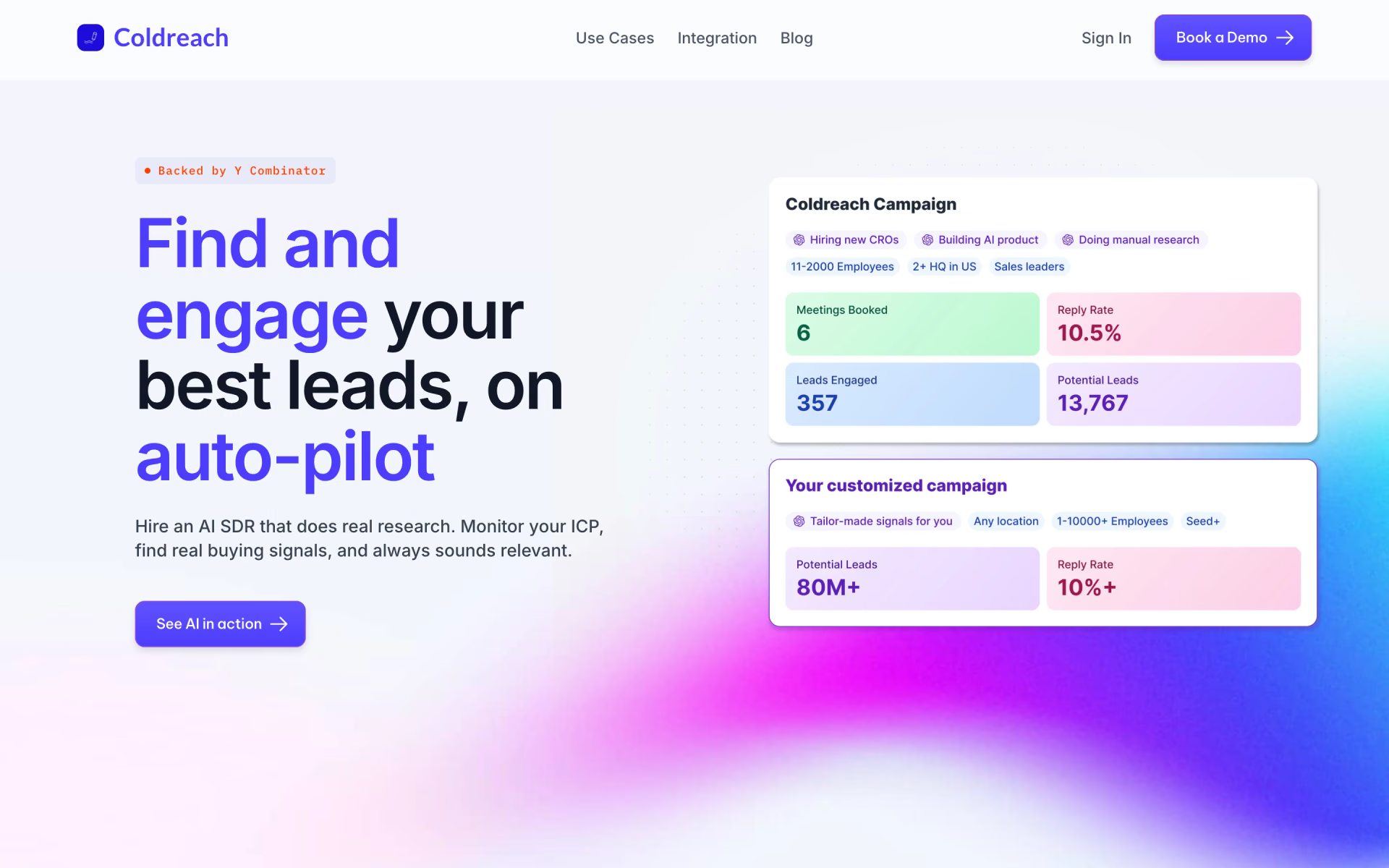
 Coldreach

 Mailead.io
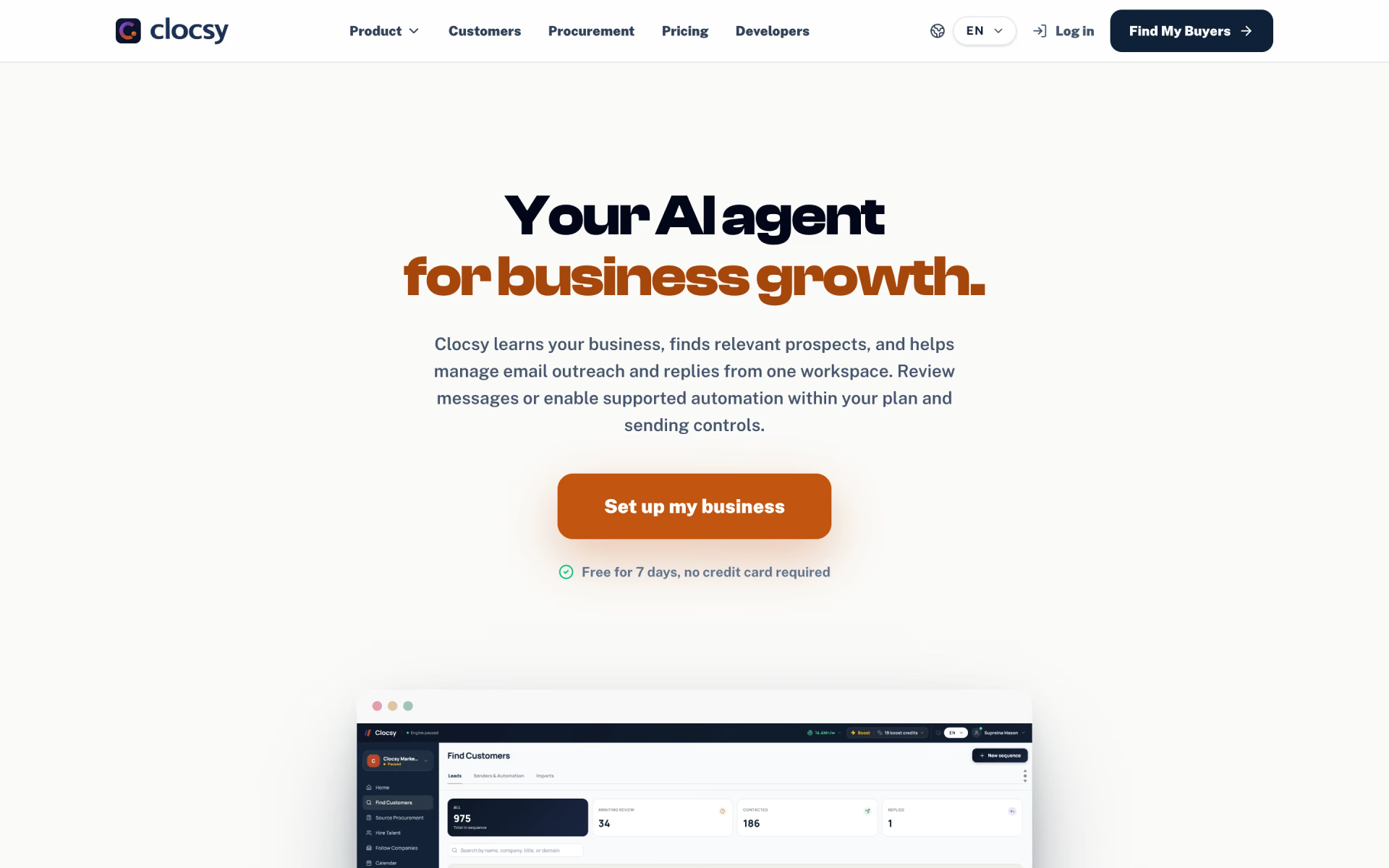
 Clocsy

 7Targets AI Sales Assistant

 Parvenu

 RepliQ