
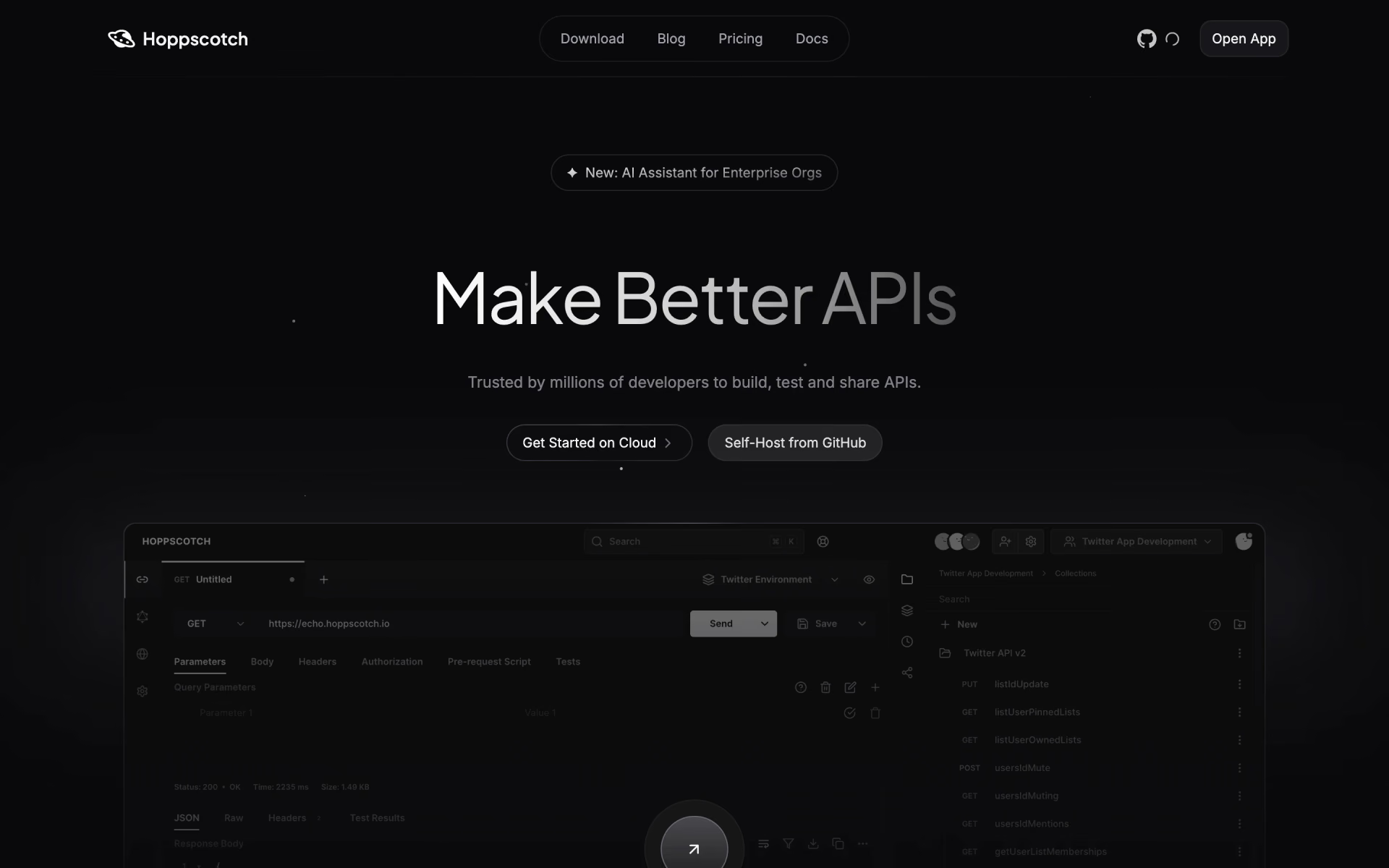
What is Hoppscotch?
API client for REST, GraphQL, WebSocket and more that runs in the browser or on desktop.
Who is Hoppscotch best for?
Hoppscotch is best for developers and QA testers who send and debug API requests in a browser.
Testing many protocols
One client sends REST and GraphQL requests and works with WebSocket, server-sent events, Socket.IO and MQTT.
Quick checks without an install
It runs in the browser as an installable web app with offline support, with desktop apps for Windows, macOS and Linux and a CLI.
Teams sharing collections
Business adds team workspaces, shared collections and environments, published API docs, API mocking and MCP server support.
Companies that keep data in-house
The Community Edition runs in Docker with a Postgres database, and a self-hosted Enterprise Edition adds SSO and audit logs.
How much does Hoppscotch cost?
Hoppscotch is free on its cloud and as the MIT-licensed self-hosted Community Edition, while Business costs $8 and Enterprise $14 per user a month on monthly billing.
- Community Edition in Docker
- Needs a Postgres database
- Community support
- REST, GraphQL and realtime API testing
- Personal workspace, collections and environments
- Collection runner and code snippets
- Team workspaces and shared collections
- API docs publishing and mocking
- MCP server support
- SAML SSO, OpenID Connect and SCIM
- AI agent features and audit logs
- Priority support via Slack Connect
Billed yearly, Business is $6 and Enterprise $11 per user a month. The self-hosted Enterprise Edition costs $19 per user a month, or $190 per user a year, with SSO, audit logs and priority support. Full pricing on hoppscotch.com. We checked these prices on .
How do readers rate Hoppscotch?
No one has rated Hoppscotch yet. Be the first.
Sign in to rate. One rating per account.
Is Hoppscotch open source?
Yes. Hoppscotch's code is public under the MIT licence, so you can run it on your own server.
On GitHub
80,791stars
+164 (+0.2%) in the last 30 days
- Last commit
- 5 Nov
- Repository age
- 7 years
- Latest release
- 5 Nov
- Licence
- MIT
- Self-hosted
- Yes
- Repository
- hoppscotch/hoppscotch



What are the best Hoppscotch alternatives?
Hoppscotch is an open source alternative to Postman and ReAPI. Insomnia, Bruno, Chapar and Scalar do the same job and are open source too.
 PostmanFree
APIs developed, tested and managed on an AI-native platform.
 ReAPIFree
API documentation, debugging and testing in one place.
 InsomniaOpen Source
Desktop app to send, test, mock and document API requests, with local or Git storage.
 BrunoOpen Source
API client that saves requests as plain-text files in your Git repo and works fully offline.
 ChaparOpen Source
Native desktop API client for REST, gRPC, GraphQL and WebSocket that keeps all data local.
 ScalarOpen Source
Interactive API reference docs and an offline API client, both built from your OpenAPI file.
Questions about Hoppscotch
What is Hoppscotch?
API client for REST, GraphQL, WebSocket and more that runs in the browser or on desktop.
Who is Hoppscotch for?
Hoppscotch is best for developers and QA testers who send and debug API requests in a browser.
Is Hoppscotch free?
Yes. Hoppscotch has a free Self-hosted plan: community Edition in Docker.
How much does Hoppscotch cost?
Hoppscotch's paid plans are Business at $8 per user per month and Enterprise at $14 per user per month.
Is Hoppscotch open source?
Yes. Hoppscotch's code is public under the MIT licence, so you can run it on your own server.
What are the best Hoppscotch alternatives?
The closest alternatives on Recaply are Postman, ReAPI, Insomnia, Bruno, Chapar and Scalar.
Where can I try Hoppscotch?
On its official website, hoppscotch.com.
Can I self-host Hoppscotch?
Yes. The Community Edition is MIT licensed and runs as Docker containers with a Postgres database on your own machine or cloud. It needs 4 CPU cores and 4 GB of RAM to build the image, then as little as 1 core and 2 GB to run.

 Yaak
 Voiden

 dotts

 testRigor

 Autonoma

 Google AI Studio