
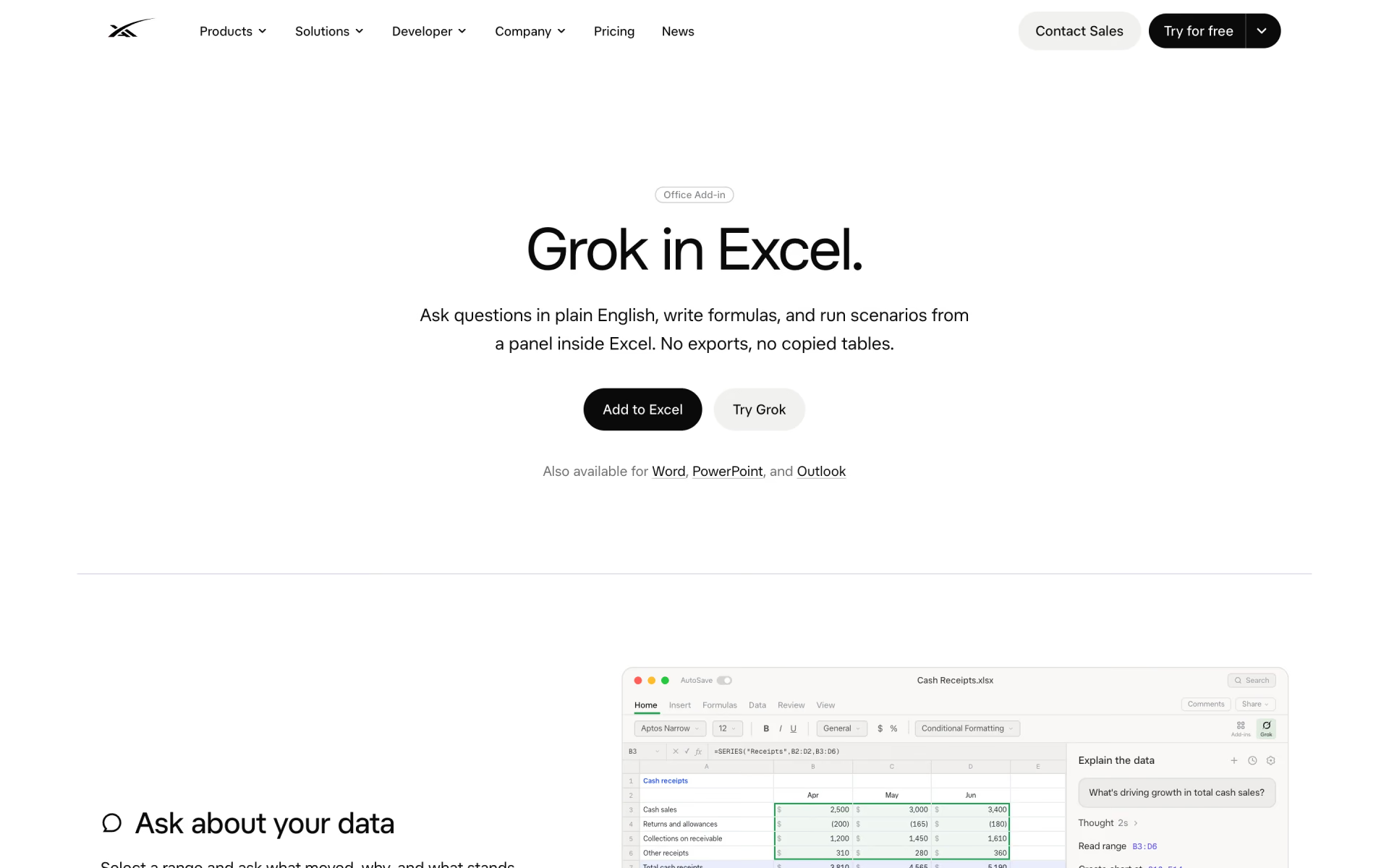
What is Grok for Excel?
Grok analyses ranges, writes formulas and builds charts inside Excel.
Who is Grok for Excel best for?
Grok for Excel is best for Excel users who want questions about their data answered and formulas written from plain English.
Questions about a range
Select cells and ask what moved and why; the answers point back to the cells they came from, and charts can go straight into the sheet next to the data.
Formulas without the syntax
Describe the result you want and Grok writes the formula, with averages, sorts and fills landing as normal edits in the formula bar.
Forecasts and month-end
It can test a downside case, rerun a forecast or help close out month-end in the workbook you already have open, without rebuilding the sheet by hand.
Teams on SharePoint or Google Drive
Through connectors, it can pull context from recent emails or from files in SharePoint or Google Drive into the spreadsheet work.
How much does Grok for Excel cost?
Grok for Excel is a free Microsoft 365 add-in that you install from the Microsoft Marketplace, and xAI lists no separate price for it.
xAI calls Grok for Excel a free add-in and shows no plan or price for it; Grok is also available as an add-in for Word and PowerPoint. Grok itself is free to start and paid SuperGrok plans raise usage limits across Grok's products, but the Excel page does not say whether heavier use needs one. Plans and current prices are on x.ai.
How do readers rate Grok for Excel?
No one has rated Grok for Excel yet. Be the first.
Sign in to rate. One rating per account.
What are the best Grok for Excel alternatives?
Two tools on Recaply do Grok for Excel's job.


Questions about Grok for Excel
What is Grok for Excel?
Grok analyses ranges, writes formulas and builds charts inside Excel.
Who is Grok for Excel for?
Grok for Excel is best for Excel users who want questions about their data answered and formulas written from plain English.
Is Grok for Excel free?
Yes. xAI describes Grok for Excel as a free Microsoft 365 add-in that you add from the Microsoft Marketplace. Grok itself is free to start, and xAI's paid SuperGrok plans raise usage limits across its Grok products.
What are the best Grok for Excel alternatives?
The closest alternatives on Recaply are ChatExcel and Numerous.
Where can I try Grok for Excel?
On its official website, x.ai.
Does Grok also work in Word and PowerPoint?
Yes. xAI's Excel page says Grok is also available for Word and PowerPoint. The Excel add-in is the one that reads ranges, writes formulas, runs scenarios and places charts in the sheet.
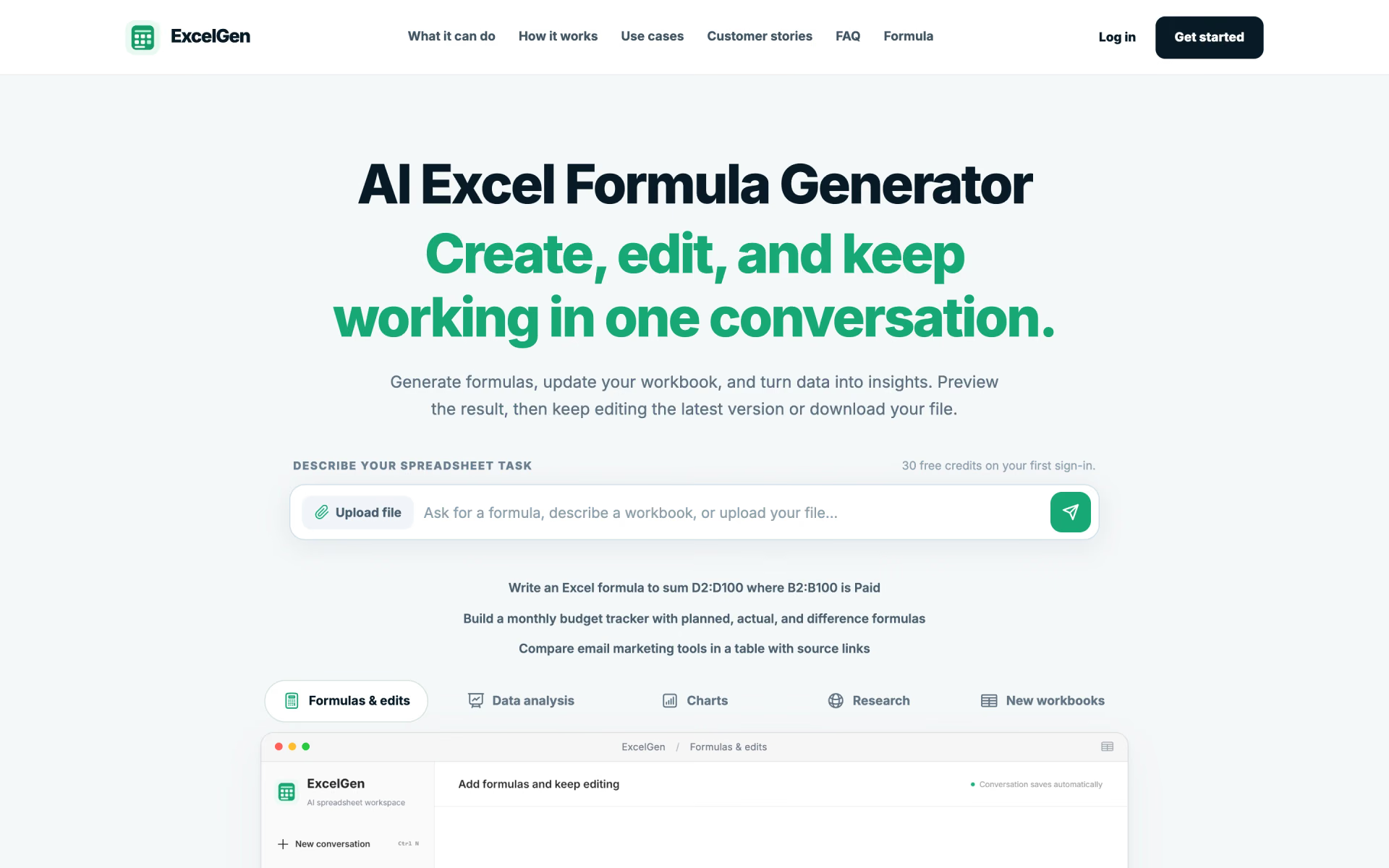
 ExcelGen

 GPT Excel

 Formulas HQ

 Sheeter
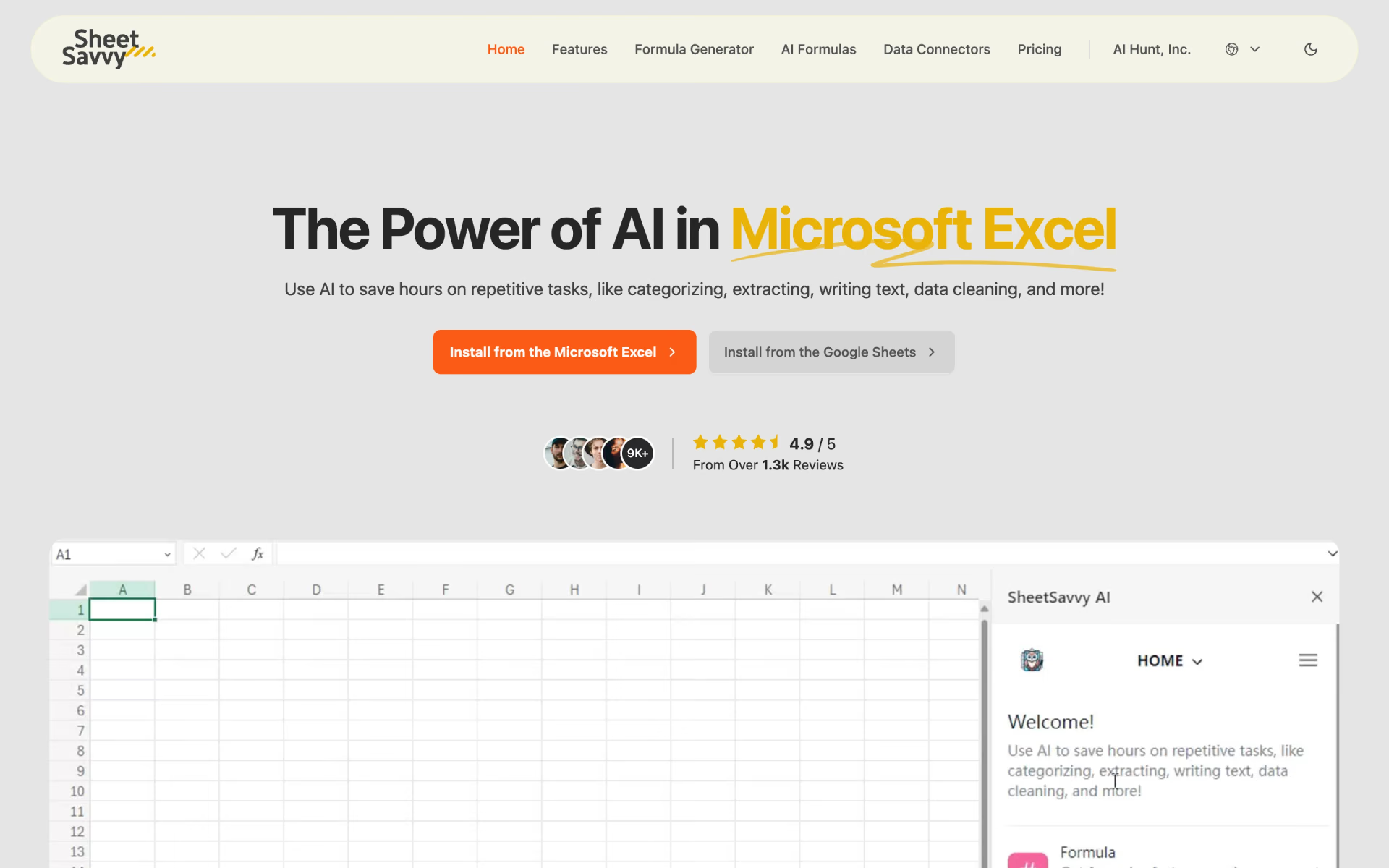
 SheetSavvy AI
 Grist