
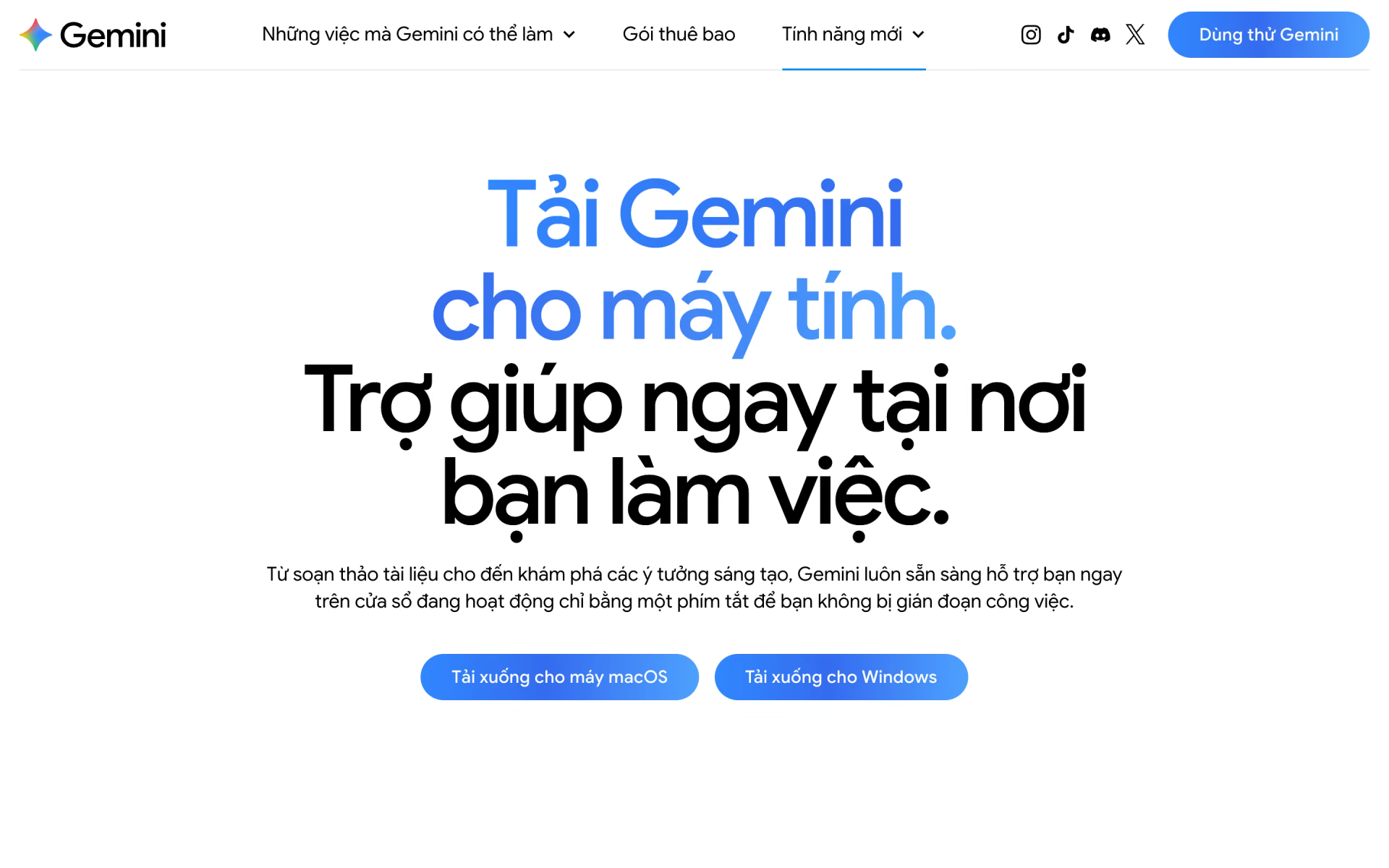
What is Gemini for Mac?
Gemini on the Mac with screen and file context, Speak to Window and Spark automation.
Who is Gemini for Mac best for?
Gemini for Mac is best for Apple Silicon Mac users who want Gemini one shortcut away, with local files as context.
Quick questions without a browser
Option + Space opens a small chat over whatever you are doing, and your history syncs with the web and phone apps.
Writing inside other apps
Speak to Window turns your voice into clean text, or rewrites text you highlight, in whichever app is active (English only for now).
Help with what is on screen
Share the active window so Gemini can read an error message, a chart or a document before it answers.
Tidying local files
On Pro and Ultra plans, Gemini Spark can sort folders and summarise local files into Google Docs and Sheets.
How much does Gemini for Mac cost?
Gemini for Mac is free to download and use with a Google account, and Google AI plans cost $4.99 (Plus), $19.99 (Pro) or from $99.99 (Ultra) a month for higher limits and extras such as Gemini Spark.
- Gemini 3.6 Flash, with varying access to 3.1 Pro
- Deep Research, Gemini Live, Canvas and Gems
- 32k-token context window
- 2x the Free usage limits
- Video generation and Daily Brief
- 128k-token context, 400 GB storage
- 4x the Free usage limits and a 1M-token context
- Gemini Spark agent and Chrome auto browse
- 5 TB storage
- 5x the usage limits of Google AI Pro
- Deep Think and first access to new features
- Storage from 20 TB, YouTube Premium
Ultra also comes with 20x Pro's usage limits for $199.99 a month. Usage limits reset every 5 hours up to a weekly cap, and AI credits can extend them. College students can get Google AI Pro free for one year. These are US prices; the page lists no yearly prices, and plans can be cancelled at any time without refunds for part of a billing period. Full pricing on gemini.google. We checked these prices on .
How do readers rate Gemini for Mac?
No one has rated Gemini for Mac yet. Be the first.
Sign in to rate. One rating per account.
What are the best Gemini for Mac alternatives?
Two tools on Recaply do Gemini for Mac's job.


Questions about Gemini for Mac
What is Gemini for Mac?
Gemini on the Mac with screen and file context, Speak to Window and Spark automation.
Who is Gemini for Mac for?
Gemini for Mac is best for Apple Silicon Mac users who want Gemini one shortcut away, with local files as context.
Is Gemini for Mac free?
Yes. Gemini for Mac has a free plan: gemini 3.6 Flash, with varying access to 3.1 Pro.
How much does Gemini for Mac cost?
Gemini for Mac's paid plans are Google AI Plus at $4.99 per month, Google AI Pro at $19.99 per month and Google AI Ultra at $99.99 per month.
What are the best Gemini for Mac alternatives?
The closest alternatives on Recaply are ChatGPT and Claude.
Where can I try Gemini for Mac?
On its official website, gemini.google.
What do I need to run Gemini for Mac?
Gemini for Mac needs a Mac with Apple Silicon running macOS Sequoia (15.0) or later, 8 GB of RAM or more and about 200 MB of free disk space. It also needs an internet connection and a Google account; work or school accounts need an admin to allow Gemini.
Is there a Gemini desktop app for Windows too?
Yes. Google offers the same Gemini desktop app for Windows 10 or later, opened with Alt + Space. Screen sharing, Speak to Window dictation and local-folder tasks with Gemini Spark are Mac-only for now, and Google says more will come to Windows later.

 Gemini Spark

 Sparkian

 Gemini

 Gemini Enterprise

 Gemini Enterprise Agent Platform

 Meta AI