
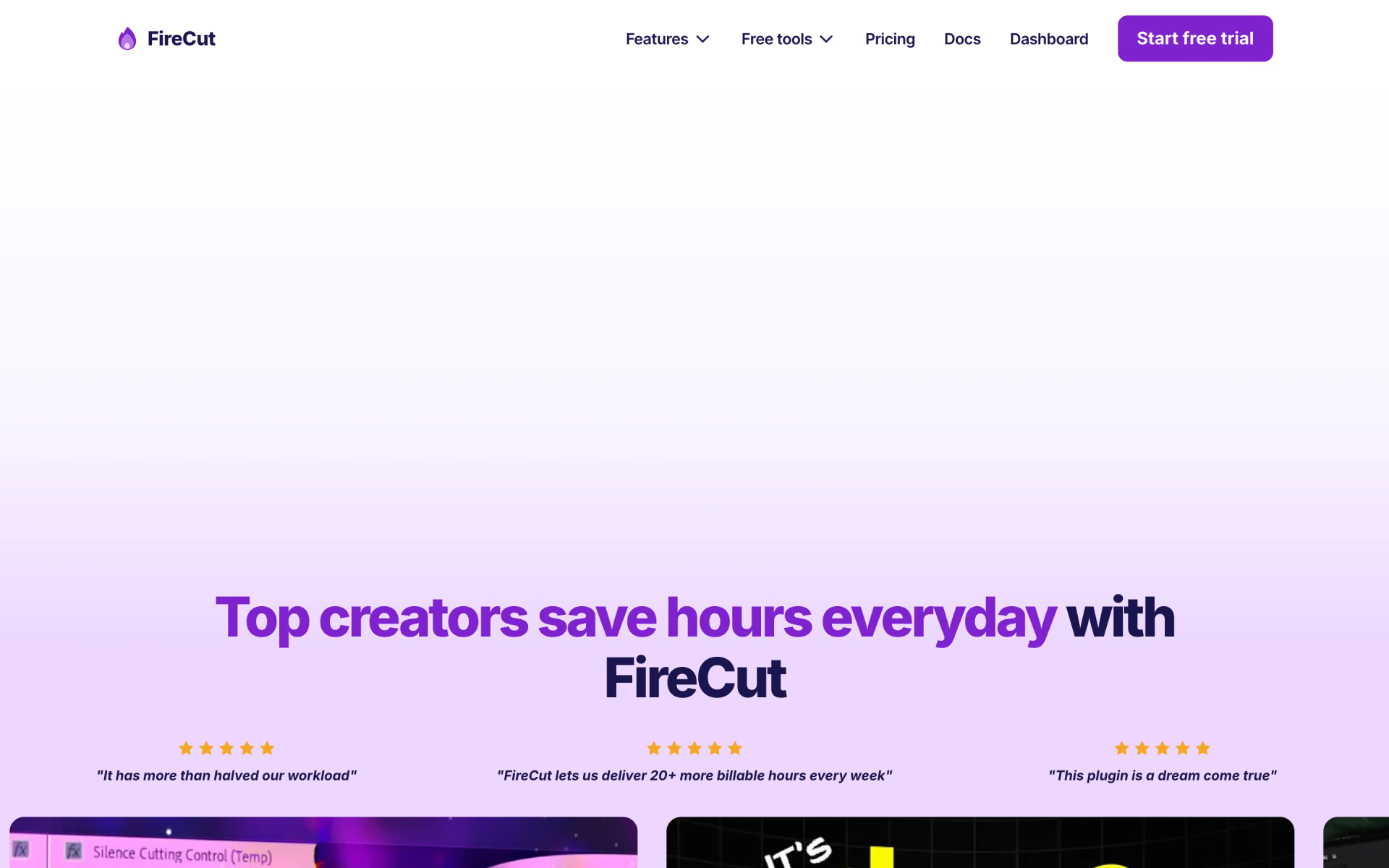
What is FireCut?
Silence removal and captions inside Premiere Pro and DaVinci.
Who is FireCut best for?
FireCut is best for YouTubers and podcasters who cut talking videos in Premiere Pro or DaVinci Resolve.
Talking-head YouTube videos
Silence cutting, filler-word removal and automatic zooms clean up a long recording in one pass instead of hours of manual trimming.
Podcast editors
It switches camera angles automatically and edits podcast episodes for you, then cuts highlight clips from the long version.
Editors who stay in their NLE
It runs as a plugin inside Premiere Pro or DaVinci Resolve and edits the timeline directly, so there is no export to another app.
Captioned social clips
Styled captions with emojis in 50+ languages, plus Storyblocks B-roll and music, make short clips ready to post.
How much does FireCut cost?
FireCut for Premiere Pro costs $10, $18 or $32 a month (Starter, Pro, Max) after a 7-day free trial, while the DaVinci Resolve plugin has a free tier and paid plans from $7 a month.
- One-click and advanced silence cutting
- J-cuts
- Premiere Pro plugin
- 25 hours of transcription a month, captions in 50+ languages
- Cuts fillers, repetition and profanity; adds zooms and chapters
- Storyblocks B-roll and background music
- 100 hours of transcription a month
- Edit to a script and auto-assembled first drafts
- AI voiceover and 4K B-roll
- Premiere Pro and DaVinci Resolve plugins included
- Admin controls and one invoice
- Discounts for larger teams
These are the Premiere Pro plans. Billed yearly, Starter is $5, Pro $11 and Max $21 a month. Right now the page shows Max at $24 instead of $32 ($18 instead of $21 yearly), with no end date. AI voiceover on Pro is $6 a month extra. The DaVinci Resolve plugin has its own plans: a free tier with unlimited silence removal, then Captions at $7, Pro at $11 and Max at $59.99 a month. FireCut Shorts, a browser editor for short videos, is free with a watermark at 720p or $29 a month. Lifetime licences are priced on request, and prices exclude sales tax. Full pricing on firecut.ai. We checked these prices on .
How do readers rate FireCut?
No one has rated FireCut yet. Be the first.
Sign in to rate. One rating per account.
What are the best FireCut alternatives?
Two tools on Recaply do FireCut's job.


Questions about FireCut
What is FireCut?
Silence removal and captions inside Premiere Pro and DaVinci.
Who is FireCut for?
FireCut is best for YouTubers and podcasters who cut talking videos in Premiere Pro or DaVinci Resolve.
Is FireCut free?
Partly. FireCut for DaVinci Resolve has a free tier with unlimited silence removal, and FireCut Shorts has a free plan capped at 25 videos a month at 720p with a watermark. The Premiere Pro plugin has no free plan, only a 7-day free trial before paid plans from $10 a month.
How much does FireCut cost?
FireCut's paid plans are Starter at $10 per month, Pro at $18 per month, Max at $32 per month and Team at From $34 per user per month.
What are the best FireCut alternatives?
The closest alternatives on Recaply are Cutback and Gling.
Where can I try FireCut?
On its official website, firecut.ai.
Does FireCut work with DaVinci Resolve?
Yes. FireCut sells a separate DaVinci Resolve plugin with its own plans: a free tier, Captions at $7, Pro at $11 and Max at $59.99 a month. The Team plan, from $34 per user a month, includes both the Premiere Pro and DaVinci Resolve plugins.
 OpenCut
 Morphic Compose

 W-Agent

 VivaVideo
 InShot
 Moviie