
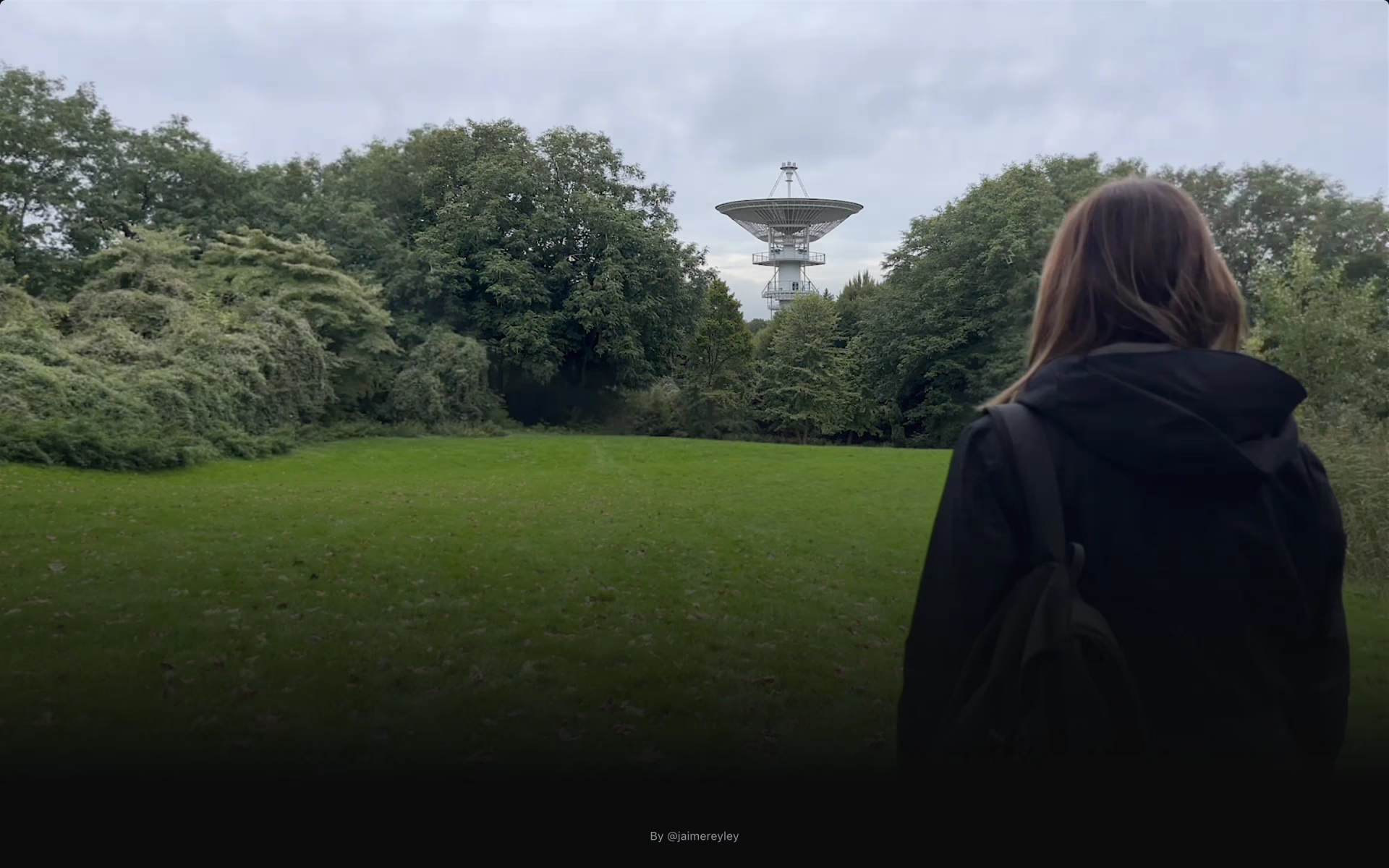
What is Faraway?
Backgrounds and objects added to video with tracking.
Who is Faraway best for?
Faraway is best for video creators who want new backgrounds or objects in existing footage, paying per edit.
New backgrounds for existing clips
It adds a different setting behind the subject of a video you already shot.
Adding objects to a shot
New objects can be placed into footage, and tracking keeps an edit tied to whatever moves in the frame.
Widening a shot
Frame expansion fills in more of the scene around the original picture.
Occasional edits on a small budget
Credits cost $5 per 100 with no monthly plan, so a one-off job costs a few dollars.
How much does Faraway cost?
Faraway sells credits instead of plans: 100 credits cost $5, which covers about 50 edits or 200 tracking masks, and new accounts start with 20 credits.
- About 50 edits
- About 200 tracking masks
- Bought inside the editor after Google sign-in
Faraway has no pricing page and no subscription plans; credits are sold from the credits button in the editor. New accounts start with 20 credits, and an edit uses about 2 credits, so the starting balance covers about 10 edits. Full pricing on farawayapp.com. We checked these prices on .
How do readers rate Faraway?
No one has rated Faraway yet. Be the first.
Sign in to rate. One rating per account.
Questions about Faraway
What is Faraway?
Backgrounds and objects added to video with tracking.
Who is Faraway for?
Faraway is best for video creators who want new backgrounds or objects in existing footage, paying per edit.
Is Faraway free?
Not for ongoing use. Faraway gives new accounts 20 credits, enough for about 10 edits, and after that you buy credits at $5 per 100. There is no free plan that refills each month and no subscription.
How much does Faraway cost?
Faraway's paid plans are 100 credits at $5 per 100 credits.
Where can I try Faraway?
On its official website, farawayapp.com.

 Wave.video

 Rotor Videos

 Panda Video

 VideoProc Converter AI
 Topaz Video

 Nero AI Video Upscaler