

What is Eraser AI?
Architecture and sequence diagrams from prompts, code or a repo.
Who is Eraser AI best for?
Eraser AI is best for software teams writing design docs who want diagrams drawn from their code and kept current.
System design and design docs
Diagrams and a Markdown note editor share one file, and the AI can draft a design doc outline next to the diagram.
Diagrams from existing code
Paste code or connect a repo to get a diagram, and Eraserbot keeps codebase diagrams current as the code changes.
Teams that document in Notion, Confluence or GitHub
Those integrations and a VS Code extension come with every plan, including Free, so diagrams sit where the docs already are.
Diagrams from agents and apps
A diagramming API and an MCP server let Claude, Cursor and other agents create Eraser diagrams.
How much does Eraser AI cost?
Eraser AI comes with every Eraser plan: Free gives 3 files and 3 AI diagrams, Starter costs $20 per member a month and Business $60, or $15 and $45 billed yearly.
- 3 files and 3 AI diagrams
- 7-day version history, unlimited guests
- GitHub, Notion, Confluence and VS Code integrations
- Unlimited files and 40 AI diagrams a month
- 90-day version history and private files
- 20 custom icons and API access
- 250 AI diagrams a month
- Unlimited version history and SAML SSO
- 100 custom icons and reference diagrams
Billed yearly, Starter is $15 and Business $45 per member a month. Enterprise is priced on request, with unlimited AI diagrams, flexible deployments such as single tenancy or private cloud, and a customer success manager. Guests are free on every plan. Paid plans can switch on usage-based billing: extra AI credits cost $60 per 100, and API calls $80 per 100 for prompt-to-diagram or $20 per 100 for rendering diagram code. Education users and non-profits can ask for a discount. Full pricing on eraser.io. We checked these prices on .
How do readers rate Eraser AI?
No one has rated Eraser AI yet. Be the first.
Sign in to rate. One rating per account.
How do I connect Eraser to my AI agent?
Eraser MCP is Eraser's official MCP server. Add it to your agent once, then ask it to draw and update architecture diagrams and docs in Eraser.
Lets your agent create, search and edit files, diagrams and folders in your Eraser workspace, so system diagrams and design docs stay in step with the code.
$ claude mcp add --transport http eraser https://app.eraser.io/api/mcp
Claude Code connects to Eraser over the web.
Run /mcp and sign in to Eraser in the browser.
Then ask your agent
- Runs
- On the web
- Sign-in
- OAuth
- Checked
- Answered 13 Nov
- Guide
- docs.eraser.io
What are the best Eraser AI alternatives?
One tool on Recaply does Eraser AI's job. It is open source, so you can run it on your own server.

Questions about Eraser AI
What is Eraser AI?
Architecture and sequence diagrams from prompts, code or a repo.
Who is Eraser AI for?
Eraser AI is best for software teams writing design docs who want diagrams drawn from their code and kept current.
Is Eraser AI free?
Yes. Eraser AI has a free plan: 3 files and 3 AI diagrams.
How much does Eraser AI cost?
Eraser AI's paid plans are Starter at $20 per member per month and Business at $60 per member per month.
Does Eraser have an MCP server?
Yes. Eraser MCP is Eraser's official MCP server, so agents such as Claude Code, Cursor, Codex and GitHub Copilot can draw and update architecture diagrams and docs in Eraser. Eraser runs it on the web and you sign in with your Eraser account.
Is there an open source alternative to Eraser AI?
Yes. Excalidraw is an open source tool that does the same job, so you can run your own.
What are the best Eraser AI alternatives?
The closest alternatives on Recaply are Excalidraw.
Where can I try Eraser AI?
On its official website, eraser.io.
Does Eraser use my data to train AI models?
No. Eraser says it never uses customer data to train models, and neither does OpenAI, the model provider behind Eraser AI. OpenAI may keep API requests and responses for up to 30 days under its usage policy.
What happens when I run out of Eraser AI credits?
On a paid plan, an admin can turn on usage-based pricing: extra AI credits cost $60 per 100, billed monthly, under a spending cap you set. Usage-based pricing is not offered on the Free plan, so more AI diagrams there means upgrading.
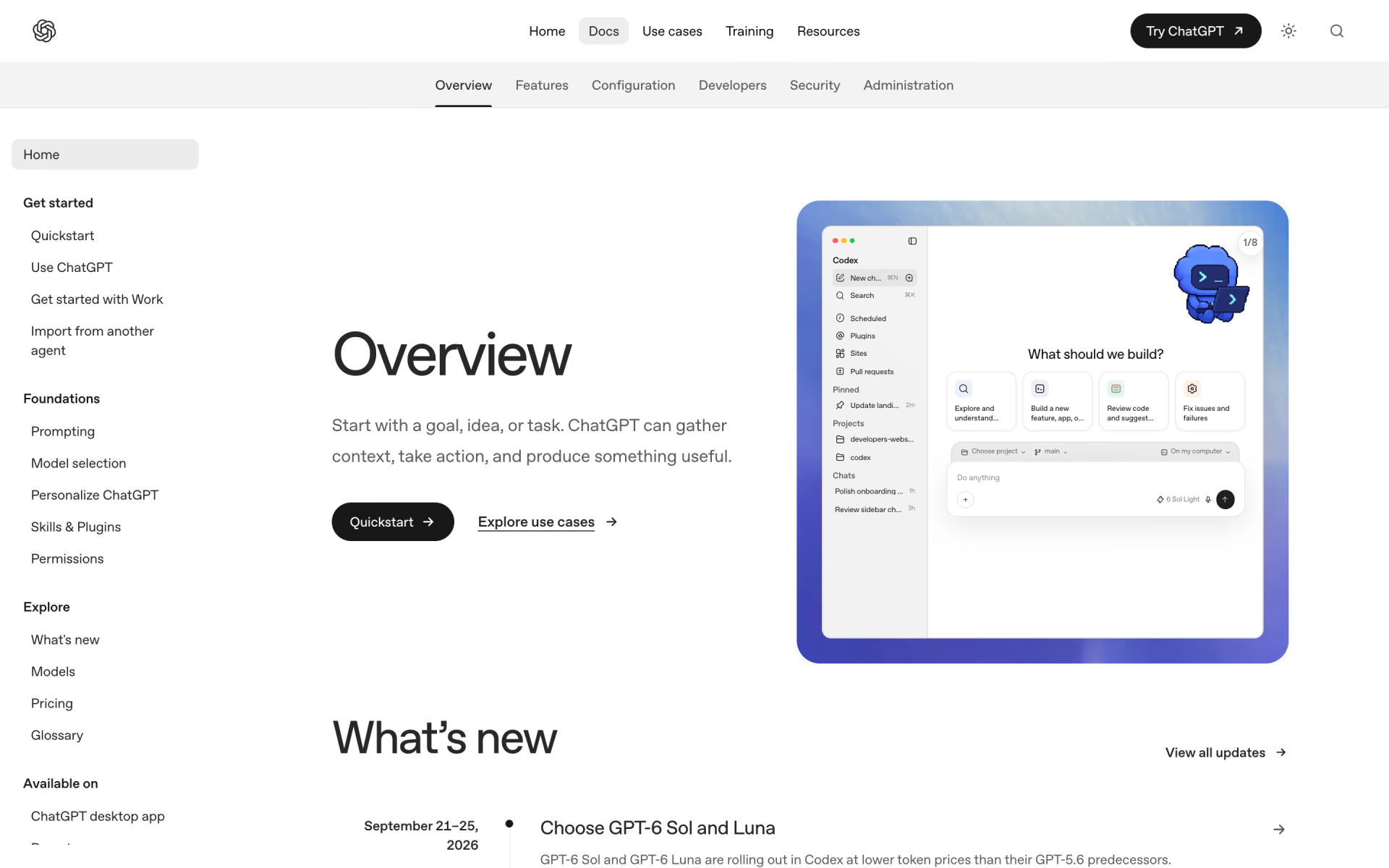
 Codex
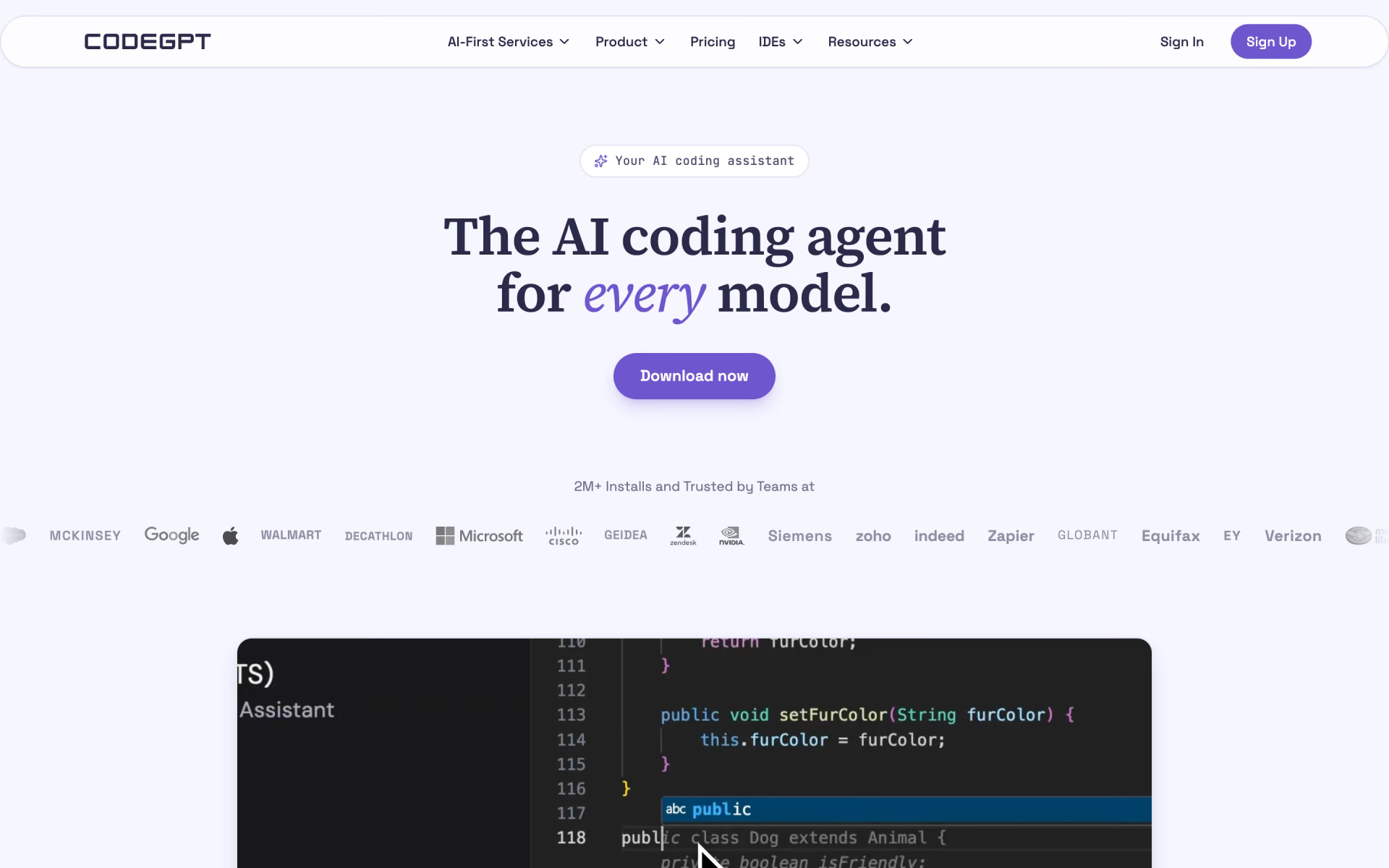
 CodeGPT
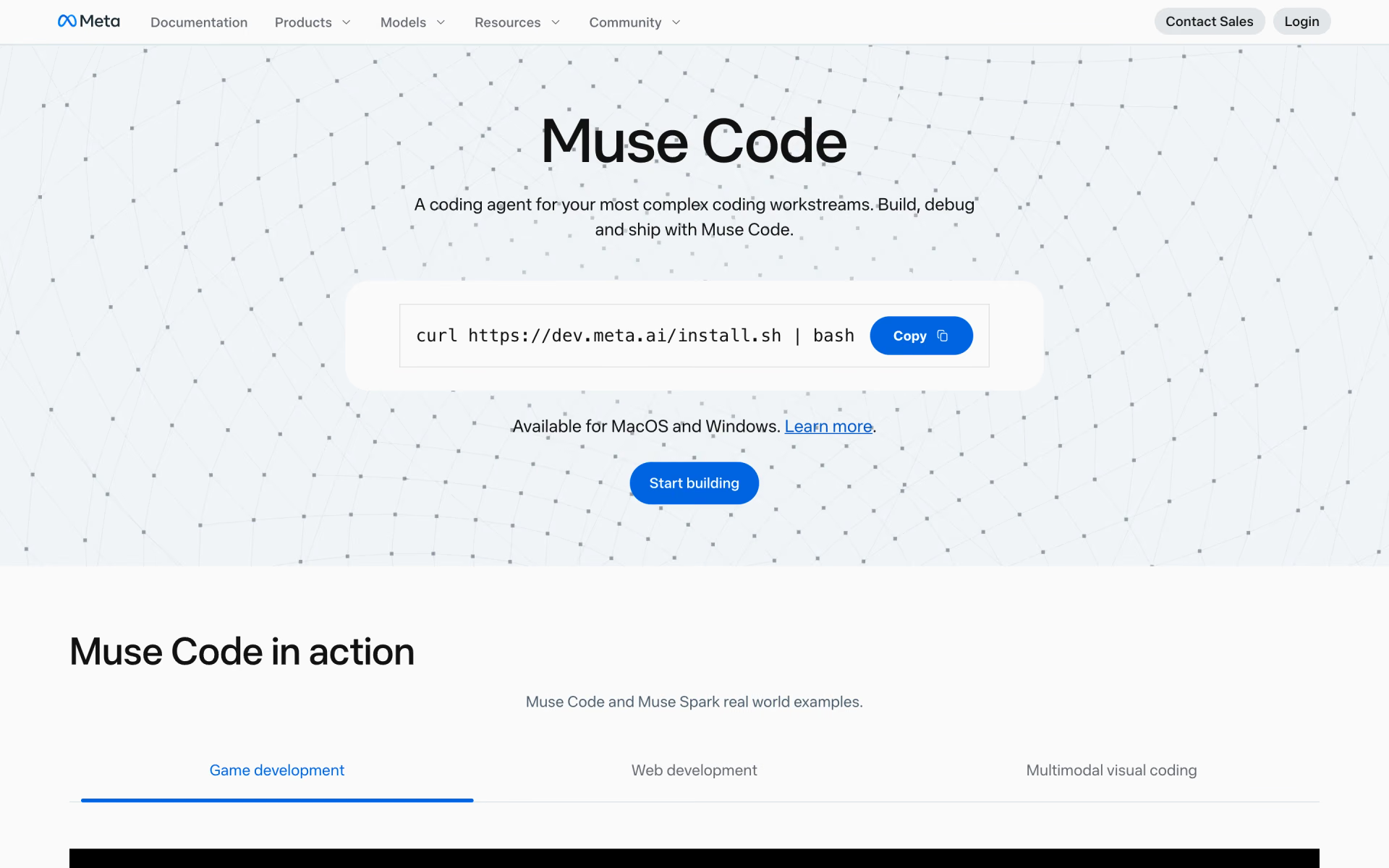
 Muse Code
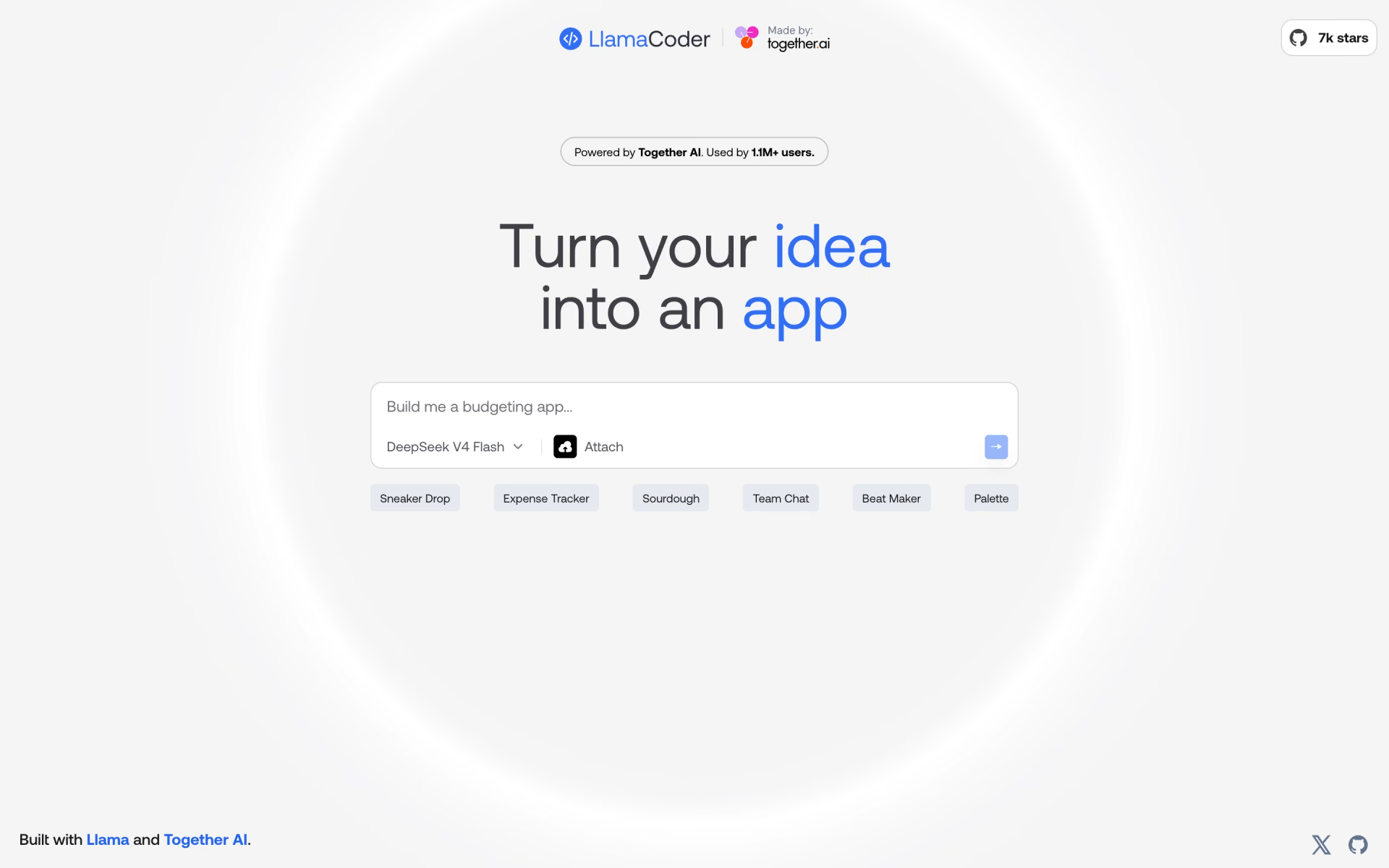
 Llama Coder
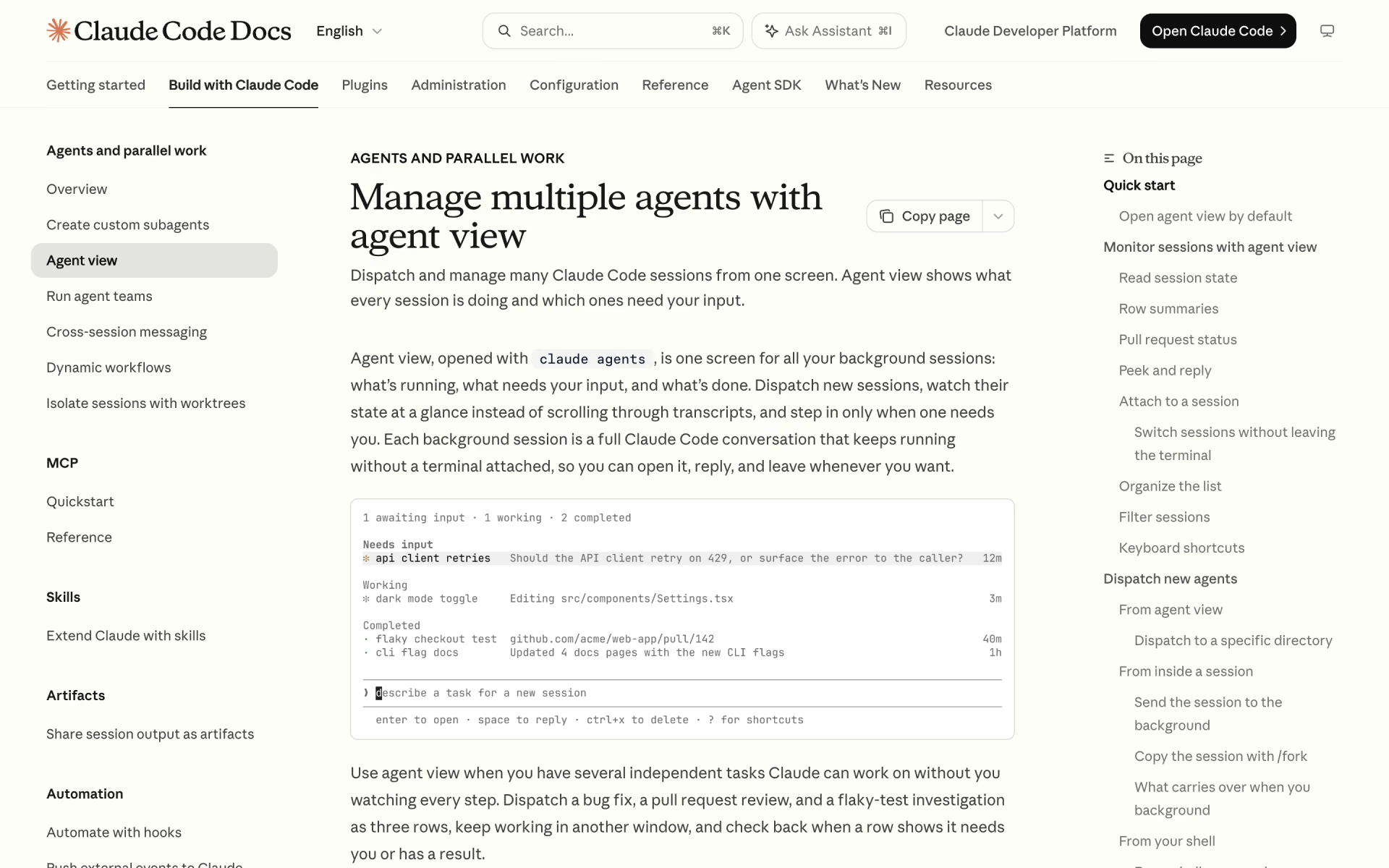
 Claude Code Agent View
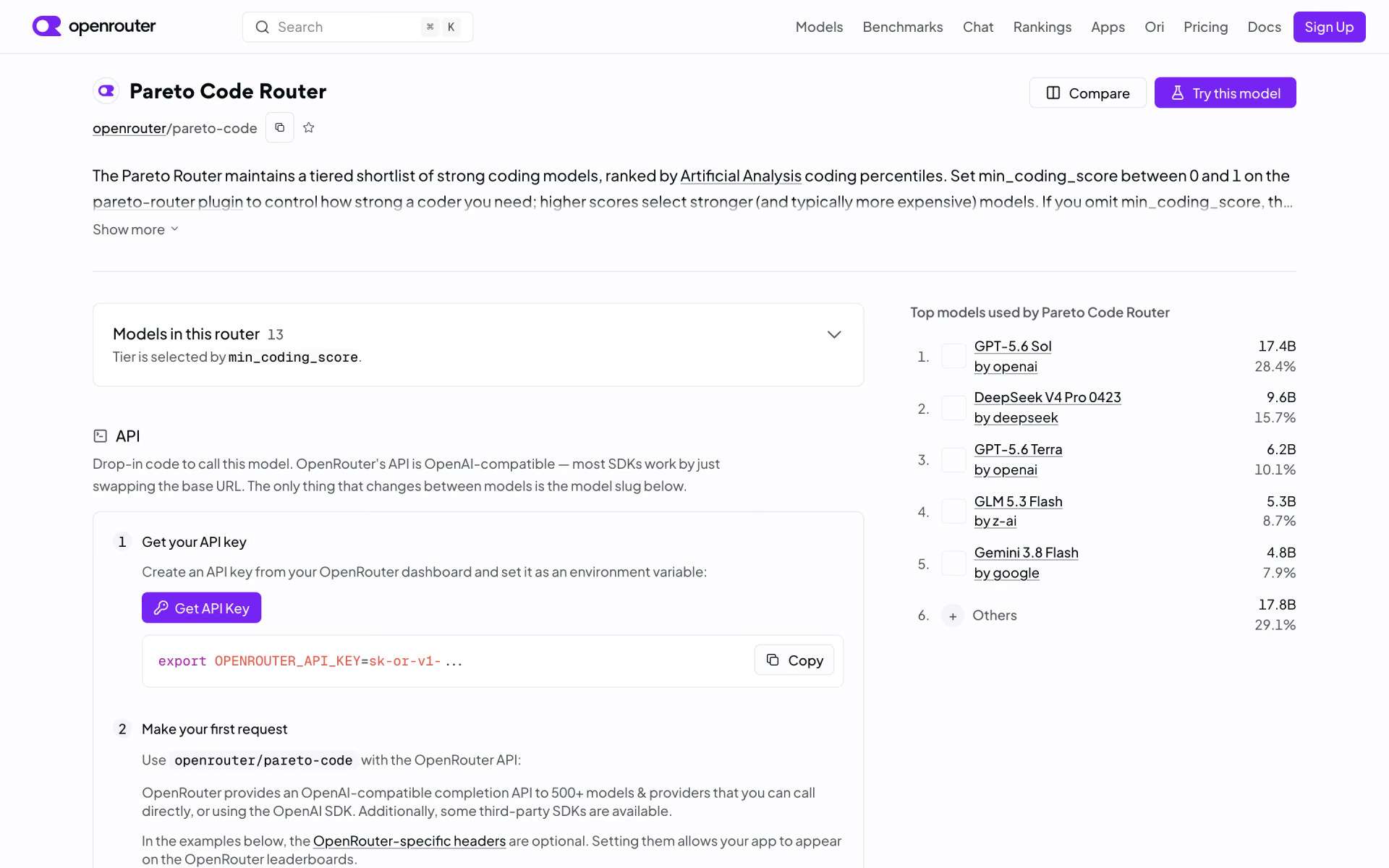
 Pareto Code Router