

What is Eagle?
Desktop asset manager for designers that collects, tags and searches images, video, fonts and audio.
Who is Eagle best for?
Eagle is best for designers and illustrators who need to collect and find thousands of reference images fast.
Designers with big reference libraries
Tags, nested and smart folders, color search and filters keep tens of thousands of images findable.
Collecting from the web
The browser extension saves images by drag and drop, right-click or a whole page at once, filtered by size and format.
Mixed media in one place
It previews images, GIFs, video, audio and fonts on hover, without opening each file.
Buyers who avoid subscriptions
One payment covers two devices on Mac or Windows, with updates included.
How much does Eagle cost?
Eagle costs US$34.95 once for a lifetime licence on two devices, after a 30-day free trial with every feature.
- Lifetime licence for macOS and Windows
- Free updates to later versions
- Browser extension included
There is no subscription. A licence key can be moved between devices as often as you like. Refund requests must be filed within 5 days of payment and are granted only for duplicate purchases or technical faults. Eagle no longer offers a student discount. Full pricing on en.eagle.cool. We checked these prices on .
How do readers rate Eagle?
No one has rated Eagle yet. Be the first.
Sign in to rate. One rating per account.
How do I connect Eagle to my AI agent?
Eagle MCP is Eagle's official MCP server. Add it to your agent once, then ask it to sort and tag your Eagle library of images and design assets.
Lets your agent organise your Eagle library, moving assets into folders and fixing tags, names and notes so references are easy to find later.
Eagle gives each account its own server address. Open the setup guide, copy your address, then add it to Claude Code like any other server.
It runs on your computer, so Claude Code starts it when it needs it.
Eagle's setup guide covers the sign-in.
Then ask your agent
- Runs
- On your computer
- Sign-in
- See guide
- Maker
- Eagle
- Guide
- eagle.cool
What are the best Eagle alternatives?
Two tools on Recaply do Eagle's job.


Questions about Eagle
What is Eagle?
Desktop asset manager for designers that collects, tags and searches images, video, fonts and audio.
Who is Eagle for?
Eagle is best for designers and illustrators who need to collect and find thousands of reference images fast.
Is Eagle free?
No, but Eagle has a 30-day free trial with every feature unlocked, the same as the paid app. After that, a lifetime licence costs US$34.95 once and covers two devices on Mac or Windows.
How much does Eagle cost?
Eagle's paid plans are Eagle licence at $34.95 one-time, 2 devices.
Does Eagle have an MCP server?
Yes. Eagle MCP is Eagle's official MCP server, so agents such as Claude Code, Cursor, Codex and GitHub Copilot can sort and tag your Eagle library of images and design assets. It runs on your computer.
What are the best Eagle alternatives?
The closest alternatives on Recaply are Playbook and Savee.
Where can I try Eagle?
On its official website, eagle.cool.
Does Eagle use AI?
Yes. Eagle plugins add AI Search, which finds images by picture or plain-language description and runs offline, and AI Action, which renames, tags, describes and files images with a model you pick. Eagle also connects to AI agents through its MCP server and skill.
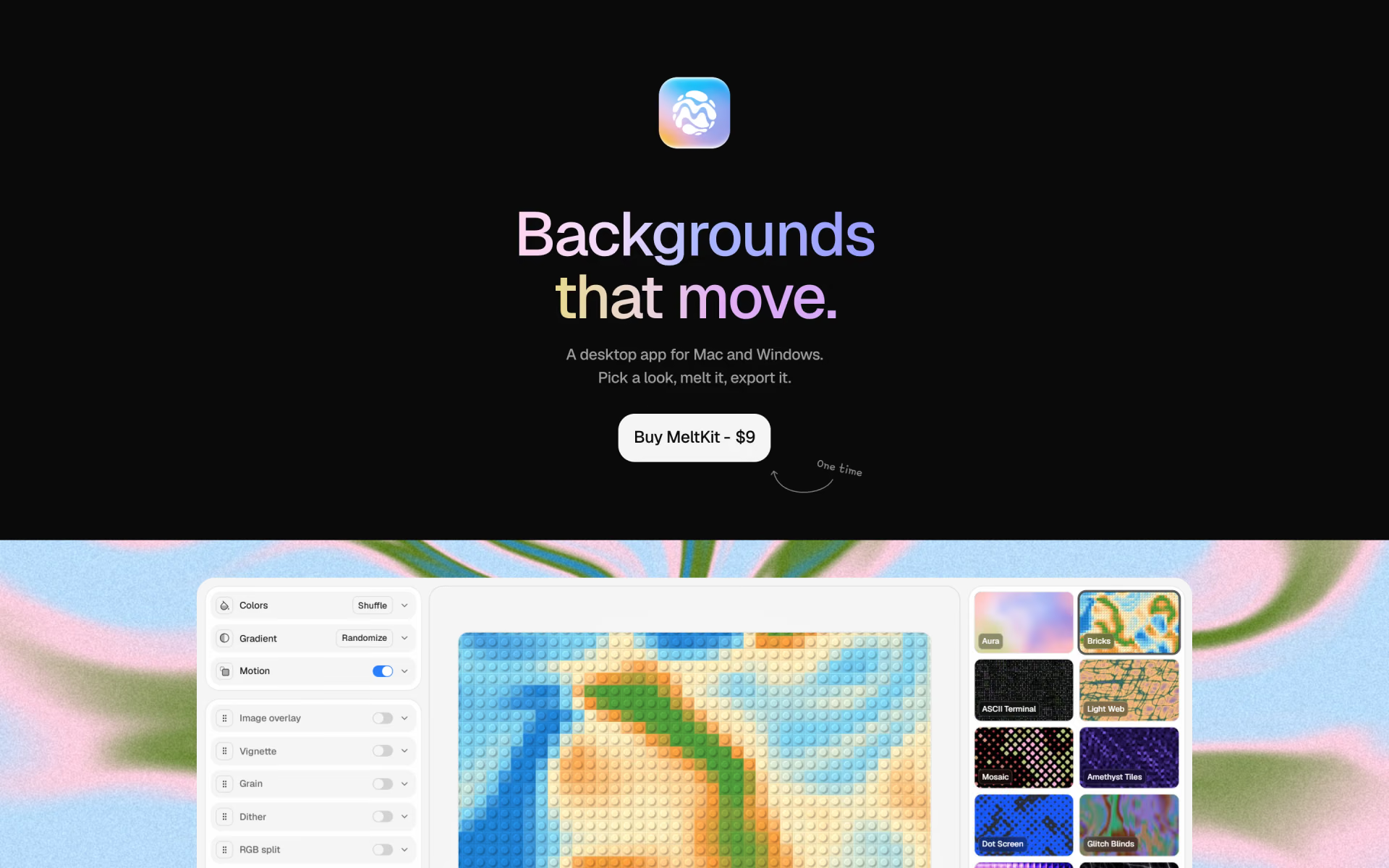
 MeltKit

 Grida

 Craftwork
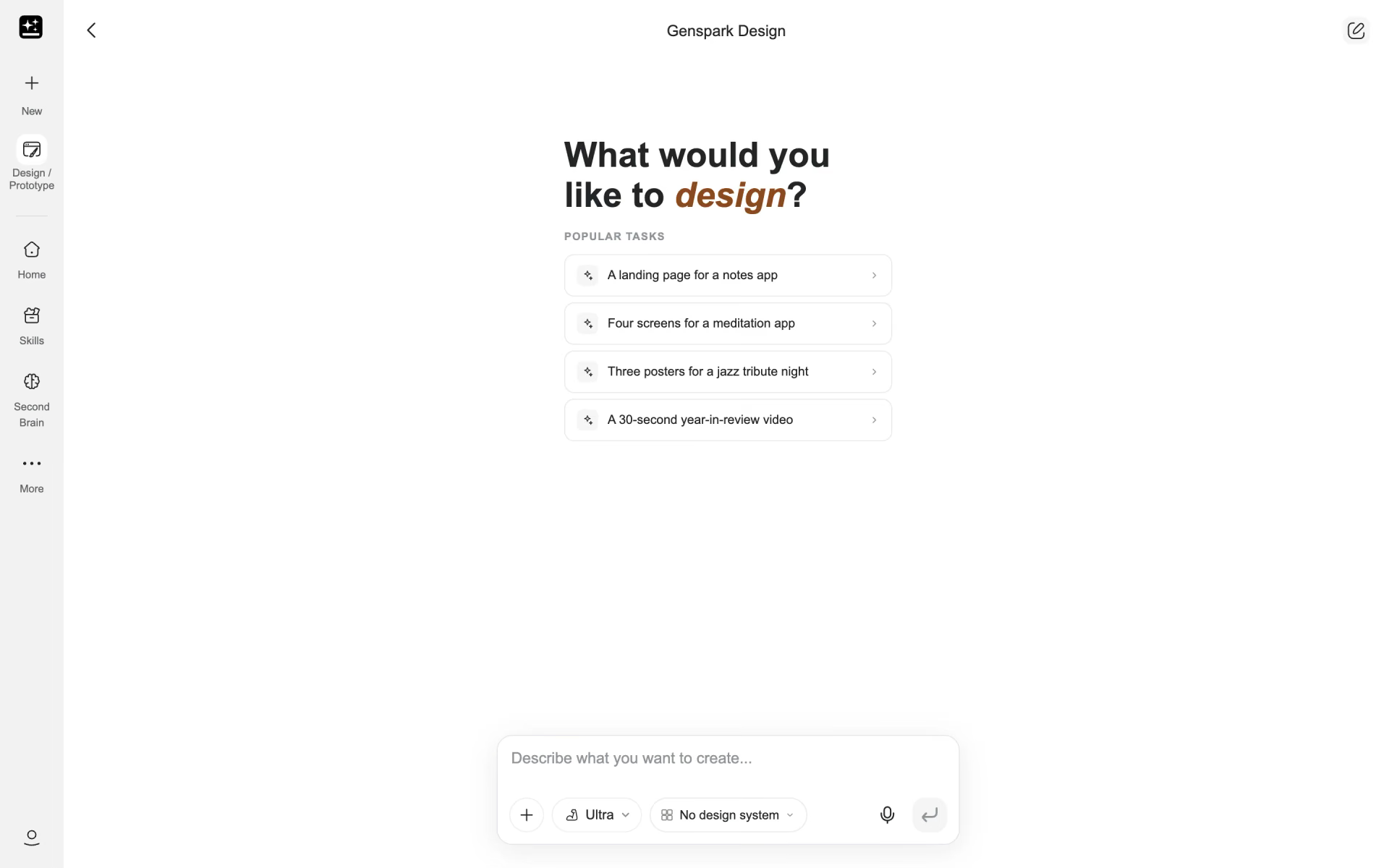
 Genspark Design

 A1 Gallery

 Mobbin