
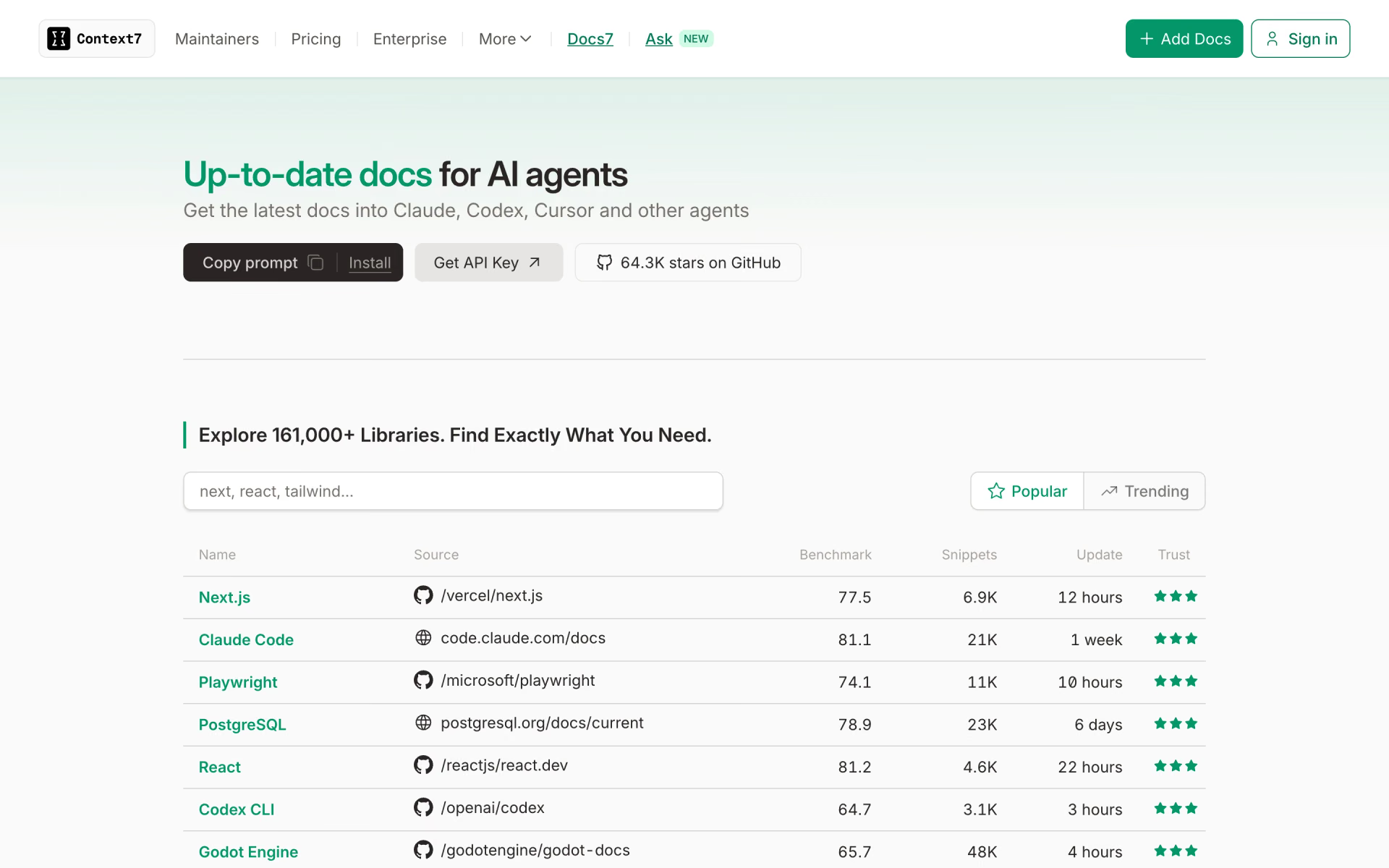
What is Context7?
Feeds AI coding tools version-specific docs and code examples for over 161,000 libraries.
Who is Context7 best for?
Context7 is best for developers using AI coding agents who need current library docs in place of stale training data.
Coding agents on fast-moving libraries
The agent pulls docs and snippets for the library and version you name, so it stops writing calls from an older release.
Teams with internal libraries
Pro parses private repositories, so the agent can look up your own code's docs next to public ones.
Library maintainers
Owners can claim their library, configure it with a context7.json file and add a chat widget to their docs, all on the free plan.
Apps that need docs search
The Search API and REST API return library docs to any agent or app, counted against the same monthly calls.
How much does Context7 cost?
Context7 is free for 1,000 API calls a month across every public library; Pro costs $10 per seat per month, with 2,000 calls per seat and private repositories.
- 1,000 API calls a month, then 20 bonus calls a day
- Every public library, the MCP server, CLI and Search API
- Context7 Ask on up to 3 websites
- 2,000 API calls per seat, then $5 per 1,000
- Private repositories at $5 per 1M parsed tokens
- Teamspaces of up to 10 members with shared rules
Enterprise adds SSO, SOC 2 compliance, self-hosting and dedicated support, priced per seat by team size: from $30 per user a month for small teamspaces down to $2.50 for large ones. Teamspaces of up to 50 members can switch it on without talking to sales. Pro and Enterprise accounts are never cut off at the limit; extra calls are billed instead. Docs7, the hosted docs product, has its own plans. Full pricing on context7.com. We checked these prices on .
How do readers rate Context7?
No one has rated Context7 yet. Be the first.
Sign in to rate. One rating per account.
How do I connect Upstash to my AI agent?
Context7 is Upstash's official MCP server. Add it to your agent once, then ask it to fetch current library docs and code examples while you code.
Gives your coding agent up-to-date documentation and code samples for the libraries in your project, so it writes against the version you use instead of outdated memory.
$ claude mcp add --transport http upstash https://mcp.context7.com/mcp/oauth
Claude Code connects to Upstash over the web.
Run /mcp and sign in to Upstash in the browser.
Then ask your agent
- Runs
- On the web
- Sign-in
- OAuth
- Checked
- Answered 13 Nov
- Guide
- context7.com
Questions about Context7
What is Context7?
Feeds AI coding tools version-specific docs and code examples for over 161,000 libraries.
Who is Context7 for?
Context7 is best for developers using AI coding agents who need current library docs in place of stale training data.
What happens when Context7's free calls run out?
A Free account stops getting answers after 1,000 API calls in a month, then gets 20 bonus calls a day until the month resets. Pro accounts are never blocked; calls past 2,000 per seat cost $5 per 1,000.
How much does Context7 cost?
Context7's paid plans are Pro at $10 per seat per month.
Does Upstash have an MCP server?
Yes. Context7 is Upstash's official MCP server, so agents such as Claude Code, Cursor, Codex and GitHub Copilot can fetch current library docs and code examples while you code. Upstash runs it on the web and you sign in with your Upstash account.
Where can I try Context7?
On its official website, context7.com.
Does Context7 see my code?
No. Context7 receives only the lookup query and the library name, not your code, files or conversation. The assistant is told to keep keys, passwords and private code out of those queries, and the rest stays with your model provider.

 Aleph Alpha
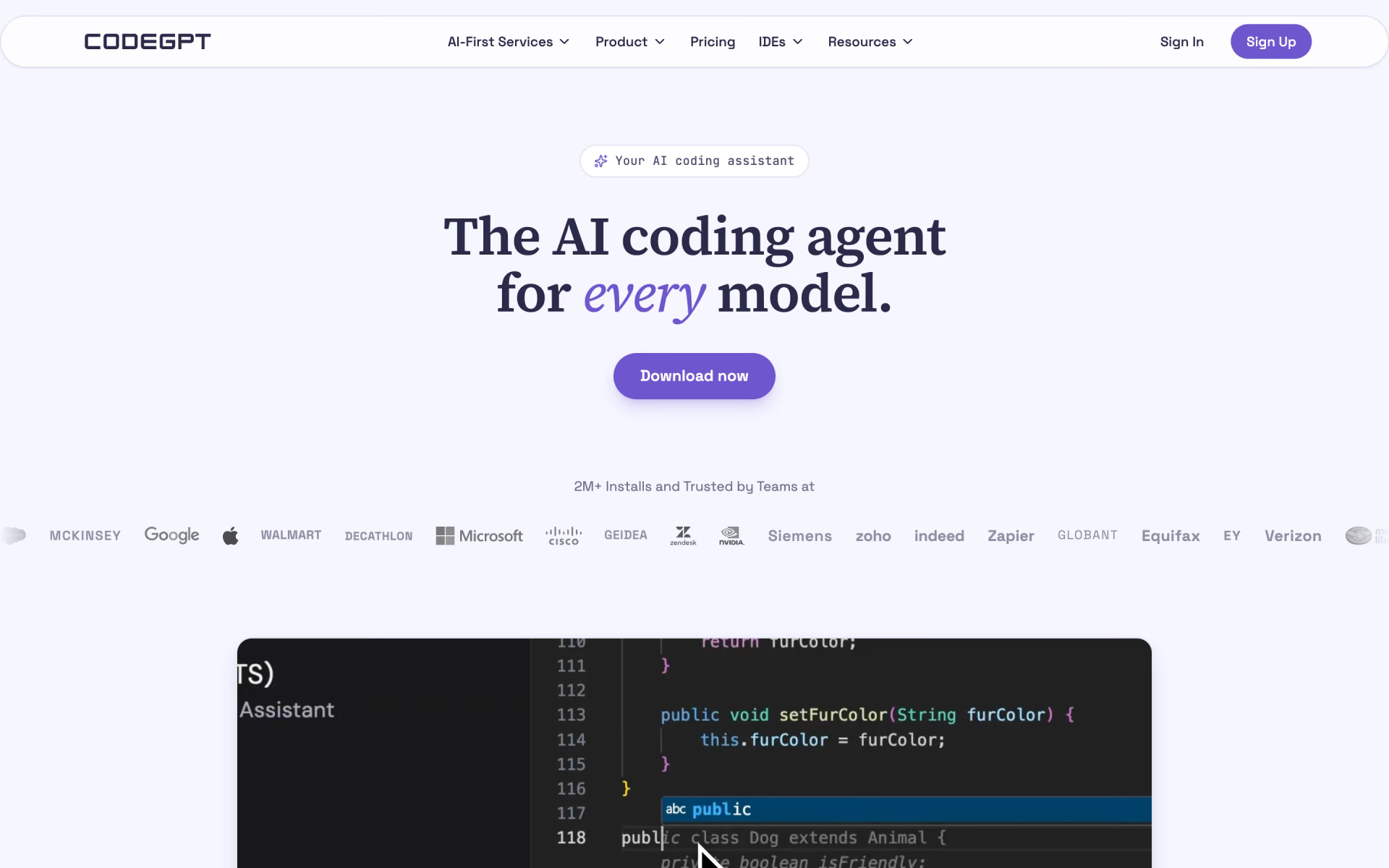
 CodeGPT
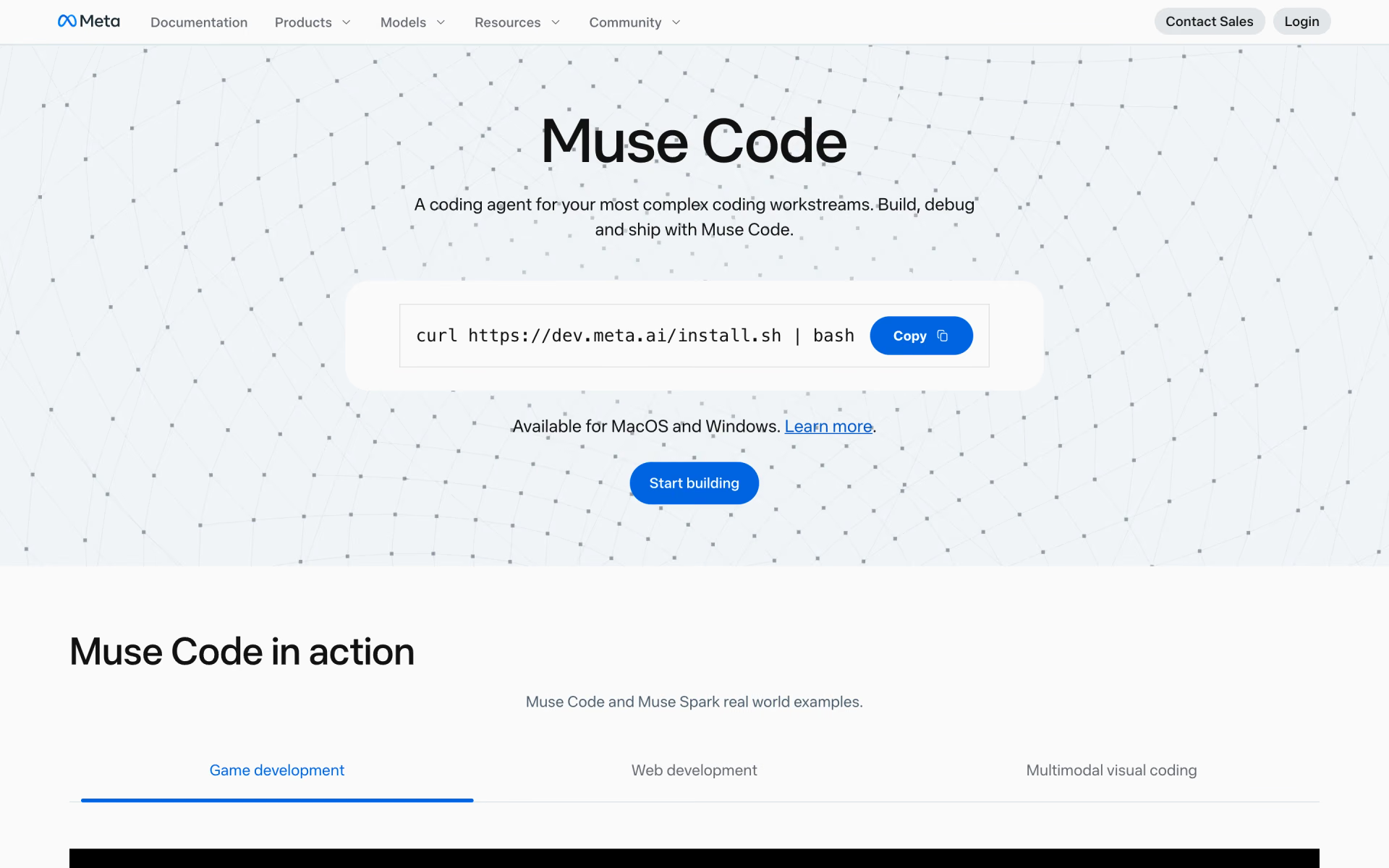
 Muse Code

 Busabase
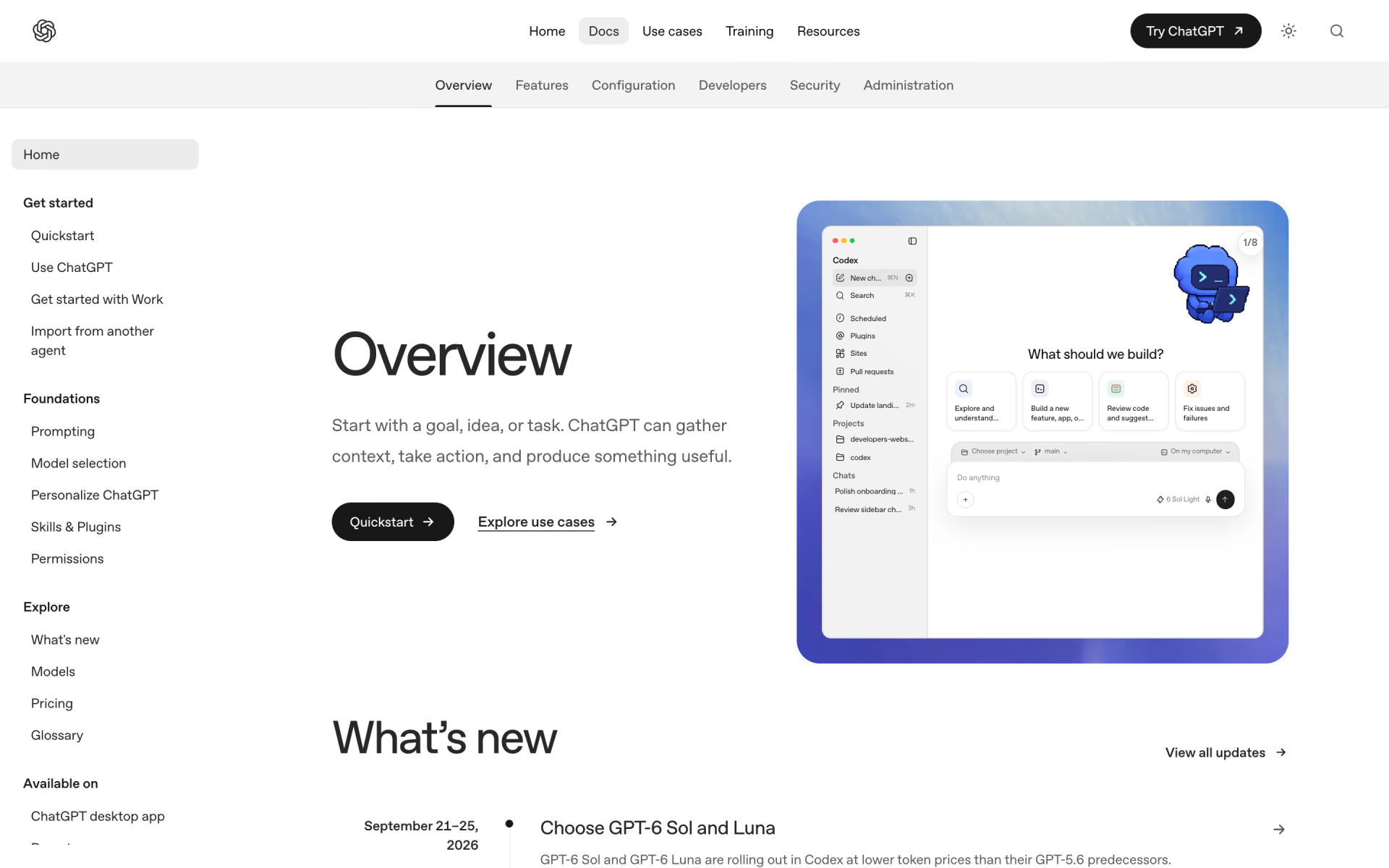
 Codex
 Llama Coder