
What is Colors & Fonts?
Build role-based palettes, test WCAG contrast, copy CSS gradients and pair Google Fonts online.
Who is Colors & Fonts best for?
Colors & Fonts is best for designers and front-end developers who need a palette, contrast check and font pair fast.
UI color systems
The palette builder makes 5-color palettes with background, foreground, primary, secondary and accent roles and checks each pair against WCAG and APCA.
Design tokens for code
The theme builder previews linked light and dark themes and exports CSS, Tailwind, SCSS, Figma or JSON tokens.
Font pairing
Pick a heading font and get hand-picked Google Font body pairings with a live preview and CSS to copy.
Color tools inside an AI editor
A free MCP server gives Cursor, VS Code, Claude and Codex palette generation, 11-shade scales and contrast checks.
How much does Colors & Fonts cost?
Colors & Fonts is free: every tool runs in the browser with no account, and its MCP server for AI coding tools costs nothing too.
- Palette, shade, theme and gradient builders
- WCAG and APCA contrast checks
- Exports to Tailwind, CSS, SCSS, Figma tokens and more
Colors & Fonts publishes no paid plans. The MCP server runs locally through npx and needs no account or API key. Full pricing on colorsandfonts.com. We checked these prices on .
How do readers rate Colors & Fonts?
No one has rated Colors & Fonts yet. Be the first.
Sign in to rate. One rating per account.
How do I connect Colors & Fonts to my AI agent?
Colors & Fonts MCP is Colors & Fonts's official MCP server. Add it to your agent once, then ask it to build colour palettes, check contrast and export them to Tailwind or Figma.
Gives your agent the free Colors & Fonts palette tools, so you can generate a colour scheme or a one-hue scale, test text contrast and take the result into Tailwind or Figma.
$ claude mcp add colors-fonts -- npx -y @colorsandfonts/mcp
It runs on your computer, so Claude Code starts it when it needs it.
Colors & Fonts's setup guide covers the sign-in.
Then ask your agent
- Runs
- On your computer
- Sign-in
- See guide
- Maker
- Colors & Fonts
- Guide
- colorsandfonts.com
What are the best Colors & Fonts alternatives?
One tool on Recaply does Colors & Fonts's job.

Questions about Colors & Fonts
What is Colors & Fonts?
Build role-based palettes, test WCAG contrast, copy CSS gradients and pair Google Fonts online.
Who is Colors & Fonts for?
Colors & Fonts is best for designers and front-end developers who need a palette, contrast check and font pair fast.
Is Colors & Fonts free?
Yes. Colors & Fonts has a free plan: palette, shade, theme and gradient builders.
Does Colors & Fonts have an MCP server?
Yes. Colors & Fonts MCP is Colors & Fonts's official MCP server, so agents such as Claude Code, Cursor, Codex and GitHub Copilot can build colour palettes, check contrast and export them to Tailwind or Figma. It runs on your computer.
What are the best Colors & Fonts alternatives?
The closest alternatives on Recaply are Palette Pro.
Where can I try Colors & Fonts?
On its official website, colorsandfonts.com.
Does Colors & Fonts work in Cursor or Claude?
Yes. The free Colors & Fonts MCP server runs locally with npx and needs no account or API key. It works in Cursor, VS Code with GitHub Copilot, Claude Desktop, Claude Code and Codex, and exports palettes to Tailwind v4, SCSS, CSS variables and Figma tokens.
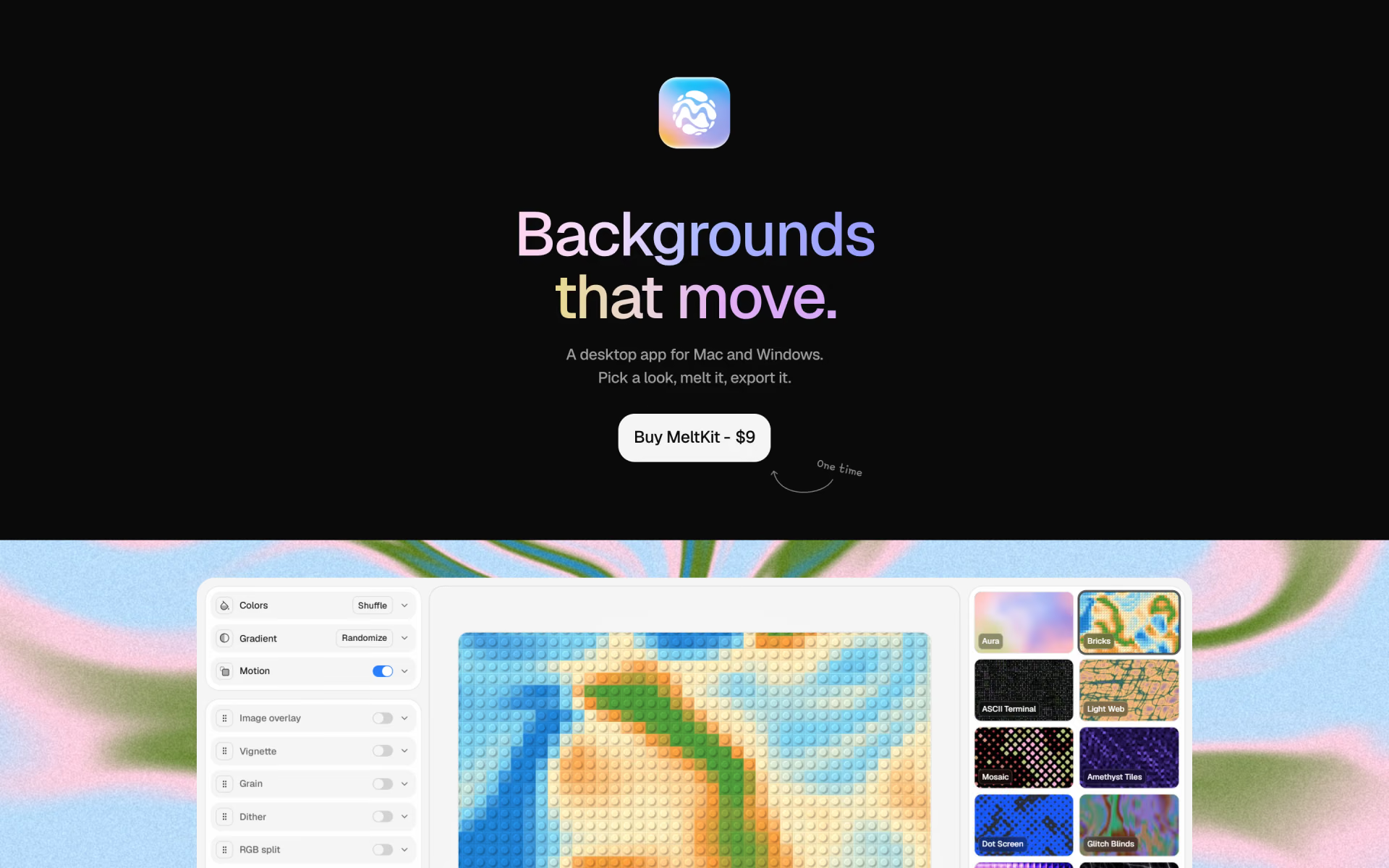
 MeltKit

 A1 Gallery

 Craftwork

 Eagle

 Grida
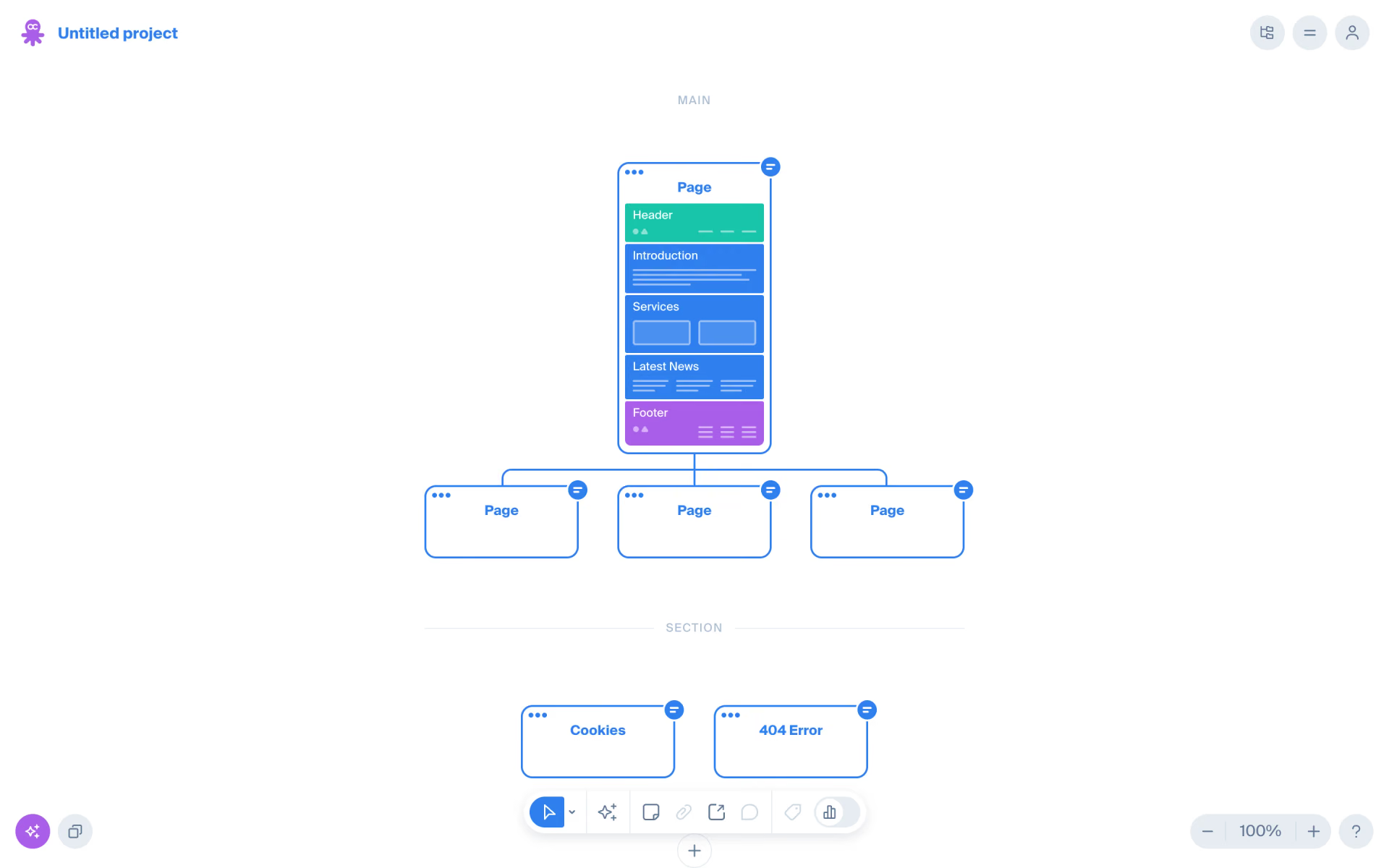
 Octopus.do