
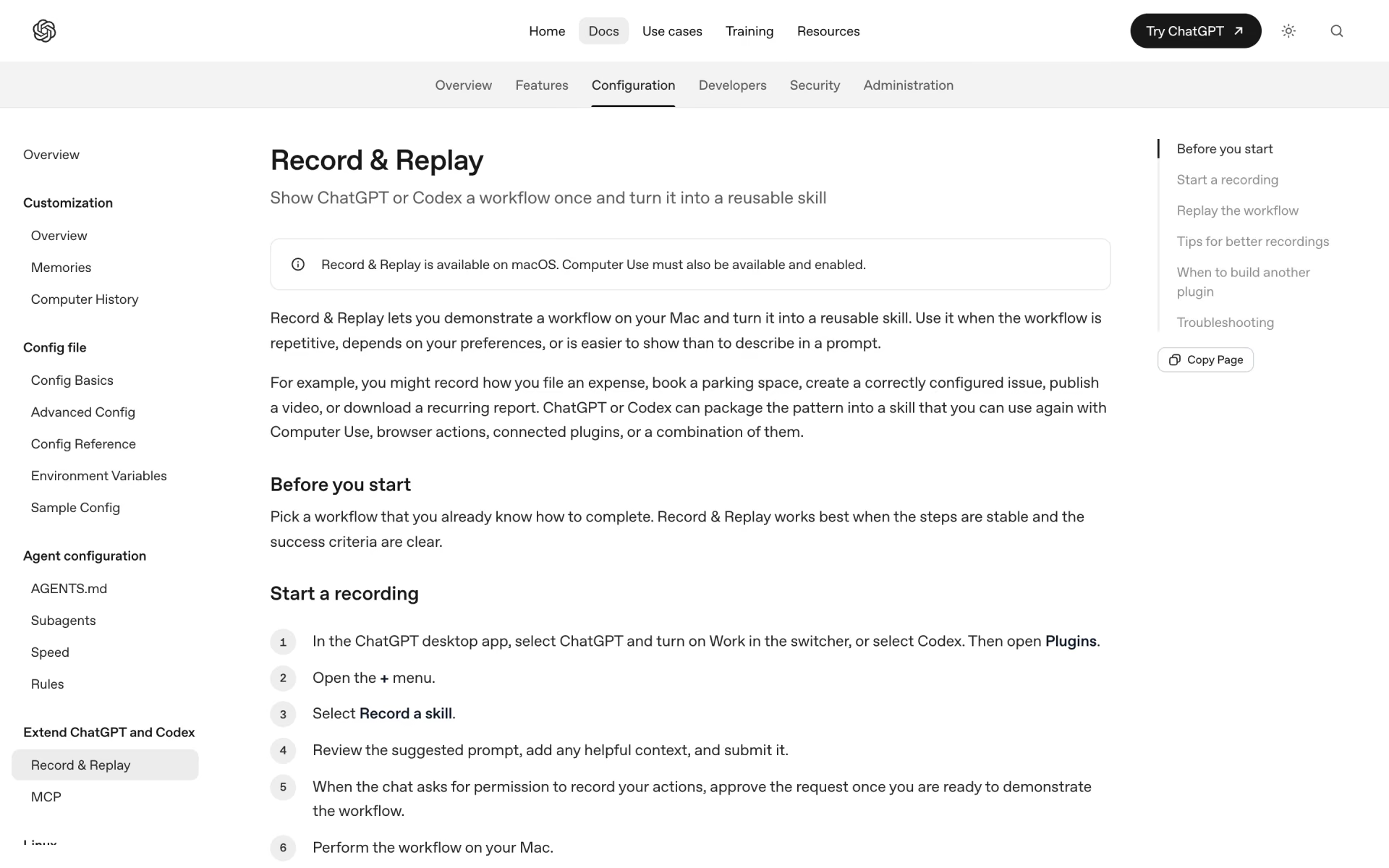
What is Record & Replay?
OpenAI's Codex feature that turns a workflow you show on your Mac into a reusable skill.
Who is Record & Replay best for?
Record & Replay is best for Mac users of Codex who repeat the same click-through tasks and would rather show the steps once.
Repeated office chores
Filing an expense, booking a parking space or downloading the same report can be recorded once and run again with new values.
Tasks easier to show than explain
You do the work on your Mac while Codex watches, and it writes the skill, including the inputs it needs and how to check the result.
Apps without a plugin or API
The replayed skill can use Computer Use and browser actions, so it works in desktop apps and sites that have no integration.
Building a first skill quickly
It is the fast route to a skill; OpenAI suggests building a full plugin only when a team needs connectors, MCP servers or bundled skills.
How much does Record & Replay cost?
Record & Replay comes with paid ChatGPT plans that include Codex, from Plus at $20 a month, and OpenAI's plan table also lists it for Pro, Business, Enterprise and Edu and API key use, limited to some regions.
- Codex on the web, CLI, IDE extension and iOS
- Record & Replay on macOS where Computer Use is available
- Extra usage with ChatGPT credits
- $20 per user a month billed yearly, 2 or more users
- Dedicated workspace with SAML SSO and MFA
- No training on business data by default
- Plans at $100, $200 or $500 a month
- Astra Ultrafast mode on the $500 plan
- Everything in Plus
Record & Replay needs the ChatGPT desktop app on a Mac with Computer Use turned on, and OpenAI marks it as limited to specific regions on every plan. Enterprise and Edu are priced through sales. The Free and Go plans are not listed for it. With an OpenAI API key you pay API rates instead of a subscription. Admins can turn it off along with Computer Use. Full pricing on learn.chatgpt.com. We checked these prices on .
How do readers rate Record & Replay?
No one has rated Record & Replay yet. Be the first.
Sign in to rate. One rating per account.
What are the best Record & Replay alternatives?
One tool on Recaply does Record & Replay's job.

Questions about Record & Replay
What is Record & Replay?
OpenAI's Codex feature that turns a workflow you show on your Mac into a reusable skill.
Who is Record & Replay for?
Record & Replay is best for Mac users of Codex who repeat the same click-through tasks and would rather show the steps once.
Is Record & Replay free?
No. Record & Replay is a paid tool, from $20 per month.
How much does Record & Replay cost?
Record & Replay's paid plans are Plus at $20 per month, Business at $25 per user per month and Pro at From $100 per month.
What are the best Record & Replay alternatives?
The closest alternatives on Recaply are Autotab.
Where can I try Record & Replay?
On its official website, learn.chatgpt.com.
Does Record & Replay work on Windows?
No. Record & Replay is available only on macOS, and Computer Use must be available and enabled. Computer Use itself also runs on Windows, but recording a workflow into a skill is a Mac feature.
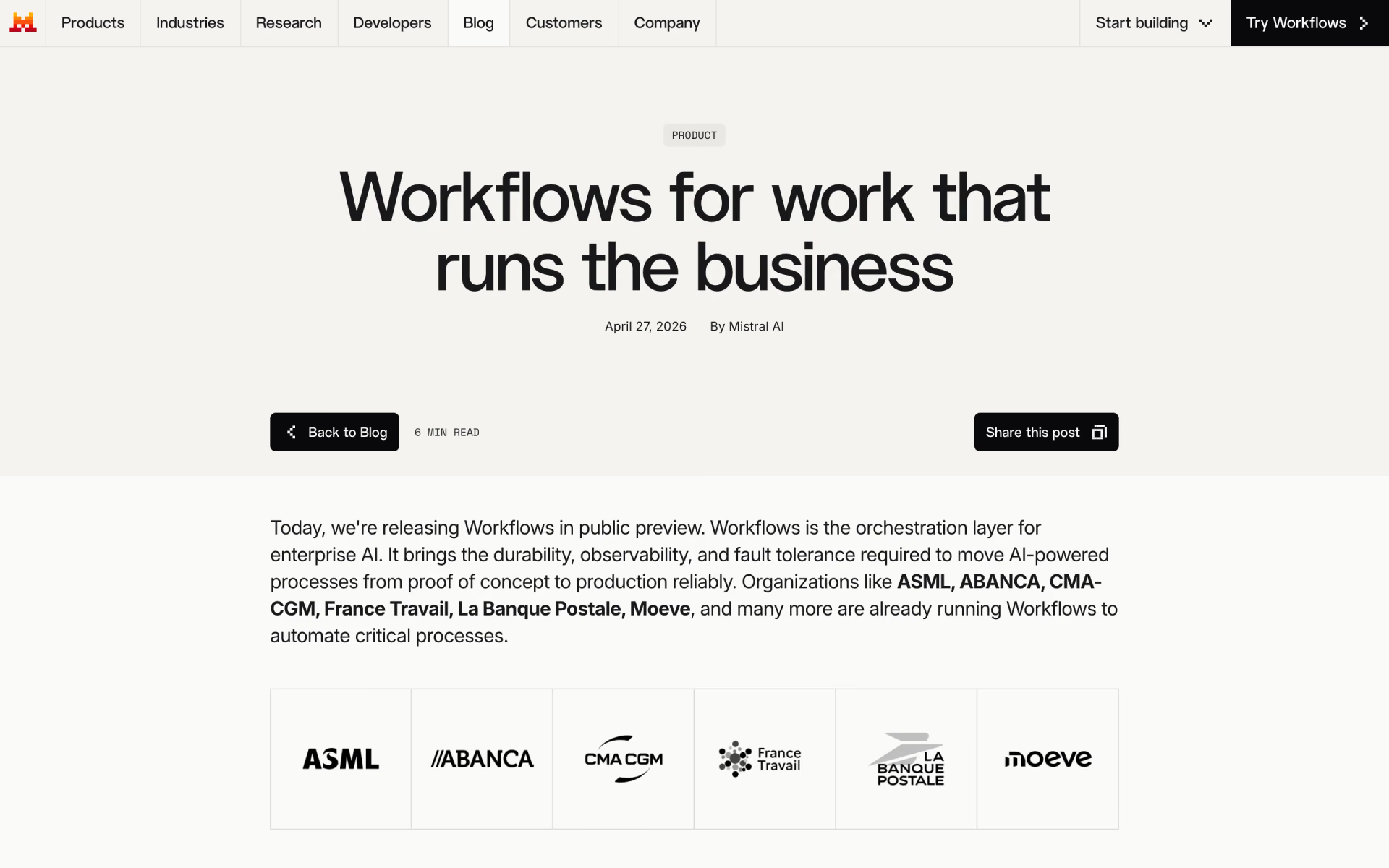
 Mistral Workflows
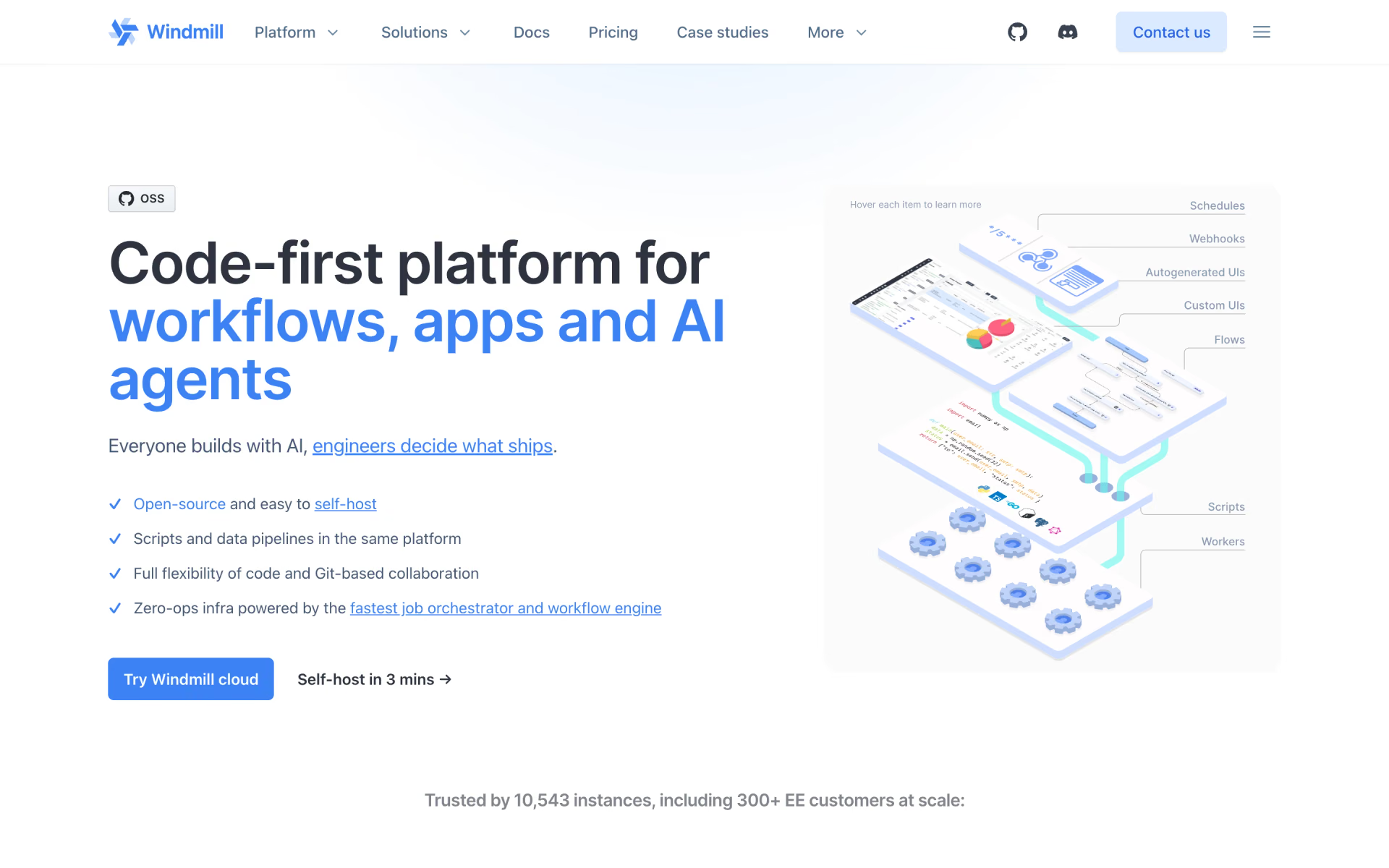
 Windmill

 Activepieces

 ByteChef
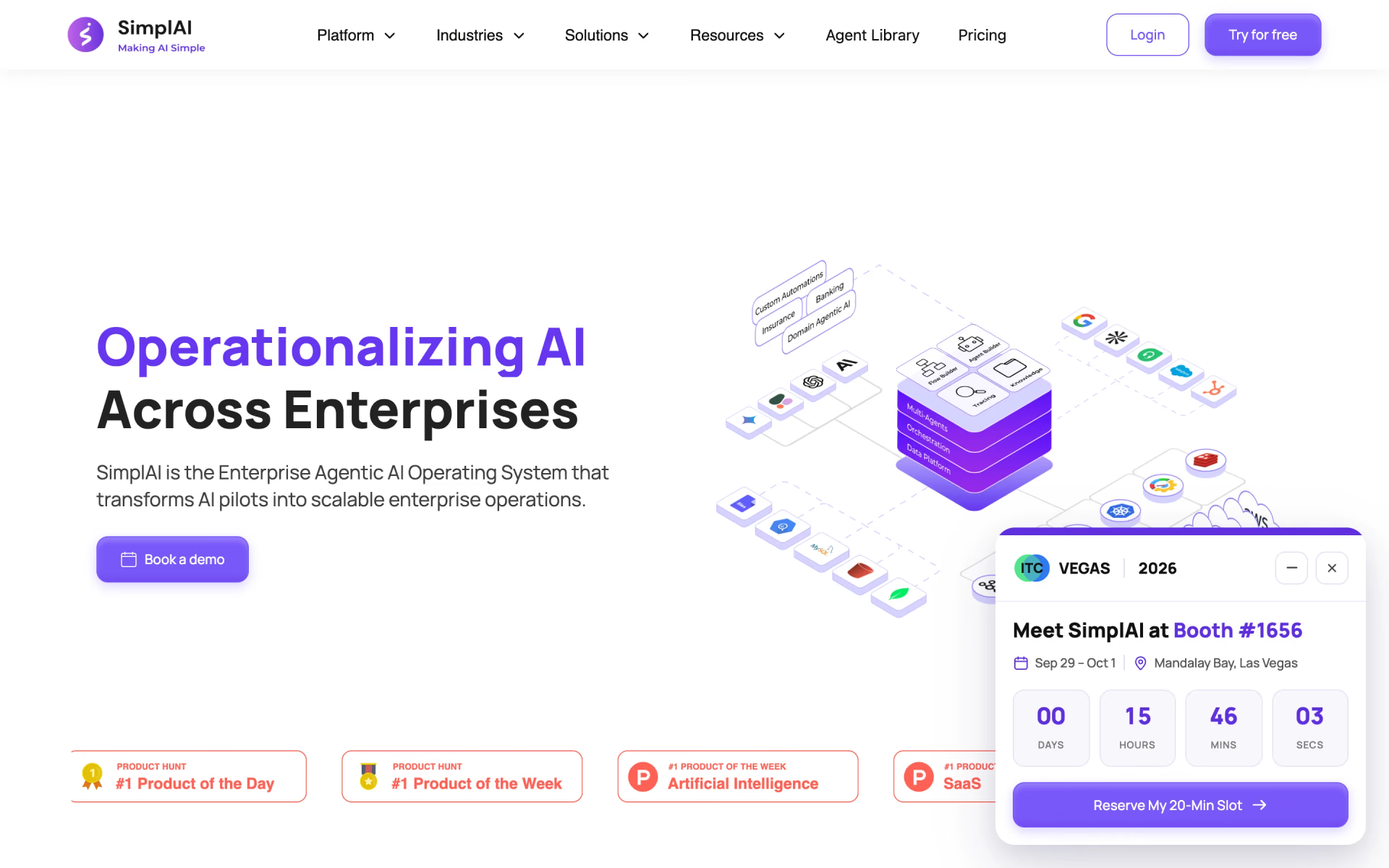
 SimplAI
 Teable