
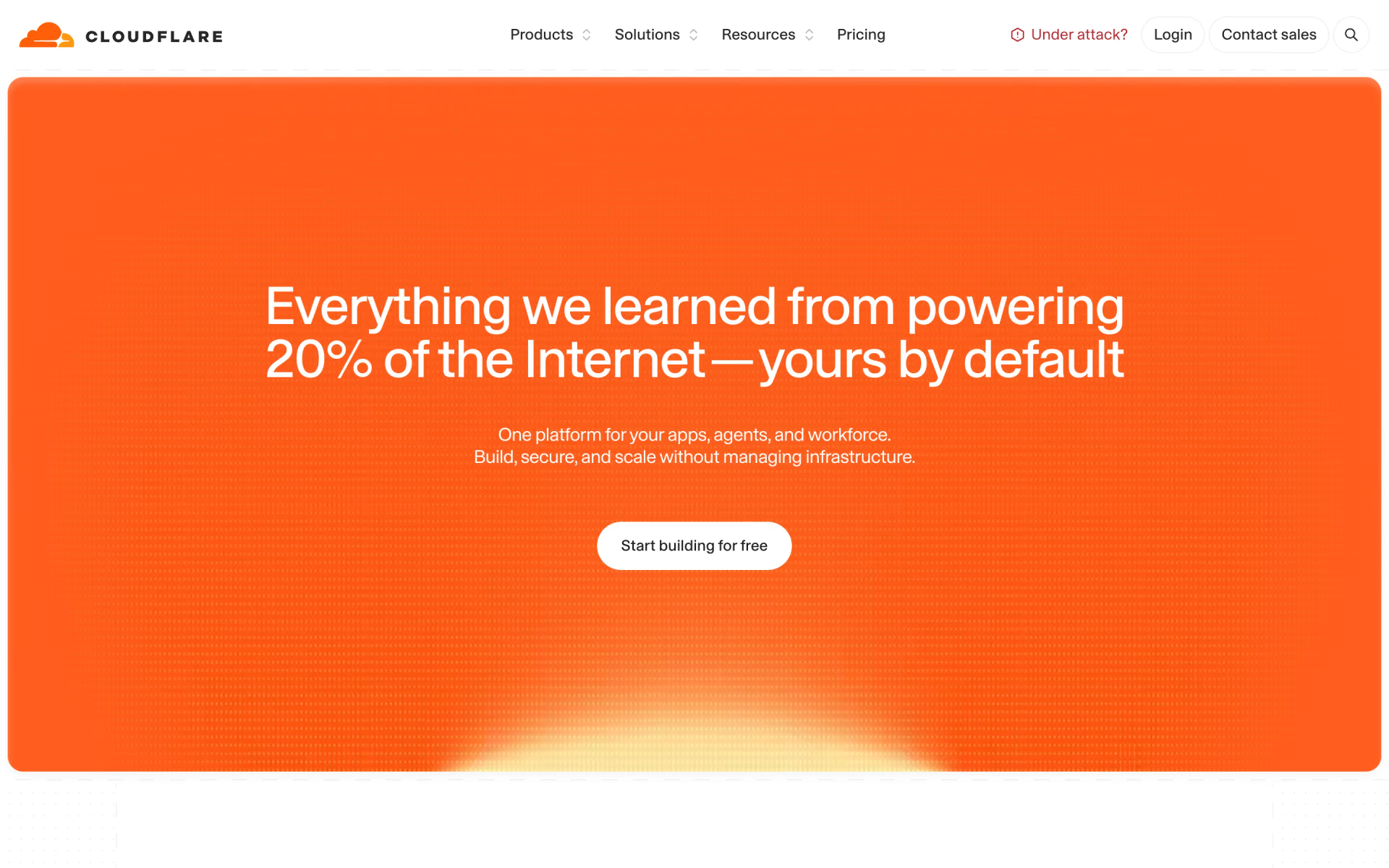
What is Cloudflare?
Cloudflare started as a reverse proxy: you point your domain's DNS at it, and its network caches pages, issues SSL certificates and absorbs DDoS attacks before traffic reaches your server. The free plan already includes the CDN, unmetered DDoS protection and a managed firewall ruleset.
On the same network it sells a developer platform (Workers serverless code, R2 object storage, D1 and KV databases) and Zero Trust tools that replace a company VPN. Unlike most clouds, it charges nothing for bandwidth on Workers and R2, so it is cheap to start; the trade-off users mention most is thin support below Enterprise.
Who is Cloudflare best for?
Cloudflare is best for site owners and developers who want DNS, a CDN and DDoS protection for free, plus serverless code with no bandwidth bills.
Small sites and side projects
The free plan covers DNS, CDN, SSL and DDoS protection, and Workers runs 100,000 requests a day at no cost.
Apps that serve a lot of data
R2 and Workers charge nothing for egress, so a busy download or image site pays for storage and requests only.
Companies replacing a VPN
Zero Trust access is free for up to 50 users and $7 per user a month after that.
Stores that need compliance
Business adds PCI DSS 4.0 compliance and a 100% uptime SLA for $250 a month per domain, or $200 billed yearly.
What's included with Cloudflare?
A CDN, DNS, DDoS protection and a firewall on every plan, plus Workers, R2 storage, D1 and KV databases and Zero Trust access for staff.
- CDN and DNS
- Caches content in 335+ cities and runs authoritative DNS on every plan, the free one included.
- DDoS protection and WAF
- Unmetered DDoS protection on every plan plus a free managed firewall ruleset; paid plans add bot protection and more rules.
- Workers
- Serverless functions that run in Cloudflare's data centres close to users, billed by requests and CPU time with no bandwidth charge.
- R2 storage
- S3-compatible object storage with 10 GB free each month and no egress fees on any storage class.
- D1 and KV
- A serverless SQL database and a key-value store; D1 gives 5 GB and 5 million row reads a day for free.
- Zero Trust
- Network access control, a secure web gateway and digital experience monitoring for staff, free for teams under 50.
How much does Cloudflare cost?
Cloudflare's Free plan costs $0; Pro is $25 and Business $250 a month per domain ($20 and $200 billed yearly), and Workers Paid starts at $5 a month.
- DNS, CDN and Universal SSL
- Unmetered DDoS protection
- Free managed firewall ruleset
- 10 million requests included, then $0.30 per million
- 30 million CPU milliseconds included
- No charge for egress or bandwidth
- Image optimization
- Bot protection
- Ticket support
- PCI DSS 4.0 compliance
- 100% uptime SLA
- Chat support
Pro is $20 and Business $200 a month per domain when billed yearly. Contract (Enterprise) plans are custom and billed yearly. Zero Trust is free for up to 50 users, then $7 per user a month. R2 storage costs $0.015 per GB-month after 10 GB free, with no egress fees, and Workers Free allows 100,000 requests a day. Full pricing on cloudflare.com. We checked these prices on .
How do readers rate Cloudflare?
No one has rated Cloudflare yet. Be the first.
Sign in to rate. One rating per account.
Cloudflare pros and cons
The free tier and zero egress fees are hard to beat, but support below Enterprise is thin and its outages hit many sites at once.
Pros
- The free plan is unusually complete: DNS, CDN, SSL and unmetered DDoS protection with no bandwidth bill, which users on r/CloudFlare say is hard to match.
- No egress fees on R2 and Workers, so users find it far cheaper than S3-style storage for files that get downloaded a lot.
- Zero Trust access is free for up to 50 users, and admins often recommend it over running a VPN for small teams.
- Workers Paid starts at $5 a month with 10 million requests, cheap next to most serverless hosts.
Cons
- Support on Free, Pro and Business is a frequent complaint on Reddit and Hacker News, and even some Enterprise customers say tickets take days.
- Large outages, such as the ones on November 18 and December 5, 2025, took down big parts of the web at once, so it can be a single point of failure.
- Bot challenges can trap real visitors on VPNs or privacy browsers in 'verify you are human' loops until the site owner tunes the rules.
- Heavy users report pressure to move to Enterprise, including one small SaaS whose account was restricted for serving too much non-HTML content.
How do I connect Cloudflare to my AI agent?
Cloudflare Documentation MCP is Cloudflare's official MCP server. Add it to your agent once, then ask it to answer Cloudflare setup questions from the latest official docs.
Gives your agent search over Cloudflare's up-to-date documentation, so answers about Workers, DNS, caching and other products come from the source, not old training data.
$ claude mcp add --transport http cloudflare https://docs.mcp.cloudflare.com/mcp
Claude Code connects to Cloudflare over the web.
Cloudflare's setup guide covers the sign-in.
Then ask your agent
- Runs
- On the web
- Sign-in
- See guide
- Checked
- Answered 13 Nov
What are the best Cloudflare alternatives?
Three tools on Recaply do Cloudflare's job. Supabase is open source, so you can run it on your own server.
 Google FirebaseFree
Choose it when you want a managed database, sign-in and hosting for a mobile or web app in one Google console, rather than a network in front of an existing site.
 SupabaseOpen Source
Choose it when your app needs a Postgres database with sign-in, storage and realtime; it has a free plan and Pro starts at $25 a month.
 ModalFree
Choose it when you need GPUs or long-running Python jobs that go past the 5-minute CPU limit of a Worker; it bills only while your code runs.
Questions about Cloudflare
What is Cloudflare Workers?
Workers is Cloudflare's serverless platform: your code runs in its data centres close to users. The free plan allows 100,000 requests a day; Workers Paid costs at least $5 a month and includes 10 million requests, then $0.30 per million.
Who is Cloudflare for?
Cloudflare is best for site owners and developers who want DNS, a CDN and DDoS protection for free, plus serverless code with no bandwidth bills.
Is Cloudflare's free plan really free?
Yes. The Free plan costs $0 with no end date and includes DNS, the CDN, Universal SSL, unmetered DDoS protection and a managed firewall ruleset. Developer products such as Workers and R2 have their own free allowances, and you pay only above them.
How much does Cloudflare cost?
Cloudflare's paid plans are Workers Paid at $5 per month minimum, Pro at $25 per domain per month and Business at $250 per domain per month.
Does Cloudflare have an MCP server?
Yes. Cloudflare Documentation MCP is Cloudflare's official MCP server, so agents such as Claude Code, Cursor, Codex and GitHub Copilot can answer Cloudflare setup questions from the latest official docs. Cloudflare runs it on the web.
Is there an open source alternative to Cloudflare?
Yes. Supabase is an open source tool that does the same job, so you can run your own.
What are the best Cloudflare alternatives?
The closest alternatives on Recaply are Google Firebase, Supabase and Modal.
Where can I try Cloudflare?
On its official website, cloudflare.com.
Does Cloudflare charge for bandwidth?
Not for traffic through its CDN plans, and not for egress from Workers or R2. Workers bills requests and CPU time, and R2 bills storage and operations, but neither charges for data sent to users.
Cloudflare Pro vs Business: what is the difference?
Pro costs $25 a month per domain ($20 billed yearly) and adds image optimization, bot protection and ticket support. Business costs $250 ($200 billed yearly) and adds PCI DSS 4.0 compliance, a 100% uptime SLA and chat support.
Our verdict
Cloudflare is the easy default for putting a website behind a fast, protected network, and its free plan is enough for most small sites.
DNS, CDN, SSL and DDoS protection cost nothing, Workers and R2 skip bandwidth fees, and Zero Trust is free for up to 50 users.
- Skip it for
- Businesses that need fast human support without an Enterprise contract, or that cannot accept one provider as a single point of failure.
- Check first
- Read the self-serve terms on non-HTML content and test the bot rules on real visitors before you move a busy site.
 Vercel
 Neon
 Upstash
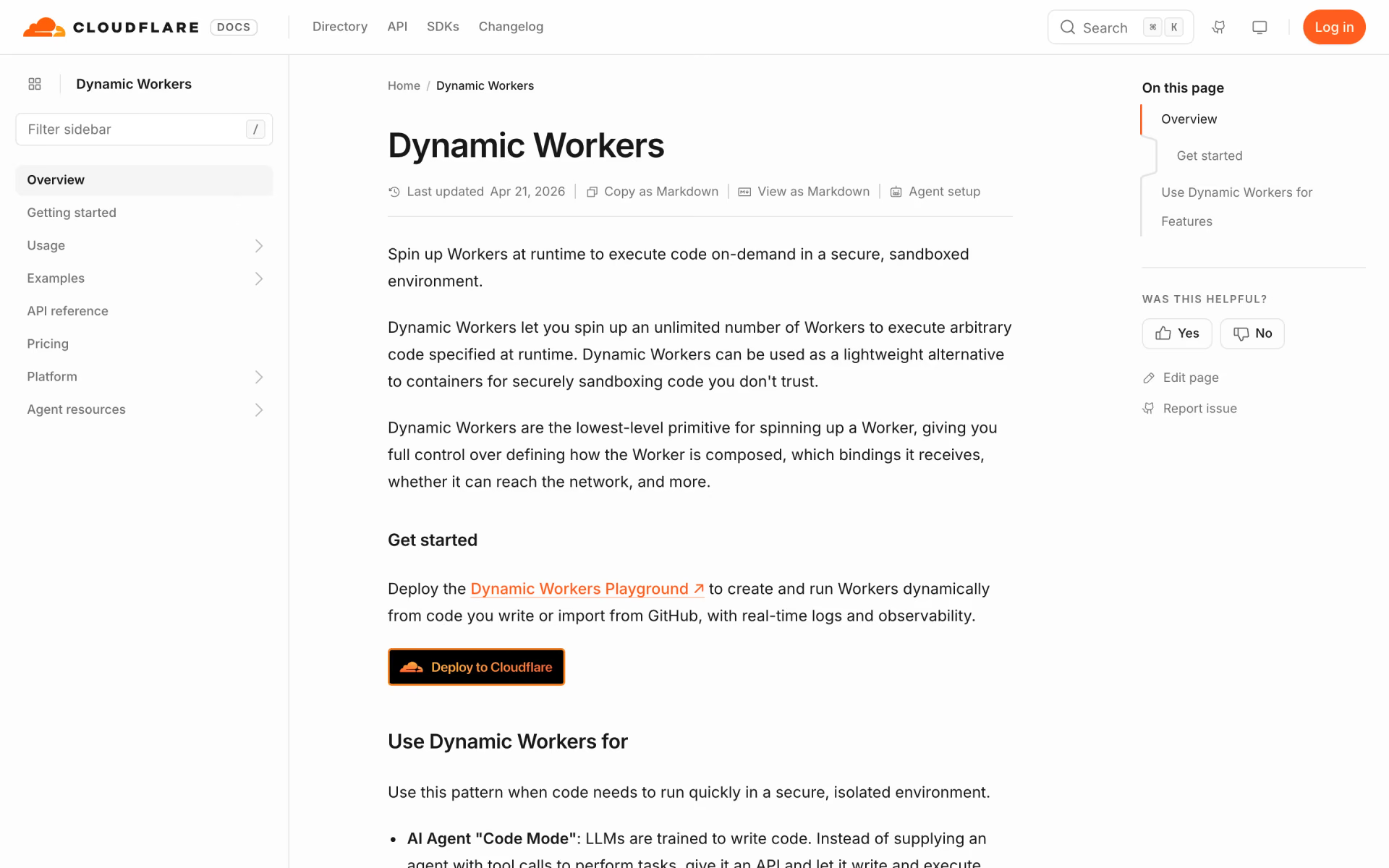
 Dynamic Workers

 E2B
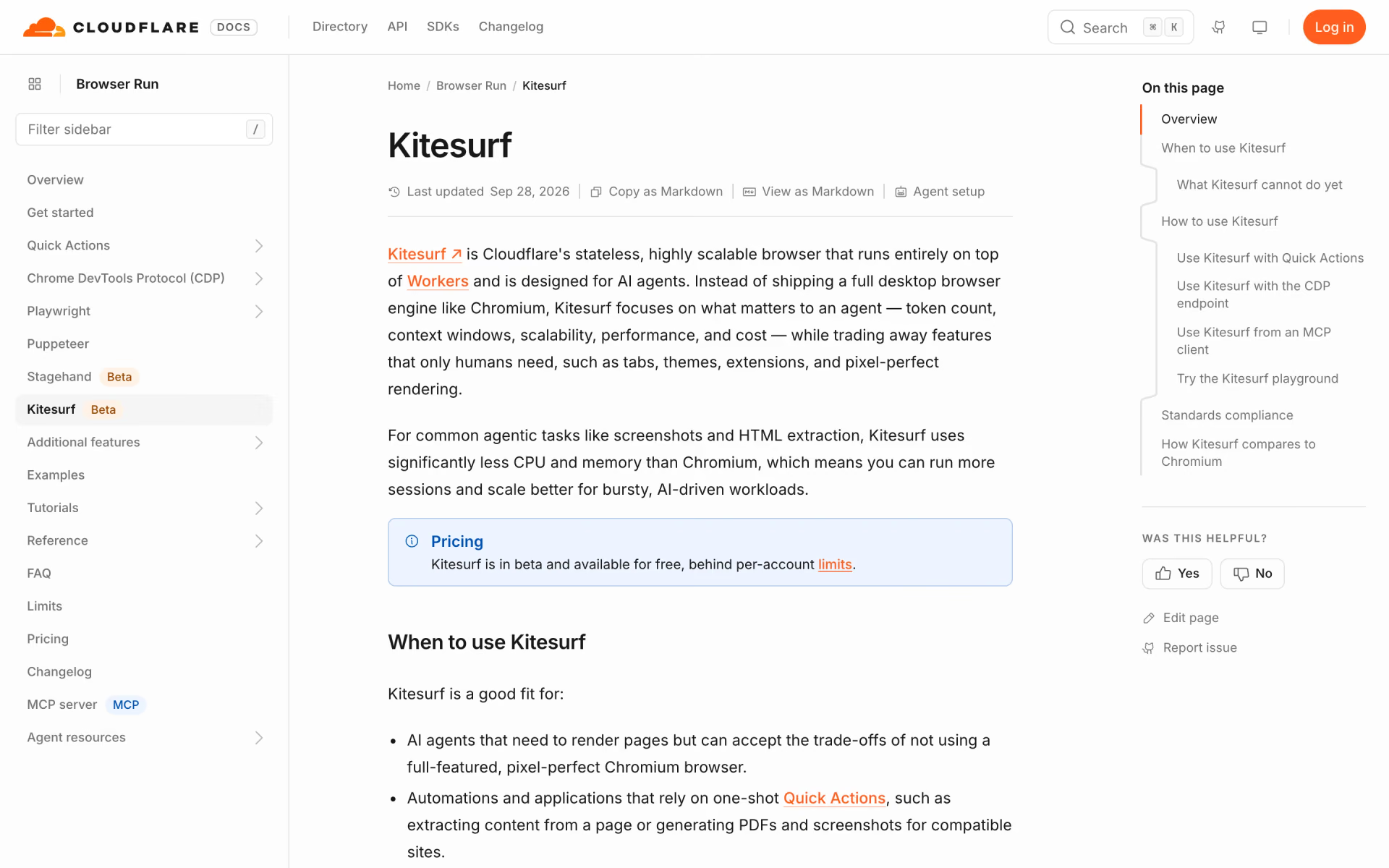
 Kitesurf