The best AI image generators in 2026, free and paid
The best AI image generator for most people is Nano Banana 2. Ideogram is best for text and Midjourney for art. Compared on editing, price and free use.

Nano Banana 2 is the best AI image generator for most people. It's free in Google's Gemini app, it writes clear text in many languages, and you can edit a picture just by describing the change. Pick Ideogram for posters and ads full of words, or Midjourney if the look of the art matters most.





What you are choosing
An AI image generator turns a written prompt into a picture. Most can also edit a photo you upload, changing the background, swapping an object or fixing the words on a sign. For moving pictures, see the best AI video generators.
Some names on this list are models, the engines that draw the picture, made by Google, OpenAI and Black Forest Labs. Others are apps you work in, like Midjourney, Ideogram, Adobe Firefly and Recraft. The line blurs, because Firefly and Recraft also let you choose Google, OpenAI and FLUX models inside the app.
We compared them on text in the image, photo realism, control over style and edits, and commercial use terms. We also looked at what each one gives you for free and what a single image costs. If you also want a chat assistant, ChatGPT vs Claude vs Gemini compares their $20 plans.
The best AI image generators at a glance
Prices are the normal monthly price for one person, from each maker's own pages on Nov 8, 2026. FLUX 3 Image has no plan: you pay for each image.
| Tool | Free use | Paid from | Commercial use | Best for |
|---|---|---|---|---|
 Nano Banana 2 | Yes, in the Gemini app | $4.99 for Google AI Plus | Yes, Google claims no ownership | Most people |
 ChatGPT Images 2.5 | Limited, on ChatGPT Free | $8 for ChatGPT Go | Yes, you own the output | Editing your photos |
 Midjourney | None | $10 | Yes, but Pro or Mega for firms over $1M | Art and style |
 Ideogram | 30 credits a week, images public | $20, or $15 billed yearly | Yes | Text in images |
 Adobe Firefly | Daily free generations | $9.99 | Yes, Adobe's own models are trained on licensed content | Commercial work |
 Recraft | Daily limit, images public | $10, billed yearly | Paid plans only | Vectors and brand styles |
 FLUX 3 Image | None | $0.048 an image | Yes, you own the output | Developers |
The seven best, one by one
1. Nano Banana 2: best for most people
Nano Banana 2 is Google's image model, also known as Gemini 3.1 Flash Image, and it runs in the Gemini app and Google Search. You describe a picture, then change it by asking for an edit, such as a new background, an extra object or a translated sign.
Google says it writes accurate, readable text and can translate the words inside an image into another language. It keeps up to 5 characters looking the same across a series, and Google's API makes images from 512px up to 4K.
Gemini is free with standard limits, which double on Google AI Plus at $4.99 a month and grow fourfold on Pro at $19.99. Google's Gemini page says paid plans get the newer Nano Banana 2.1, but its help page still lists Nano Banana 2 for every plan.
Good
- Free in the Gemini app
- Edits by asking in plain words
- Clear text, in many languages
Watch for
- Gemini adds a visible AI mark to images
- Google doesn't publish a daily image limit
2. ChatGPT Images: best for editing your own photos
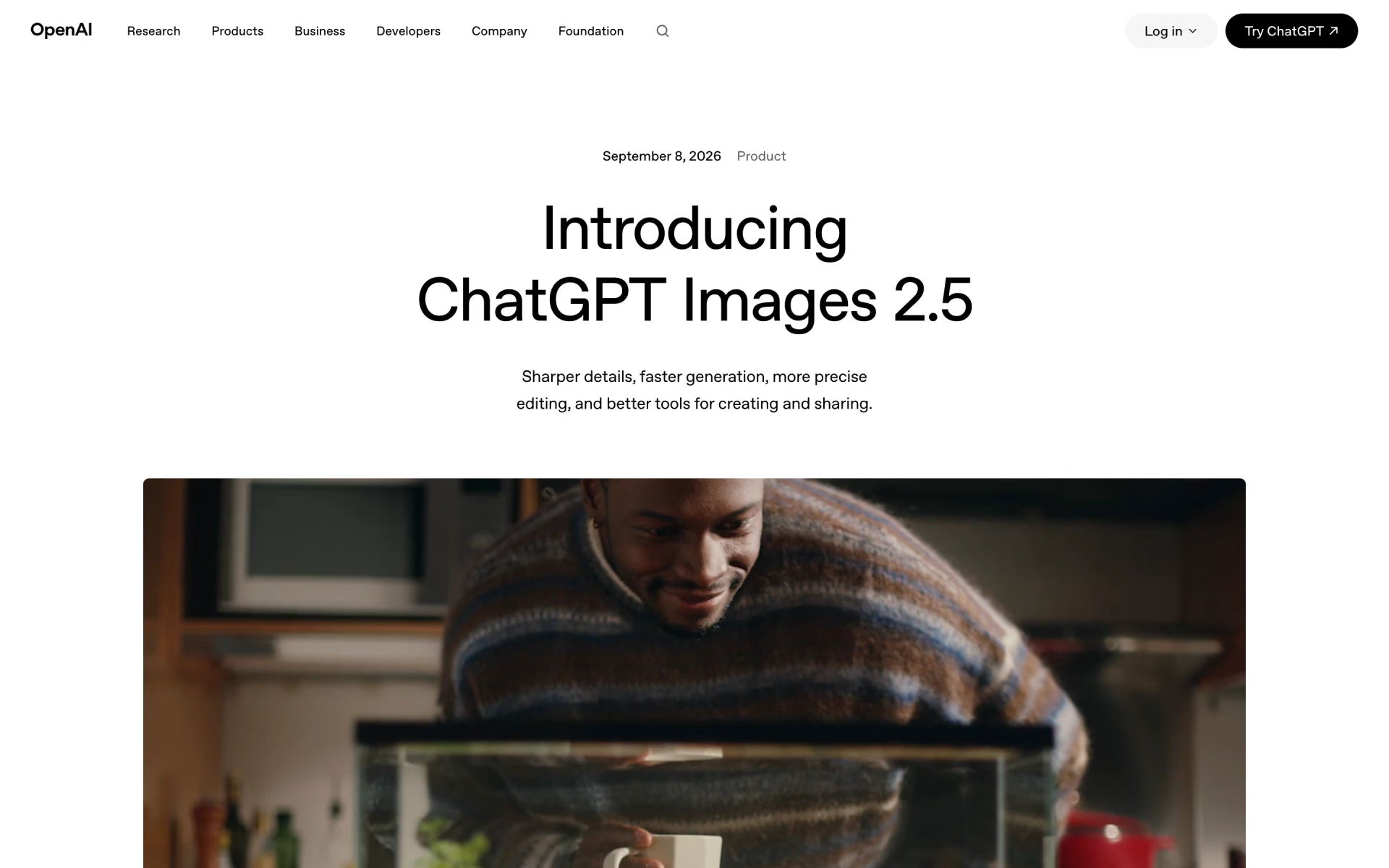
ChatGPT makes and edits images right in the chat, and on November 4 OpenAI moved it to Images 2.6, the update after 2.5. OpenAI says the new version makes images 50% faster and can also turn a picture into a short looping GIF.
OpenAI says its newer models keep the faces and products in your photos closer to the original, and change only what you ask. You can also sketch a rough guide, start from a template such as a poster, or comment on the spot you want changed.
Every plan includes images: Free gives a limited number, and Go costs $8 a month for more. Plus costs $20 and adds image making with Thinking, while Pro, from $100 a month, has no cap.
Good
- Edits stay close to your photo
- Sketches, templates and comments on images
- GIFs from a single prompt
Watch for
- OpenAI's docs say text placement can still slip
- No published number for free images
3. Midjourney: best for art and style
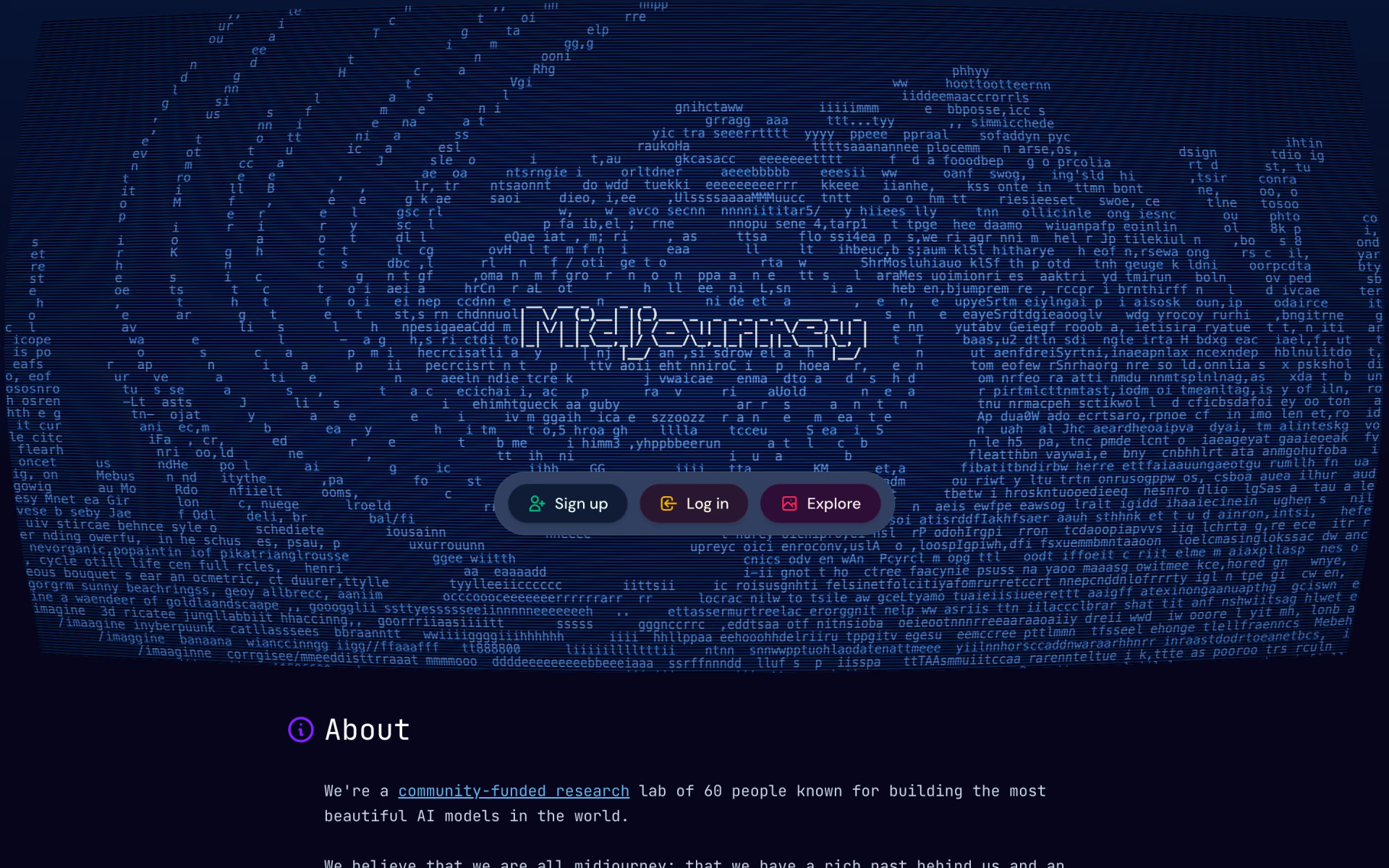
Midjourney is an app with its own model, built for bold, styled images, and its current version, V8.2, became the default on July 24. Midjourney says V8.2 brings bolder, more polished looks and better Personalization, which learns your taste from the images you rate.
You steer the look with style references and moodboards, and change parts of a picture with the new Edit Model. HD mode makes 2K images without upscaling, but Midjourney's pages make no claims about text in images.
There's no free plan: Basic costs $10 a month with 200 minutes of Fast time. Standard, at $30, adds unlimited images in the slower Relax mode, and only Pro, at $60, and Mega, at $120, keep your images private.
Good
- Fine control over style
- Unlimited Relax images from $30
- Personalization learns your taste
Watch for
- No free plan
- Images are public below Pro
- Firms over $1M a year need Pro or Mega
4. Ideogram: best for text and posters
Ideogram says it has led on text in images since its launch, and its tools are built for posters, ads and print. Its newest model, Ideogram 4.5, works at 2K, and Ideogram says you can edit an image over many rounds without it wearing down.
Extra tools resize ads, remove backgrounds and turn the words in an image into text layers you can edit. Ideogram 4.0 has open weights, so you can run it on your own hardware, but commercial use needs a licence.
Free accounts get 30 credits a week, and everything they make is public. Plus costs $20 a month, or $15 billed yearly, and includes 2,400 credits plus unlimited generations in the slow queue. A high-quality image from Ideogram 4.5 costs 10 of those credits.

Good
- Built around text and layout
- Text layers you can edit
- Commercial use allowed
Watch for
- Free images are public
- AI edits need priority credits, not the slow queue
5. Adobe Firefly: best for safe commercial work
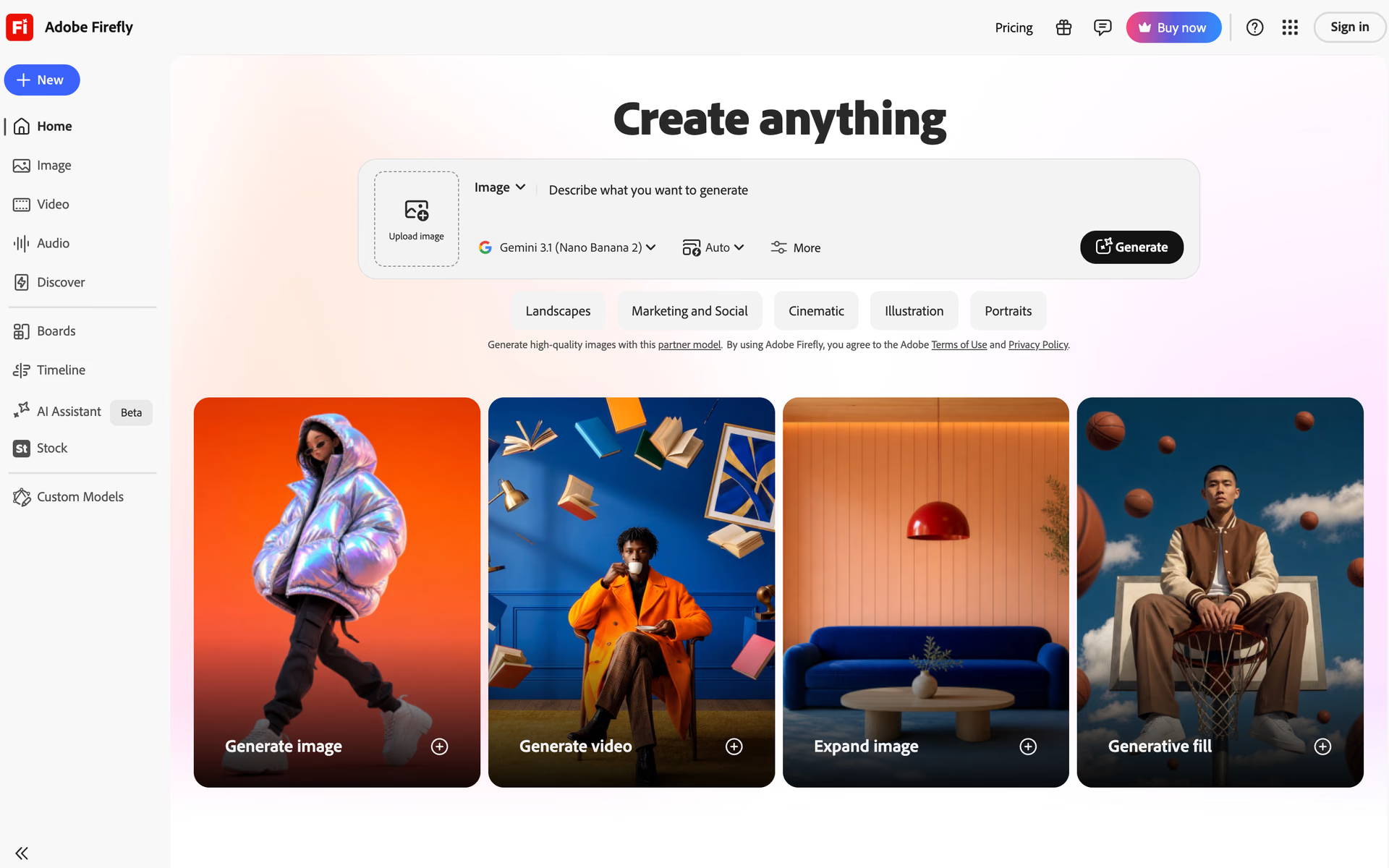
Firefly is Adobe's app for images, video and sound, and its default image model is Firefly Image 5. Adobe trains its own models on licensed content and public domain work, and says their output is safe for commercial use.
You can also pick partner models from Google, OpenAI and Black Forest Labs inside Firefly, and those cost credits. Adobe says it's up to you to judge whether partner output is safe for your project. The Pro plan and above also add Photoshop on the web and phone.
Anyone can start with free daily generations. Standard costs $9.99 a month with unlimited standard images and 2,000 credits, and Pro costs $19.99 with 4,000 credits.
Good
- Adobe's models train on licensed content
- Unlimited standard images on paid plans
- Google and OpenAI models in the same app
Watch for
- Partner model output is your call
- Credits don't roll over
6. Recraft: best for vectors and brand styles
Recraft is a design app that makes images, editable vector graphics and mockups, with its own Recraft V4.1 model and a faster Flash version. You can build a custom style by dropping in your own images, so a whole set of pictures keeps one look.
Paid plans add outside models such as Nano Banana, Seedream, GPT Image and FLUX, plus custom color palettes. An image from an outside model costs between 1 and 40 credits, depending on which model you choose.
The free plan is for personal use only: every image is public, and Recraft owns it. Basic costs $10 a month billed yearly for 1,000 credits, with full ownership and commercial rights. Pro, at $16 a month billed yearly, doubles the credits and adds video.
Good
- Editable vector graphics
- Custom styles from your own images
- Many outside models in one app
Watch for
- Free images belong to Recraft
- Monthly credits don't roll over
7. FLUX 3 Image: best for developers and bulk work
FLUX 3 Image is Black Forest Labs' image model, sold by the image through its API rather than as a monthly plan. Its main feature is layout boxes: you draw a box for each element, describe what goes in it, and then edit one box alone.
It takes up to 10 reference images and renders at 2K and 4K, and FLUX models also appear inside Adobe Firefly and Recraft. Black Forest Labs says you own what you make and may use it for personal or commercial work.
A 1K image costs $0.048 and a 2K image $0.10. The smaller FLUX 3 Image Klein costs $0.009 at 1K and has open weights, so it can run on a single home graphics card.
Good
- Layout boxes for exact placement
- A clear price for each image
- You own the output
Watch for
- Built for developers, not casual use
- A 4K image costs $0.607
Can you use the images for work?
Every maker here lets you use what you make in commercial work, but the fine print differs from one to the next.
Adobe goes furthest: it trains its own Firefly models on licensed content, such as Adobe Stock, and on public domain work. It also adds Content Credentials to each image, so anyone can check how it was made. That promise covers Adobe's own models only, and for Google or OpenAI models inside Firefly, Adobe says the call is yours.
OpenAI hands you its rights in what you make, and Black Forest Labs says you own FLUX output. Google says it won't claim ownership of content you create, and Ideogram claims no ownership and allows commercial use.
Two makers tie your rights to the plan you pay for. Midjourney says a company with more than $1 million a year in revenue must be on Pro or Mega to own its images. Recraft owns the images made on its free plan and bars commercial use, while its paid plans give you full ownership.
None of this protects you if an image copies a real brand, person or artwork, so check before anything goes to print.
How much does one AI image cost?
A monthly plan hides the price of a single image, so here's what each maker publishes about it.
- FLUX 3 Image: $0.048 for a 1K image and $0.10 at 2K in Black Forest Labs' API. The smaller FLUX 3 Image Klein costs $0.009 at 1K.
- Nano Banana 2: $0.067 for a 1K image and $0.151 at 4K in Google's API. The newer Nano Banana 2.1 costs $0.0336 at 1K.
- Ideogram 4.5: 3 cents at low quality, 6 cents at medium and 10 cents at high in its API. In the app, a high-quality image costs 10 of the 2,400 credits that come with Plus.
- Midjourney: a standard prompt uses about 0.8 minutes of Fast time. Basic's 200 minutes cover about 250 prompts, or about 4 cents each.
- Adobe Firefly: paid plans include unlimited standard images from Adobe's own models. Credits pay for partner models, video and sound.
- ChatGPT Images: OpenAI bills its API by tokens, at $30 per million output tokens for GPT Image 2.6. It points to a calculator, not a flat price per image.
For a few images a week, a free plan is enough. For hundreds a month, flat plans such as Firefly's unlimited standard images or Midjourney's unlimited Relax mode keep the cost per image down.
Which one should you pick?
- You want a strong free option with clear textNano Banana 2
- You want to edit your own photos by chattingChatGPT Images 2.5
- You care most about art and styleMidjourney
- You make posters, ads or merch full of wordsIdeogram
- Your images go into paid campaignsAdobe Firefly
- You need vectors or a set in one brand styleRecraft
- You build an app and want to pay per imageFLUX 3 Image
How we picked
We started from the 32 tools in Recaply's Image Generation topic, plus the image models that Google, OpenAI and Black Forest Labs sell to developers. We kept the ones that make and edit images from a prompt and publish their prices and usage terms. We read each maker's pricing pages, help docs, terms and launch posts on Nov 8, 2026. Where two of a maker's own pages disagree, we say so.
We have not run side-by-side tests: what you read here comes from the makers' own pages. No maker paid to be in this list, and no maker saw it before it went live. If a price changes, we update this page and its date.
Questions people ask
What is the best free AI image generator?
Nano Banana 2 is the best free AI image generator: it's free in the Gemini app with a Google account, writes clear text and edits by chat. Adobe Firefly also gives free daily generations, Ideogram gives 30 credits a week, and ChatGPT Free includes a limited number of images.
Which AI image generator is best for text in images?
Ideogram is best for text in images: its maker has focused on text from the start, and it can turn the words in an image into editable text layers. Google also says Nano Banana 2 writes accurate text and can translate the words inside an image.
Can you sell AI art?
Yes, most makers allow it, but check your plan first. Midjourney asks companies with more than $1 million a year in revenue to be on Pro or Mega. Recraft owns images made on its free plan, while Adobe says output from its own Firefly models is safe for commercial use.
Is Midjourney free?
No, Midjourney's plans page lists four paid plans and no free one. Basic costs $10 a month, and Standard, at $30, adds unlimited images in the slower Relax mode.
Do AI images have a watermark?
Some do: Google adds an invisible SynthID watermark to its images, and the Gemini app adds a visible mark as well. OpenAI adds C2PA data and an invisible watermark, and Adobe attaches Content Credentials to Firefly images.