
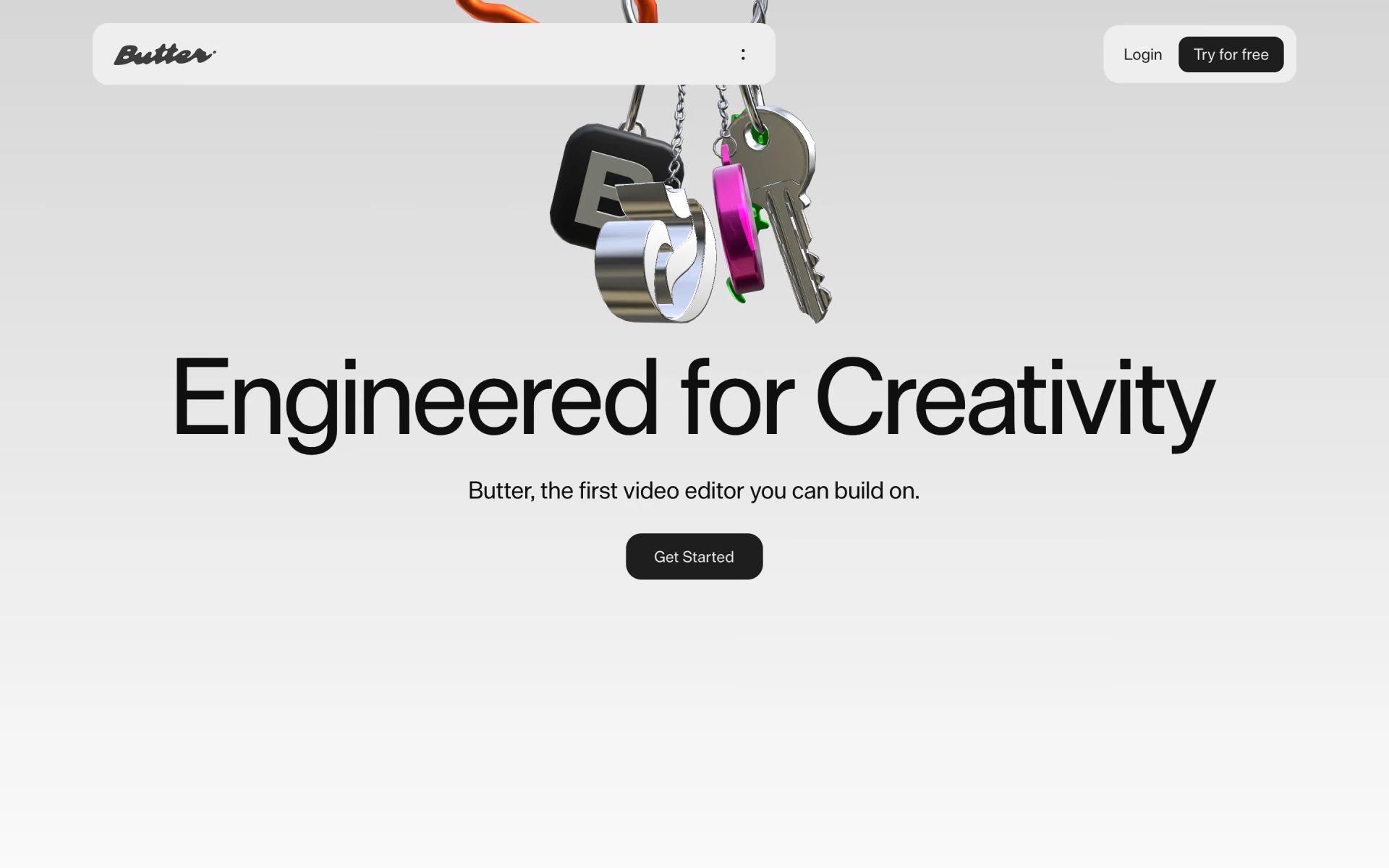
What is Butter?
Browser video editor with motion graphics blocks, brand kits and one-click ad variations for teams.
Who is Butter best for?
Butter is best for brand and agency creative teams who make motion-heavy ad videos and need many versions of each.
Ad variations at scale
One project spins out versions with new copy, products, languages and offers, and resizes to square, vertical or landscape in a click.
Motion graphics without After Effects
Animations, effects, shaders and real-time 3D stack on one timeline in the browser, with no plugins to install.
Figma-based teams
Figma frames come in as editable layers that you can animate, caption and export as video.
Designers who write code
A built-in code editor lets you build custom blocks in JavaScript that the rest of the team reuses from the library.
How much does Butter cost?
Butter has a free plan with watermarked 720p exports; Basic costs $25 a month, and Pro and Business cost $38 and $70 per member a month billed monthly.
- 720p exports with a watermark
- 2GB cloud storage
- 30 minutes of AI captions a month
- 1080p exports with no watermark
- 5GB storage, 60 minutes of captions
- 20 project variations a month
- Team workspace for up to 10 members
- Brand kits and 1-Click Remix
- 250 project variations a month
- 50GB storage, 600 minutes of captions
- 2,500 project variations a month
- Priority chat support
Billed yearly, Basic is $18, Pro $30 and Business $59 a month. Enterprise is priced by sales and adds unlimited storage, captions and saved components, plus SSO and organisation controls. Free and Basic are for one user. Full pricing on butter.video. We checked these prices on .
How do readers rate Butter?
No one has rated Butter yet. Be the first.
Sign in to rate. One rating per account.
How do I connect Butter to my AI agent?
Butter MCP is Butter's official MCP server. Add it to your agent once, then ask it to make ad videos and images from a prompt, then fine-tune them in Butter.
Lets your agent rough out an ad or a video in Butter from a short brief, then you open Butter's editor to adjust each layer by hand. You can try it for free.
Butter gives each account its own server address. Open the setup guide, copy your address, then add it to Claude Code like any other server.
Use the address from Butter's setup guide.
Butter's setup guide covers the sign-in.
Then ask your agent
- Runs
- On the web
- Sign-in
- See guide
- Maker
- Butter
- Guide
- butter.video
What are the best Butter alternatives?
Two tools on Recaply do Butter's job.


Questions about Butter
What is Butter?
Browser video editor with motion graphics blocks, brand kits and one-click ad variations for teams.
Who is Butter for?
Butter is best for brand and agency creative teams who make motion-heavy ad videos and need many versions of each.
Is Butter free?
Yes. Butter has a free plan: 720p exports with a watermark.
How much does Butter cost?
Butter's paid plans are Basic at $25 per month, Pro at $38 per member per month and Business at $70 per member per month.
Does Butter have an MCP server?
Yes. Butter MCP is Butter's official MCP server, so agents such as Claude Code, Cursor, Codex and GitHub Copilot can make ad videos and images from a prompt, then fine-tune them in Butter. Butter runs it on the web.
What are the best Butter alternatives?
The closest alternatives on Recaply are Kapwing and VEED.
Where can I try Butter?
On its official website, butter.video.
What can Butter export?
Butter exports 60fps video, ProRes with a transparent background, GIF, JPEG and PNG. The Free plan exports at 720p with a watermark, and Basic and above export 1080p with no watermark.

 Fotor | Video Agent
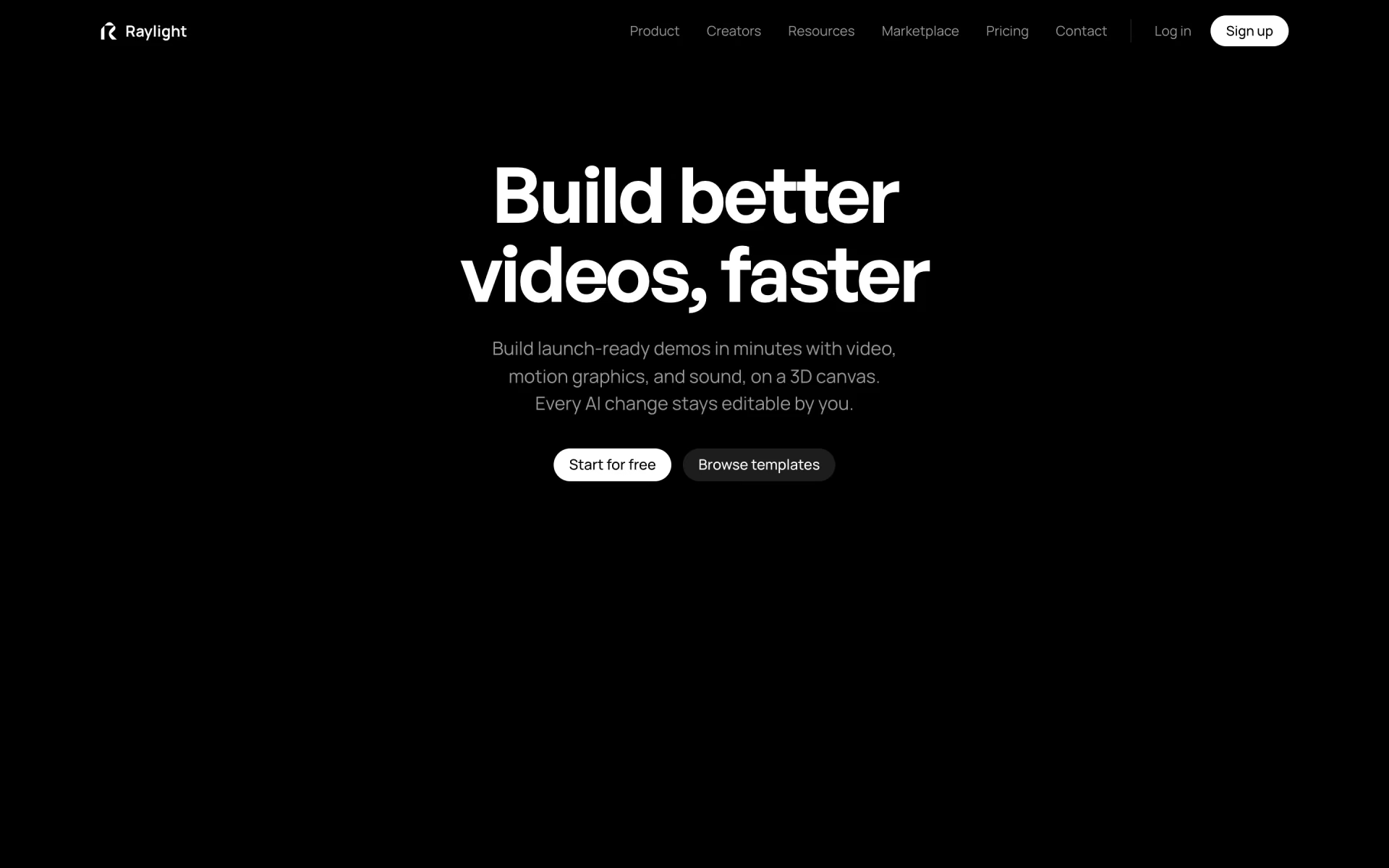
 Raylight

 Shuffll
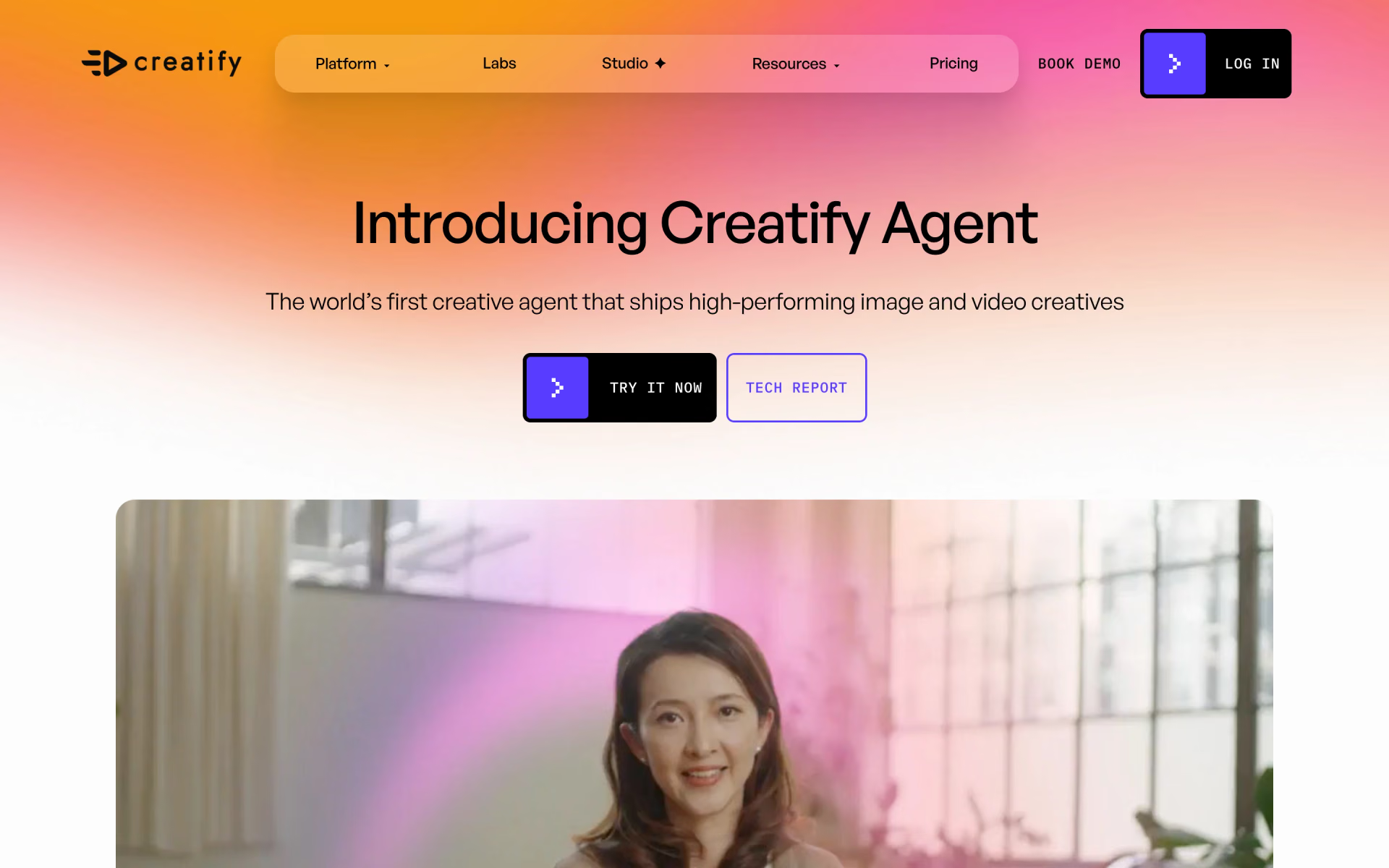
 Creatify Agent

 Animatable
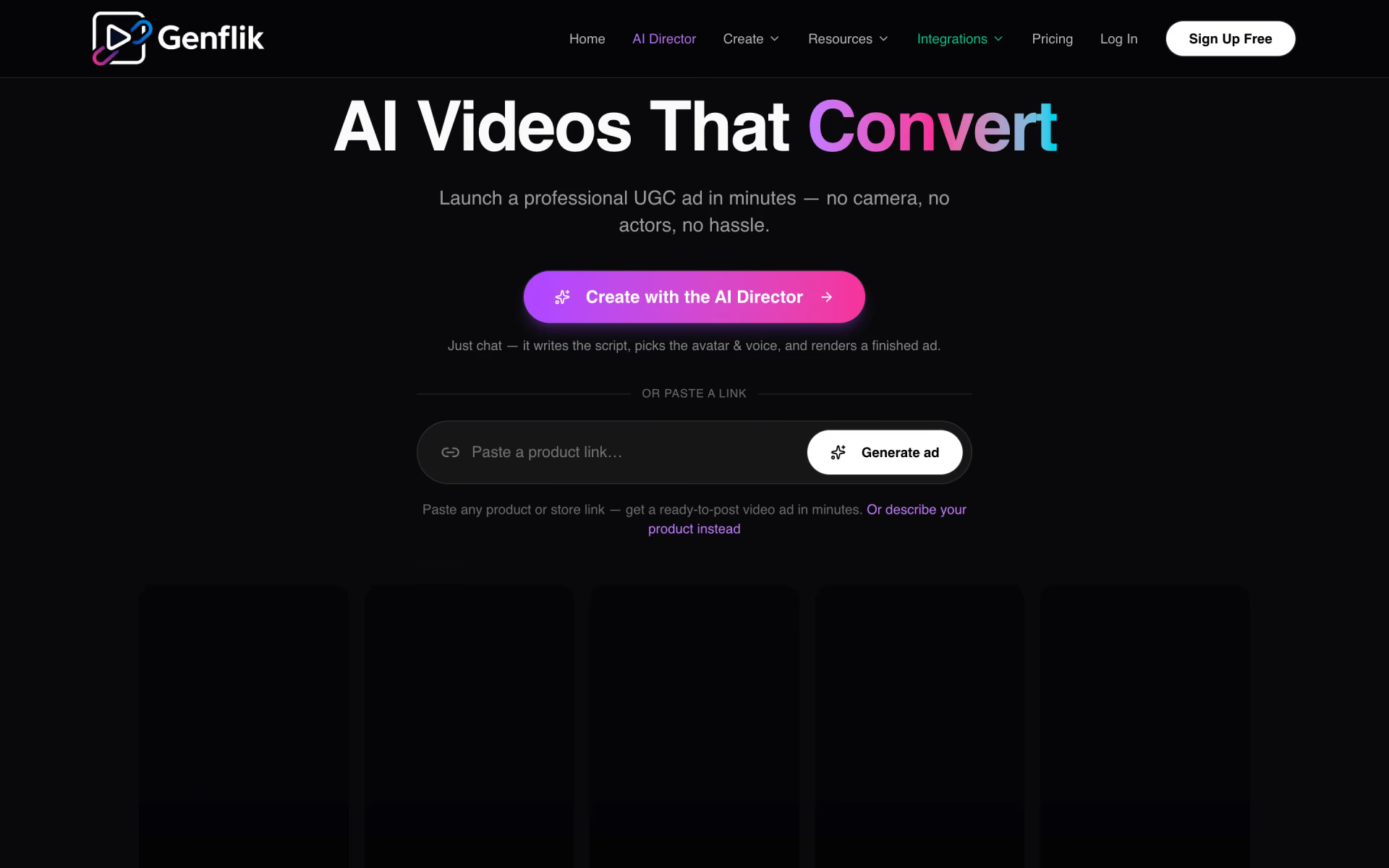
 GenFlik