
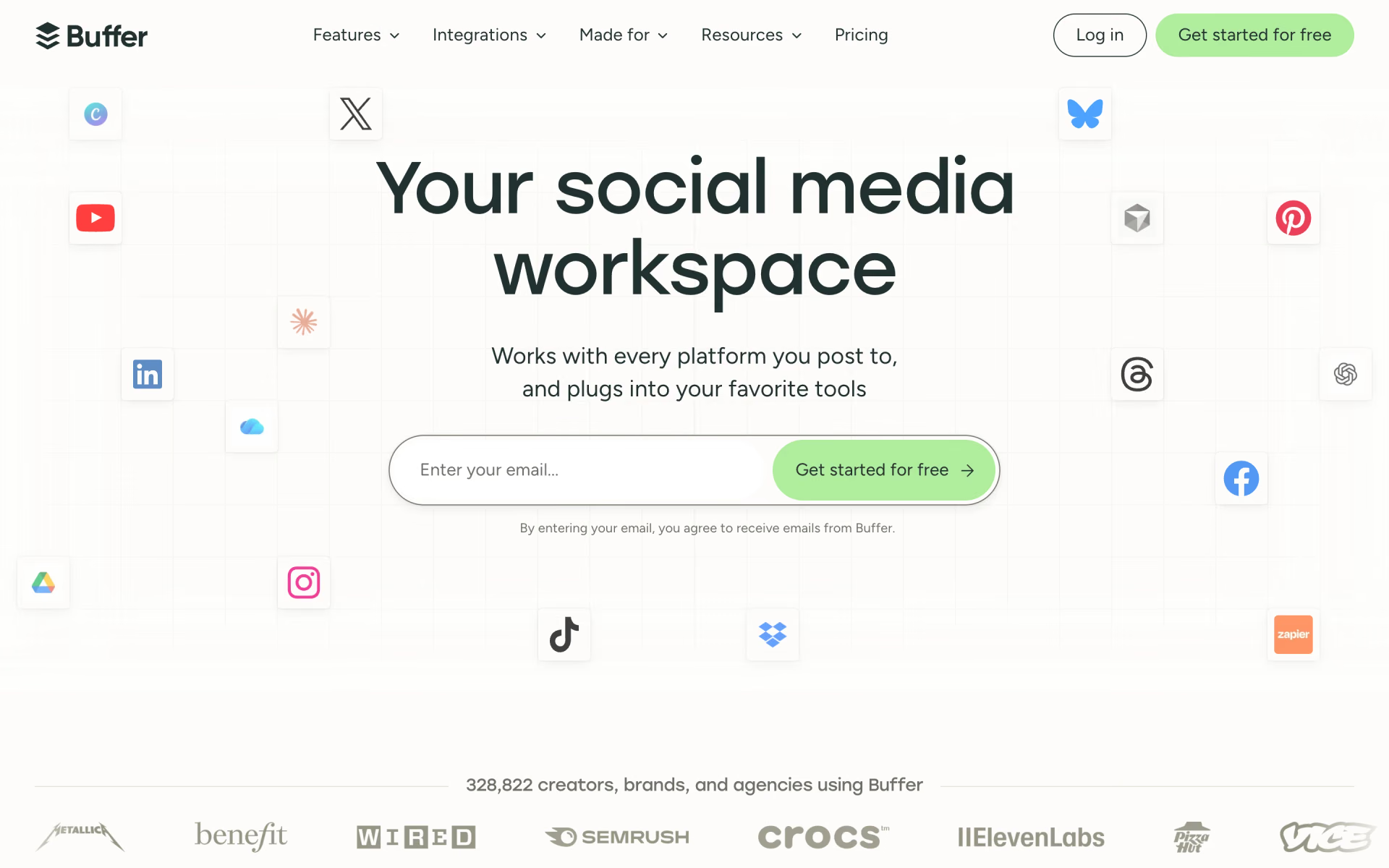
What is Buffer?
Buffer is a social media scheduler. You connect each account as a channel, write or import posts, and place them in a queue or on a calendar that publishes at the times you set. The same app keeps a board of post ideas, gathers comments from most networks in one inbox, and reports on reach and engagement. An AI assistant drafts, rewrites and repurposes posts on every plan.
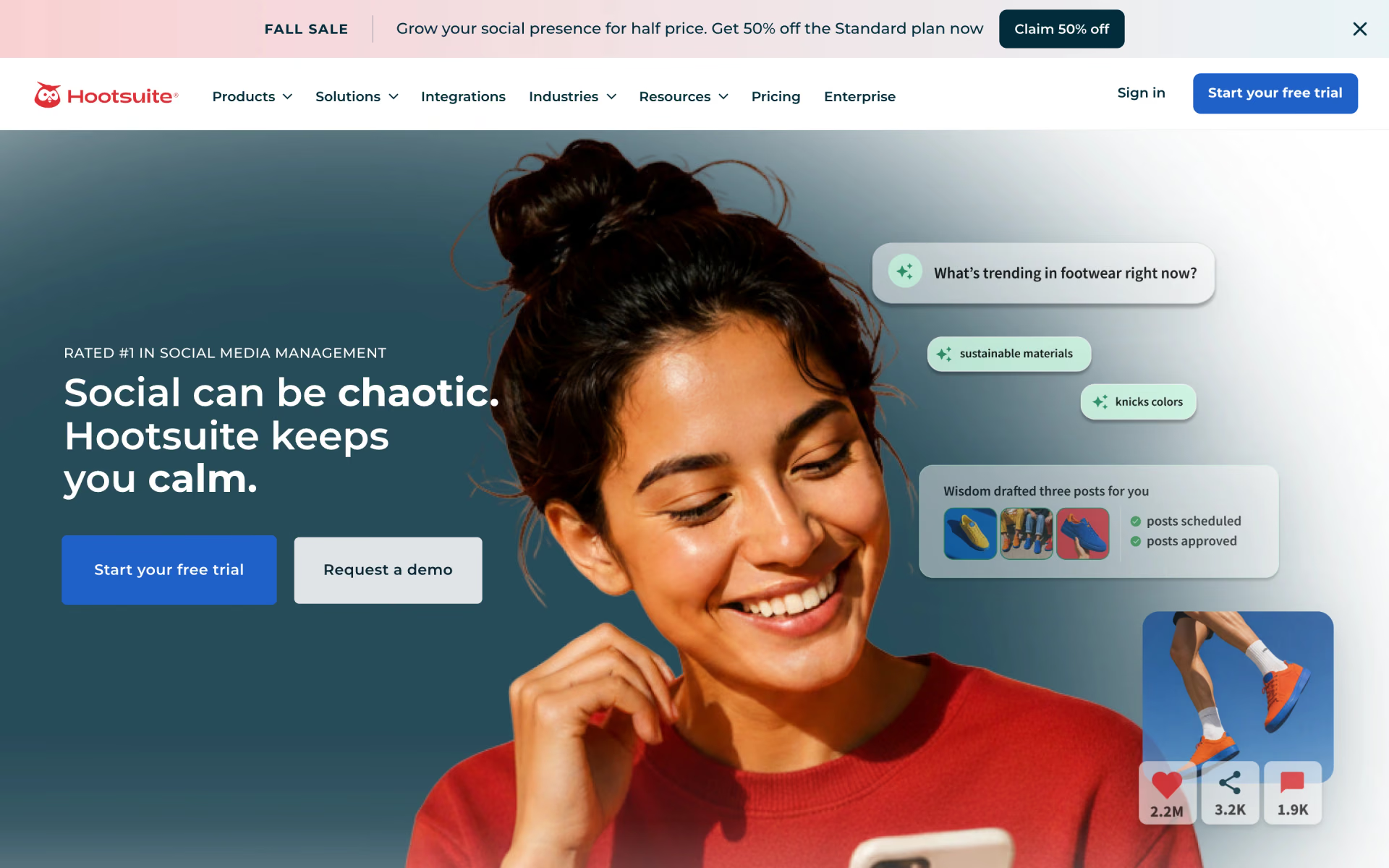
Compared with Hootsuite or Sprout Social, Buffer leaves out social listening and seat pricing: you pay per connected channel, and the Team plan adds unlimited users at no extra cost.
Who is Buffer best for?
Buffer is best for creators, small businesses and agencies who schedule posts across several networks and do not want to pay per seat.
Solo creators
The Free plan covers 3 channels with 10 queued posts each, enough to keep a small account posting without paying.
Small businesses
A shop on Instagram, Facebook and Google Business Profile pays for 3 channels, not for each person who logs in.
Agencies with changing clients
Channels can be added or removed month to month, and every channel past the 10th costs less.
Teams that need sign-off
The Team plan adds unlimited users, channel access levels and approval workflows for $12 per channel a month.
What's included with Buffer?
A posting queue and calendar, an ideas board, a comment inbox, analytics, an AI writing assistant, a link-in-bio page and integrations.
- Queue and calendar
- Posts go into a queue with set time slots that you can reorder or shuffle, or onto a weekly or monthly calendar.
- Ideas board
- Save post ideas in kanban columns, tag them by campaign, and turn them into drafts when you are ready.
- Community inbox
- Reply to comments on Instagram, Facebook, LinkedIn, Threads, Bluesky, X, TikTok, YouTube, Google Business Profile and Mastodon in one place.
- Insights and reports
- Follower growth, reach and engagement per post; Free keeps 30 days of history, and paid plans keep all of it and export CSV or PDF reports.
- AI Assistant
- Drafts, rewrites and adapts posts for each network, with no credit limit on any plan.
- Start Page
- A link-in-bio landing page for your profiles that counts as one channel on your plan.
- Integrations
- Canva, Google Drive, Dropbox, Zapier, Make, n8n and a WordPress plugin feed media and posts into the queue.
How does Buffer work?
Connect channels
Link each social account; every account you connect counts as one channel on the bill.
Fill the queue
Write posts or turn saved ideas into drafts, then let the queue's time slots or the calendar decide when they go out.
Reply and measure
Answer comments in the community inbox and check in Insights which posts earned reach and engagement.
How much does Buffer cost?
Buffer is free for up to 3 channels; paid plans cost $6 per channel a month on Essentials and $12 on Team billed monthly, or $5 and $10 billed yearly.
- Up to 3 channels and 1 user
- 10 scheduled posts per channel at a time
- 30 days of analytics history
- Unlimited scheduled posts, 1 user
- Full analytics history and exportable reports
- First comment scheduling and hashtag manager
- Unlimited users
- Approval workflows and access levels
- Branded reports
Paying yearly lowers Essentials to $5 and Team to $10 per channel a month. Rates drop after 10 channels: channels 11 to 25 cost $4 each on both plans. Unlimited posts are capped at 5,000 scheduled posts per channel under fair use. Both paid plans start with a 14-day free trial, and nonprofits and charities get a 50% discount. Full pricing on buffer.com. We checked these prices on .
How do readers rate Buffer?
No one has rated Buffer yet. Be the first.
Sign in to rate. One rating per account.
Buffer pros and cons
It is easy to learn, has a usable free plan and predictable per-channel pricing, but its analytics are basic and it has no social listening.
Pros
- Reviewers on Trustpilot and Reddit keep calling it one of the simplest schedulers to learn, with a clean queue and calendar.
- The Free plan is a working plan: several Reddit users say 3 channels with 10 queued posts each keep them two or three weeks ahead.
- Per-channel pricing is easy to predict, and the Team plan adds unlimited users instead of charging for each seat.
- The API, Zapier and n8n connections and links to AI assistants come with every plan, Free included.
Cons
- Analytics are basic next to Sprout Social or Hootsuite, a point reviewers on G2 and Capterra repeat.
- Some users report posts that fail to publish, most often on Pinterest and Instagram, and end up checking the queue by hand.
- There is no social listening or brand monitoring, and personal Instagram profiles and Facebook groups only get a reminder to post yourself.
- The bill grows with every account: a brand on five networks pays for five channels, $60 a month on Team billed monthly.
How do I connect Buffer to my AI agent?
Buffer MCP is Buffer's official MCP server. Add it to your agent once, then ask it to write, queue and reschedule social posts in Buffer.
Gives your agent your Buffer account, so you can draft posts for your channels, slot them into the queue and move or change what is already planned.
Buffer gives each account its own server address. Open the setup guide, copy your address, then add it to Claude Code like any other server.
Use the address from Buffer's setup guide.
Buffer's setup guide covers the sign-in.
Then ask your agent
- Runs
- On the web
- Sign-in
- See guide
- Maker
- Buffer
- Guide
- buffer.com
What are the best Buffer alternatives?
Three tools on Recaply do Buffer's job. Postiz is open source, so you can run it on your own server.
 Sprout SocialFreemium
Choose it when a larger team wants deeper reporting and listening as an add-on, and can pay per seat, from $99 a month billed monthly.
 SocialPilotFreemium
Choose it when you run many client accounts and prefer a flat plan with a set number of accounts, 10 on Standard, over paying per channel.
 PostizOpen Source
Choose it when you want an open-source scheduler under the AGPL licence that you can host on your own server.
Questions about Buffer
What is Buffer?
Buffer is a social media scheduler that lets creators, small businesses and agencies plan, publish and measure posts across 12 social networks from one queue, with a free plan for three channels.
Who is Buffer for?
Buffer is best for creators, small businesses and agencies who schedule posts across several networks and do not want to pay per seat.
Is Buffer free?
Yes. Buffer's Free plan has no end date and covers 3 channels, 1 user and 10 scheduled posts per channel at a time. It includes the AI Assistant, the comment inbox and 30 days of analytics history.
How does Buffer's per-channel pricing work?
Each connected social account is one channel. Essentials costs $6 per channel a month and Team $12 billed monthly, and the rate falls after 10 channels: channels 11 to 25 cost $4 each on both plans.
Does Buffer have an MCP server?
Yes. Buffer MCP is Buffer's official MCP server, so agents such as Claude Code, Cursor, Codex and GitHub Copilot can write, queue and reschedule social posts in Buffer. Buffer runs it on the web.
Is there an open source alternative to Buffer?
Yes. Postiz is an open source tool that does the same job, so you can run your own.
What are the best Buffer alternatives?
The closest alternatives on Recaply are Sprout Social, SocialPilot and Postiz.
Where can I try Buffer?
On its official website, buffer.com.
Can Buffer post to Instagram and TikTok automatically?
Yes, for Instagram business and creator accounts and TikTok business profiles. Personal Instagram profiles and Facebook groups only get a phone reminder at the set time, and you finish the post in the app yourself.
Buffer vs Hootsuite: which is cheaper?
Buffer, for most small teams. Buffer charges per channel from $6 a month and adds unlimited users on Team at $12 per channel, while Hootsuite starts at $99 per user a month billed yearly for up to 10 accounts, with listening and a larger inbox included.
Our verdict
Buffer is the easy pick for creators and small teams who mainly need to schedule posts and see what worked.
Its free plan is usable, paid plans cost $6 to $12 per channel a month, and the Team plan adds unlimited users with no seat fees.
- Skip it for
- Brands that need social listening, deep reporting or a full customer care inbox; Sprout Social or Hootsuite fit them better.
- Check first
- Count your channels first, since every connected account adds to the bill.
 Hootsuite
 SocialRails
 Metricool
 ReplyGuy
 Storytide

 PostSyncer