

What is Audioalter?
Bass boost, noise reduction and pitch shift online.
Who is Audioalter best for?
Audioalter is best for people who want a quick audio edit, such as a pitch change or an instrumental version, in the browser.
Quick song edits
Bass booster, pitch shifter, tempo changer, reverb and presets such as slowed and reverb or 8D audio run on an uploaded file in a few clicks.
Cleaning up voice recordings
The noise reducer is built for voice recordings and needs no settings.
Making instrumentals
The vocal remover takes the vocals out of a song and leaves the backing track.
Editing on a phone or tablet
It runs in any modern browser, so it works on a computer, phone or tablet alike.
How much does Audioalter cost?
Audioalter is free, with no paid tier: its web audio tools are supported by ads and work without an account.
- No account needed
- Files up to 50MB in MP3, WAV, FLAC or OGG
- Processed files deleted within 3 hours
Audioalter has no plans or checkout: each tool page calls itself a free web tool, and the terms say the site carries third-party ads. Full pricing on audioalter.com. We checked these prices on .
How do readers rate Audioalter?
No one has rated Audioalter yet. Be the first.
Sign in to rate. One rating per account.
Questions about Audioalter
What is Audioalter?
Bass boost, noise reduction and pitch shift online.
Who is Audioalter for?
Audioalter is best for people who want a quick audio edit, such as a pitch change or an instrumental version, in the browser.
Is Audioalter free?
Yes. Audioalter has a free plan: no account needed.
Where can I try Audioalter?
On its official website, audioalter.com.
Is it safe to upload files to Audioalter?
Audioalter sends files over an encrypted connection, keeps uploads hidden from other users unless you share the direct link, and deletes processed files within 3 hours. Its terms say you may only upload audio you hold the copyright to.

 End Boost
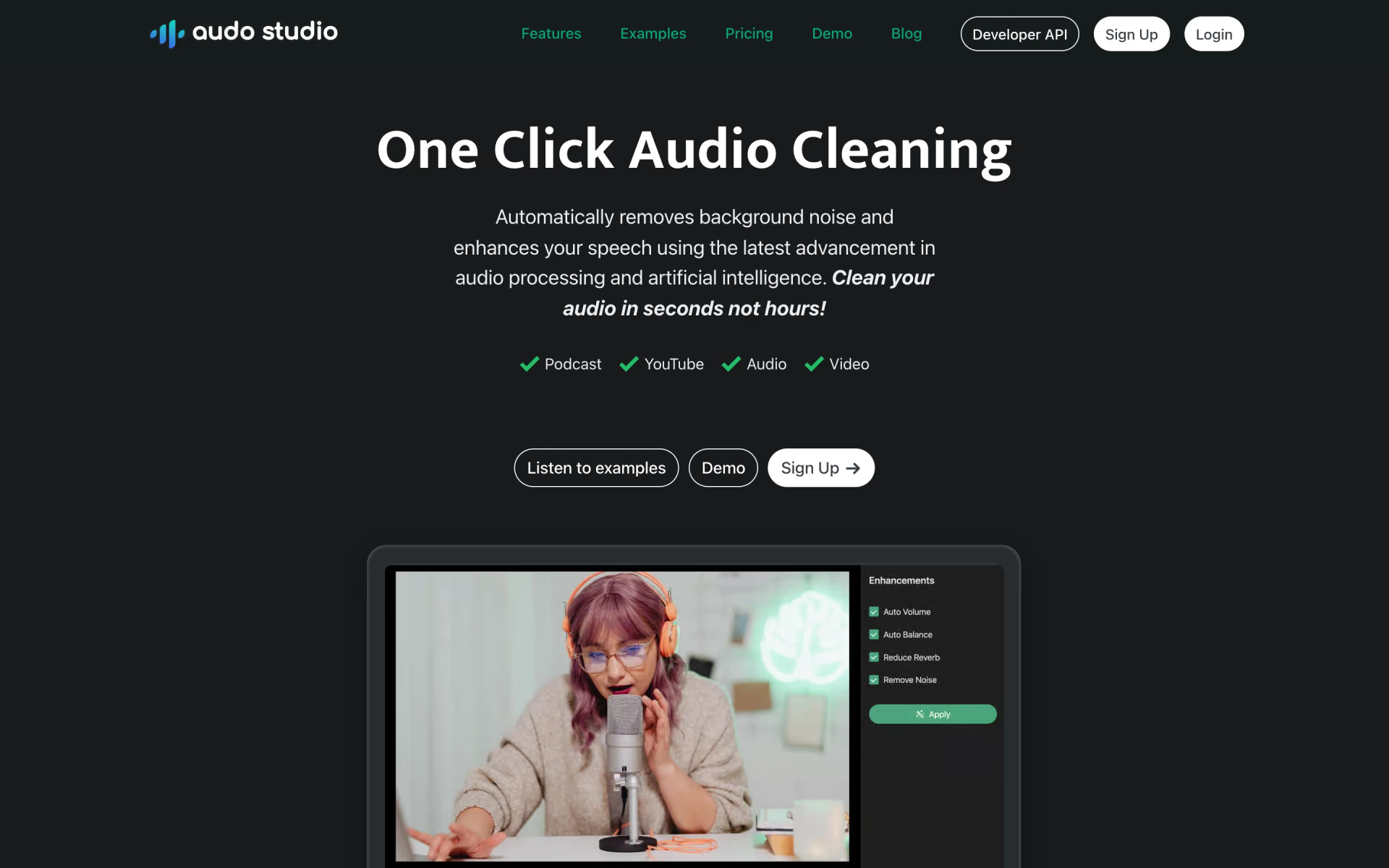
 Audo Studio

 AudioStrip
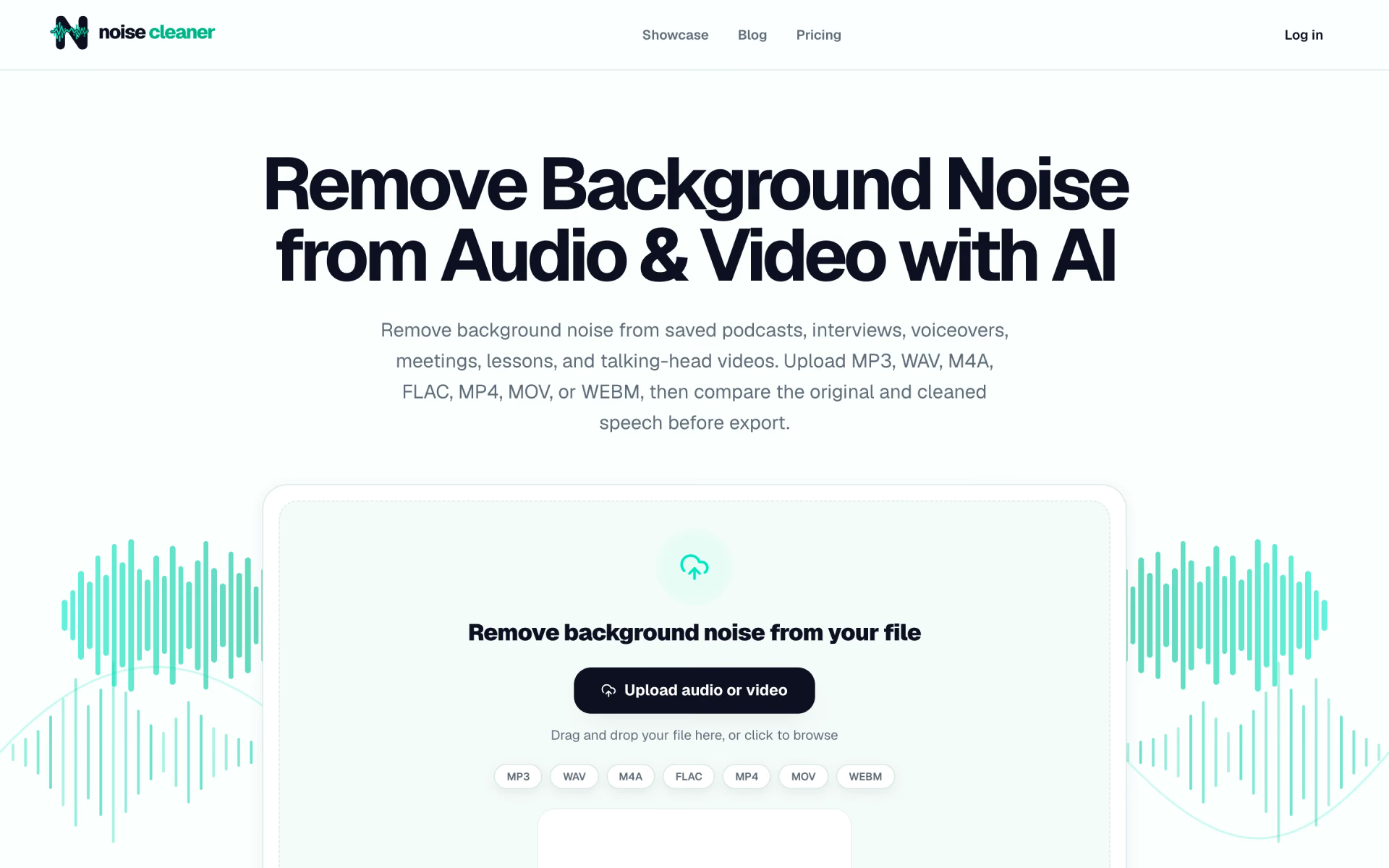
 Noise Cleaner
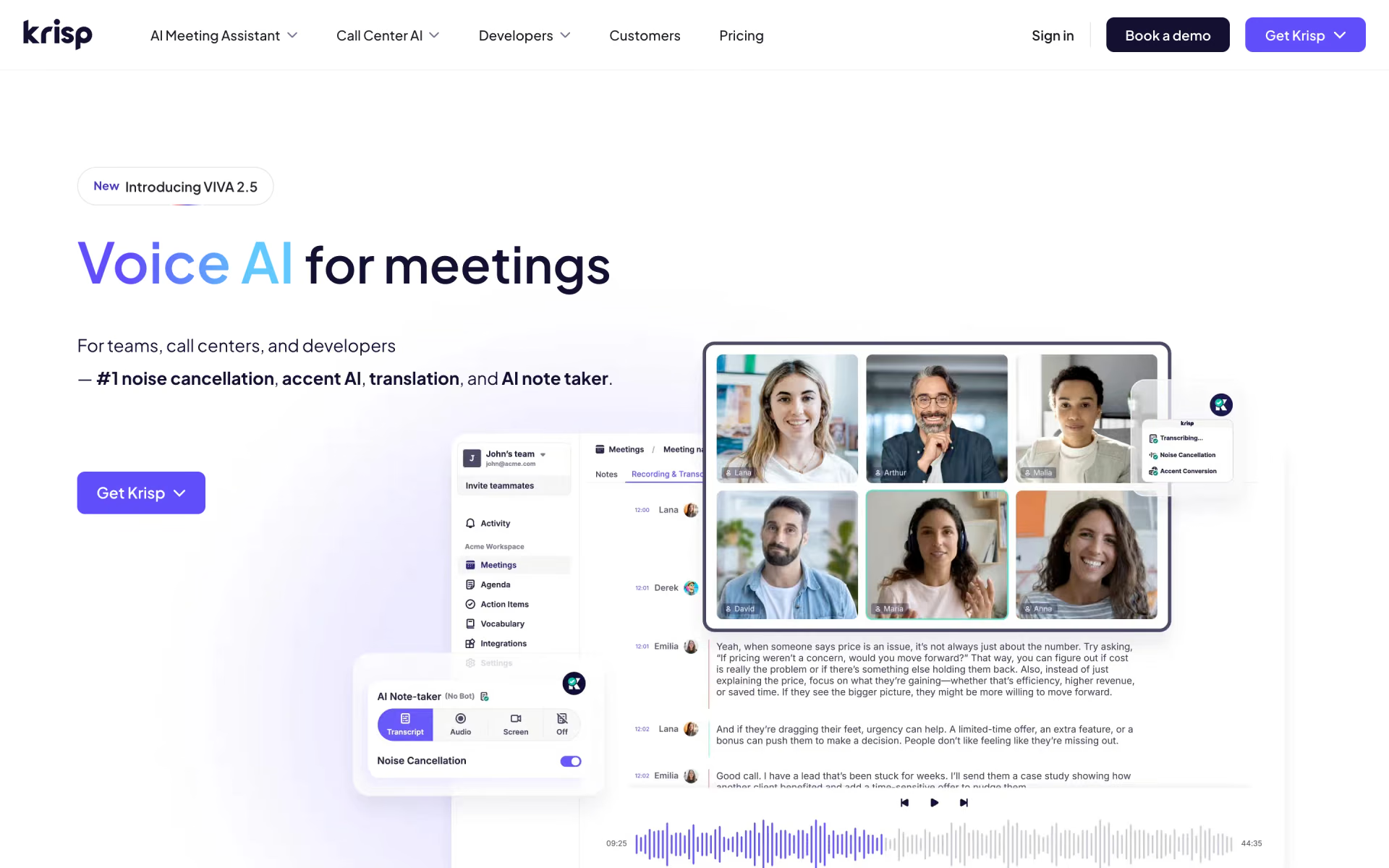
 Krisp

 Xound