

What is All Quiet?
Incident alerting and on-call scheduling for IT teams.
Who is All Quiet best for?
All Quiet is best for DevOps and SRE teams that want on-call schedules, phone alerts and status pages in one tool.
Small DevOps and SRE teams
The Standard plan covers on-call calendars, rotations, escalations and unlimited phone and SMS alerts at a flat per-user price.
Teams moving off PagerDuty or Opsgenie
All Quiet pitches itself as a leaner replacement for both and connects to more than 50 monitoring tools, such as Datadog, Grafana and Sentry.
Companies with several teams
Pro adds status pages, SCIM user provisioning, a Terraform provider and a public API for setting up many teams the same way.
Teams that want uptime checks built in
Website, ping, heartbeat and cron job monitors come with every plan, so a failed check can page the on-call person without a separate monitoring tool.
How much does All Quiet cost?
All Quiet costs $4.99 per user per month on the Standard plan or $9.99 per user per month on Pro, both with a free trial, and the Enterprise plan is priced on request.
- Unlimited users, integrations and incidents
- Unlimited SMS, phone call, email and push alerts
- Unlimited monitors, incidents kept 6 months
- Status pages and live call routing
- OIDC, SCIM, Terraform provider and public REST API
- Cross-team work, advanced reporting, incidents kept 12 months
Enterprise adds audit logging, custom work, white-glove onboarding, a dedicated support channel and custom billing, priced on request. Standard and Pro start with a free trial; the page does not say how long it lasts. These prices are for US data storage; teams that store data in the EU pay €6.99 or €11.99 per user per month. Full pricing on allquiet.app. We checked these prices on .
How do readers rate All Quiet?
No one has rated All Quiet yet. Be the first.
Sign in to rate. One rating per account.
What are the best All Quiet alternatives?
One tool on Recaply does All Quiet's job. It is open source, so you can run it on your own server.

Questions about All Quiet
What is All Quiet?
Incident alerting and on-call scheduling for IT teams.
Who is All Quiet for?
All Quiet is best for DevOps and SRE teams that want on-call schedules, phone alerts and status pages in one tool.
Is All Quiet free?
You can try All Quiet free before paying; paid plans start at $4.99 per user per month.
How much does All Quiet cost?
All Quiet's paid plans are Standard at $4.99 per user per month and Pro at $9.99 per user per month.
Is there an open source alternative to All Quiet?
Yes. OneUptime is an open source tool that does the same job, so you can run your own.
What are the best All Quiet alternatives?
The closest alternatives on Recaply are OneUptime.
Where can I try All Quiet?
On its official website, allquiet.app.
Does All Quiet charge extra for SMS and phone call alerts?
No. Every All Quiet plan includes unlimited SMS, phone calls, emails and push notifications, along with unlimited users, integrations, incidents and monitors. The plans differ in extras such as status pages, SCIM and the API, and in how long incidents are kept.
Can All Quiet store my data in the EU?
Yes. When you sign up for All Quiet you pick a US or EU data storage region for your team. EU hosting runs on allquiet.eu and costs €6.99 per user per month for Standard or €11.99 for Pro.
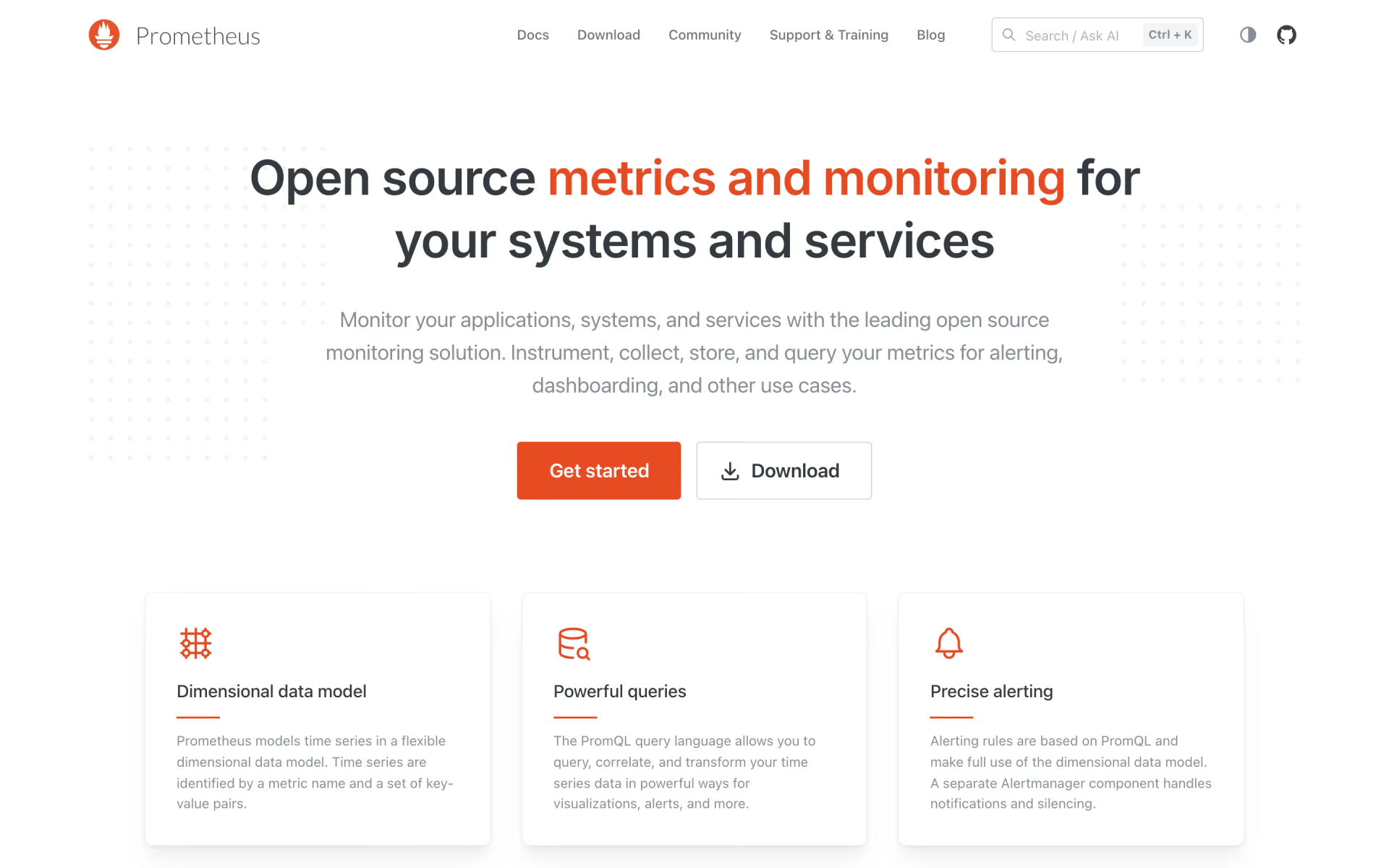
 Prometheus
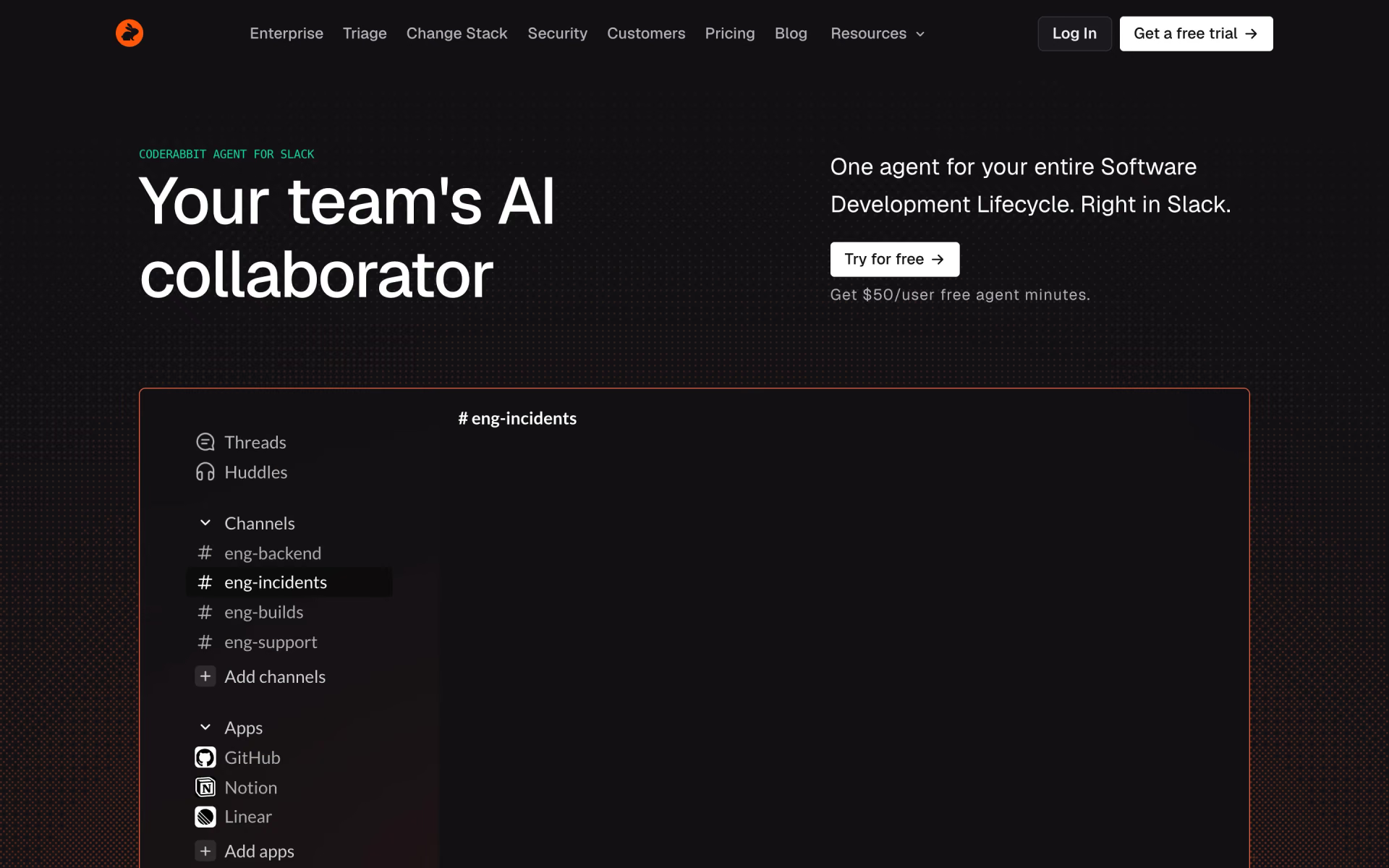
 CodeRabbit Agent for Slack

 DrDroid

 Neubird AI
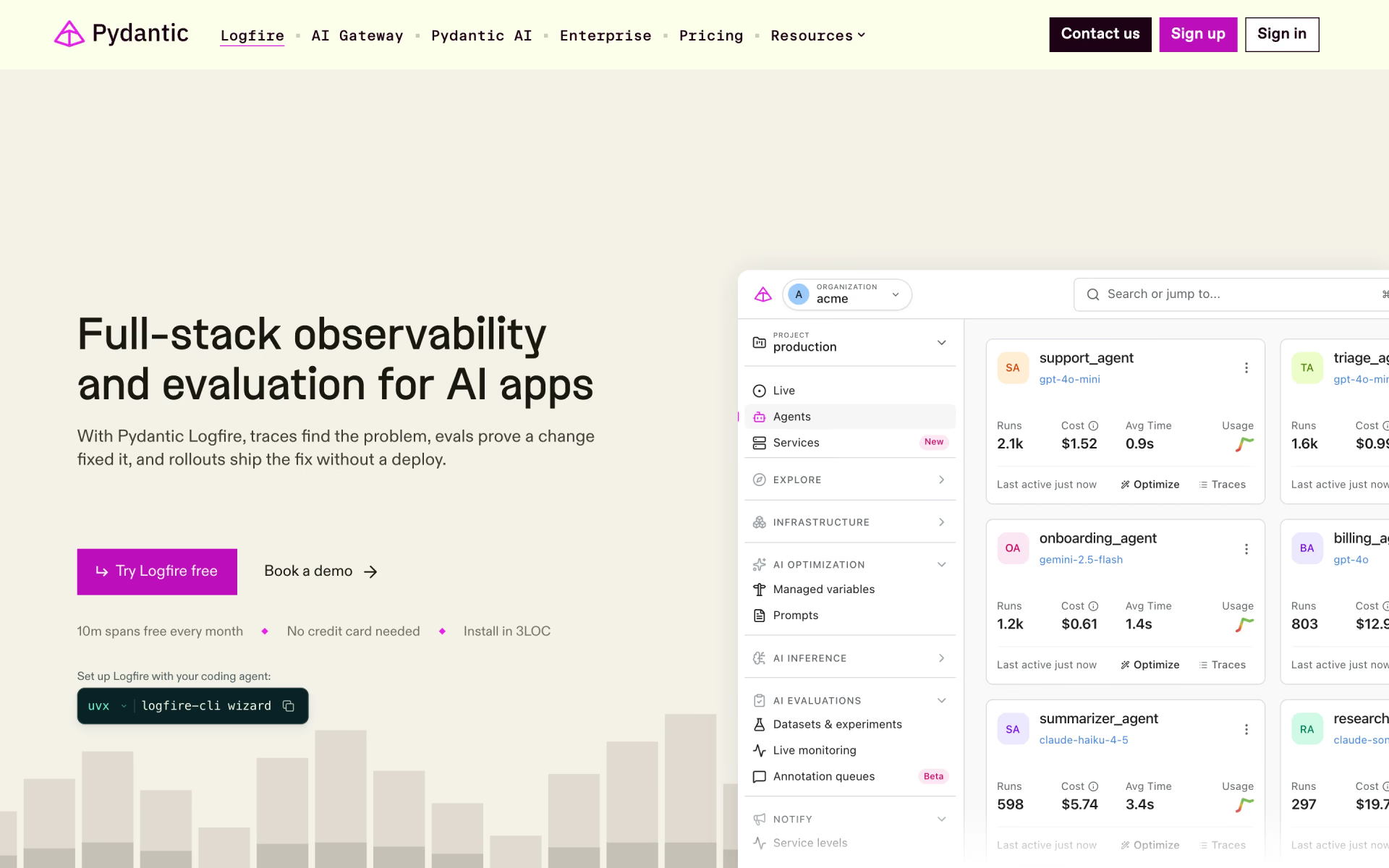
 Pydantic Logfire
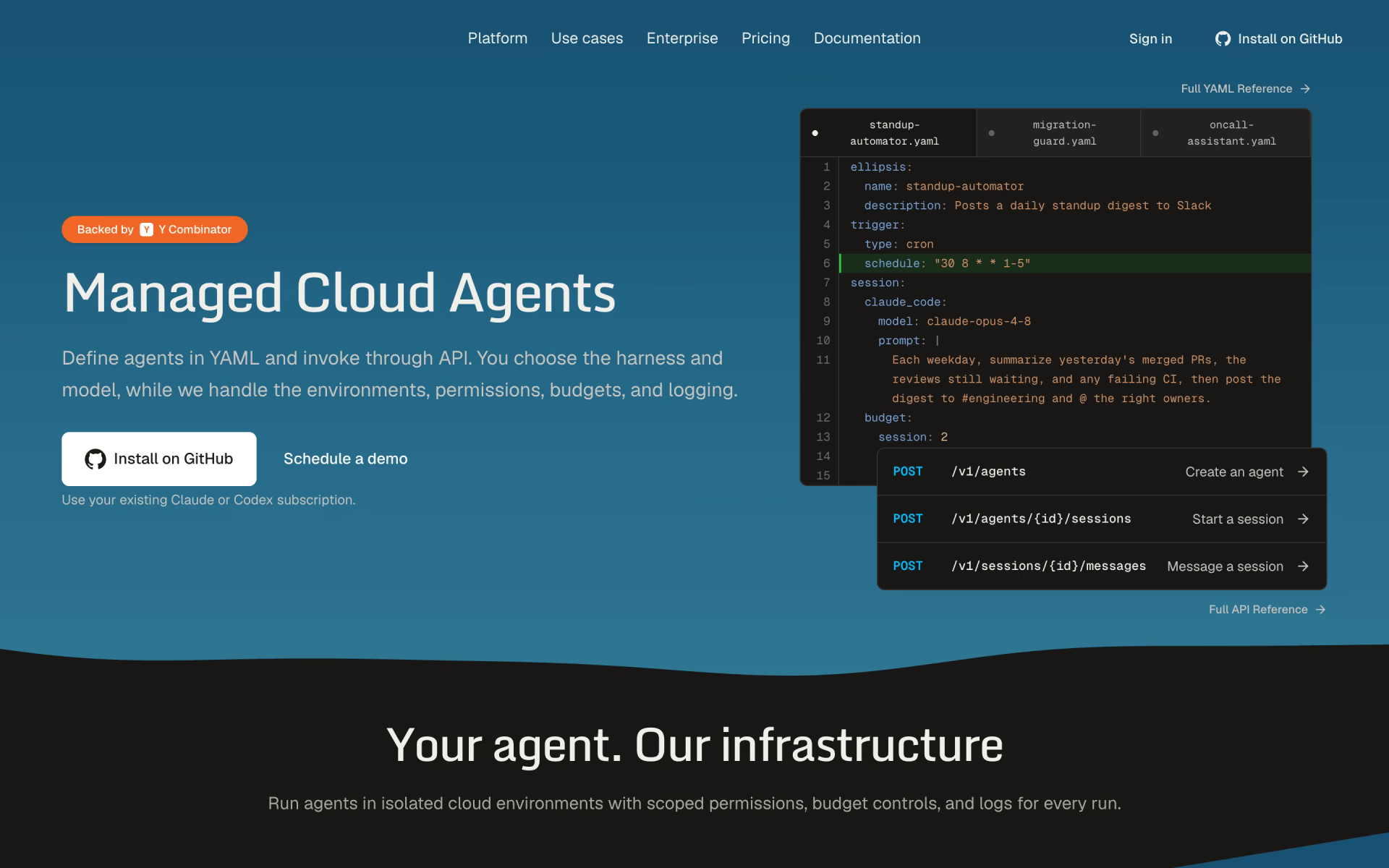
 Ellipsis.dev