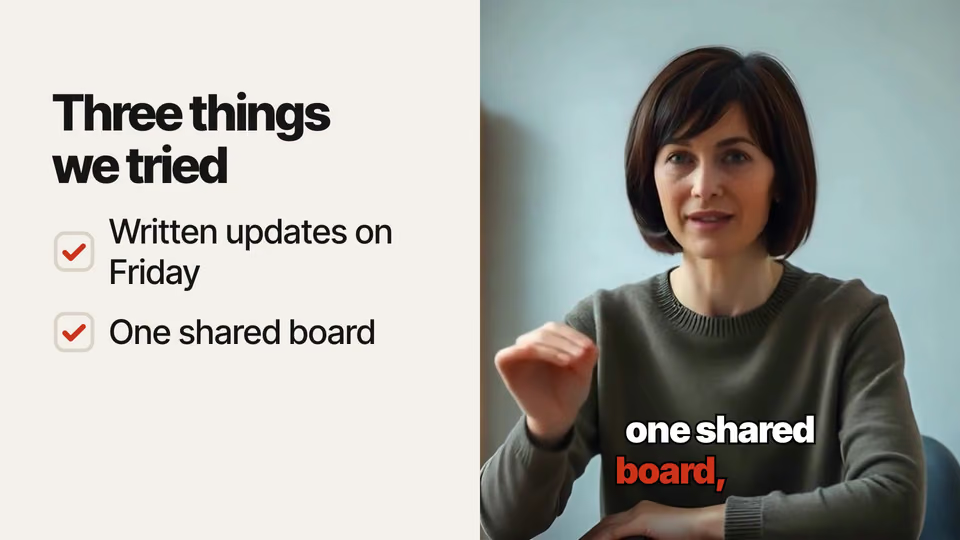
 Video2 views, 0 downloads
Presenter Overlays


 Graphics timed to what you say
Claude CodeCodexCursor Gemini CLI
 GitHub Copilot
 OpenCode
Bars grow against a target line, and the ones that go over it turn red.
$9.99once, yours to keep
Payments are non-refundable. See our Terms of service.
Yours. Download it, then add it to your agent.
Adds bars measured against a target line to a talking-head video: bars that go over the target are marked, so overruns jump out. Timed to the words they say, on their own footage, with their sound kept; 16:9, 9:16, 1:1 or 4:5. Renders locally with Chrome and ffmpeg: no video model, no key and no cost. Use when someone compares figures to a goal, a budget or a limit and wants overruns to stand out.
By RecaplyUpdated 11 Nov
Video2 views, 0 downloads
Graphics timed to what you say
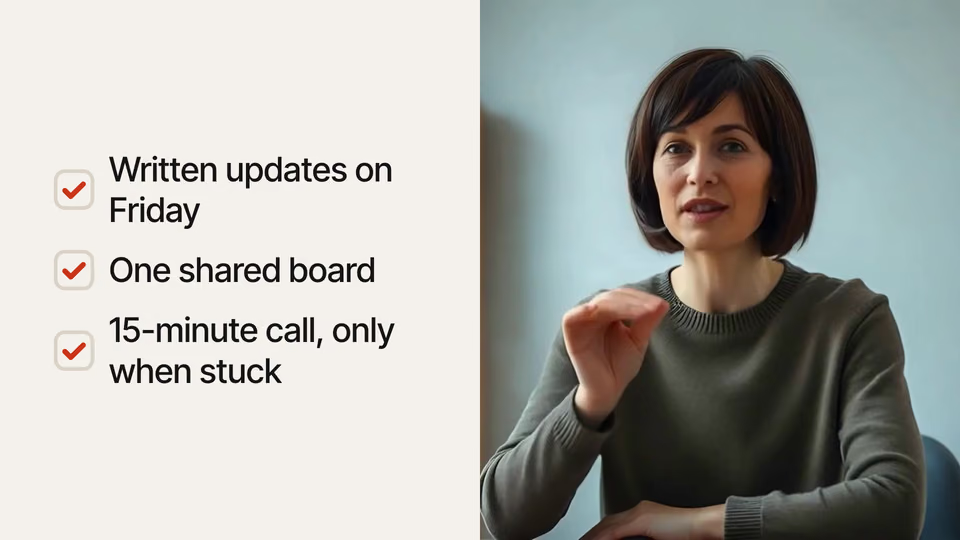 Video
Ticking checklist on video
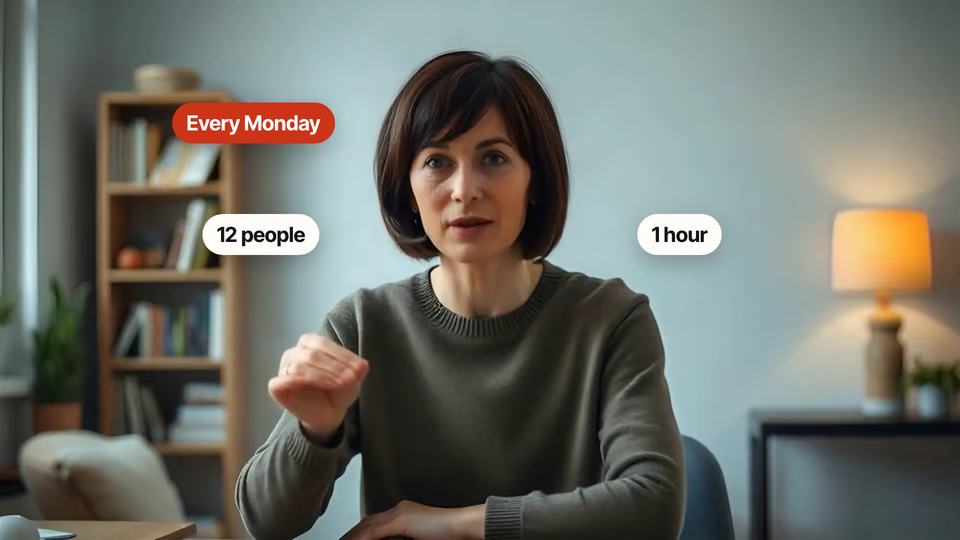 Video
Pop-up labels around the head
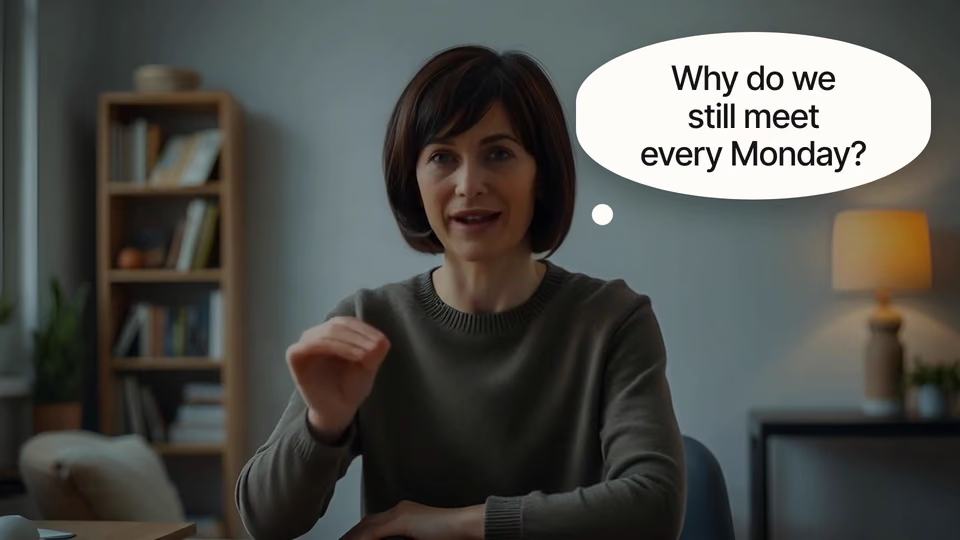 Video1 view, 0 downloads
Thought bubble that pauses video
You say
In talk.mp4 show meeting hours per week against a 4-hour target.
It said back
I rendered talk-graphics.mp4: 1920x1080, 24.3 s, 30 fps. The sound is the speaker's, unchanged. I checked the layout and it reported no problems, but I didn't watch the rendered video.
The chart. "Meeting hours per week" has two bars, Before at 12 h and After at 7.2 h. A dashed target line sits at 4 h and both bars go past it, so both take the warning colour. The speaker slides to the right half and the chart fills the left. It uses the paper look.
What it did in run 1
No. Bars Against a Target costs $9.99 once and stays in your Recaply account, or it comes with the Recaply plan ($19.99 a month), which opens every premium skill and prompt.
Claude Code, Codex, Cursor, Gemini CLI, GitHub Copilot and OpenCode.
A ZIP of the whole skill folder (105 KB): the SKILL.md your agent follows and its 12 other files, the references, templates and scripts it uses. You download it from this page whenever you need it, and install it in Claude Code, Codex, Cursor, Gemini CLI, GitHub Copilot and OpenCode. The Recaply plan opens it too, with every other premium skill and prompt.
Buy it, then download the ZIP from this page. For Claude Code, unzip it into .claude/skills/ in your project. For Codex, Cursor and Gemini CLI, unzip it and run npx skills add ./target-bars-overlay with your agent's flag.
Your video with the overlay timed to the words, sound kept. A target line runs across the chart; bars grow as each figure is said and any bar that passes the line takes the warning colour. 16:9, 9:16, 1:1 or 4:5.
Node 22+, Chrome and ffmpeg, and no API key. Each use costs nothing beyond your agent.
13 files, about 79,975 tokens in all. The SKILL.md is about 2,312 tokens, and your agent reads it only when the job fits.
Our 1 runs took 1 min 45 s to 1 min 45 s and $0.14 to $0.14 of API use each, in Claude Code with claude-sonnet-5-5. On a Claude plan, a run counts toward your usage instead.
Type /target-bars-overlay first to make sure it loads. Without it, Claude Code may judge a small job simple enough to do without the skill.