 Video
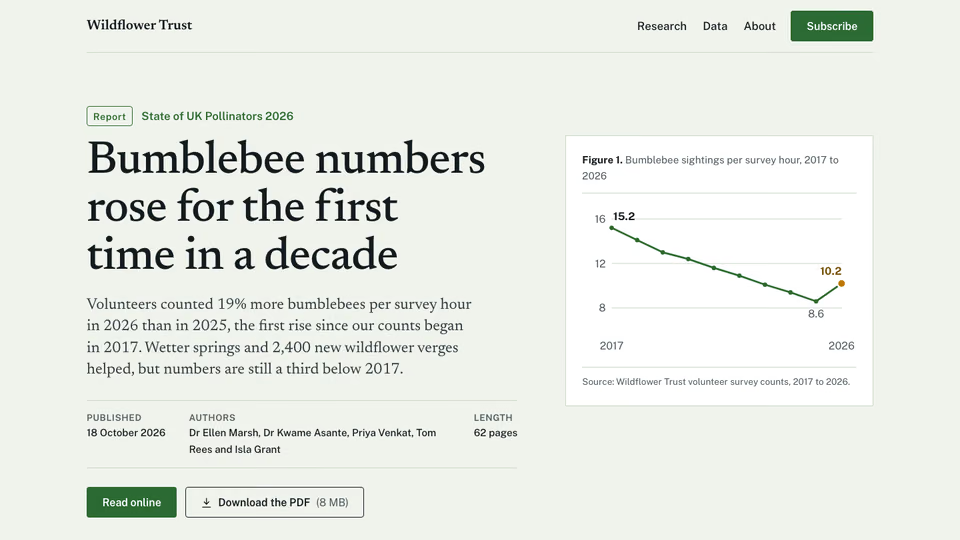
Research Report Hero


 Editorial hero for a report

 Claude CodeCodexCursor
 Gemini CLI
 GitHub Copilot
 OpenCode
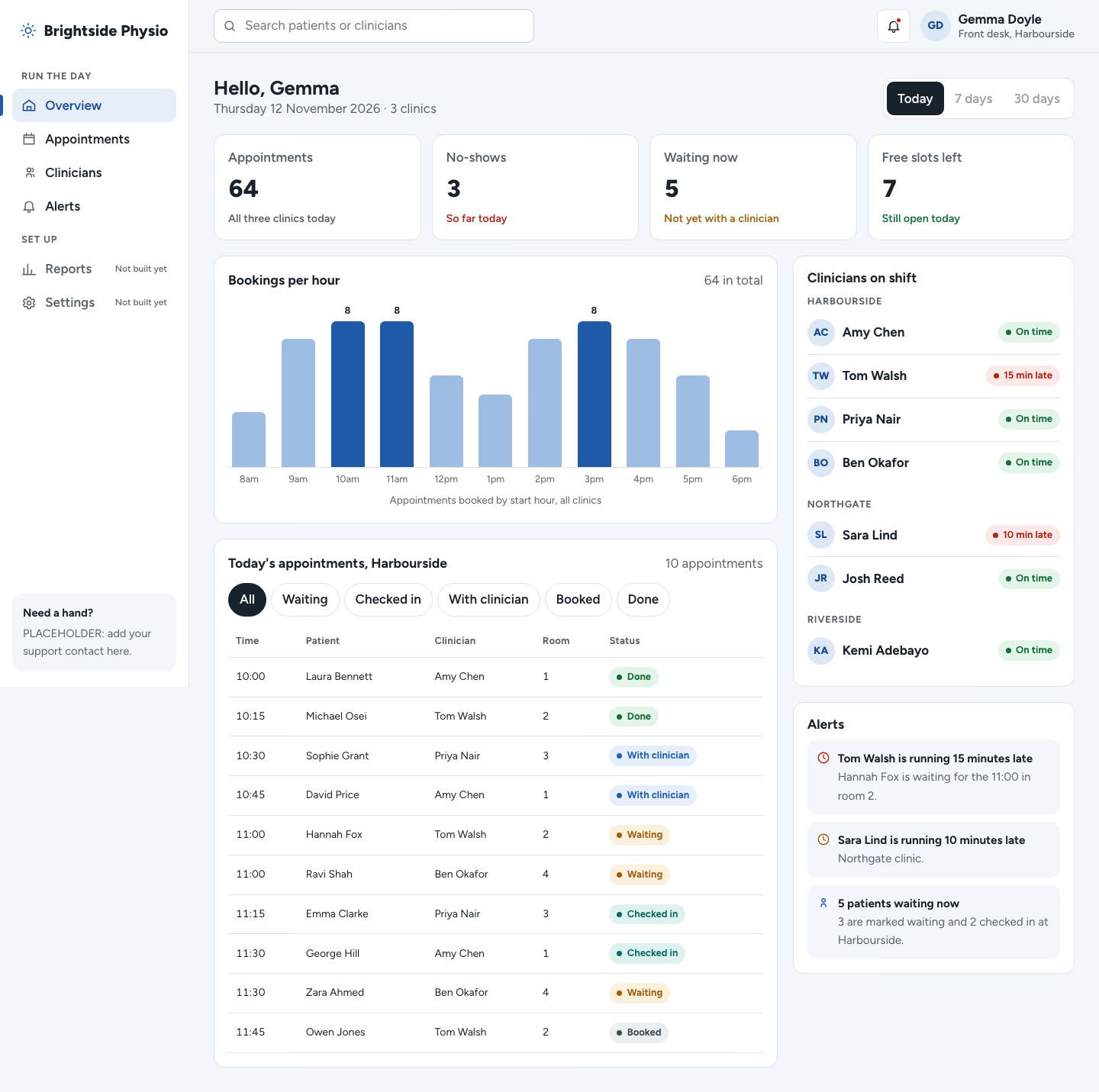
A clean operations admin screen: sidebar, date range switch, KPI cards, an hourly chart, a filterable orders table and a driver list.
$9.99once, yours to keep
Payments are non-refundable. See our Terms of service.
Yours. Download it, then add it to your agent.
Builds an operations admin panel (a daily-running dashboard) into your own project: a light, tidy panel: white sidebar with the brand, grouped links and a help card; a top bar with search, a Today / 7 days / 30 days switch, alerts and the user; four KPI cards with change lines; an orders chart of HTML bars; an orders table with status chips and filter chips; a drivers list and an alerts list on the right. Plain HTML, CSS and JavaScript, or matched to React, Next.js, Vue, Svelte, Astro or Tailwind when the project uses them. Comes with a working reference and a check that screenshots it at phone, tablet and desktop widths and flags sideways overflow, text under 12px, missing alt text and names, low contrast, no focus styles, motion that ignores reduced motion, leftover sample words and emoji icons. Use when a delivery, logistics, field service, support or shop operations team needs an admin screen to run the day, or someone asks for an admin dashboard, ops console, back-office panel or admin template.
By RecaplyUpdated 12 Nov
Video
Editorial hero for a report
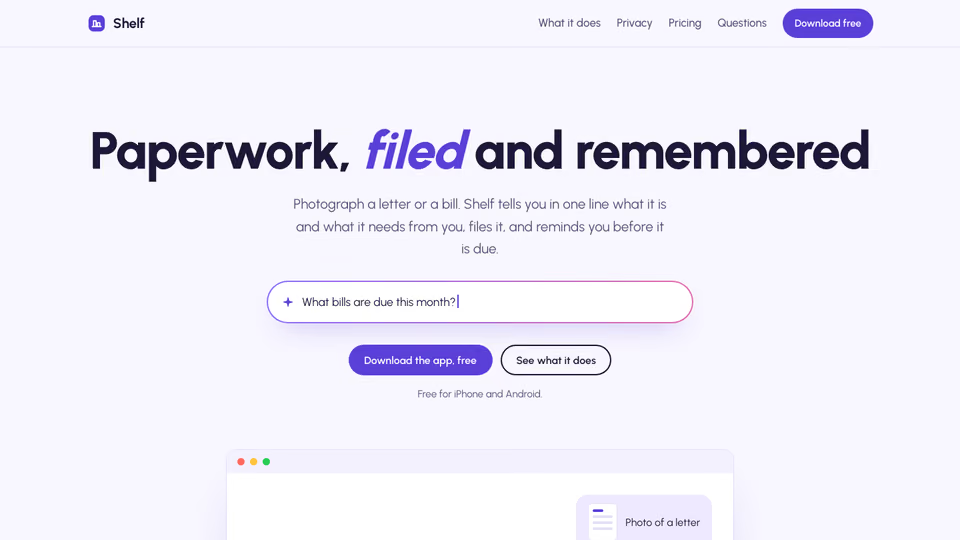 Video1 view, 0 downloads
Lavender page for an AI app
 Video
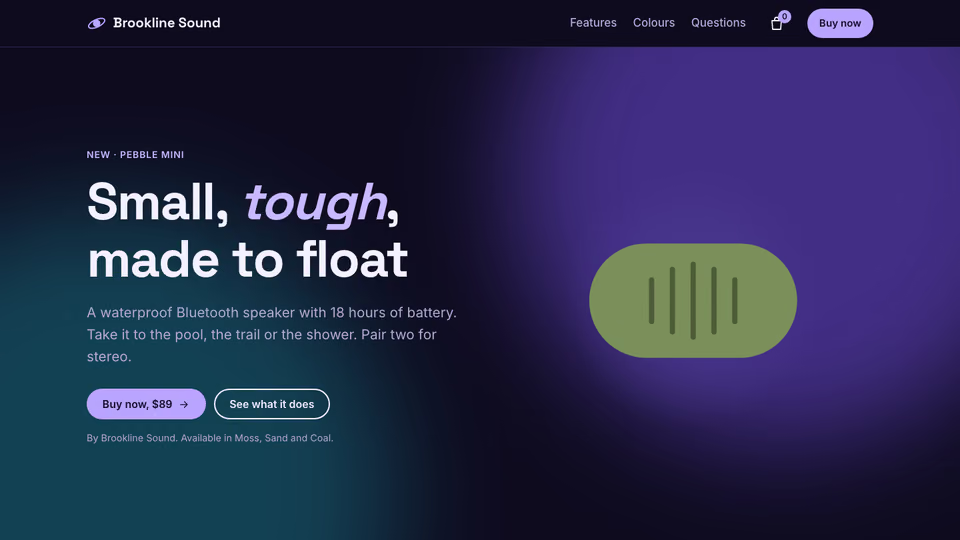
Product page for headphones
 Video
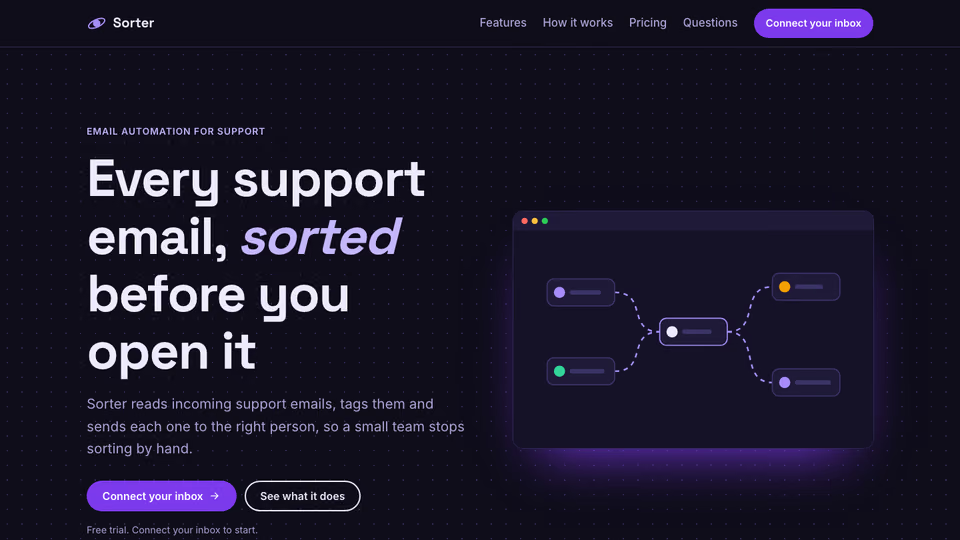
Page with a node-flow hero
You say
Build the admin dashboard our clinic front desk uses to run the day. Details and today's data in brief.md.
It said back
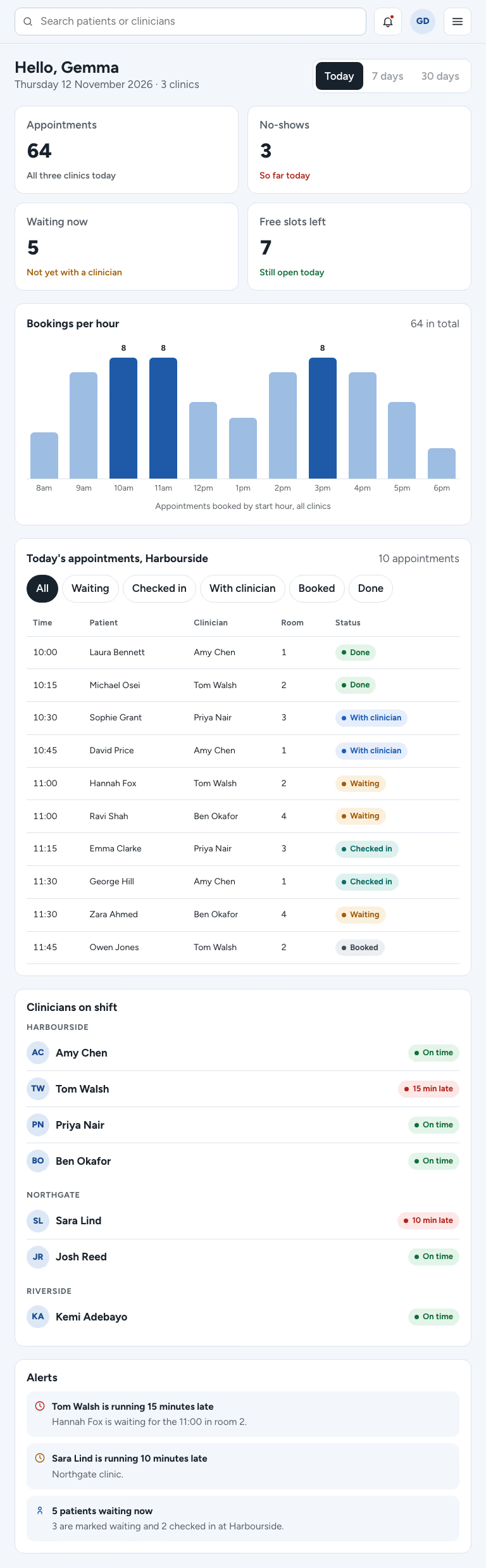
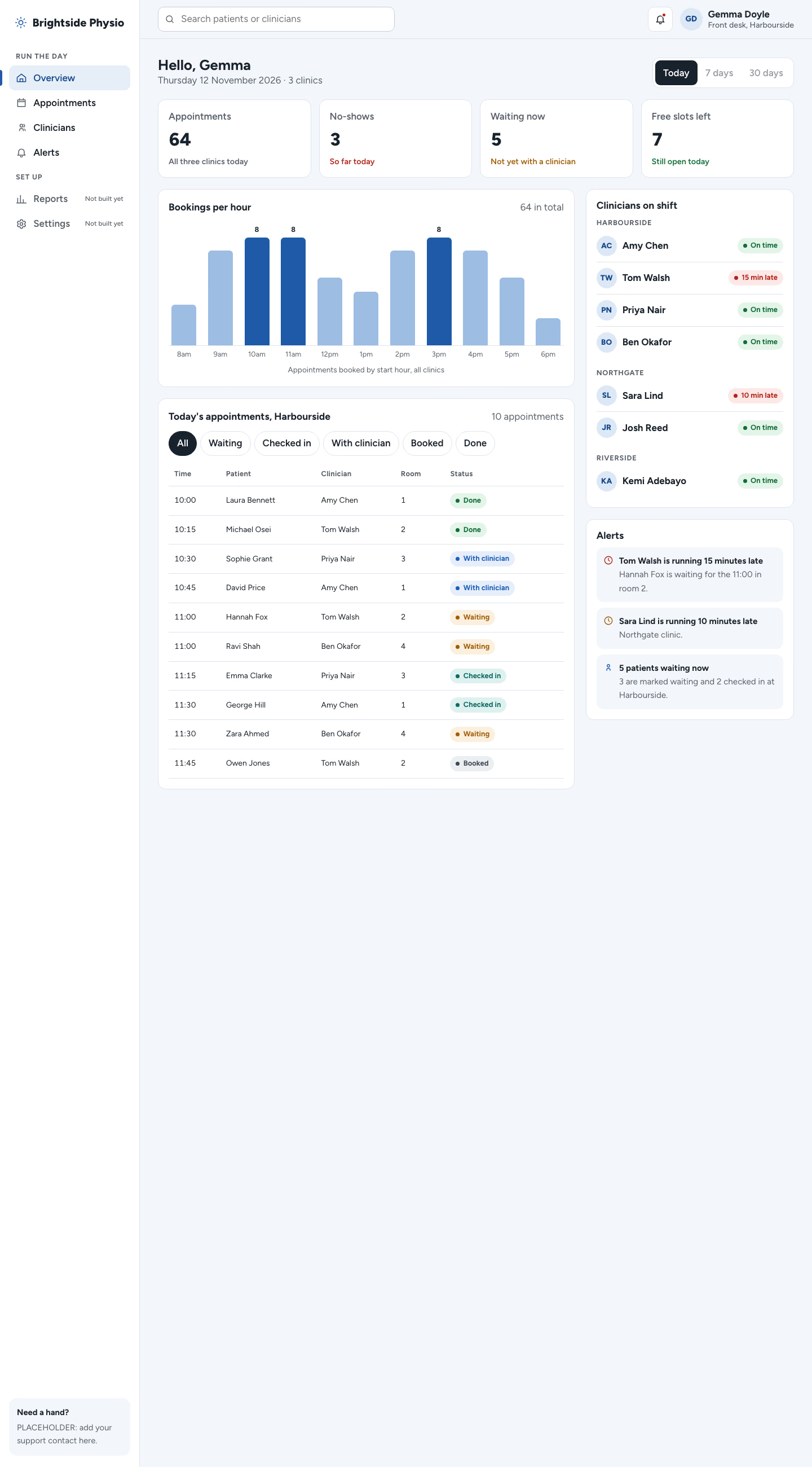
The front desk dashboard is built, and the check passes at 390, 768 and 1440px. That covers sideways overflow, text size, contrast, focus styles, reduced motion, script errors, leftover sample words and emoji icons.
I looked at the 1440 and 390 screenshots before my last fix and did not re-view them afterwards. I did not look at the 768 screenshot at all. The last fix stopped the tallest chart bars getting a grey box behind them and removed overlapping hour labels on phones (every other label is hidden under 560px). The check passed after that fix, so it reports no overflow, but I haven't seen the new render.
What it did in run 1
No. Operations Admin Panel costs $9.99 once and stays in your Recaply account, or it comes with the Recaply plan ($19.99 a month), which opens every premium skill and prompt.
Claude Code, Codex, Cursor, Gemini CLI, GitHub Copilot and OpenCode.
A ZIP of the whole skill folder (35 KB): the SKILL.md your agent follows and its 6 other files, the references, templates and scripts it uses. You download it from this page whenever you need it, and install it in Claude Code, Codex, Cursor, Gemini CLI, GitHub Copilot and OpenCode. The Recaply plan opens it too, with every other premium skill and prompt.
Buy it, then download the ZIP from this page. For Claude Code, unzip it into .claude/skills/ in your project. For Codex, Cursor and Gemini CLI, unzip it and run npx skills add ./operations-admin-panel with your agent's flag.
One HTML file with its CSS inside: no build step, no framework. An operations admin panel (a daily-running dashboard). Checked at phone and desktop widths.
Node 20+ and Chrome, and no API key. Each use costs nothing beyond your agent.
7 files, about 24,275 tokens in all. The SKILL.md is about 2,272 tokens, and your agent reads it only when the job fits.
Our 1 runs took 2 min 57 s to 2 min 57 s and $0.47 to $0.47 of API use each, in Claude Code with claude-sonnet-5-5. On a Claude plan, a run counts toward your usage instead.
Type /operations-admin-panel first to make sure it loads. Without it, Claude Code may judge a small job simple enough to do without the skill.