 Video2 views, 0 downloads
Presenter Overlays


 Graphics timed to what you say
Claude CodeCodexCursor Gemini CLI
 GitHub Copilot
 OpenCode
Phone notifications drop in, then settle into a log beside the speaker.
$9.99once, yours to keep
Payments are non-refundable. See our Terms of service.
Yours. Download it, then add it to your agent.
Adds phone notifications to a talking-head video that drop in one by one, then turn into a log beside the speaker: what came in, then what it adds up to. Timed to the words they say, on their own footage, with their sound kept; 16:9, 9:16, 1:1 or 4:5. Renders locally with Chrome and ffmpeg: no video model, no key and no cost. Use when someone shows alerts that came in (orders, sign-ups, messages) and then sums them up.
By RecaplyUpdated 11 Nov
Video2 views, 0 downloads
Graphics timed to what you say
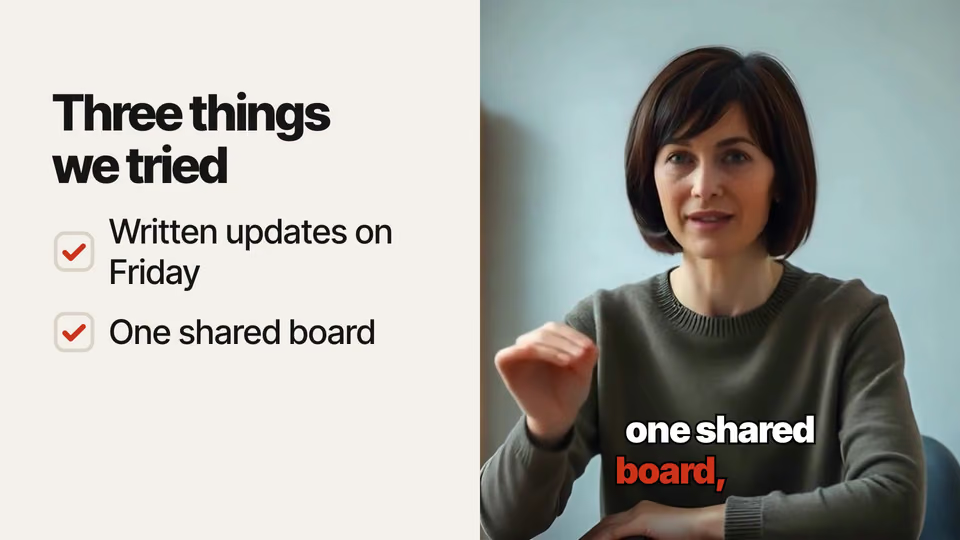
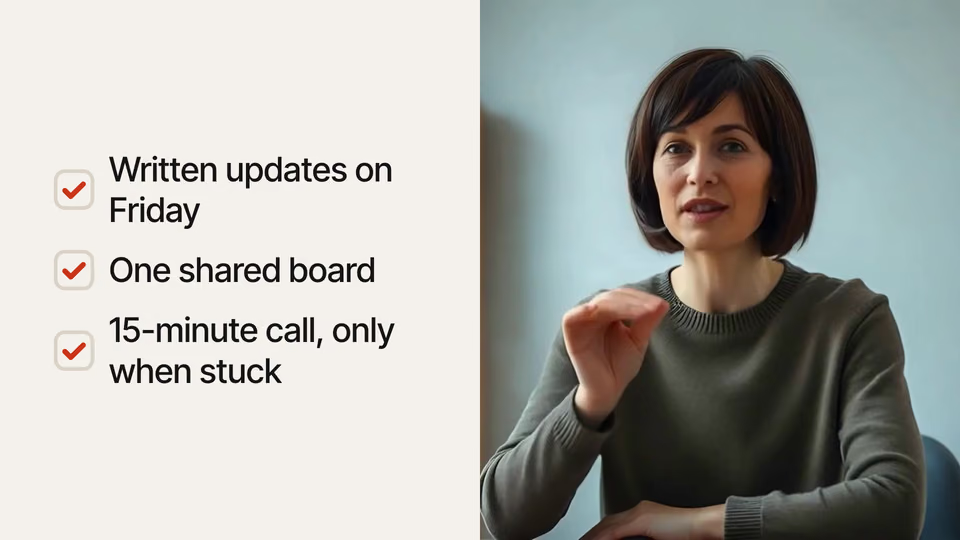 Video
Ticking checklist on video
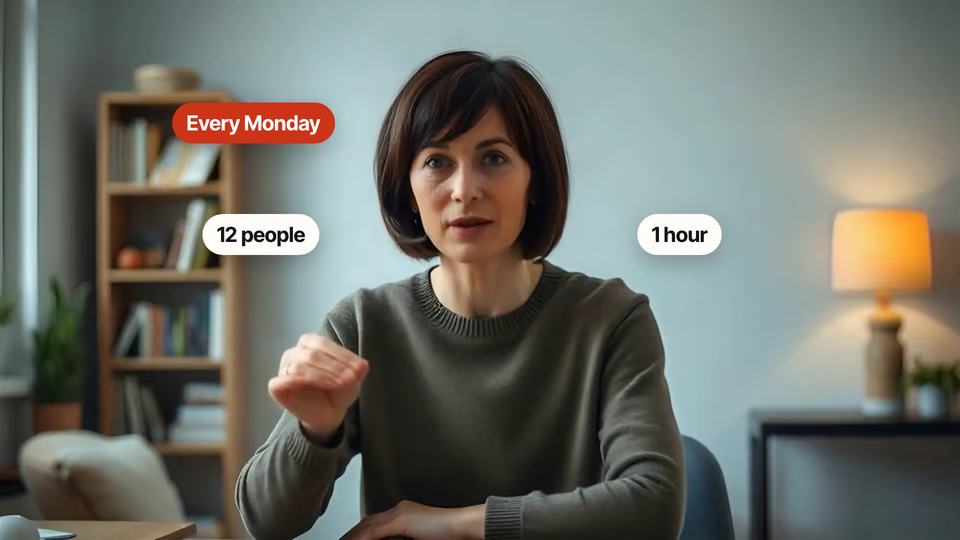 Video
Pop-up labels around the head
 Video1 view, 0 downloads
Thought bubble that pauses video
You say
In talk.mp4, drop in a "Friday update posted" notification, then show a log of the week.
It said back
I rendered the video with both graphics: talk-graphics.mp4 in the work folder. It is 1920x1080, 24.3 s, 30 fps, in the paper look. The sound is hers and unchanged. The check found no layout problems, and the face stays clear in both frames.
1. Notification, 11.2–14.2 s. A "Friday update posted" alert drops in at the top right, tied to her words "Written updates on Friday". The sender "Team", the line "Written update" and the time "Fri" are my wording. She never describes an actual alert, so check that you're happy with them.
2. Log of the week, 17.4–24.2 s. She steps to the right half and a ticked "The week" list fills the left, tied to "After one quarter". It runs until "old Monday call". The three points are her three changes, shortened:
What it did in run 1
No. Notifications to a Log costs $9.99 once and stays in your Recaply account, or it comes with the Recaply plan ($19.99 a month), which opens every premium skill and prompt.
Claude Code, Codex, Cursor, Gemini CLI, GitHub Copilot and OpenCode.
A ZIP of the whole skill folder (105 KB): the SKILL.md your agent follows and its 12 other files, the references, templates and scripts it uses. You download it from this page whenever you need it, and install it in Claude Code, Codex, Cursor, Gemini CLI, GitHub Copilot and OpenCode. The Recaply plan opens it too, with every other premium skill and prompt.
Buy it, then download the ZIP from this page. For Claude Code, unzip it into .claude/skills/ in your project. For Codex, Cursor and Gemini CLI, unzip it and run npx skills add ./notify-to-log-overlay with your agent's flag.
Your video with the overlay timed to the words, sound kept. Notifications slide in over the video as they read them out; then the speaker steps aside and the same events sit in a ticked log. 16:9, 9:16, 1:1 or 4:5.
Node 22+, Chrome and ffmpeg, and no API key. Each use costs nothing beyond your agent.
13 files, about 80,057 tokens in all. The SKILL.md is about 2,395 tokens, and your agent reads it only when the job fits.
Our 1 runs took 1 min 36 s to 1 min 36 s and $0.12 to $0.12 of API use each, in Claude Code with claude-sonnet-5-5. On a Claude plan, a run counts toward your usage instead.
Type /notify-to-log-overlay first to make sure it loads. Without it, Claude Code may judge a small job simple enough to do without the skill.