Skip to content

DirectorySkills

Run 1Milestone with a detail branch“In talk.mp4 show the quarter as milestones with a note "first one went out on Friday" under the written updates.”
Runs in
  • Claude Code
  • Codex
  • Cursor
  • Gemini CLI
  • GitHub Copilot
  • OpenCode
Generates with
Your agent's model
Tested with
Claude Code 2.1.322Claude Sonnet 5.51 real run, 9 Nov
Needs
Node 22+Chromeffmpeg
Licence
Recaply licence

Milestone With a Detail Branch

Milestones land along a line and the one they explain gets a note that branches off it.

$9.99once, yours to keep

Adds a milestone timeline to a talking-head video in which the milestone they explain gets a detail note on a branch under it: what happened there. Timed to the words they say, on their own footage, with their sound kept; 16:9, 9:16, 1:1 or 4:5. Renders locally with Chrome and ffmpeg: no video model, no key and no cost. Use when someone walks through milestones and stops to explain what happened at one of them (a build, a launch, a training plan).

By RecaplyUpdated 11 Nov

Install Milestone With a Detail Branch

After the download, ask your agent to add it, or run the line yourself.

Read https://recaply.co/skills/milestone-detail-overlay/install.md and follow it to install the milestone-detail-overlay skill from milestone-detail-overlay.zip.

Paste it into your agent. It reads our install steps, finds the ZIP you downloaded and adds the skill for you.

New to skills? How to install a skill

Similar skills

All 735 skills

Who Milestone With a Detail Branch is for

What you get

  • Your video with the overlay timed to the words, sound kept
  • Each part lands as they say it, placed from the transcript
  • 16:9, 9:16, 1:1 or 4:5

Good fit

  • When someone walks through milestones and stops to explain what happened at one of them (a build, a launch, a training plan)

Not for

  • Footage with nobody speaking
  • Cutting or re-editing the video itself

About this skill

You say

In talk.mp4 show the quarter as milestones with a note "first one went out on Friday" under the written updates.

It said back

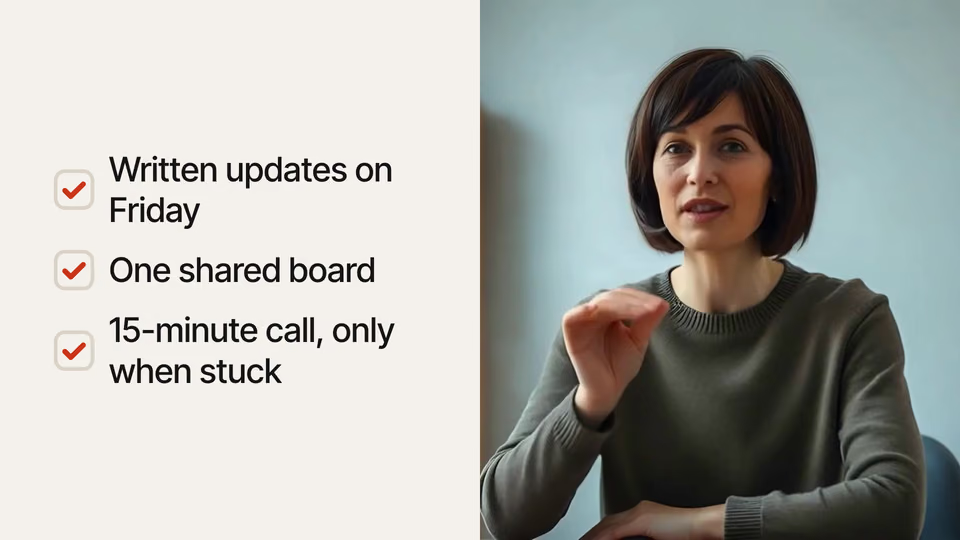
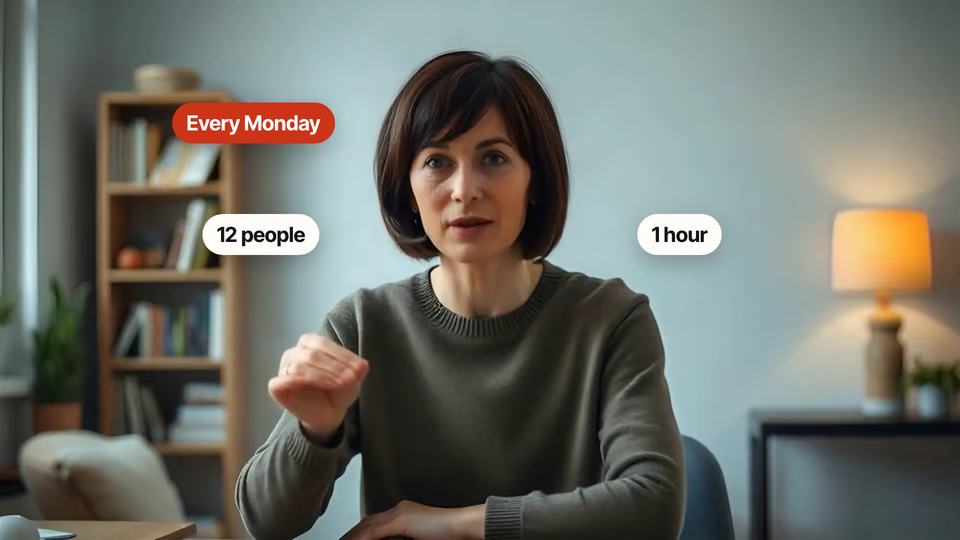
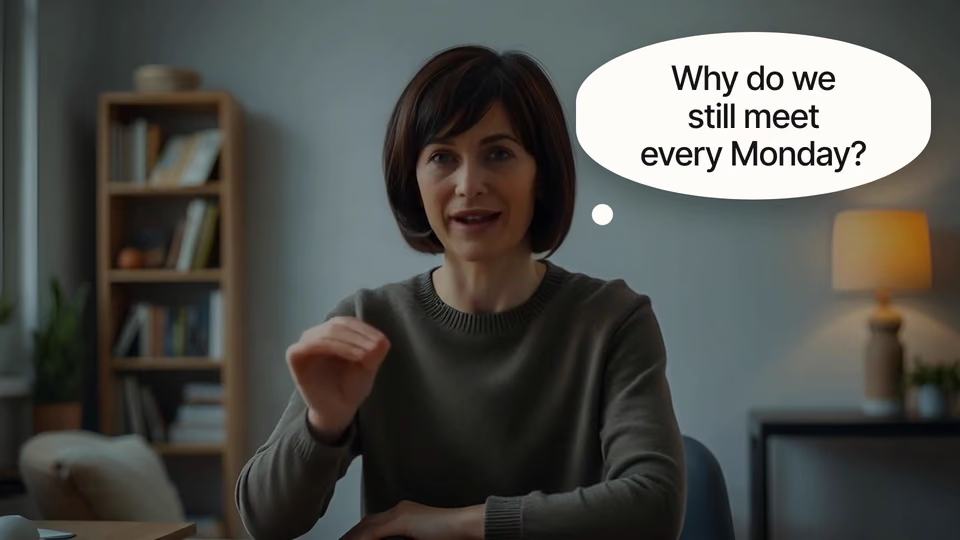
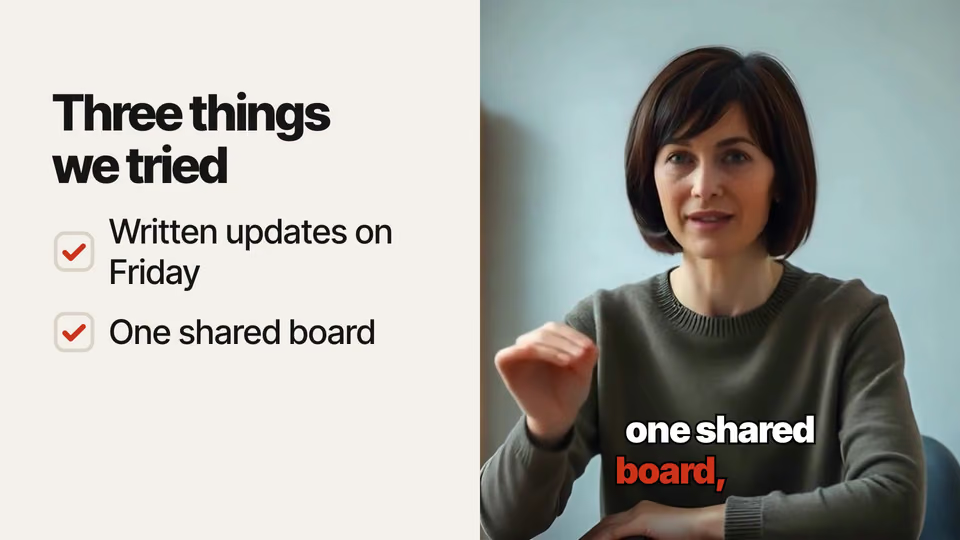
I rendered the video with the quarter as a four-milestone timeline. The note "First one went out on Friday" hangs on a dashed branch under "Written updates". The layout check found no problems and I looked at the settled frame, but I haven't played the finished video.

Output: talk-graphics.mp4, 1920×1080, 24.3 s, 30 fps. The sound is hers and unchanged.

Show more

What it did in run 1

  1. milestone-detail-overlay
  2. ls -la && node .claude/skills/milestone-detail-overlay/scripts/check.mjs
  3. echo '{"video":"talk.mp4","transcript":"talk.json"}' > overlay.json && node .claude/skills/milestone-detail-overlay/scripts/overlay.mjs overlay.json --words
  4. cat > overlay.json <<'E' {"video":"talk.mp4","transcript":"talk.json","look":"paper", "beats":[{"beat":"timeline","cue":"Written updates on Friday","place":"full","title":"The quarter","cues":["Written updates on Friday","one shared board","15-minute call","After one quarter"],"events":[{"when":"Friday","text":"Written updates","detail":"First one went out on Friday"},{"when":"Then","text":"One shared board"},{"when":"Stuck only","text":"15-minute call"},{"when":"Quarter","text":"Meeting time down 40%"}],"until":"old Monday call"}]} E S=.claude/skills/milestone-detail-overlay/scripts/overlay.mjs node $S overlay.json --face >/dev/null; node $S overlay.json --check
  5. ./face-check.png
  6. ./overlay.json
  7. S=.claude/skills/milestone-detail-overlay/scripts/overlay.mjs; node $S overlay.json --face; node $S overlay.json --check
  8. ./face-check.png
  9. node .claude/skills/milestone-detail-overlay/scripts/overlay.mjs overlay.json --face && node .claude/skills/milestone-detail-overlay/scripts/overlay.mjs overlay.json --check
  10. ./overlay.json
  11. ./face-check.png
  12. ./overlay.json
  13. node .claude/skills/milestone-detail-overlay/scripts/overlay.mjs overlay.json --check
  14. ./overlay-check.png
  15. node .claude/skills/milestone-detail-overlay/scripts/overlay.mjs overlay.json 2>&1 | tail -5; ls *.mp4
  16. Done

9 Nov 2026 · Claude Code 2.1.322 with Claude Sonnet 5.5 · 1 min 40 s · $0.14 of API use

Questions

Is Milestone With a Detail Branch free?

No. Milestone With a Detail Branch costs $9.99 once and stays in your Recaply account, or it comes with the Recaply plan ($19.99 a month), which opens every premium skill and prompt.

Which agents can use Milestone With a Detail Branch?

Claude Code, Codex, Cursor, Gemini CLI, GitHub Copilot and OpenCode.

What do I get when I buy Milestone With a Detail Branch?

A ZIP of the whole skill folder (105 KB): the SKILL.md your agent follows and its 12 other files, the references, templates and scripts it uses. You download it from this page whenever you need it, and install it in Claude Code, Codex, Cursor, Gemini CLI, GitHub Copilot and OpenCode. The Recaply plan opens it too, with every other premium skill and prompt.

How do I install Milestone With a Detail Branch?

Buy it, then download the ZIP from this page. For Claude Code, unzip it into .claude/skills/ in your project. For Codex, Cursor and Gemini CLI, unzip it and run npx skills add ./milestone-detail-overlay with your agent's flag.

What do I get from Milestone With a Detail Branch?

Your video with the overlay timed to the words, sound kept. Each part lands as they say it, placed from the transcript. 16:9, 9:16, 1:1 or 4:5.

What does Milestone With a Detail Branch need?

Node 22+, Chrome and ffmpeg, and no API key. Each use costs nothing beyond your agent.

How big is Milestone With a Detail Branch?

13 files, about 79,933 tokens in all. The SKILL.md is about 2,270 tokens, and your agent reads it only when the job fits.

What does a run cost?

Our 1 runs took 1 min 40 s to 1 min 40 s and $0.14 to $0.14 of API use each, in Claude Code with claude-sonnet-5-5. On a Claude plan, a run counts toward your usage instead.

Do I have to name Milestone With a Detail Branch to use it?

Type /milestone-detail-overlay first to make sure it loads. Without it, Claude Code may judge a small job simple enough to do without the skill.