 Video
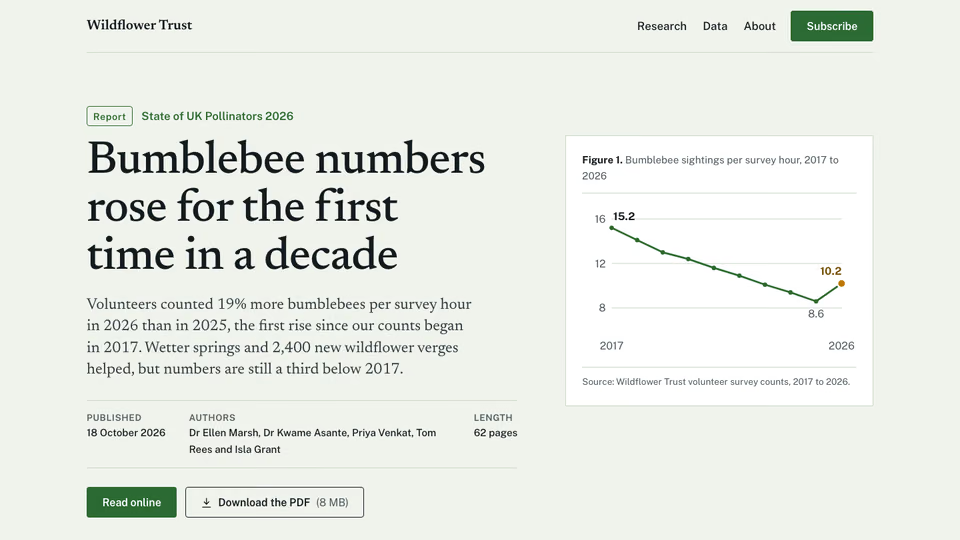
Research Report Hero


 Editorial hero for a report

 Claude CodeCodexCursor
 Gemini CLI
 GitHub Copilot
 OpenCode
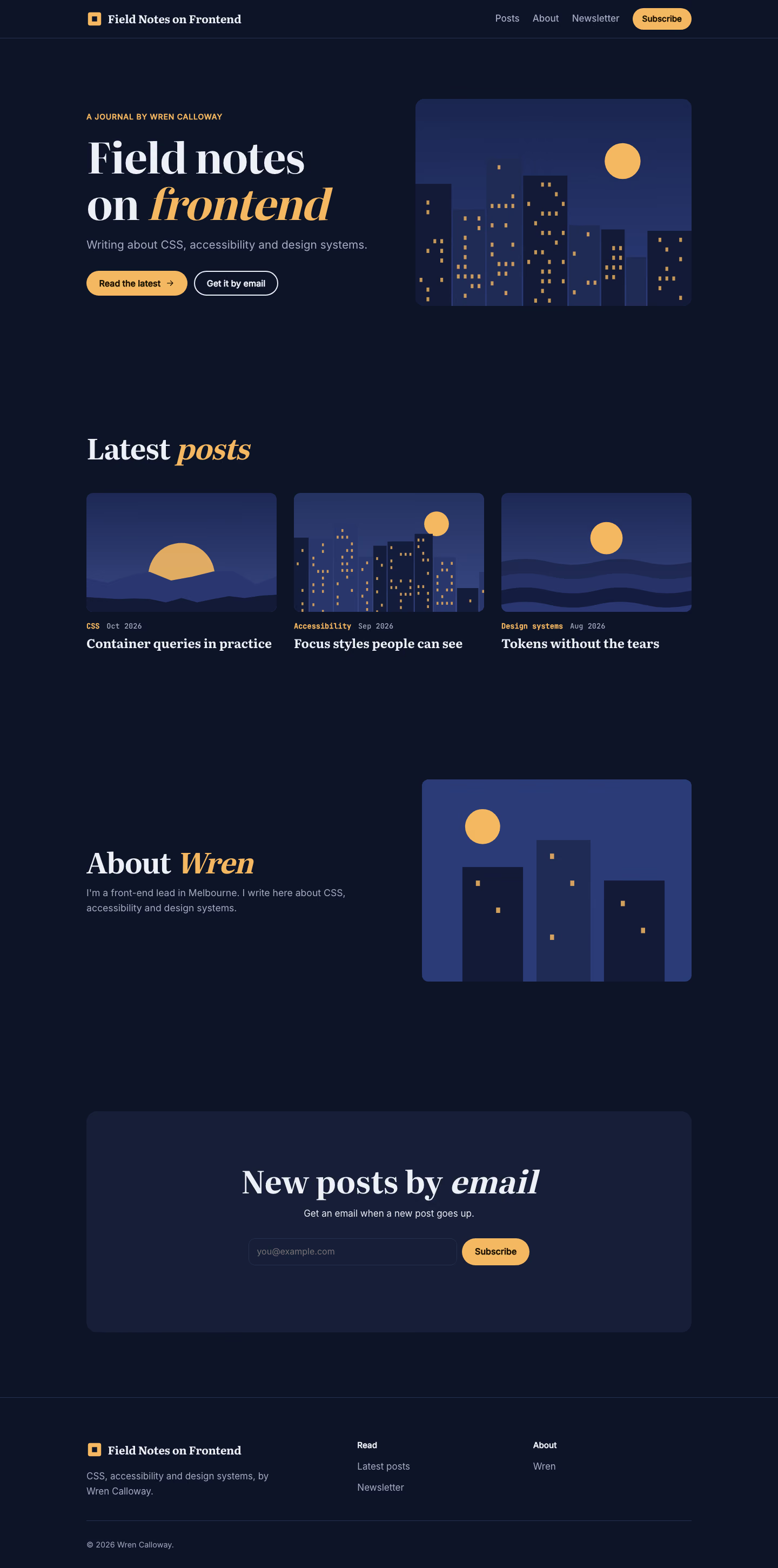
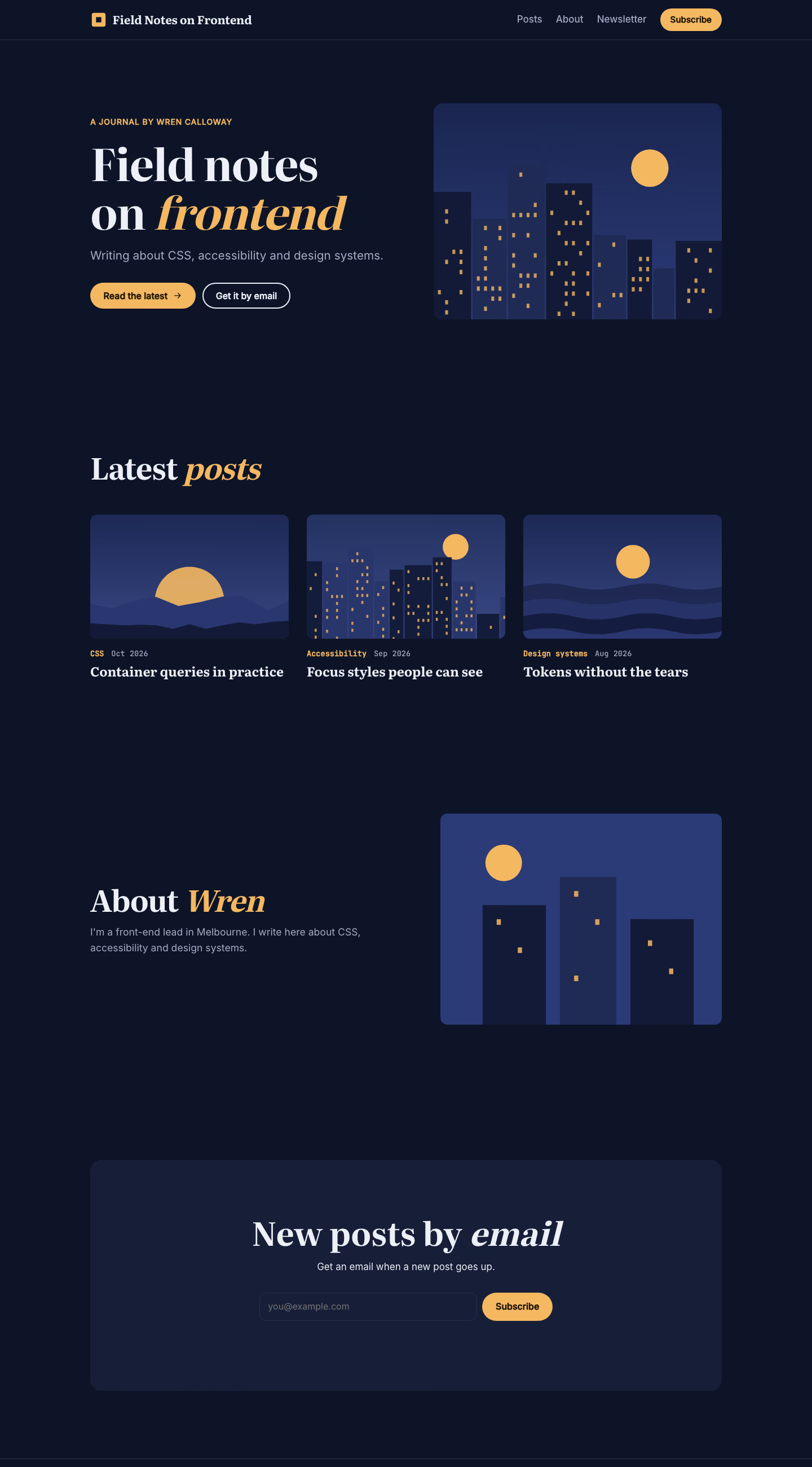
A night-sky developer blog with a skyline header, a grid of posts with pictures, an about block and newsletter.
$9.99once, yours to keep
Payments are non-refundable. See our Terms of service.
Yours. Download it, then add it to your agent.
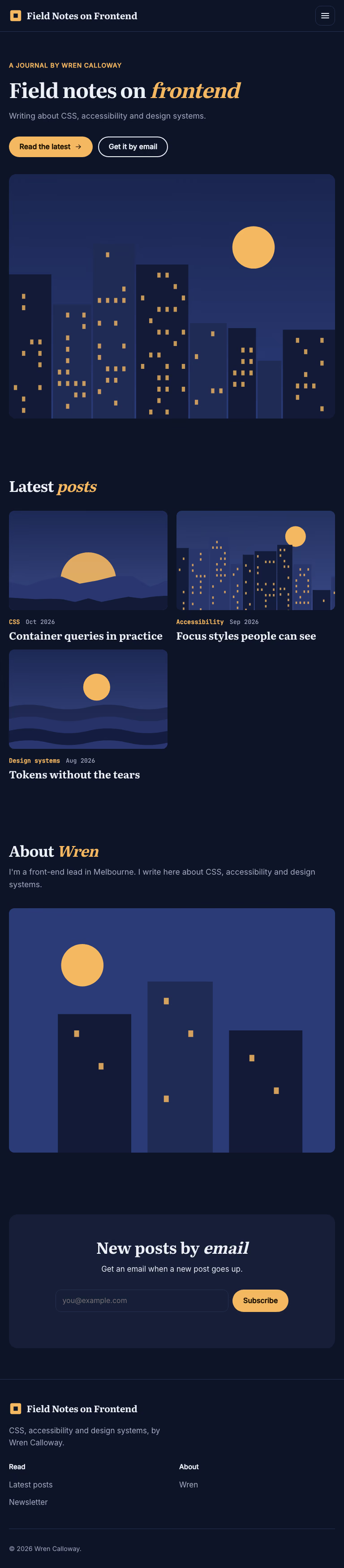
Builds a developer blog with a city skyline header into your own project: deep night blue with warm window lights, a skyline picture in the header, a book serif for titles and mono for meta, six posts as picture cards, an about block and a newsletter sign-up. Plain HTML, CSS and JavaScript by default, or matched to React, Next.js, Vue, Svelte, Astro or Tailwind when the project uses them. Comes with a working reference and a check that screenshots the result at phone, tablet and desktop widths and flags sideways overflow, text under 12px, missing alt text and names, low contrast, missing focus styles and motion that ignores reduced-motion settings. Use when a developer, engineer or technical writer needs a blog or journal home page, or someone asks for a night-city, skyline blog look.
By RecaplyUpdated 11 Nov
Video
Editorial hero for a report
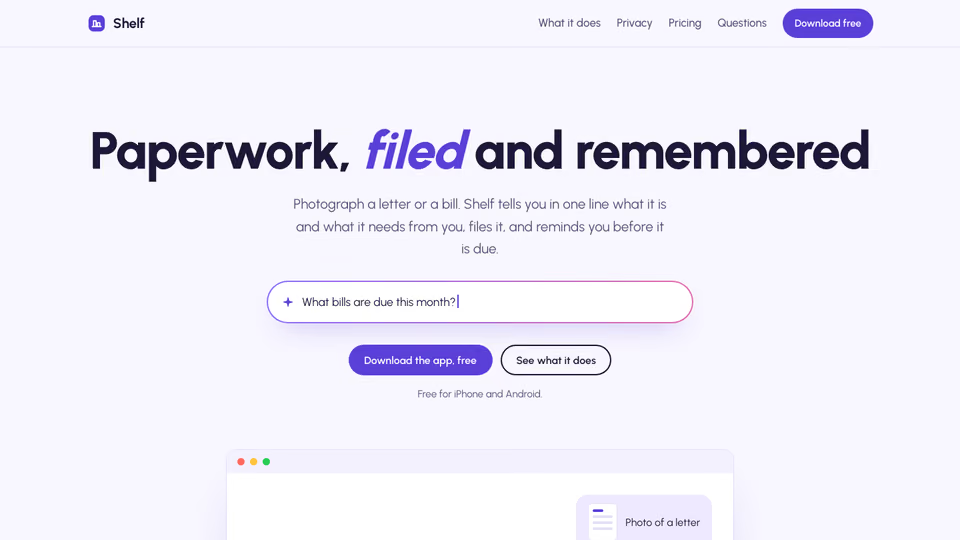 Video1 view, 0 downloads
Lavender page for an AI app
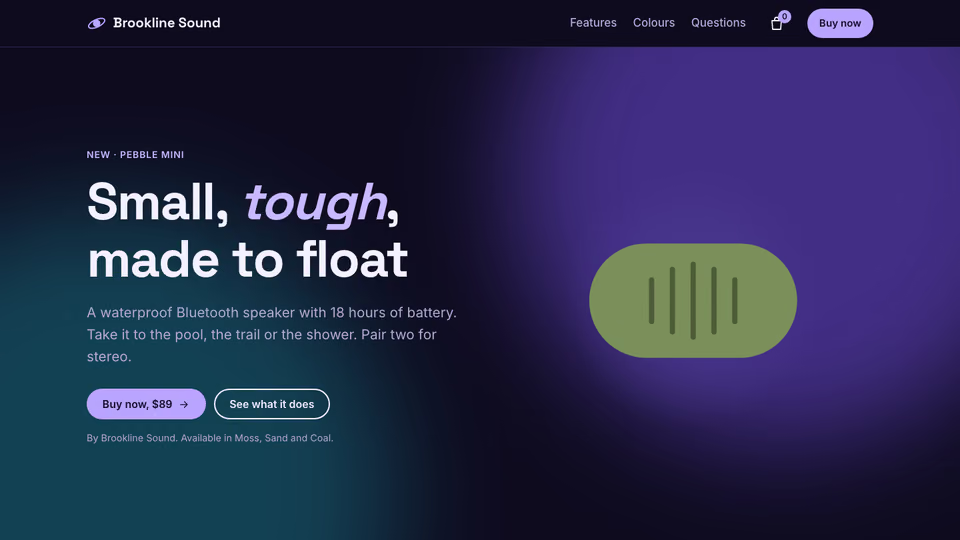 Video
Product page for headphones
 Video
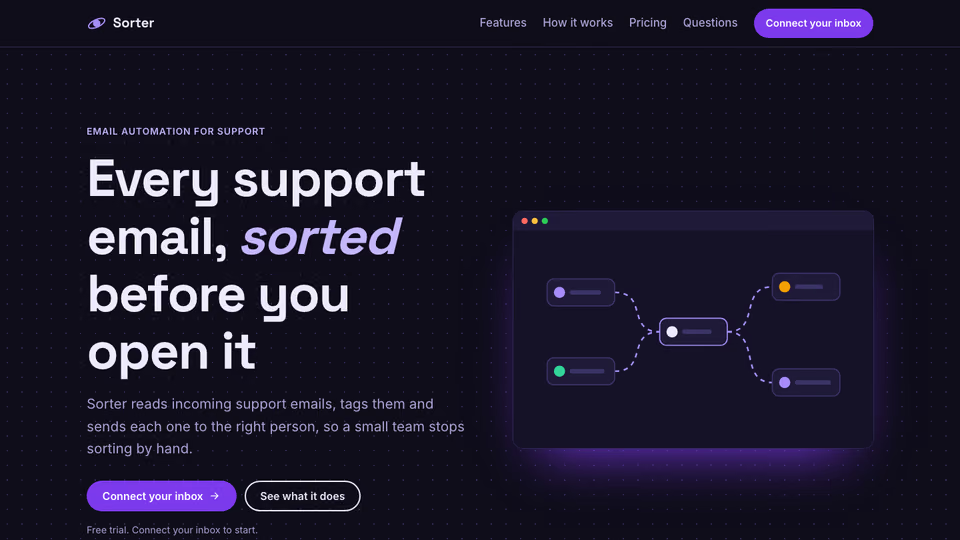
Page with a node-flow hero
You say
Set up a blog home page for me. Notes are in brief.md.
It said back
The blog home page is built in index.html, style.css and script.js in the project folder. The check passes with no failures, and I looked at the 390px and 1440px screenshots and they read cleanly. I did not open the 768px screenshot.
Checked: sideways overflow, text under 12px, alt text and names, contrast, focus styles, reduced motion and script errors.
What it did in run 1
<svg viewBox="0 0 32 32" aria-hidden="true" focusable="false"><rect x="3" y="3" width="26" height="26" rx="4" fill="#F4B860"/><rect x="11" y="11" width="10" height="10" fill="#0E1428"/></svg><span>Field Notes on Frontend</span>; const data=[ ['Accessibility','2026-10','Oct 2026','Container queries in practice'], ['Accessibility','2026-09','Sep 2026','Focus styles people can see'], ['Design systems','2026-08','Aug 2026','Tokens without the tears']]; data[0][0]='CSS'; const card=(d,i)=><li class="post reveal"><a href="#" class="post-link" data-placeholder="link to post"><div class="post-art">${posts[i]}</div><p class="post-meta"><span>${d[0]}</span> <time datetime="${d[1]}">${d[2]}</time></p><h3>${d[3]}</h3></a></li>; const about=<svg viewBox="0 0 400 300" aria-hidden="true" focusable="false" preserveAspectRatio="xMidYMid slice"><rect width="400" height="300" fill="#2B3B78"/><circle cx="90" cy="70" r="26" fill="#F4B860"/><rect x="60" y="130" width="90" height="170" fill="#121A38"/><rect x="170" y="90" width="80" height="210" fill="#1F2A55"/><rect x="270" y="150" width="90" height="150" fill="#121A38"/><g fill="#F4B860" opacity=".85"><rect x="80" y="150" width="6" height="8"/><rect x="110" y="190" width="6" height="8"/><rect x="190" y="110" width="6" height="8"/><rect x="220" y="150" width="6" height="8"/><rect x="190" y="230" width="6" height="8"/><rect x="295" y="180" width="6" height="8"/><rect x="325" y="220" width="6" height="8"/></g></svg>; const out=<!doctype html> <html lang="en"> <head> <meta charset="utf-8"> <meta name="viewport" content="width=device-width, initial-scale=1"> <title>Field Notes on Frontend: CSS, accessibility and design systems</title> <meta name="description" content="Wren Calloway writes about CSS, accessibility and design systems."> <link rel="preconnect" href="https://fonts.googleapis.com"> <link rel="preconnect" href="https://fonts.gstatic.com" crossorigin> <link rel="stylesheet" href="https://fonts.googleapis.com/css2?family=Literata:opsz,wght@7..72,500;7..72,700&family=Inter:wght@400;500&family=JetBrains+Mono:wght@500&display=swap"> <link rel="stylesheet" href="style.css"> </head> <body> <a class="skip" href="#main">Skip to content</a> <header class="nav nav-bar"><div class="wrap nav-in"> <a class="brand" href="index.html" aria-label="Field Notes on Frontend home">${brand}</a> <button class="nav-toggle" type="button" data-nav-toggle aria-expanded="false" aria-controls="menu"><svg class="ic" width="24" height="24" viewBox="0 0 24 24" fill="none" stroke="currentColor" stroke-width="1.8" stroke-linecap="round" stroke-linejoin="round" aria-hidden="true" focusable="false"><path d="M4 7h16M4 12h16M4 17h16"/></svg><span class="sr-only">Menu</span></button> <nav id="menu" class="menu" aria-label="Main"><ul><li><a href="#writing">Posts</a></li><li><a href="#about">About</a></li><li><a href="#cta">Newsletter</a></li></ul><a class="btn btn-primary btn-sm" href="#cta">Subscribe</a></nav> </div></header> <main id="main"> <section class="hero hero-split"><div class="wrap hero-in"><div class="hero-words reveal"><p class="kicker">A journal by Wren Calloway</p><h1>Field notes on <em>frontend</em></h1><p class="hero-sub">Writing about CSS, accessibility and design systems.</p><div class="hero-ctas"><a class="btn btn-primary" href="#writing">Read the latest<svg class="ic" width="24" height="24" viewBox="0 0 24 24" fill="none" stroke="currentColor" stroke-width="1.8" stroke-linecap="round" stroke-linejoin="round" aria-hidden="true" focusable="false"><path d="M5 12h14M13 6l6 6-6 6"/></svg></a><a class="btn btn-ghost" href="#cta">Get it by email</a></div></div><div class="hero-art reveal">${hero}</div></div></section> <section class="sec posts posts-grid" id="writing" aria-labelledby="writing-h"><div class="wrap"><div class="sec-head"><h2 id="writing-h">Latest <em>posts</em></h2></div><ul class="post-list">${data.map(card).join('')}</ul></div></section> <section class="sec about" id="about" aria-labelledby="about-h"><div class="wrap about-in"><div class="about-words reveal"><div class="sec-head"><h2 id="about-h">About <em>Wren</em></h2></div><p>I'm a front-end lead in Melbourne. I write here about CSS, accessibility and design systems.</p></div><div class="about-art reveal">${about}</div></div></section> <section class="sec cta cta-band" id="cta" aria-labelledby="cta-h"><div class="wrap"><div class="cta-box reveal"><h2 id="cta-h">New posts by <em>email</em></h2><p>Get an email when a new post goes up.</p><form class="inline-form" data-form><label class="sr-only" for="cta-email">Email address</label><input id="cta-email" type="email" name="email" required placeholder="you@example.com" autocomplete="email"><button class="btn btn-primary" type="submit">Subscribe</button><p class="form-status" role="status" aria-live="polite"></p></form></div></div></section> </main> <footer class="foot"><div class="wrap foot-in"><div class="foot-brand"><a class="brand" href="index.html">${brand}</a><p>CSS, accessibility and design systems, by Wren Calloway.</p></div><nav class="foot-col" aria-label="Read"><h2>Read</h2><ul><li><a href="#writing">Latest posts</a></li><li><a href="#cta">Newsletter</a></li></ul></nav><nav class="foot-col" aria-label="About"><h2>About</h2><ul><li><a href="#about">Wren</a></li></ul></nav></div><div class="wrap foot-small"><p>© <span data-year>2026</span> Wren Calloway.</p></div></footer> <script src="script.js" defer></script> </body> </html> ; fs.writeFileSync('index.html',out); EOF node /tmp/build.mjs cp $R/style.css style.css cat >> style.css <<'EOF' .foot-in{grid-template-columns:1.6fr repeat(2,1fr)} .about-art svg{border-radius:var(--radius);max-width:none;aspect-ratio:4/3} @media (max-width:520px){.foot-in{grid-template-columns:1fr}} EOF sed -n '1,17p' $R/script.js > script.js cat >> script.js <<'EOF' // Newsletter form: not connected to a service yet. Replace this handler with a call to your provider. for (const f of document.querySelectorAll('[data-form]')) f.addEventListener('submit', (e) => { e.preventDefault(); const s = f.querySelector('.form-status'); if (s) s.textContent = 'Thanks. The sign-up is not connected to a mailing service yet, so nothing was sent.'; }); EOF node .claude/skills/developer-journal-blog/scripts/check.mjs index.html --out check 2>&1 | tail -30No. Developer Journal Blog costs $9.99 once and stays in your Recaply account, or it comes with the Recaply plan ($19.99 a month), which opens every premium skill and prompt.
Claude Code, Codex, Cursor, Gemini CLI, GitHub Copilot and OpenCode.
A ZIP of the whole skill folder (40 KB): the SKILL.md your agent follows and its 6 other files, the references, templates and scripts it uses. You download it from this page whenever you need it, and install it in Claude Code, Codex, Cursor, Gemini CLI, GitHub Copilot and OpenCode. The Recaply plan opens it too, with every other premium skill and prompt.
Buy it, then download the ZIP from this page. For Claude Code, unzip it into .claude/skills/ in your project. For Codex, Cursor and Gemini CLI, unzip it and run npx skills add ./developer-journal-blog with your agent's flag.
One HTML file with its CSS inside: no build step, no framework. A developer blog with a city skyline header. Checked at phone and desktop widths.
Node 20+ and Chrome, and no API key. Each use costs nothing beyond your agent.
7 files, about 32,257 tokens in all. The SKILL.md is about 2,382 tokens, and your agent reads it only when the job fits.
Our 1 runs took 1 min 18 s to 1 min 18 s and $0.34 to $0.34 of API use each, in Claude Code with claude-sonnet-5-5. On a Claude plan, a run counts toward your usage instead.
Type /developer-journal-blog first to make sure it loads. Without it, Claude Code may judge a small job simple enough to do without the skill.