
Skip to content

DirectoryKits

Turn a Video Into Shorts

One long video cut into shorts, each with a hook, a caption and a title.

CreateFree to startUpdated

Three parts, one job

Each part works on its own. In this kit each one hands the next a file.

Use

OpusClip

Finds the strongest moments in a long video and cuts them into captioned vertical clips.

Takes
A long video, such as a podcast episode, a webinar or a talk
Hands on
subtitles.srt
How
On the result page open More, click Download Subtitles (Pro or its free trial) and give the .srt to your agent.
Give your agent

Copywriting

Has your agent write each clip's hook and caption from what is really said in it.

Takes
subtitles.srt
Hands on
shorts-copy.md
How
For each clip, paste its part of shorts-copy.md into [Video summary or script] and your viewers into [Audience and search terms].

Run

YouTube Title and Description

Gives each short title options and a description whose first lines work on their own.

Takes
shorts-copy.md
Gives you
Captioned shorts, each with a hook, a caption, a title and a description ready to post

Use any part on its own, or all three in this order.

Set it up

In the order you use them.

1

Use OpusClip

On the result page open More, click Download Subtitles (Pro or its free trial) and give the .srt to your agent.

Visit OpusClipFreeopus.pro

Or use CapCut or Choppity; keep the skill and the prompt.

opus.pro
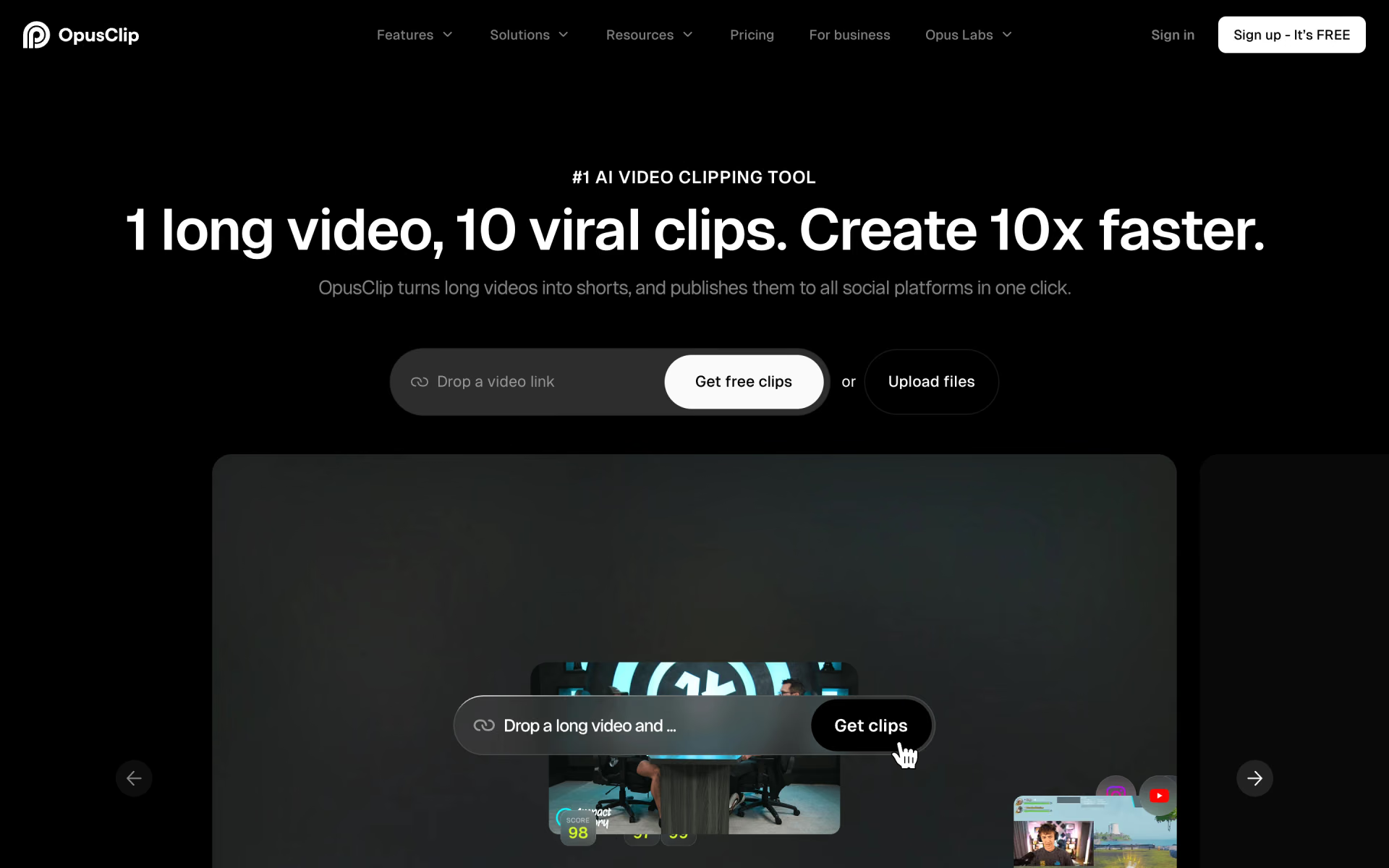
OpusClip homepage
2

Give your agent Copywriting

For each clip, paste its part of shorts-copy.md into [Video summary or script] and your viewers into [Audience and search terms].

$npx skills add coreyhaines31/marketingskills --skill copywriting
By @coreyhaines31MIT54.1k stars
coreyhaines31/marketingskills › copywriting/SKILL.md

---

name: copywriting

description: When the user wants to write, rewrite, or improve marketing copy for any page, including homepage, landing pages, pricing pages, feature pages, about pages, or product pages. Also use when the user says "write copy for," "improve…

---

# Copywriting

You are an expert conversion copywriter. Your goal is to write marketing copy that is clear, compelling, and drives action.

## Before Writing

Check for product marketing context first:

If .agents/product-marketing.md exists (or .claude/product-marketing.md, or the legacy product-marketing-context.md filename, in older…

3

Run YouTube Title and Description

Fill in the 3 blanks, then run it.

Video summary or scriptAudience and search termsChapters and links
Fill it in
recaply.co/prompts/social-media
<video_summary> {{Video summary or script}} </video_summary> <audience_and_search_terms> {{Audience and search terms}} </audience_and_search_terms> <chapters_and_links> {{Chapters and links}} </chapters_and_links> </context> <task> Using the summary, audience and details above, write titles, thumbnail text and a description for this video. A good result: - gives titles that each take a different angle (the outcome, the mistake, the question, a number, the search phrase), so I have real choices to test - puts the most important words first, since titles get cut off in search, on phones and in suggested videos - pairs each title wi

Questions about this kit

Is this kit free?

Yes, to start. OpusClip has a free plan, and the skill and the prompt are free.

Is there a tool other than OpusClip for this job?

Yes. CapCut and Choppity do the same job well. Keep the skill and the prompt.

How does my agent get Copywriting?

Run npx skills add coreyhaines31/marketingskills --skill copywriting. Your agent reads the skill when the task fits.

Where is the YouTube Title and Description prompt?

On its page: fill in the blanks, then copy it or open it in ChatGPT, Claude or Grok.

Who picks the kits?

We do. A sponsor can take the labelled row under a kit, but never one of its three picks.

More kits in Create

Posts, videos and writing in your own voice.

Write Like Yourself: quick look

Write Like Yourself

Talk your draft out, then take the AI tells out of it.

  1. Use Wispr Flow
  2. Give your agent Humanizer
  3. Run Not Sound Like AI
Post on Social: quick look

Post on Social

The visual, the hook and the post, ready to paste.

  1. Use Runway
  2. Give your agent Copywriting
  3. Run Social Media Post
Make a YouTube Video: quick look

Make a YouTube Video

Script it, edit it like a doc and make the thumbnail.

  1. Use Descript
  2. Give your agent Canvas Design
  3. Run YouTube Video Script
Make an Event Poster: quick look

Make an Event Poster

Artwork with the name spelled right, a finished poster and the ads to fill the room.

  1. Use Ideogram
  2. Give your agent Canvas Design
  3. Run Social Media Ad Copy